Light Tablet
Trace photos from your device
Designed for iPhone, iPad, iPod touch
Free
- Age rating4+
- CategoryGraphics & Design
- DeveloperClaudia Wey
- LanguagesEnglish
- Size981.0 KB
Links to the official App Store page
Download.org hosts no file of Light Tablet. The button opens its official App Store page, published by Claudia Wey. Listing last checked on Nov 13, 2026.
Screenshots


About
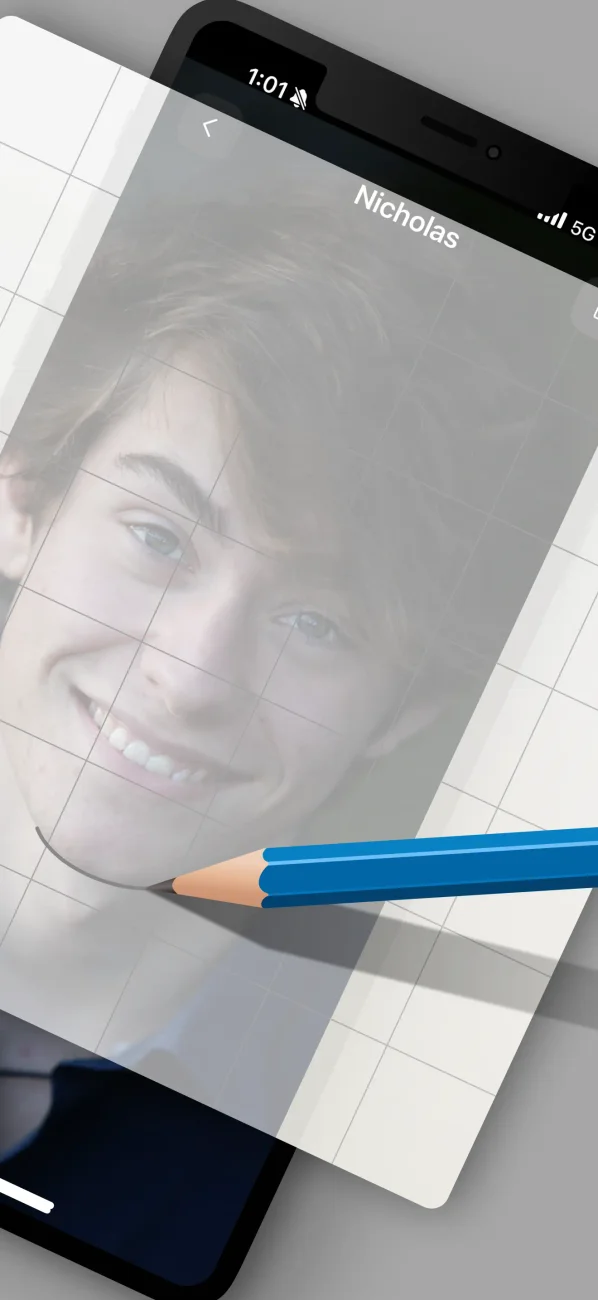
Light Tablet lets you easily turn your iPhone or iPad into a virtual light table—perfect for artists, students, and hobbyists who love to trace, sketch, or design. Simply load an image, adjust its position by zooming and panning, then lock your screen in place. Place a sheet of paper on your device’s screen and start tracing—no more sliding images or accidental screen touches. You can even save your work as projects and revisit them anytime.
Features:
- Light Table Simulation: View your images brightly and clearly, just like a real light table.
- Zoom & Pan: Position your image exactly where you want it for hassle-free tracing.
- Screen Lock: Prevent the image from shifting while you trace.
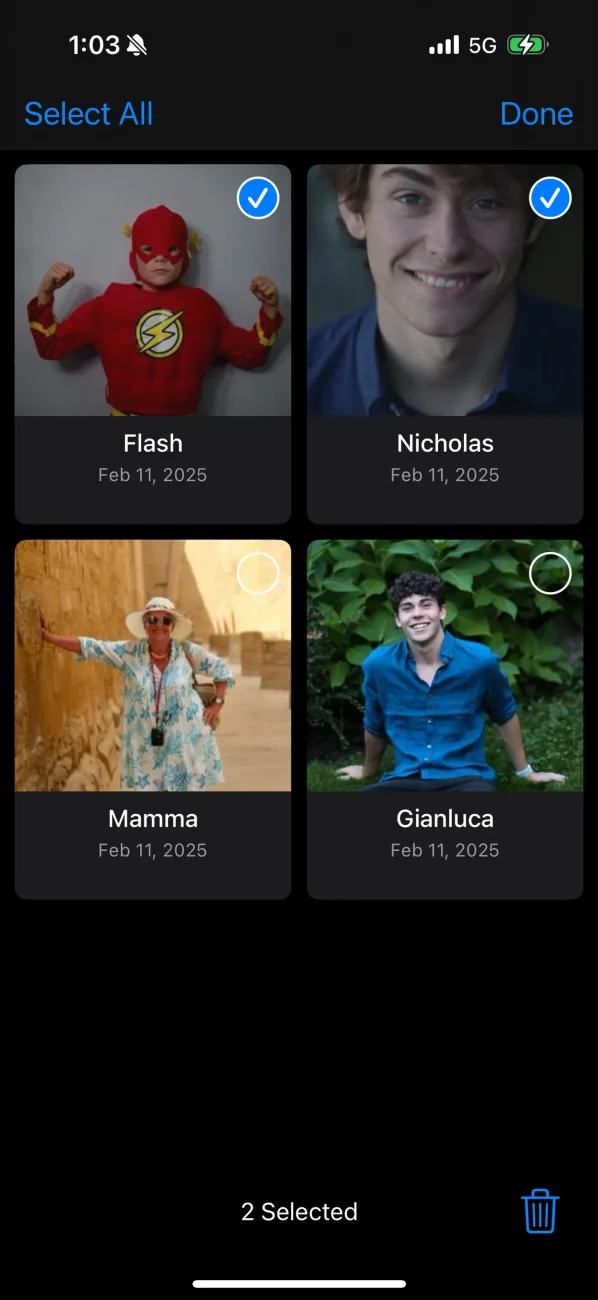
- Project Saving: Save and organize multiple images for quick reloading.
Whether you’re practicing calligraphy, sketching comic panels, or copying diagrams, Light Tablet makes tracing a breeze!
App privacy
What Claudia Wey declares on the App Store about how this app handles data.
-
Data not collected
The developer does not collect any data from this app.
Privacy practices may vary, for example with the features you use or your age.
Information
- Seller
- Claudia Wey
- Category
- Graphics & Design
- Version
- 1.0
- Updated
- Feb 12, 2025
- Released
- Feb 12, 2025
- Size
- 981.0 KB
- Requires
- iOS 15.6 or later
- Age rating
- 4+
- Price
- Free
- Languages
- English
- Copyright
- © Claudia Wey
You might also like
-
 Lightbox Trace: Draw on PaperImage Tracing. Grid Projector
-
 Trace Drawing - DrawLensDrawing Projector for Tracing
-
 Photo Trace & Draw - TracelyTrace photos onto paper
-
 Lightbox draw - tracing paperTrace Images Easily on Paper
-
 Trace CameraLearn how to Draw & Sketch
-
 TraceArtEasy Trace Photos and Images.
-
 Trace Studio: Draw & SketchDrawing Projector for Tracing
-
 Tracer: Trace Drawing CameraLearn to Draw & Trace Photos
-
 PaperTrace Light TableTrace drawings, letters & maps
-
 Trace Drawing ProjectorSketch & Trace Images Easily