
- Age rating4+
- CategoryProductivity
- DeveloperChristine Chen
- LanguagesEnglish
- Size17.1 MB
Links to the official App Store page
Download.org hosts no file of Lotus Planner. The button opens its official App Store page, published by Christine Chen. Listing last checked on Nov 21, 2026.
Screenshots
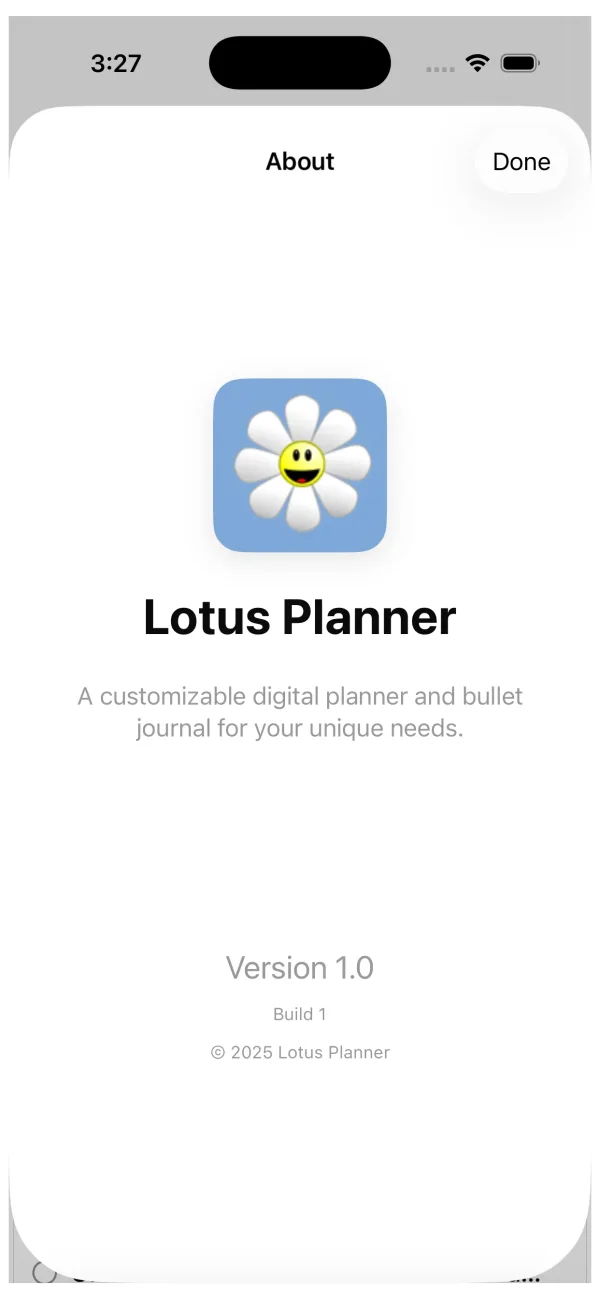


About
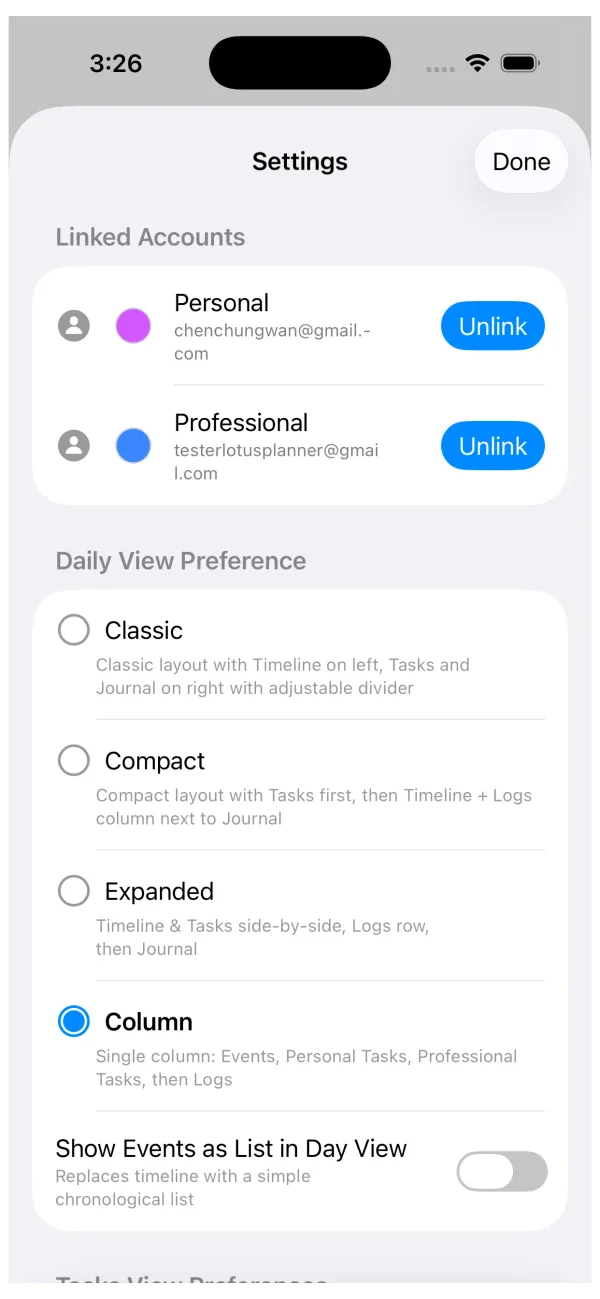
Lotus planner enables you to link up to 2 Google accounts so that you can manage both your personal and professional calendars events and tasks in one place.
The app also allows you to
- choose from four different day view layouts and
further customize the view with
- show calendar events in a timeline or as a list;
- show tasks in a column or row, or in a 7-day weekly view.
- track any or all of weight, workouts, food logs.
Journal and express your creativity by adding photos and use apple pencil to "write" and "draw"
What’s new
Version 26.10.21 · Oct 21, 2026
Improved Journal image and loading performance
App privacy
What Christine Chen declares on the App Store about how this app handles data.
-
Data not collected
The developer does not collect any data from this app.
Privacy practices may vary, for example with the features you use or your age.
Information
- Seller
- Christine Chen
- Category
- Productivity
- Version
- 26.10.21
- Updated
- Oct 21, 2026
- Released
- Sep 30, 2025
- Size
- 17.1 MB
- Requires
- iOS 26.0 or later
- Age rating
- 4+
- Price
- Free
- Languages
- English
- Copyright
- © 2026 Taian, LLC. All rights reserved.
You might also like
-
 JustDoIt - To Do ListEasy To Do When List
-
 Timing – Calendar & PlannerMindful Organizer & To Do List
-
 List It, Do itSimple To-Do List App
-
 ColorToto - Cute ToDo&PlannerBeat Procrastination·Widget
-
 Tempo Calendar: Daily PlannerSchedule organizer & reminders
-
 Garden Planner Pro: Grow FoodWhen to plant & what you save
-
 Editable Calendar Template AppConvert to PDF and print
-
 Weekly Planner - Mighty WeekJournal, Routines, Focus Timer
-
 Ultimate Planner AppWhere Paper Meets Digital
-
 ChatPro - AI Chatbot AssistantPowered by ChatGPT & GPT-4o