
LuNote: Notes, Tasks, Planner
Handwrite, Scan, Study with AI
Designed for iPhone, iPad, Mac
Free · In-app purchases
- Age rating4+
- CategoryProductivity
- DeveloperLu Apps LLC
- LanguagesEnglish+ 10 more
- Size21.8 MB
Links to the official App Store page
Download.org hosts no file of LuNote: Notes, Tasks, Planner. The button opens its official App Store page, published by Lu Apps LLC. Listing last checked on Nov 25, 2026.
Screenshots
About
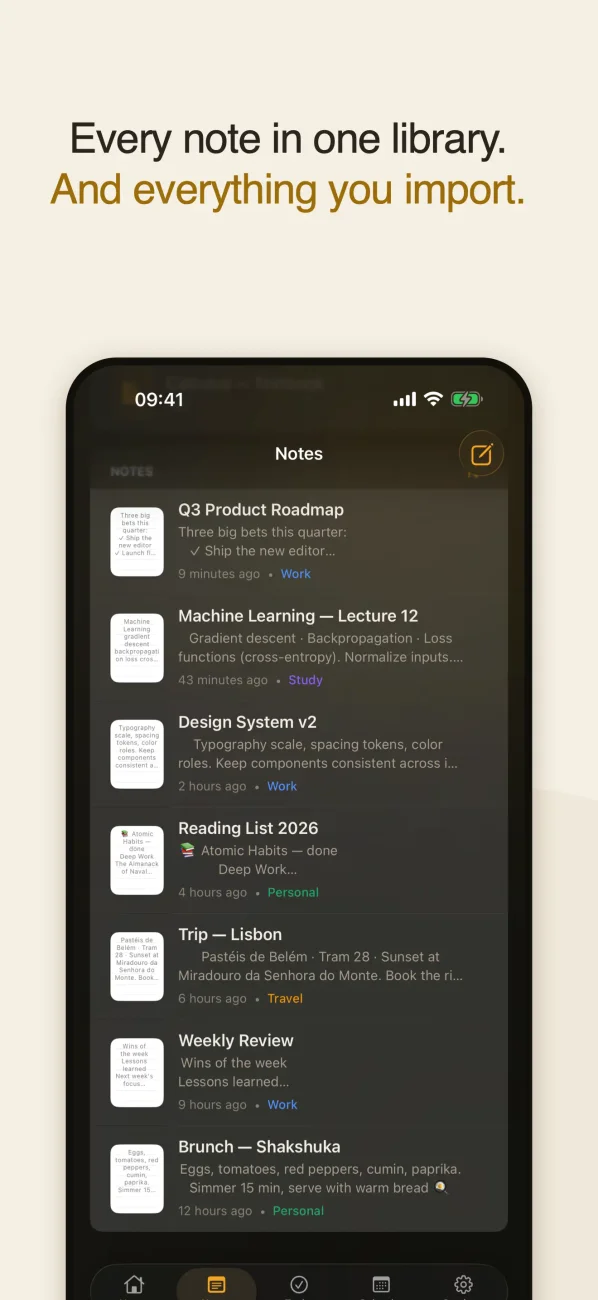
Already have years of notes in Notability or GoodNotes? Bring them with you. LuNote imports your notebooks, folders and PDFs, and your original files stay exactly where they are.
WRITE BY HAND
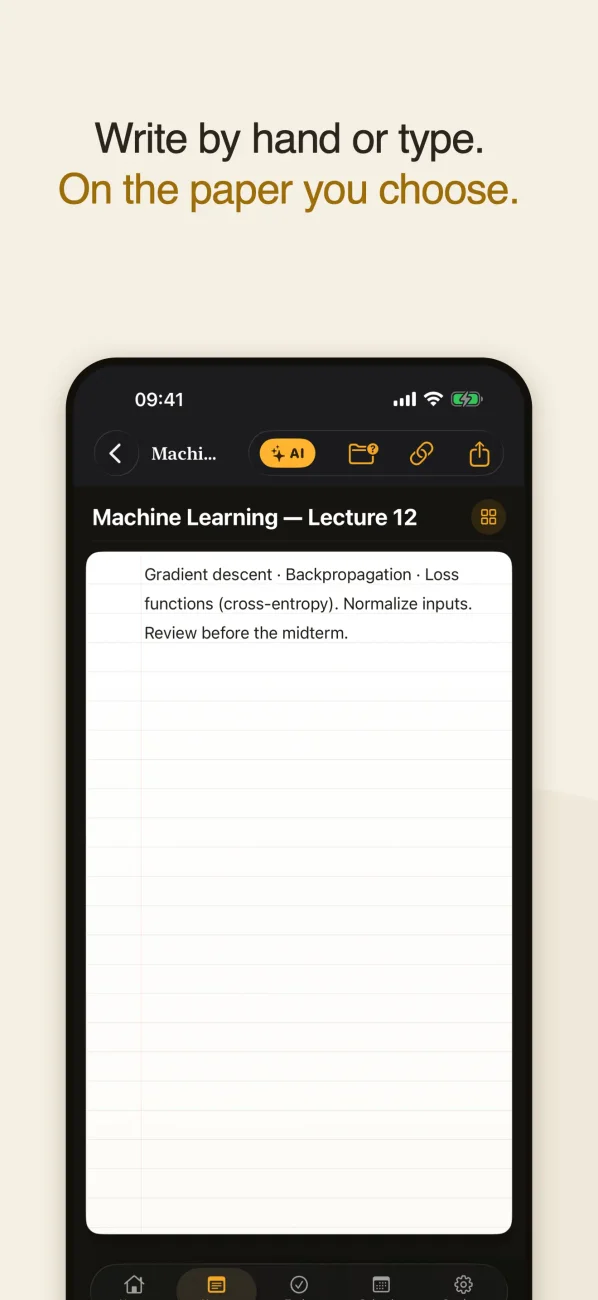
Apple Pencil on blank, lined or grid paper. Several pen tips, adjustable thickness, and handwriting that stays searchable. Mix handwriting, typed text and images on the same page.
YOUR NOTES STAY YOURS
Notes live on your device and sync through your own iCloud account. Export any page as a PDF whenever you want — if you ever leave, your work leaves with you.
WORK ON DOCUMENTS
Open PDFs, Word files, presentations and ebooks, then annotate them directly with the pencil. Scan paper to clean PDF. Read page-by-page or scroll, whichever suits you.
RECORD AND REPLAY
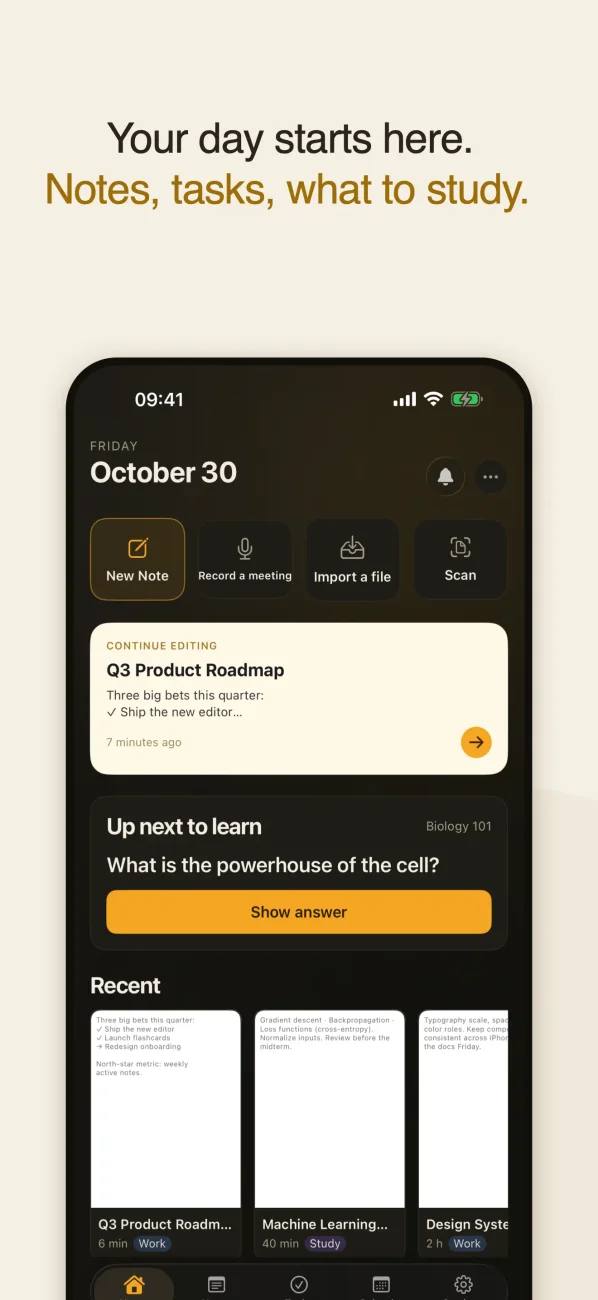
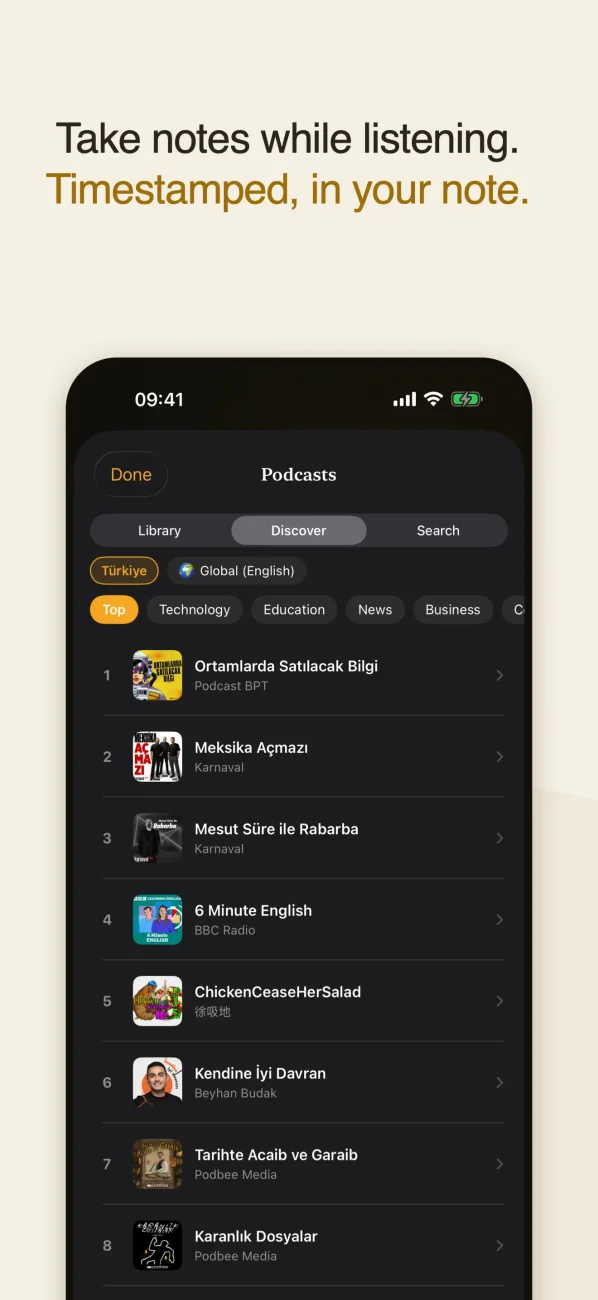
Record a lecture or meeting and drop timestamped notes as you listen. Tap any timestamp later to jump straight back to that moment.
DRAW FROM A REFERENCE
Studio turns the iPad next to your easel into a reference screen. Pin a photo and lock it so a resting palm can't nudge it. Trace on the light table. Square it up with a grid. Reduce the picture to 2-4 values to read the light and shadow. Pull out its palette, or sample any single spot. Run a pose timer that moves to the next reference on its own. Print at an exact size - 24 cm means 24 cm, tiled across sheets when the work is bigger than a page.
AI WHEN YOU WANT IT
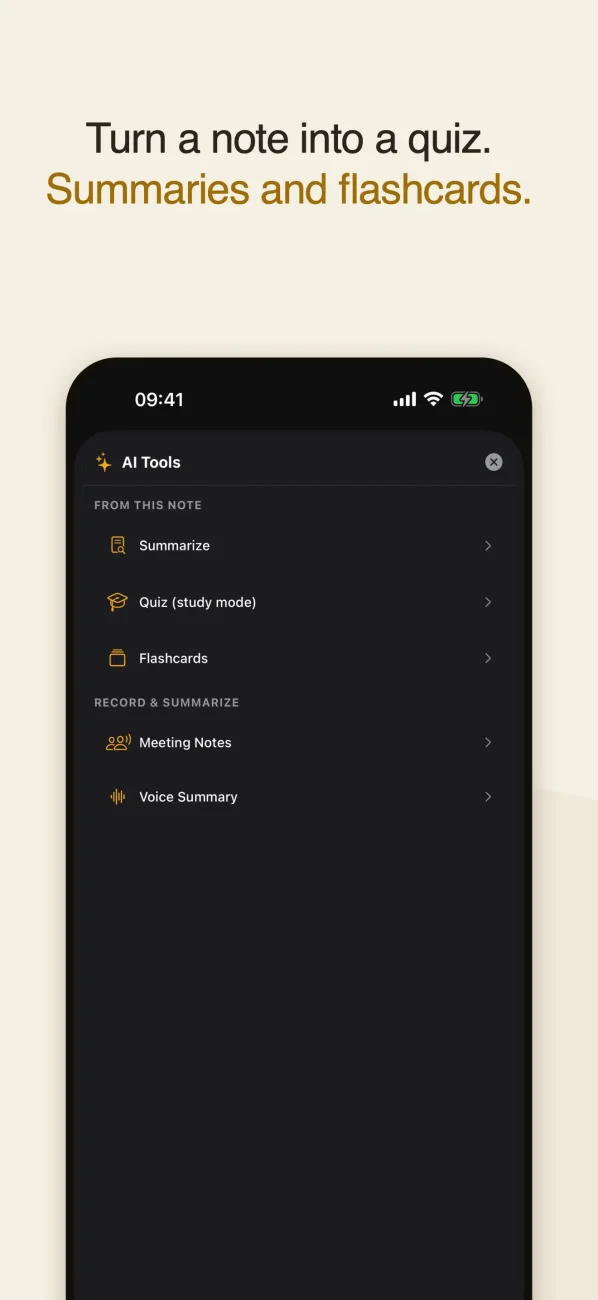
Summarise a note, ask questions about a document, or turn handwritten notes into flashcards. AI features are optional: they run only when you ask, and only the text you send is processed. Everything else stays on device.
PLAN YOUR DAY
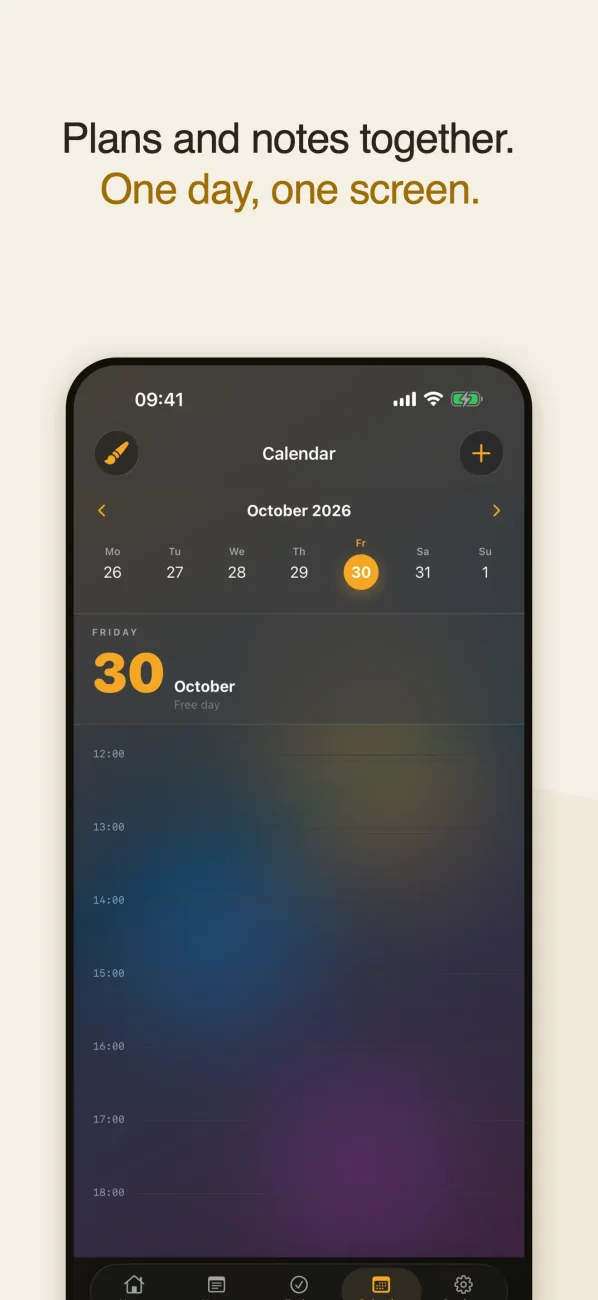
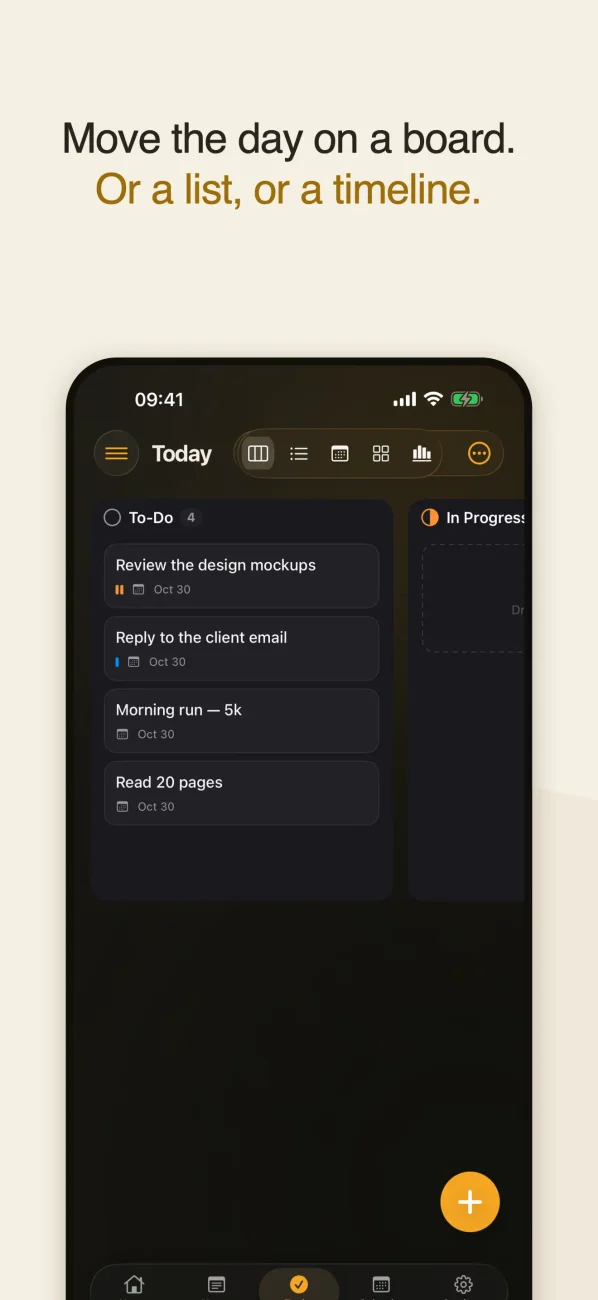
Tasks with sub-tasks and due dates, a board or list view, a calendar, reminders and recurring tasks — in the same app as the notes they belong to.
ON EVERY SCREEN
iPhone, iPad and Mac. Start a note in a lecture, finish it at your desk.
Notes, handwriting, PDFs and scanning are free and unlimited. Full access (iCloud sync across iPhone, iPad and Mac, every AI tool, scientific calculator): $3.99/month, $14.99/year or $24.99 once. Planner (iCloud sync, tasks and calendar): $1.99/month or $7.99/year. Studio Pack: $5.99 one-time, and included with Full access.
LuNote Premium is an auto-renewing subscription, offered monthly or yearly. Payment is charged to your Apple Account at confirmation of purchase. The subscription renews automatically unless cancelled at least 24 hours before the end of the current period. You can manage or cancel it any time in your Apple Account settings. Lifetime is a one-time purchase and does not renew.
Privacy Policy: https://lunote.app/privacy.html
Terms of Use (EULA): https://lunote.app/terms.html
Questions or feedback: support@lunote.app
What’s new
Version 1.46 · Nov 25, 2026
LuNote is now free for unlimited notes.
- Unlimited notes, folders, handwriting, PDFs and scanning — free.
- New Study panel: summarize any note or PDF, memorize with flashcards, practice with 15 questions or take a mixed test. Tap "Explain this" on any question, and pick up where you left off.
- iPad: open a note or document and the page takes the whole screen; the Study panel sits beside it.
- Numbered lists continue when you press Return, and checkboxes tick when you tap them — on iPhone and iPad.
- Premium: iCloud sync across iPhone, iPad and Mac, every AI tool and the scientific calculator.
- Calorie tracking was removed to keep LuNote focused on notes.
App privacy
What Lu Apps LLC declares on the App Store about how this app handles data.
-
Data linked to you
May be collected and linked to your identity.
- Purchases
-
Data not linked to you
May be collected but is not linked to your identity.
- Contact info
- Identifiers
- Diagnostics
Privacy practices may vary, for example with the features you use or your age.
Information
- Seller
- Lu Apps LLC
- Category
- Productivity
- Version
- 1.46
- Updated
- Nov 25, 2026
- Released
- Jun 30, 2026
- Size
- 21.8 MB
- Requires
- iOS 17.0 or later
- Age rating
- 4+
- Price
- Free
- In-app purchases
- Yes
- Languages
- English, Arabic, French, German, Hindi, Italian, Japanese, Portuguese, Simplified Chinese, Spanish, Turkish
- Copyright
- © 2026 Lu Apps LLC
You might also like
-
 DefterPad: Handwritten NotesNotebook, PDF Markup & Audio
-
 Papyrus - notes, PDFBig notes & PDFs, fluid
-
 Ideary: Voice & Text Idea NoteCapture thoughts & plan tasks
-
 Not Yaz: Voice NotesVoice Notes & Quick Memos
-
 StudyMapp: Revise Notes & PDFsSpaced repetition for notes
-
 Script Studio AIShort Video & Hook Writer
-
 nokk: Habits & TasksFocus on today. No clutter.
-
 TiderlyOrganise everyday life
-
 Dijital Planlayıcı AjandaProductivity
-
 Arky - Your Knowledge CanvasWhere ideas take shape