Hue Plan: Time Blocking
Daily planner in color
Designed for iPhone, iPad
In-app purchases
- Age rating4+
- CategoryProductivity
- DeveloperMINSEO CHOI
- LanguagesKorean+ 2 more
- Size13.8 MB
Links to the official App Store page
Download.org hosts no file of Hue Plan: Time Blocking. The button opens its official App Store page, published by MINSEO CHOI. Listing last checked on Nov 12, 2026.
Screenshots


About
Hue Plan is a pastel time-blocking planner that lets you plan your day in colorful time blocks.
■ Plan in color
Long-press and drag to create an event. Pastel category colors make your whole day clear at a glance.
■ Day · Week · Month
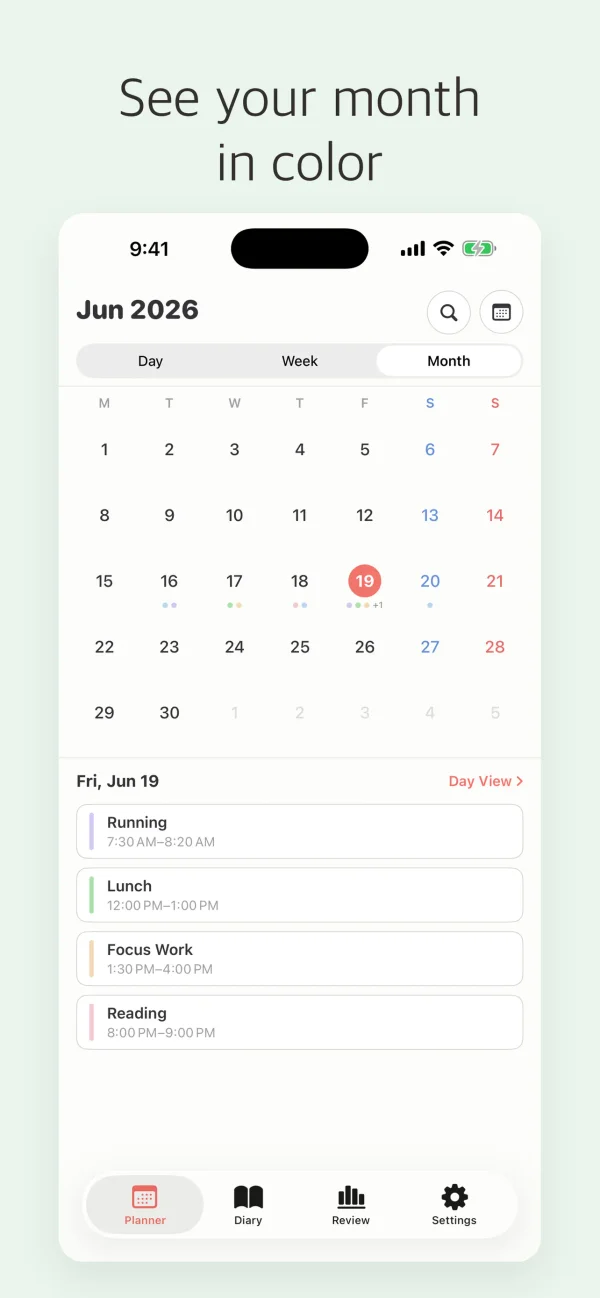
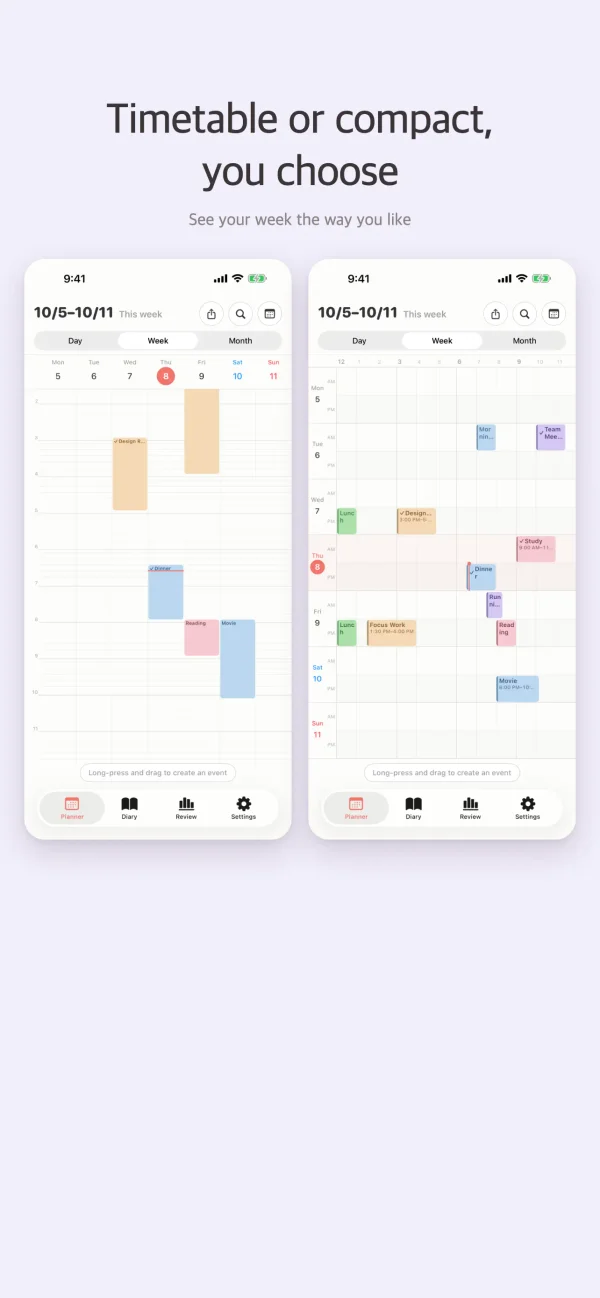
A timeline day view, your whole week at a glance, and a color-dot month calendar. See it your way.
■ Check it off, like a to-do
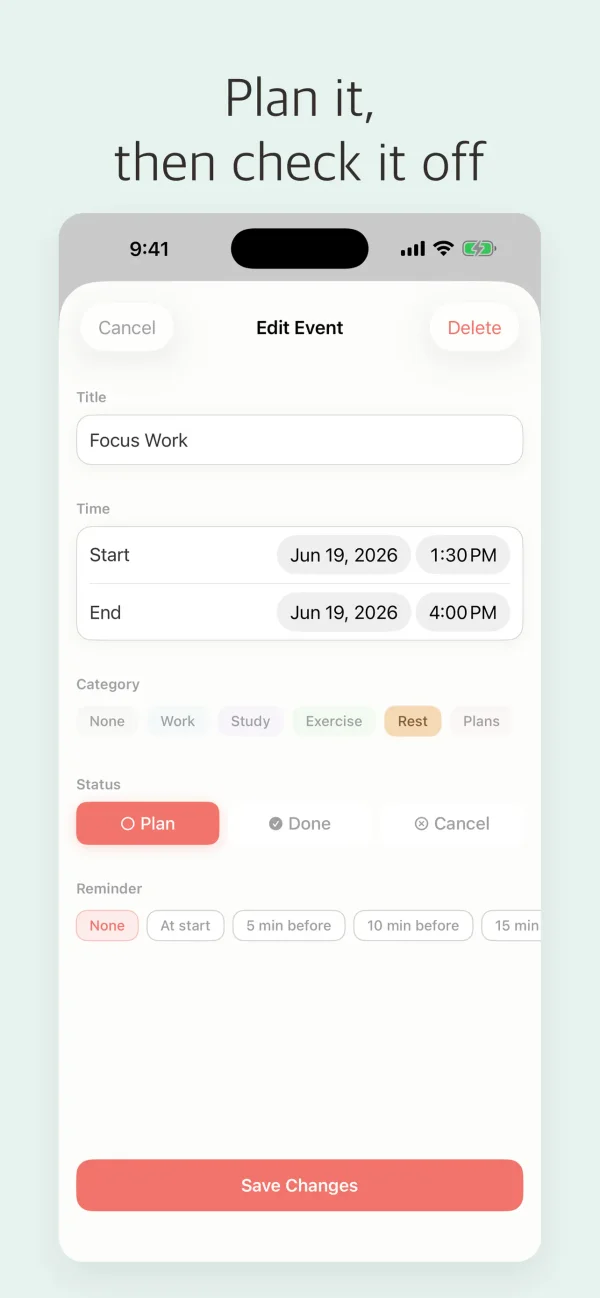
Manage events with Plan · Done · Cancel. Your calendar and to-dos, all in one place.
■ Insights
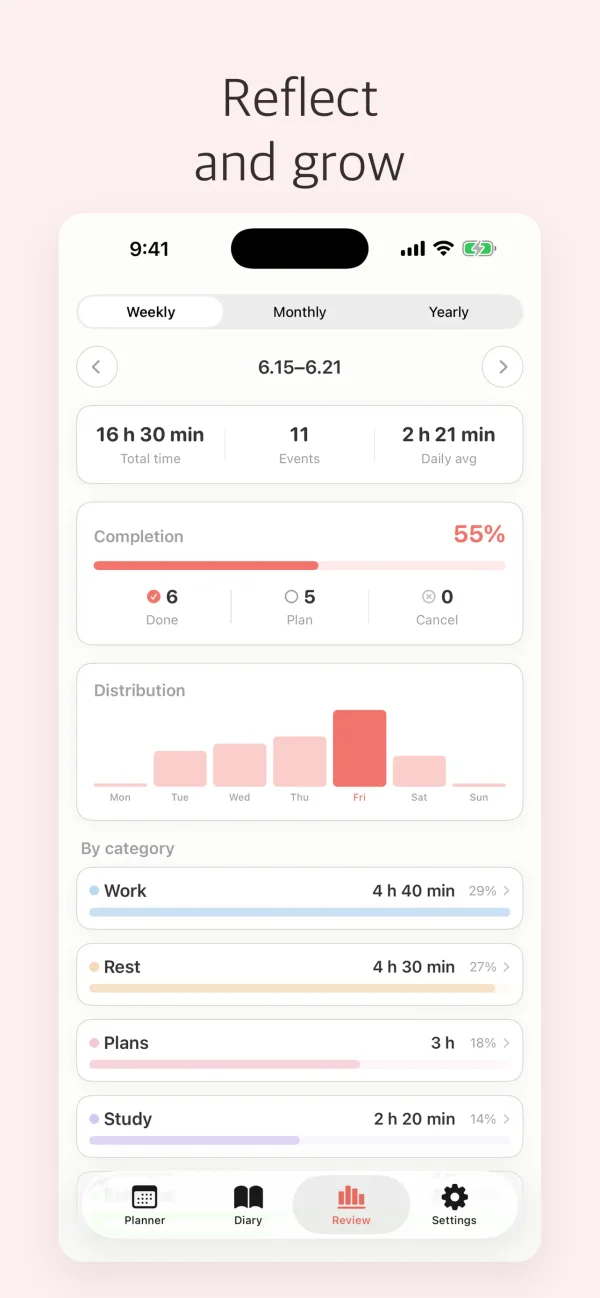
Completion rate, time distribution by category, and weekly/monthly/yearly stats to reflect on your time.
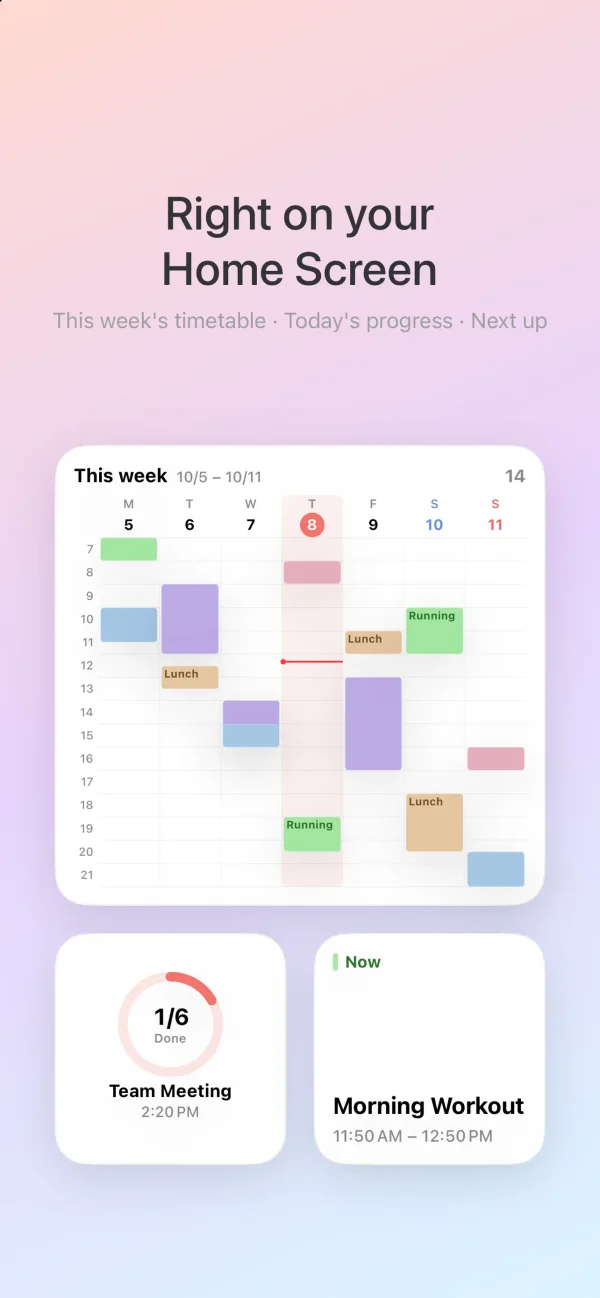
■ Widgets · Apple Watch
Check today's plan right from your Home Screen and your wrist.
■ iCloud sync
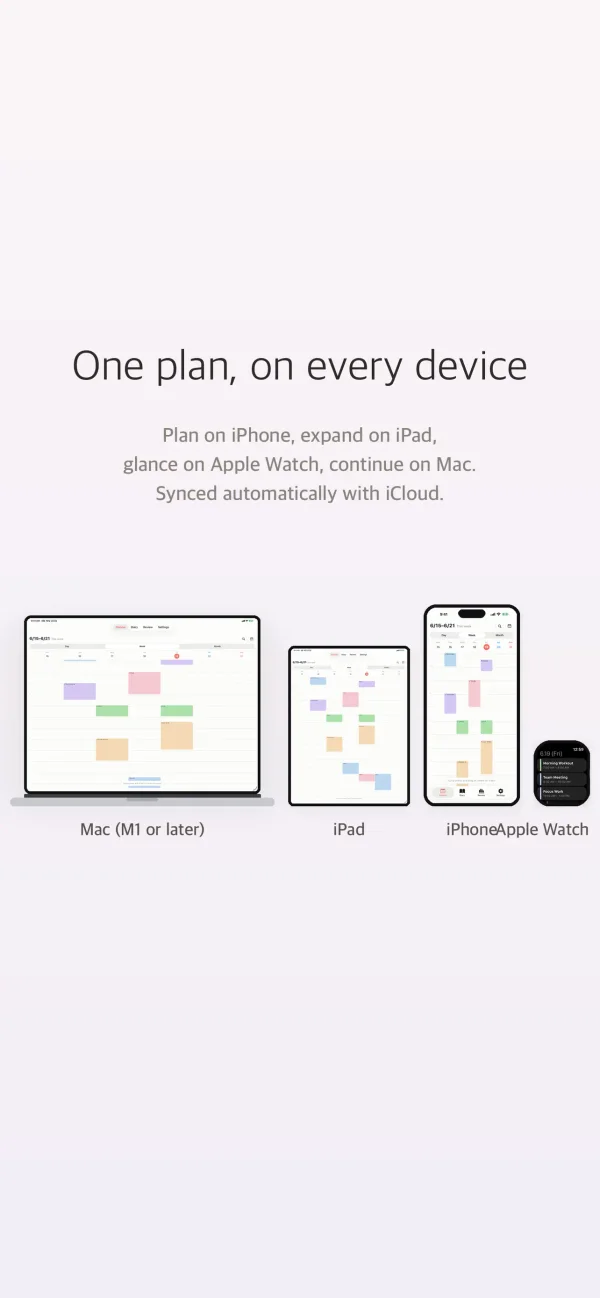
One seamless plan across iPhone, iPad, Mac, and Apple Watch.
Free includes the day view and diary. Premium unlocks week and month views, Insights, widgets, Apple Watch, iCloud sync, and auto backup — and removes ads.
What’s new
Version 1.2.5 · Nov 4, 2026
• Your plan in Calendar too (Premium) — turn on “Show in Calendar” when editing a block and it appears in the Calendar app. Change the time or title in Hue Plan and it updates; delete it and it’s removed. Pick the target calendar in Settings › Calendar, or make it the default for new blocks.
• Calendar events in widgets (Premium) — events from the Calendar app now appear as dashed tiles in your Home and Lock Screen widgets too: Today, Today Grid, Next Up, Today Flow, This Week (timetable, compact, AM/PM, bars) and This Month. Turn it on once in Settings › Calendar; widgets read your calendar directly and never store it.
• In the compact week view, tap the dot under a date to see that day’s all-day calendar events
• Short events in week widgets now show titles like the Calendar app, and text stays readable in tinted Home Screen mode
• Stability improvements
App privacy
What MINSEO CHOI declares on the App Store about how this app handles data.
-
Data used to track you
May be used to track you across apps and websites owned by other companies.
- Identifiers
- Usage data
-
Data linked to you
May be collected and linked to your identity.
- Identifiers
- Usage data
-
Data not linked to you
May be collected but is not linked to your identity.
- Diagnostics
Privacy practices may vary, for example with the features you use or your age.
Information
- Seller
- MINSEO CHOI
- Category
- Productivity
- Version
- 1.2.5
- Updated
- Nov 4, 2026
- Released
- Jun 21, 2026
- Size
- 13.8 MB
- Requires
- iOS 17.0 or later
- Age rating
- 4+
- In-app purchases
- Yes
- Languages
- Korean, English, Japanese
- Copyright
- © 2026 We'reBridge
You might also like
-
 Haeil - Todo ChecklistCatch Every Wave of Tasks
-
 Daylog: Time & Place TrackerAutomatic day log by location
-
 Vellure - Lock Screen NotesNotes Live on Your Lock Screen
-
 TodoIt: Planner, Habits, DiaryCalendar, tasks, habits, diary
-
 DreamTodo - 할 일 일정관리To-do list, calendar & habits
-
 Add Up: To-Do List & PlannerBuild habits, reach your goals
-
 CozysandThe alarm you can't ignore
-
 내휴무어디감Productivity