
Maido Map
Beautiful mind maps for ideas
Designed for iPhone, iPad, iPod touch
In-app purchases
- Age rating4+
- CategoryProductivity
- DeveloperTsunehisa Noguchi
- LanguagesEnglish
- Size14.9 MB
Links to the official App Store page
Download.org hosts no file of Maido Map. The button opens its official App Store page, published by Tsunehisa Noguchi. Listing last checked on Nov 12, 2026.
Screenshots

About
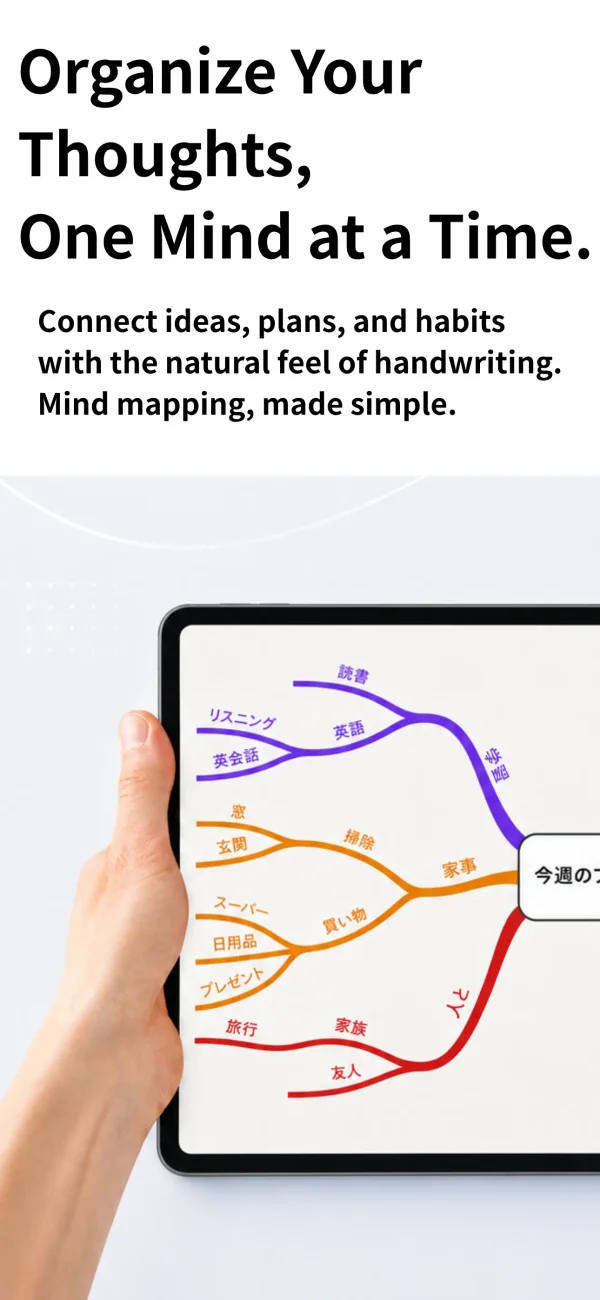
Your ideas, beautifully branching.
Maido Map is a beautiful idea-mapping app built around one thing: gorgeous, flowing
curved branches. Start with a word in the center and grow your thoughts outward.
The more you draw, the clearer your thinking becomes — and the whole picture stays
easy to read at a glance.
Designed for both delightful sketching and polished results. Every map looks like
something you'd want to show off — in a presentation, a notebook, or just to yourself.
FEATURES
• Flowing curved branches — smooth, organic lines that bend with a touch
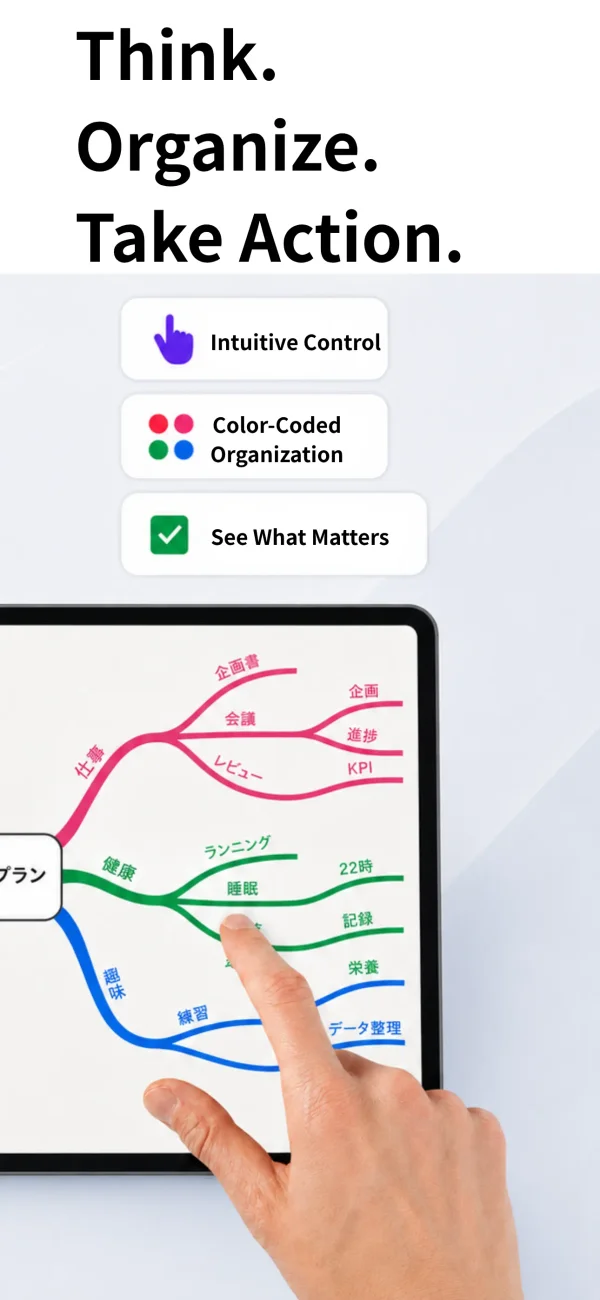
• Intuitive controls — tap to add a branch, drag to bend it, pinch to zoom
• Balanced auto-layout — branches never overlap, always easy to read
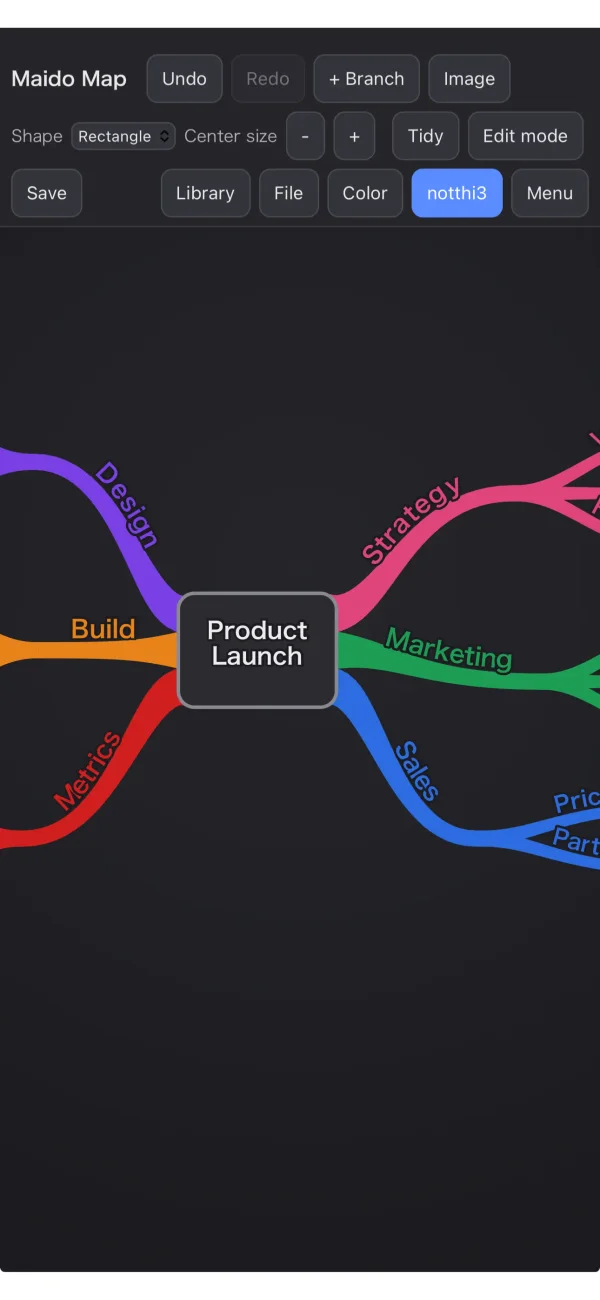
• Themes — Paper, Sepia, and Dark
• Presentation mode — reveal branches one at a time as you talk through your map
• Center image — drop in a photo or logo as your central image
• Sync across devices — pick up right where you left off on iPhone, iPad, or the web
• Works offline
PRICING
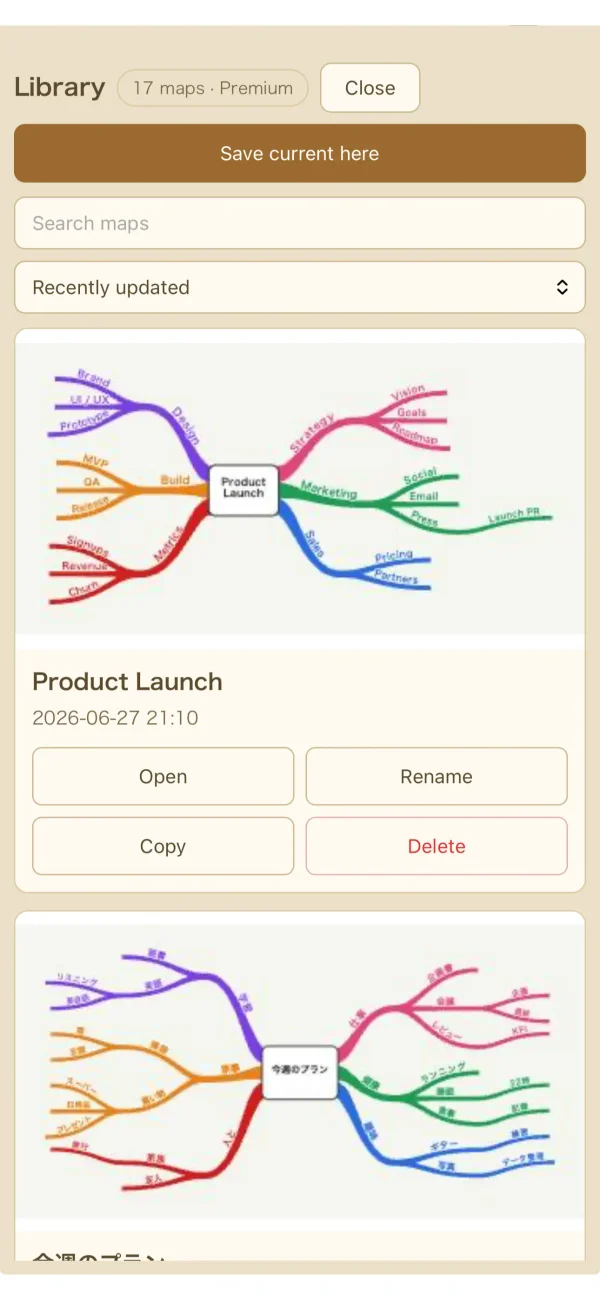
• Free — up to 5 maps, all core features included
• Premium (one-time purchase) — unlimited maps, PNG/SVG/PDF export, file import/export
Pay once, keep it forever. No subscription.
Great for brainstorming, studying, planning a trip, prepping a presentation, or just
organizing your week.
Draw your thinking — beautifully.
What’s new
Version 1.0.3 · Aug 31, 2026
• Added a first-run hint that shows you where to start.
• Tap the background to reveal the handles for growing and moving branches — now it's clear where to tap on iPhone and iPad.
• Main branches now stay attached to the central image when moved.
• Dragging a main branch past the center flips the whole branch to the other side.
• Fixed branches rendering incorrectly after moving the central element.
• The language switcher in the menu now clearly states which language it switches to.
App privacy
What Tsunehisa Noguchi declares on the App Store about how this app handles data.
-
Data linked to you
May be collected and linked to your identity.
- Contact info
- User content
- Identifiers
Privacy practices may vary, for example with the features you use or your age.
Information
- Seller
- Tsunehisa Noguchi
- Category
- Productivity
- Version
- 1.0.3
- Updated
- Aug 31, 2026
- Released
- Jul 17, 2026
- Size
- 14.9 MB
- Requires
- iOS 15.0 or later
- Age rating
- 4+
- In-app purchases
- Yes
- Languages
- English
- Copyright
- © 2026 notthi
You might also like
-
 Matryoshka Mind Map & AI To-DoWork with your AI in maps
-
 Bulletlist: OutlinerAn outliner that keeps up
-
 Anew: AI ADHD Planner & FocusBrain dump & body doubling
-
 AsterBridge: Mind Map, OutlineBrainstorm, Visual Notes, Plan
-
 My ADHD Dump - Mind Map NotesVoice notes that organise
-
 Mind Map AI: Whiteboard CanvasOutline,Diagram,Planning,Notes
-
 ActionMind: Voice Brain DumpVoice Notes to Action Items
-
 MapMind - Mind Map MakerMind maps, outlines, and ideas
-
 MindTodo: Mindmap Todo ManagerVisual Task & Project Planner
-
 KiteMind: AI Mind MapFlowchart & concept map maker