MaShot: PDF Document Scanner
Offline Scan, Sign, OCR & Edit
Designed for iPhone, iPad, iPod touch
Free
- Age rating4+
- CategoryBusiness
- DeveloperHAM Technologies, LLC
- LanguagesEnglish+ 19 more
- Size57.5 MB
Links to the official App Store page
Download.org hosts no file of MaShot: PDF Document Scanner. The button opens its official App Store page, published by HAM Technologies, LLC. Listing last checked on Nov 18, 2026.
Screenshots
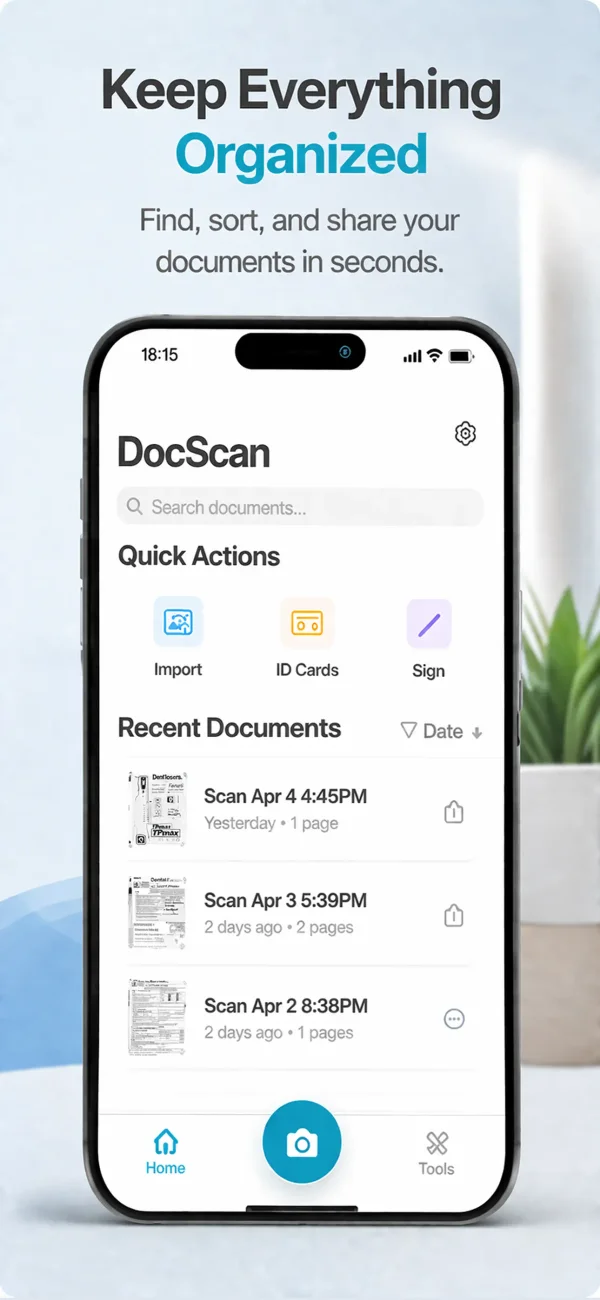
About
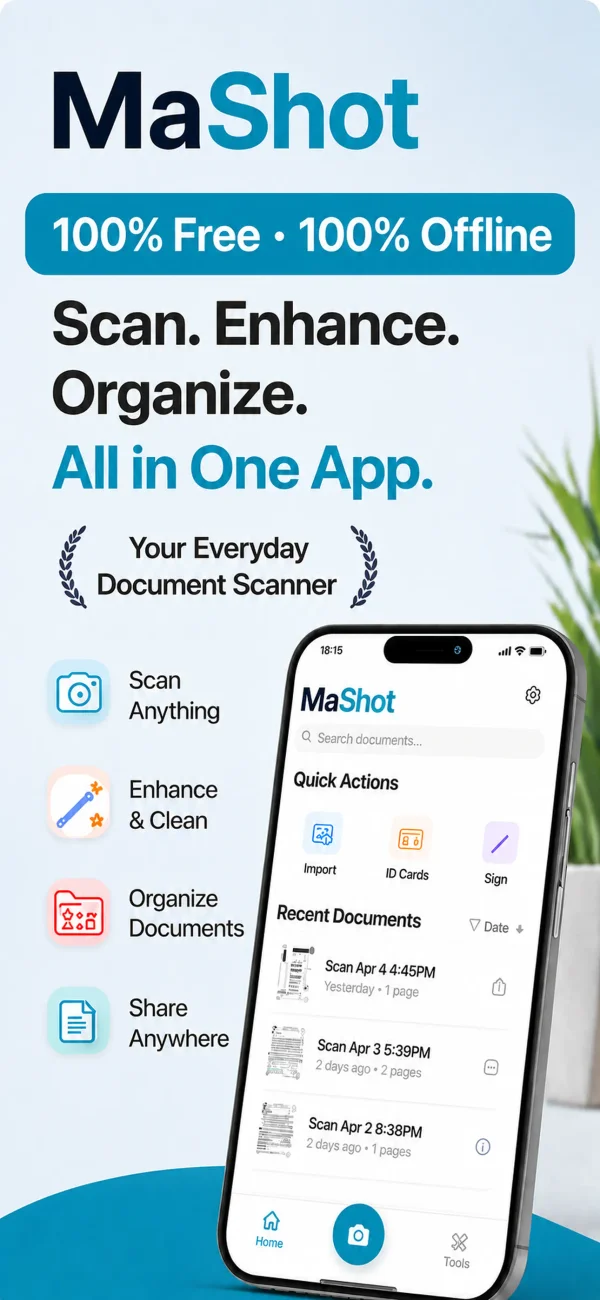
100% free, 100% offline, no subscription, no ads, no account.
MaShot turns your iPhone and iPad into a powerful document scanner and complete PDF toolkit — completely free, completely offline, and private by design.
Scan, sign, extract text, and manage PDFs with no subscription, no ads, and no account. Every feature is unlocked, and your documents never leave your device.
SCAN ANYTHING
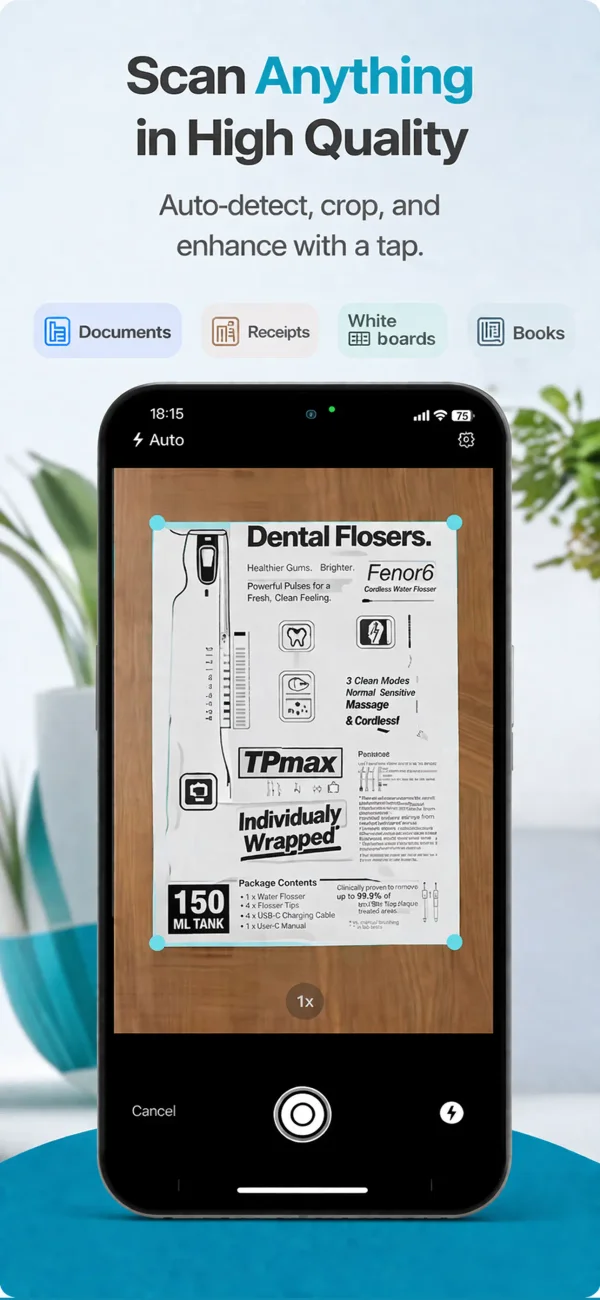
• Auto-detect document edges with one tap
• Capture multi-page documents with batch mode
• Manual crop with fine rotation control
• Four filters: Original, Enhance, B&W, and Invert
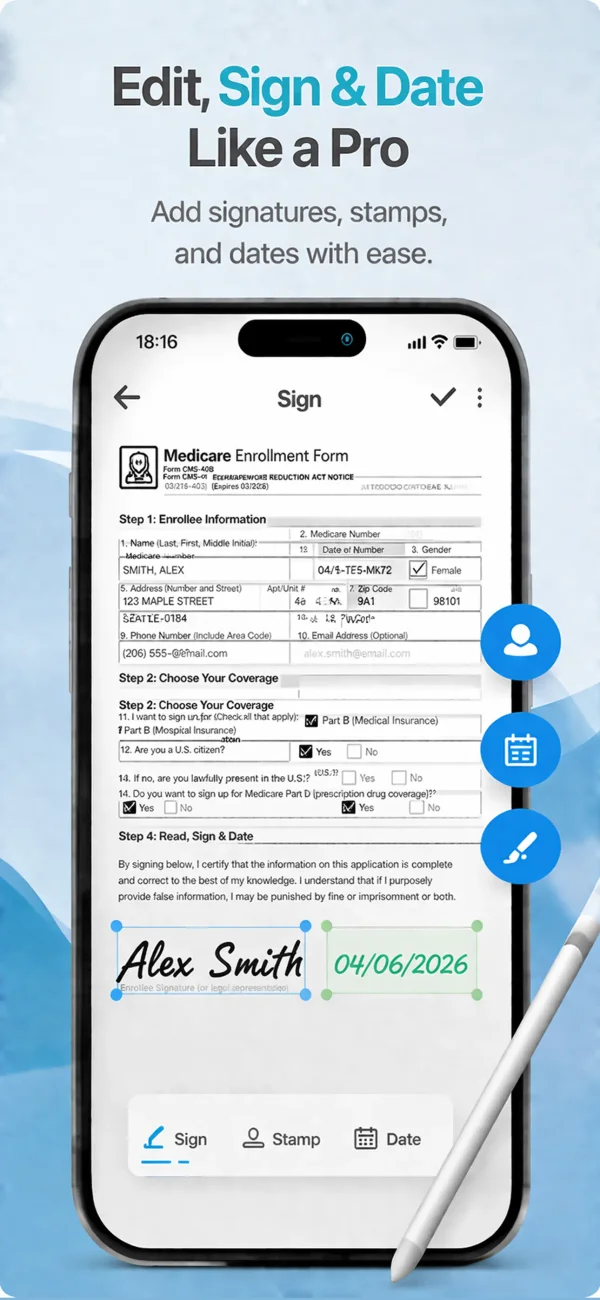
SIGN AND STAMP
• Draw your signature once, reuse it forever
• Apply stamps: Approved, Rejected, Confidential, Draft, Copy, Original
• Add typed text overlays in any language
• Insert today's date with one tap
• Move, resize, rotate, and recolor every overlay
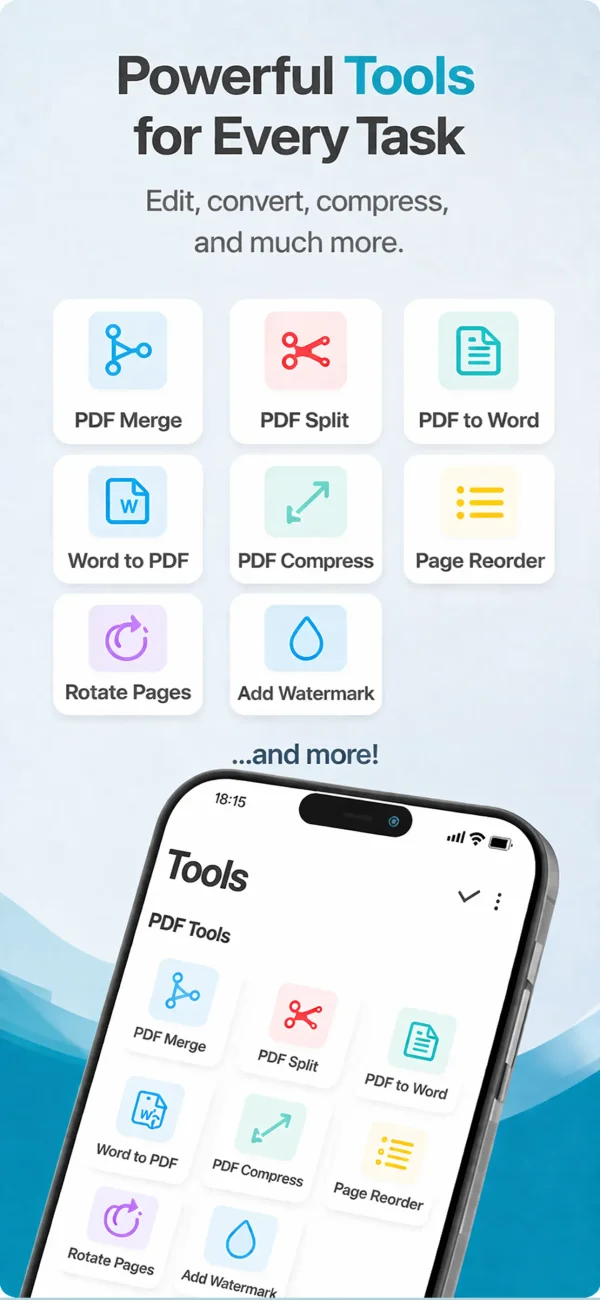
POWERFUL PDF TOOLS
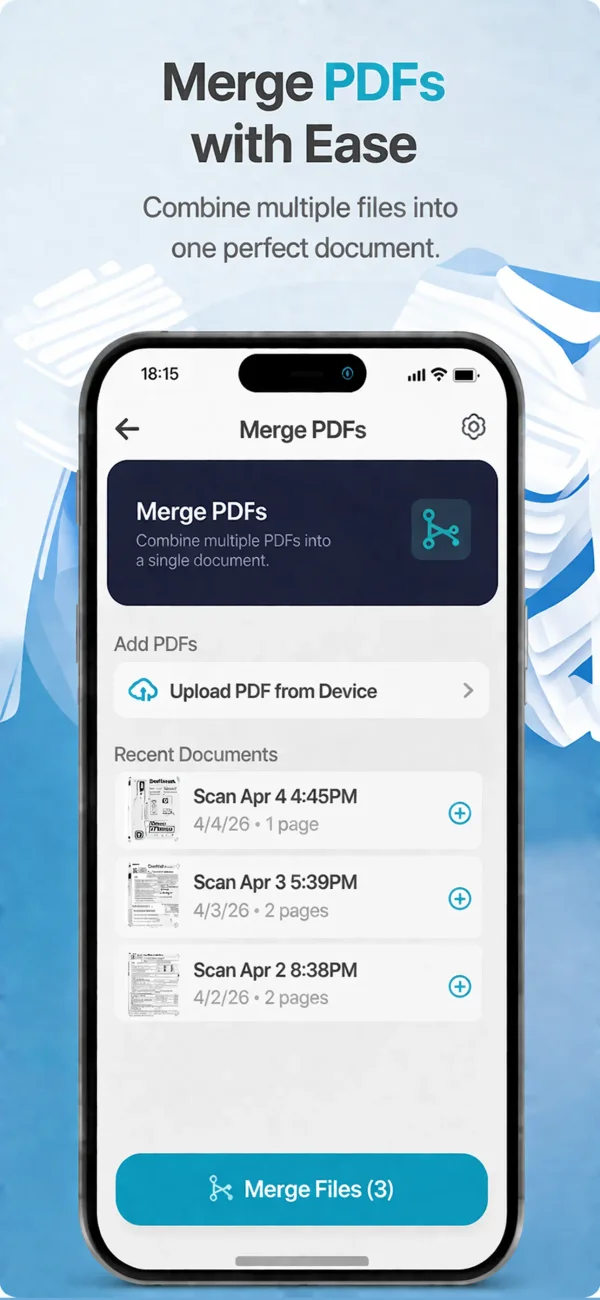
• Merge multiple PDFs into one
• Split a PDF by page ranges
• Compress PDFs to reduce file size
• Rotate selected pages
• Reorder pages with drag and drop
• Add custom watermarks
• Convert PDF to Word and Word to PDF
EXTRACT TEXT (OCR)
• Recognize text in scanned documents
• Copy to clipboard or export
ID CARD SCANNER
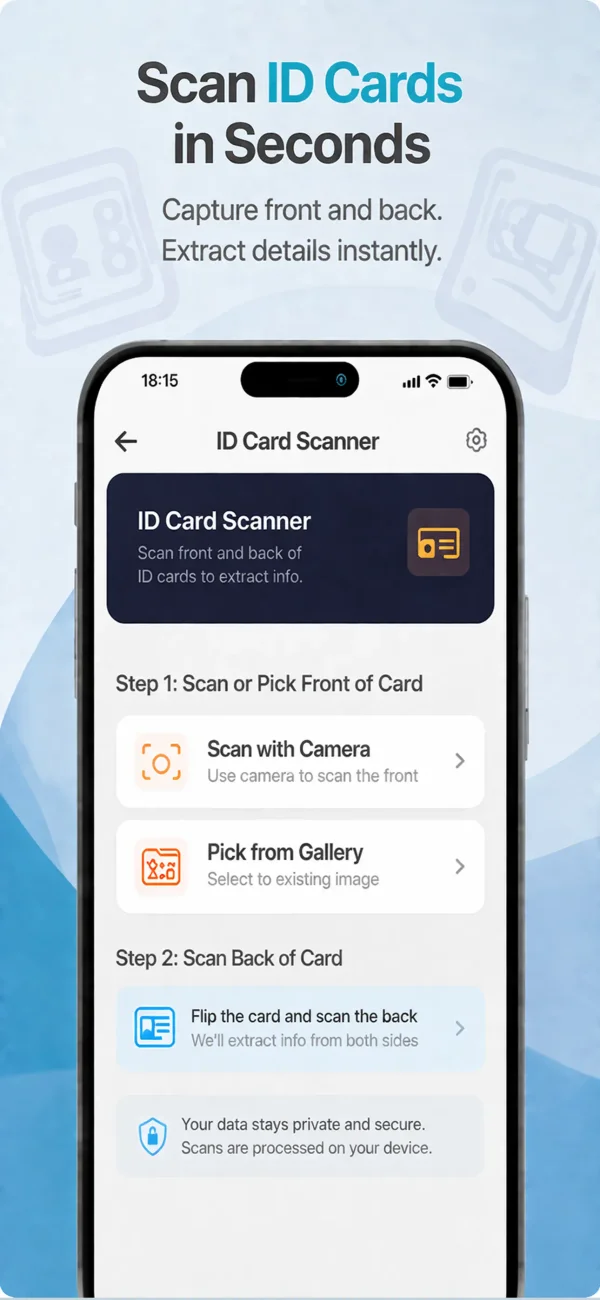
• Capture the front and back of any ID card
• Auto-arrange both sides on a single page
SHARE EVERYWHERE
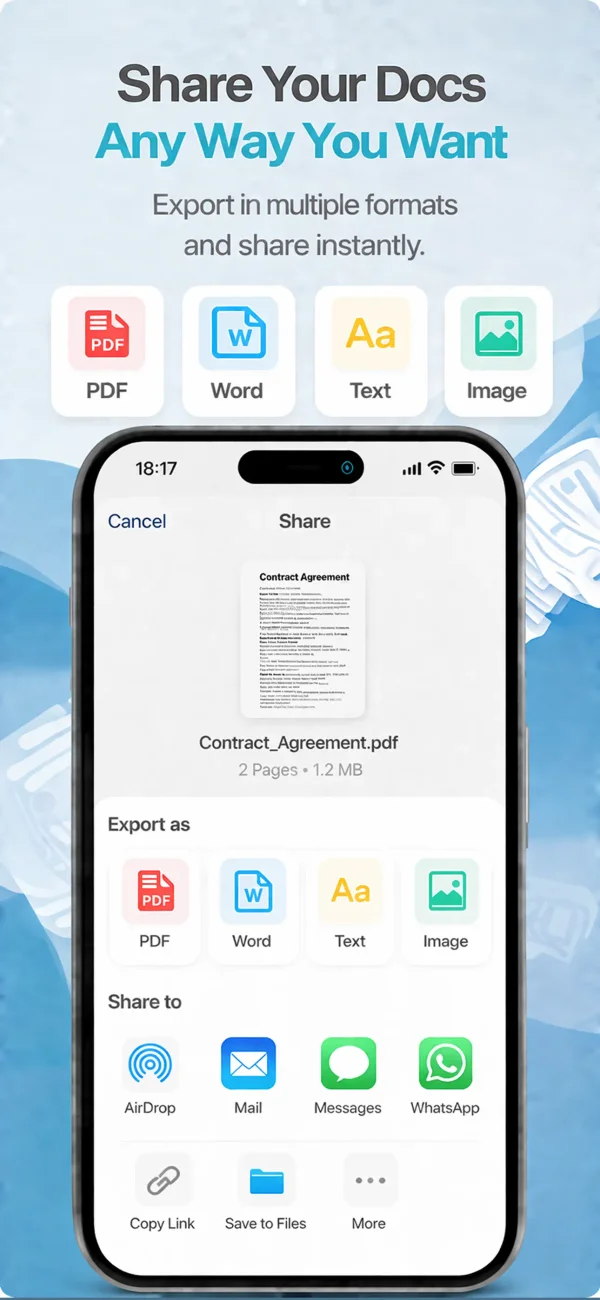
• Export as PDF, image, long image, Word, or plain text
• Save to Files, Photos, or any compatible app
PRIVATE BY DESIGN
• 100% offline — scanning, OCR, and editing all happen on your device
• Your scans and documents never leave your device
• No account or sign-up required
20 LANGUAGES
English, Spanish, French, German, Portuguese, Italian, Dutch, Polish, Turkish, Russian, Arabic, Hindi, Thai, Vietnamese, Indonesian, Malay, Chinese (Simplified and Traditional), Japanese, and Korean.
Everything in MaShot is free — no subscription, no ads, no account, no hidden costs.
Terms of Use: https://mashot.net/terms.html
Privacy Policy: https://mashot.net/privacy.html
What’s new
Version 1.2.3 · Sep 29, 2026
Sharper scans and a new navigation bar:
• Sharper scans on high-resolution cameras (48 MP and up), especially near the edges of the page. The camera view is slightly zoomed in, so you naturally hold the phone a little farther back and the whole page stays in focus.
• Scans with the flash on are better exposed — no more washed-out pages
• New navigation bar: Home, Tools, and Settings are always one tap away, next to a dedicated scan button
• New tip: “Move closer to fill the frame” when the page is too far away
• Bug fixes and stability improvements
App privacy
What HAM Technologies, LLC declares on the App Store about how this app handles data.
-
Data not collected
The developer does not collect any data from this app.
Privacy practices may vary, for example with the features you use or your age.
Information
- Seller
- HAM Technologies, LLC
- Category
- Business
- Version
- 1.2.3
- Updated
- Sep 29, 2026
- Released
- May 7, 2026
- Size
- 57.5 MB
- Requires
- iOS 15.1 or later
- Age rating
- 4+
- Price
- Free
- Languages
- English, Arabic, Dutch, French, German, Hindi, Indonesian, Italian, Japanese, Korean, Malay, Polish + 8 more
- Copyright
- © 2026 HAM Technologies, LLC
You might also like
-
 Scanling – PDF Scanner & OCRNo subscription. No account.
-
 Prime Scan: PDF ScannerScan, Sign & OCR Documents
-
 Privascan: PDF Scanner & OCRPrivate, Offline, No Watermark
-
 Paperix - PDF Secure and LocalPDF Secure Scans On Device AI
-
 ScanMate: PDF ScannerNo ads. No watermark. Ever.
-
 ID2PDF - ID & Doc ScannerFront & back on one page, 1:1
-
 PDF Scanner - ScanyConvert Photos & Scan Receipts
-
 ZetaScan: PDF Scanner & EditorDoc Scan, eSign, Reader, OCR
-
 PureScan: Document ScannerFast & easy document scanner
-
 Clearcan: PDF ScannerScan, Search Text. No Ads