ScanMate: PDF Scanner
No ads. No watermark. Ever.
Designed for iPhone
Free · In-app purchases
- Age rating4+
- CategoryProductivity
- DeveloperiComet
- LanguagesEnglish
- Size5.9 MB
Links to the official App Store page
Download.org hosts no file of ScanMate: PDF Scanner. The button opens its official App Store page, published by iComet. Listing last checked on Nov 12, 2026.
Screenshots

About
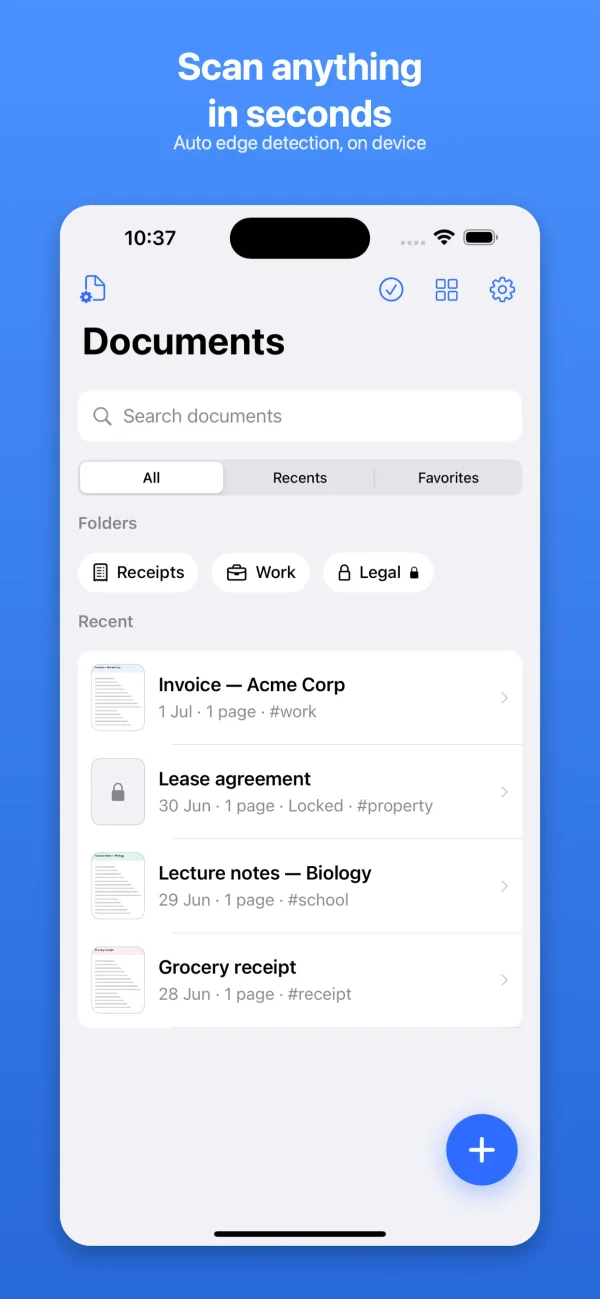
ScanMate turns your iPhone into a fast, private document scanner — without the ads, watermarks, and subscription traps you're tired of.
FREE, AND STAYING FREE
• Unlimited scans — no daily limits
• No watermark on any export
• No ads, anywhere
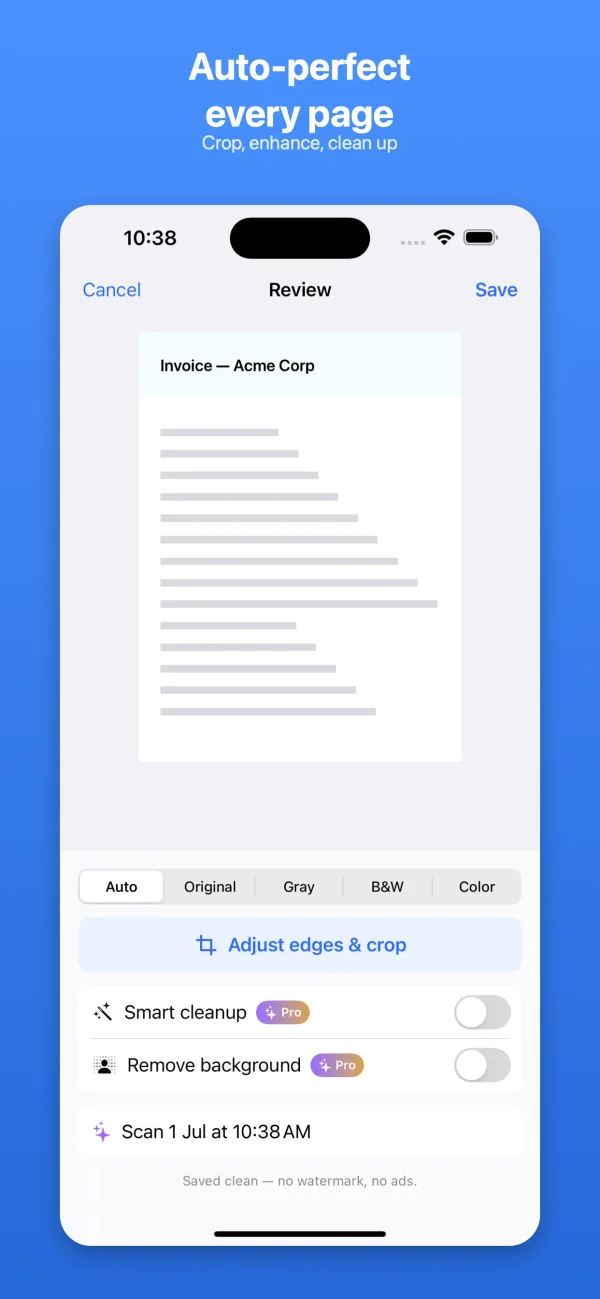
• Automatic edge detection, manual crop with a magnifier
• Multi-page and batch scanning
• Enhancement filters: Auto, Grayscale, B&W, Color
• Sign pages, reuse saved signatures, drop in a date stamp
• Expiry reminders for passports, IDs, insurance, and contracts
• Export to PDF, JPG, or PNG; share or save to Files
• Folders, tags, search, favorites, and Trash
• Face ID app lock
• Home Screen and Lock Screen widgets, Control Center button, Siri and Shortcuts
• Find any scan straight from Spotlight
SCANMATE PRO
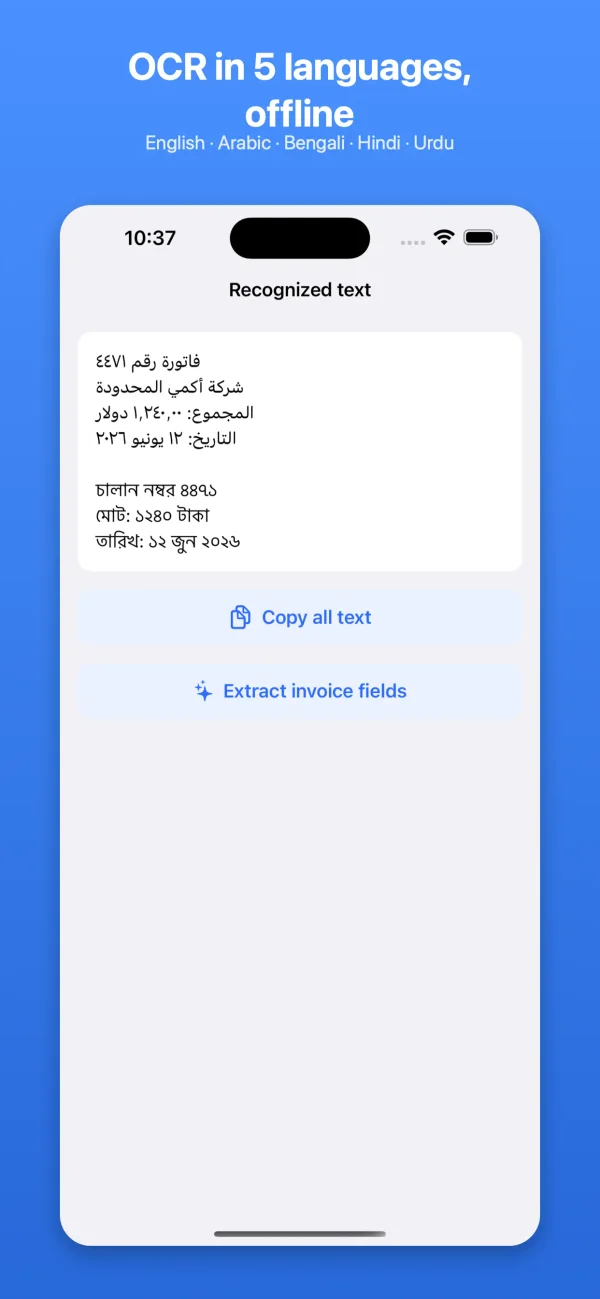
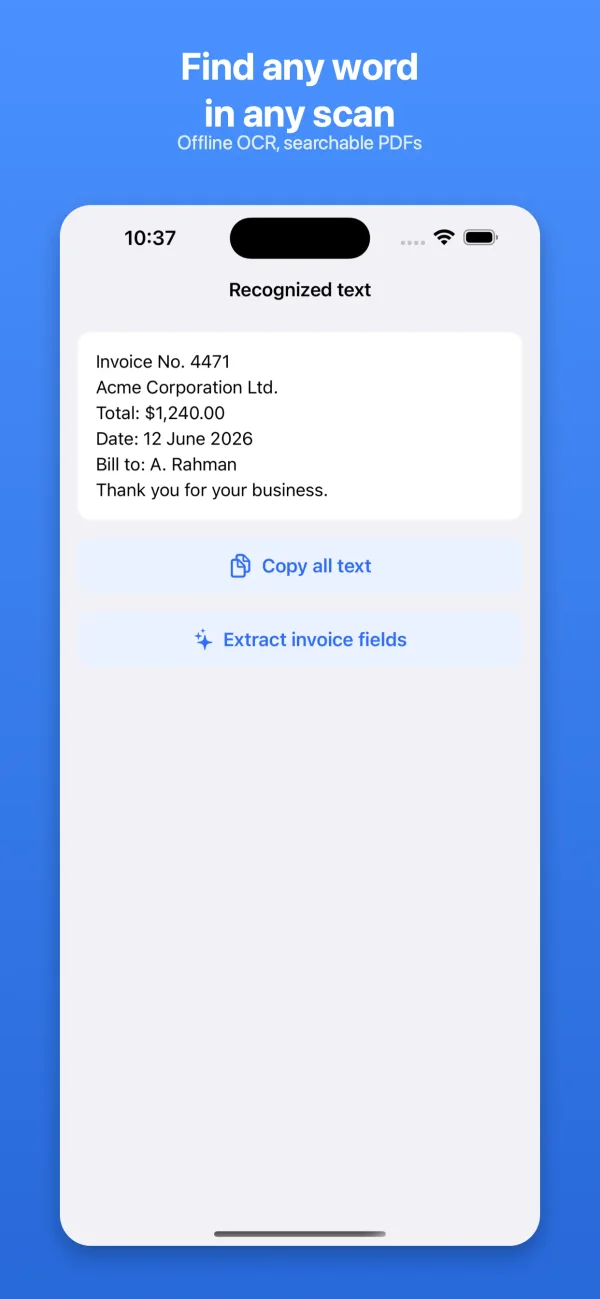
• Offline OCR in more than 15 languages
• Search inside your documents
• AI naming and document classification
• Receipt, invoice, and business-card extraction — save cards to Contacts
• Receipt ledger with monthly totals and CSV export
• Smart cleanup and background removal
• PDF tools: merge, split, reorder, compress
• Export to Google Drive, Dropbox, and OneDrive
• Unlimited private folders
PRIVATE BY DESIGN
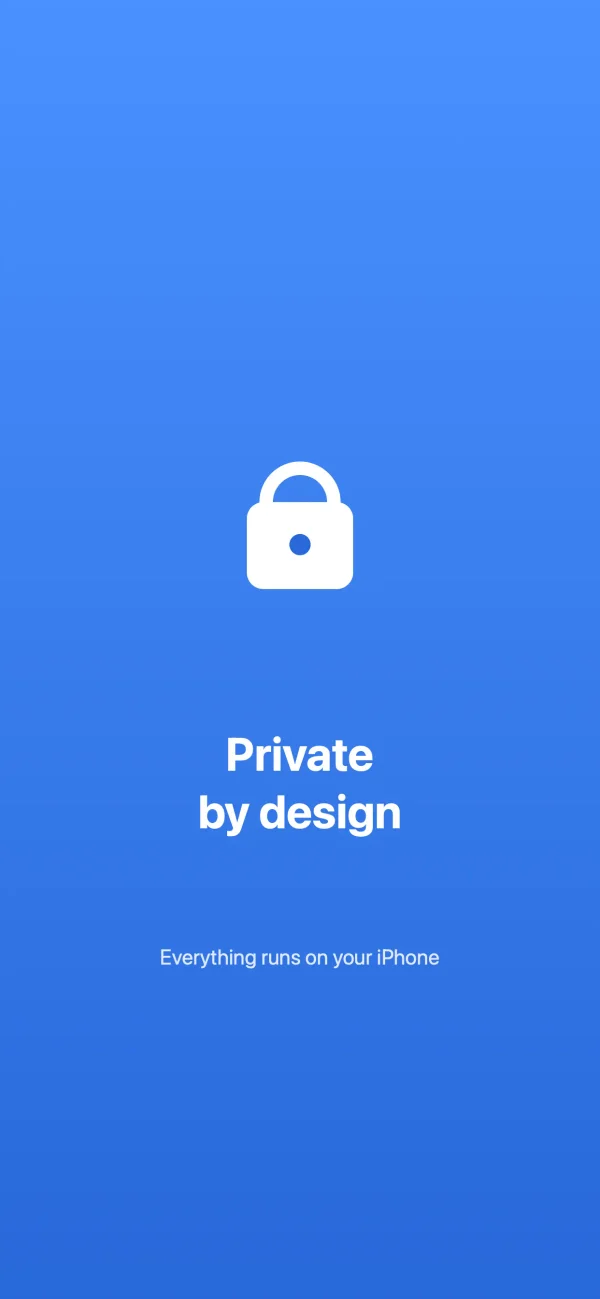
Everything runs on your iPhone. Scans and text recognition never touch our servers. Documents sync through your own iCloud account — we never see them. Locked documents and private folders never appear in widgets or Spotlight.
HONEST PRICING
A genuinely useful free tier that stays free. One fair yearly plan, or buy Pro once with Lifetime. No fake countdowns, no surprise trial charges, no dark patterns. Cancel anytime in Settings.
Built for students, small businesses, freelancers, accountants, lawyers, real estate agents, teachers, and parents.
Scan a receipt, a contract, a whiteboard, or a stack of notes — and get a clean, professional PDF in seconds.
—
Questions? support@scanmate.app — a real person answers.
Terms of Use (EULA): https://www.apple.com/legal/internet-services/itunes/dev/stdeula/
Privacy Policy: https://jigsawlab.com/scanmate/privacy.html
What’s new
Version 1.4 · Oct 20, 2026
This release is about one thing: getting the whole page, every time.
• The camera now keeps the full sheet — no more scans missing half the page or one side
• Edge detection looks for the page itself, not a block of text sitting on it
• Adjust edges opens on the whole photo: pull the corners back out, or in to keep just one part
• Fixed a crash when saving a scan with a lot of pages
Free features stay free. No countdowns, no tricks.
App privacy
What iComet declares on the App Store about how this app handles data.
-
Data not collected
The developer does not collect any data from this app.
Privacy practices may vary, for example with the features you use or your age.
Information
- Seller
- Kazi Mohammad Ekram
- Category
- Productivity
- Version
- 1.4
- Updated
- Oct 20, 2026
- Released
- Jun 19, 2026
- Size
- 5.9 MB
- Requires
- iOS 18.0 or later
- Age rating
- 4+
- Price
- Free
- In-app purchases
- Yes
- Languages
- English
- Copyright
- © 2026, JigsawLab
You might also like
-
 Scanling – PDF Scanner & OCRNo subscription. No account.
-
 Paperlane: Scan to PDFDocument Scanner, PDF & OCR
-
 ScanMate: Scan, Convert, Edit문서 스캔·편집·파일 변환까지 한 번에!
-
 Scanr Lens — Document ScannerAdfree tiny document scanner
-
 Crisp ScanPrivate scanner. Pay once.
-
 Privascan: PDF Scanner & OCRPrivate, Offline, No Watermark
-
 Clearcan: PDF ScannerScan, Search Text. No Ads
-
 ScanMate-PDFProductivity
-
 PureScan: Document ScannerFast & easy document scanner
-
 Scanner: Scan Documents to PDFJPG to PDF, Image to Text OCR