- Age rating4+
- CategoryGraphics & Design
- DeveloperMatthias Rudolph
- LanguagesGerman+ 1 more
- Size18.8 MB
Links to the official App Store page
Download.org hosts no file of Matzes CAD. The button opens its official App Store page, published by Matthias Rudolph. Listing last checked on Nov 8, 2026.
Screenshots


About
Make room for your next idea.
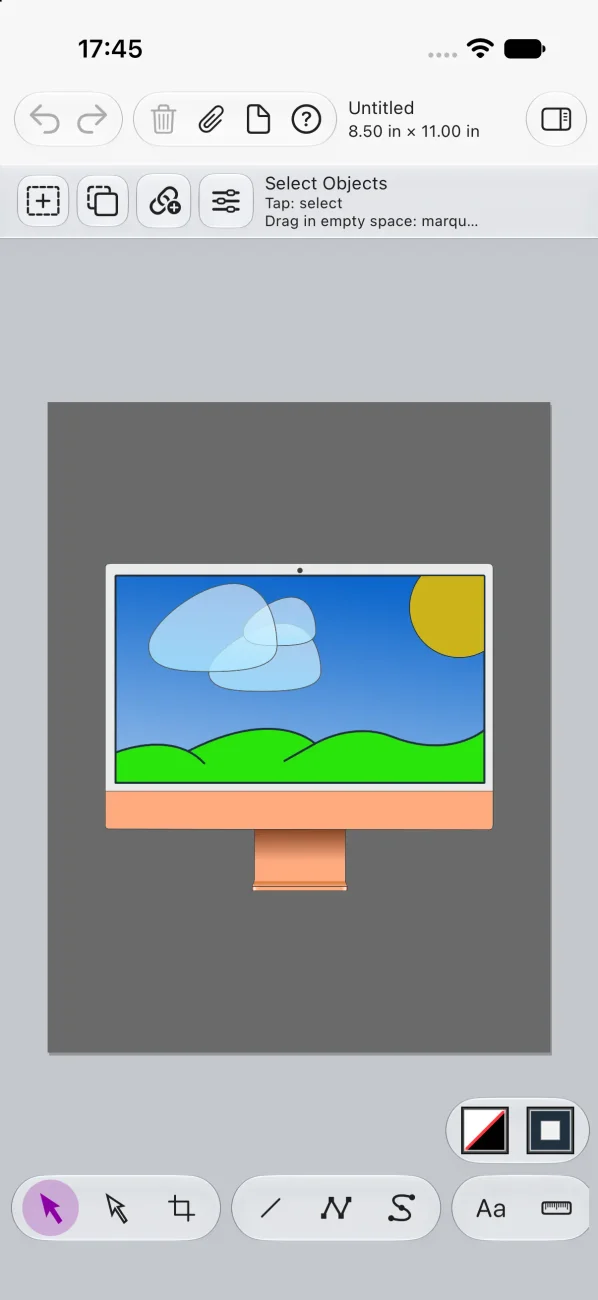
A room layout, a workshop project, a clean diagram or a carefully measured shape: Matzes CAD brings precise 2D drawing and creative vector tools together on iPhone and iPad. Start with a simple sketch, refine every detail and share the result in the format you need.
DRAW WITH PRECISION
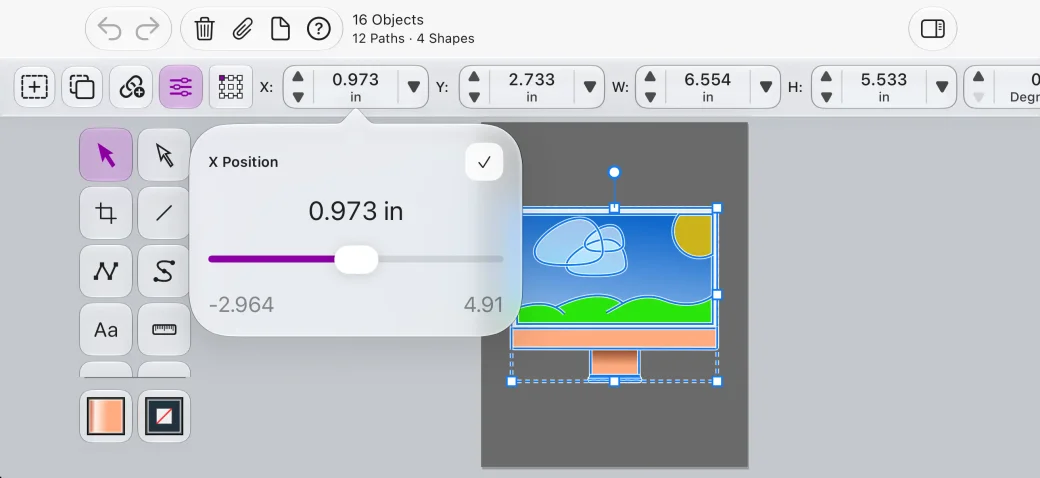
Create lines, rectangles, rounded rectangles, ellipses, polygons, stars, arcs and freehand strokes. Enter exact positions, dimensions and angles. Work in millimeters, centimeters, meters, inches, feet and more, with adjustable drawing scale and page size.
LET THE DETAILS LINE UP
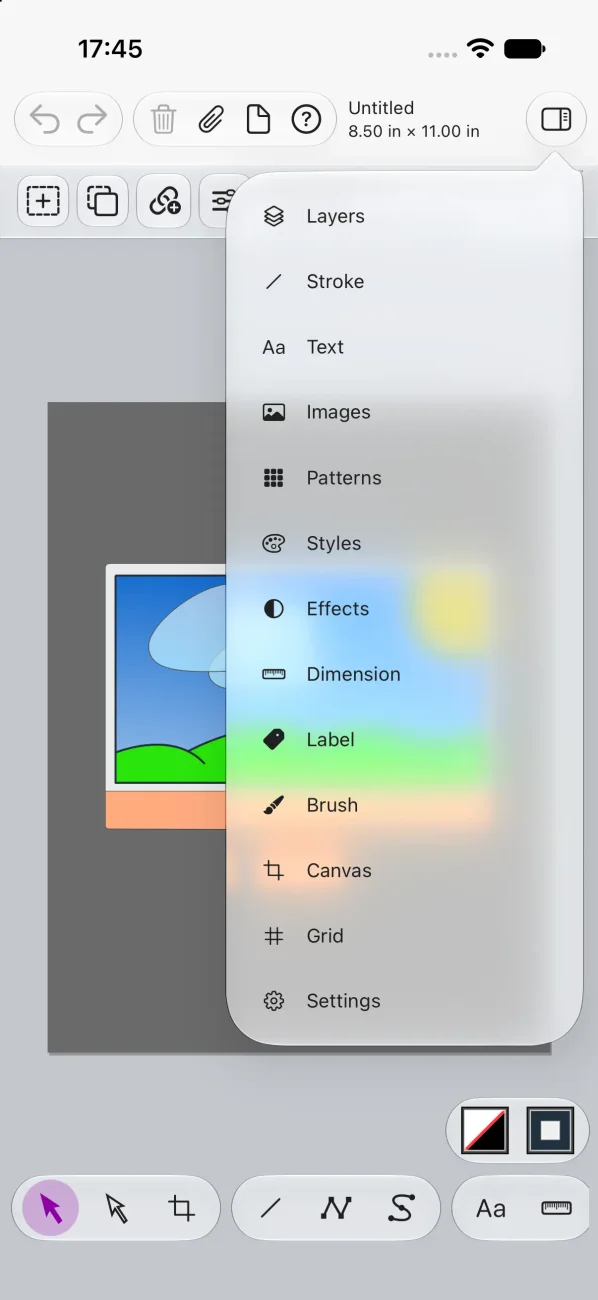
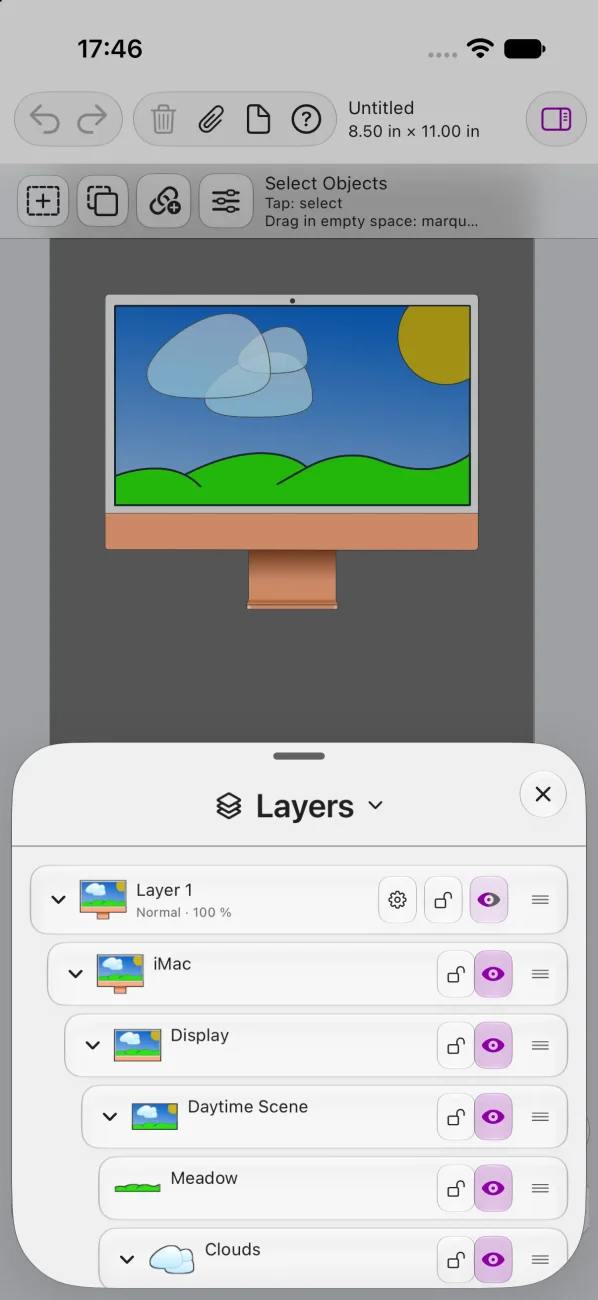
Use grids, rulers, guides and object snapping to place your work accurately. Align and distribute objects, organize them in layers and groups, and add dimension lines or labels that display object values.
SHAPE YOUR IDEAS
Edit path nodes and Bézier handles, combine shapes with Boolean operations, crop objects and work with masks. Add editable text, place text along a path, and refine your artwork with colors, gradients, patterns, image fills and appearance effects.
WORK YOUR WAY
Draw with touch or Apple Pencil, or use a mouse, trackpad and keyboard. Context menus and focused inspectors put the right controls close to your work. Undo and redo make it easy to explore a different direction.
KEEP YOUR OPTIONS OPEN
Save editable drawings in the native .matzescad format. Import SVG artwork as supported editable objects or as an image, bring in supported 2D DXF outlines, and use photos in your designs. Export to SVG, DXF, PDF, PNG or JPG for further editing, printing or sharing.
START WITH A LITTLE INSPIRATION
Explore the included Sky Desktop and House Blueprint examples. An offline user guide with a Quick Start Guide, app symbols and detailed feature explanations is always available from Help.
Free to use. No account required. Available in US English and German.
App privacy
What Matthias Rudolph declares on the App Store about how this app handles data.
-
Data not collected
The developer does not collect any data from this app.
Privacy practices may vary, for example with the features you use or your age.
Information
- Seller
- Matthias Rudolph
- Category
- Graphics & Design
- Version
- 1.0
- Updated
- Oct 31, 2026
- Released
- Oct 31, 2026
- Size
- 18.8 MB
- Requires
- iOS 27.0 or later
- Age rating
- 4+
- Languages
- German, English
- Copyright
- © 2026 Matthias Rudolph
You might also like
-
 Vector Sketch LimitedGraphics & Design
-
 BrainDots Kolam studioAdvanced illustrator Kolam
-
 Mecmua: Mandala & KaleidoscopeSymmetry Drawing Pad & Art
-
 Boxy SVG for iOSVector graphics editor
-
 SVG Viewer EditorMobile Vector & SVG Editor
-
 Digit 3D CADCAD & 3D Modeling Anywhere
-
 ShapeScript MobileGraphics & Design