
Virtual Steering Controller
Turn Phone Into PC Controller
Designed for iPhone, iPad, iPod touch
Free · In-app purchases
- Age rating4+
- CategoryUtilities
- DeveloperAgastya Raj C
- LanguagesEnglish
- Size107.8 MB
Links to the official App Store page
Download.org hosts no file of Virtual Steering Controller. The button opens its official App Store page, published by Agastya Raj C. Listing last checked on Nov 20, 2026.
Screenshots


About
Virtual Steering Controller transforms your iPhone or iPad into a customizable controller for PC games over your local WiFi network.
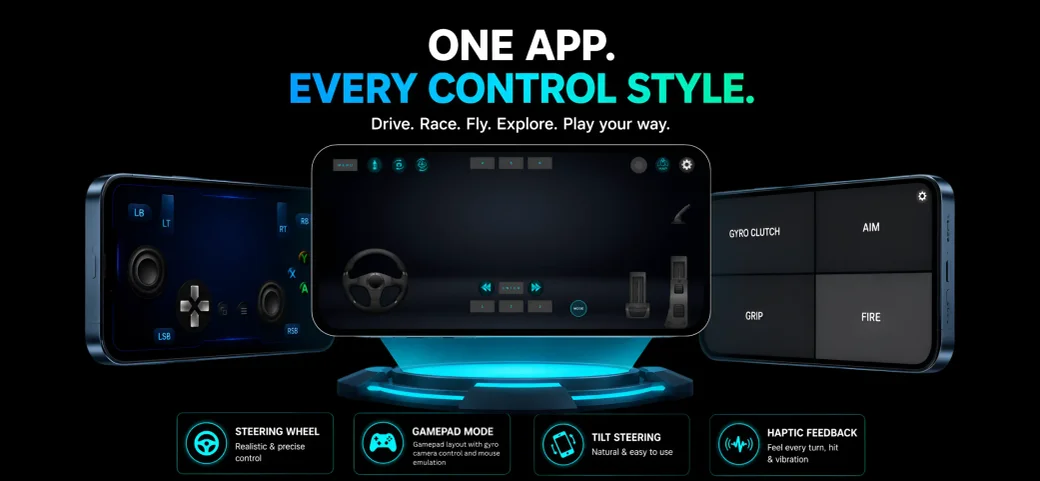
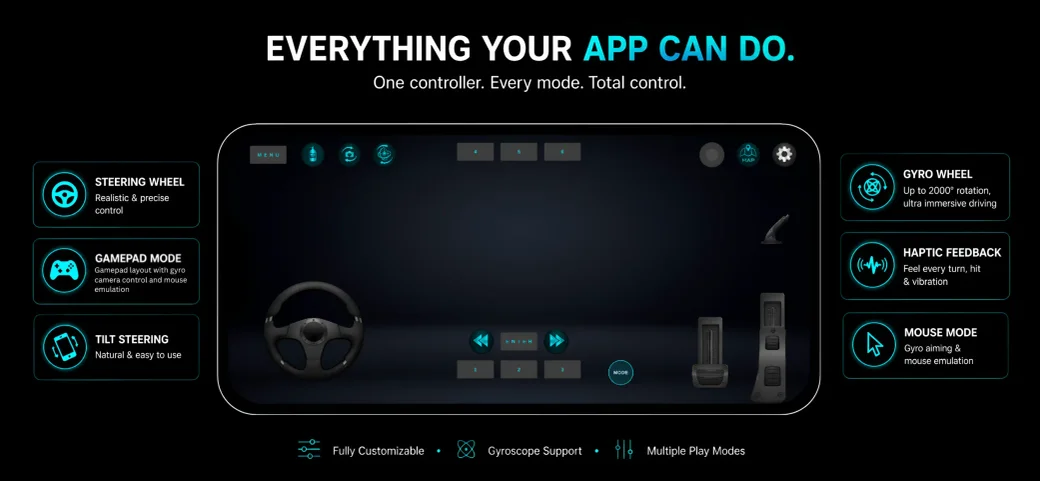
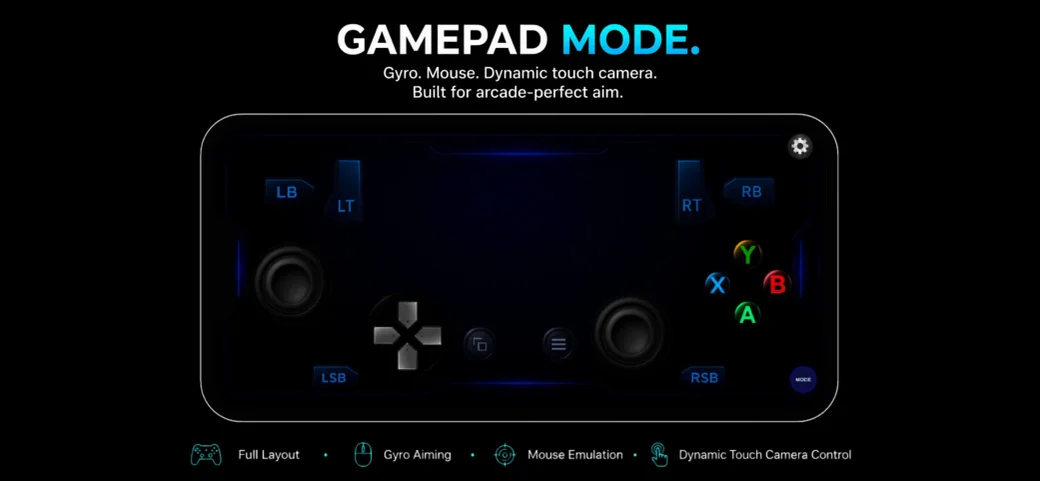
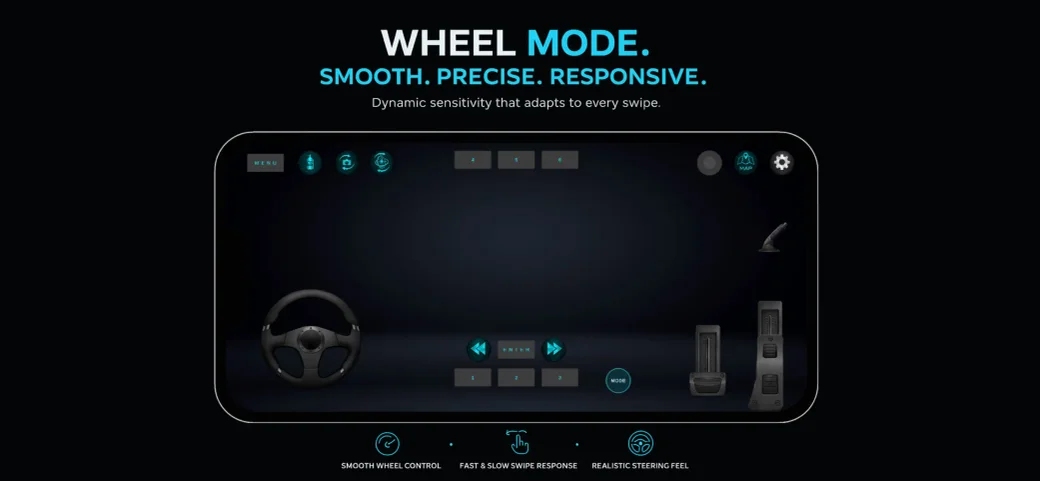
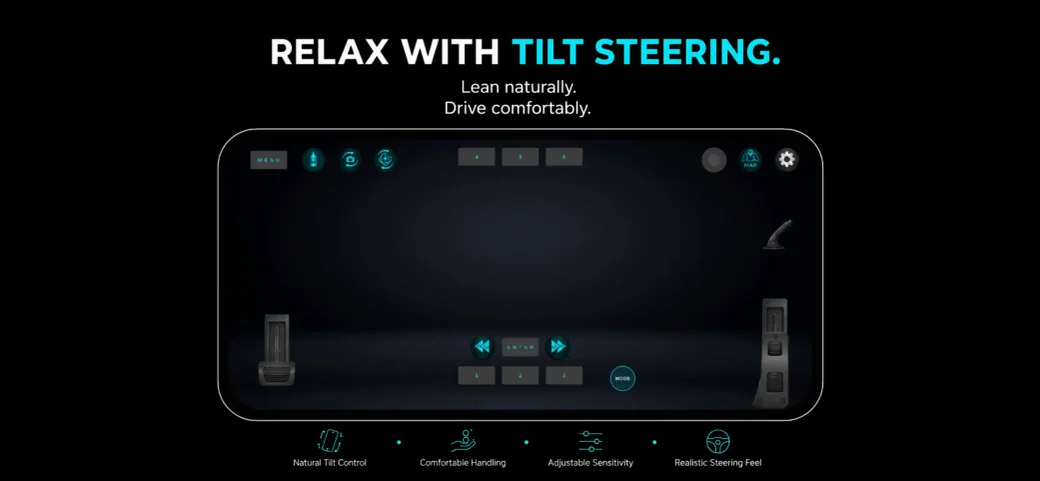
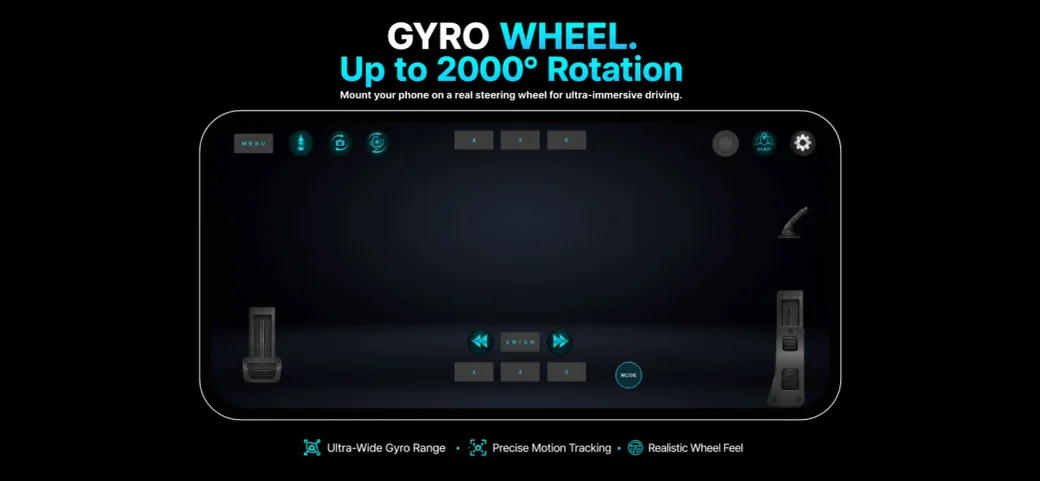
Choose the control style that best suits your game, including steering wheel controls, tilt steering, high-range gyro steering, gamepad controls, and mouse-based aiming. Customize layouts, adjust sensitivity, and create a control setup that works for your play style.
Download the required PC receiver software from:
https://vsteer.pages.dev
Key Features
• Multiple control modes
• Steering Wheel Mode
• Tilt Steering
• Gyro Wheel (up to 2000° rotation)
• Gamepad Mode
• Mouse Mode
• Fully customizable on-screen layouts
• Save multiple custom control layouts
• Analog and digital pedal options
• Adjustable steering and sensitivity settings
• Gyroscope support for compatible devices
• Dynamic touch camera controls
• Real-time haptic feedback for supported games
• Works over your local WiFi network (LAN)
• No account required
How It Works
1. Download and install the VSteer Receiver on your Windows PC from the website above.
2. Connect your phone and PC to the same local WiFi network.
3. Launch both applications and follow the connection instructions provided in the documentation.
Important Information
• Requires the VSteer Receiver application on a Windows PC.
• Both devices must be connected to the same local network.
• Gyroscope-based features require a device with a gyroscope sensor.
• Real-time haptic feedback is available for supported games and compatible devices.
Virtual Steering Controller provides a flexible and responsive way to control compatible PC games using your phone, without requiring dedicated gaming hardware.
What’s new
Version 3.5 · Sep 15, 2026
• General bug fixes & stability improvements
App privacy
What Agastya Raj C declares on the App Store about how this app handles data.
-
Data used to track you
May be used to track you across apps and websites owned by other companies.
- Location
- Identifiers
- Usage data
- Diagnostics
-
Data linked to you
May be collected and linked to your identity.
- Location
- Identifiers
- Usage data
- Diagnostics
- Other data
-
Data not linked to you
May be collected but is not linked to your identity.
- Purchases
- User content
- Diagnostics
Privacy practices may vary, for example with the features you use or your age.
Information
- Seller
- Agastya Raj C
- Category
- Utilities
- Version
- 3.5
- Updated
- Sep 15, 2026
- Released
- May 2, 2026
- Size
- 107.8 MB
- Requires
- iOS 15.0 or later
- Age rating
- 4+
- Price
- Free
- In-app purchases
- Yes
- Languages
- English
- Copyright
- © 2026 Agastya Raj C
You might also like
-
 RojX: PC Gaming ControllerYour Phone as a PC Gamepad
-
 V-Pad: Virtual GamepadYour phone is the gamepad
-
 GyroBridgeSimple Gyro Steering Tool
-
 Gamepad Pro – Remote for PCPhone as PC Game Controller
-
 Lose Control: PC ControllerYour phone as a PC controller
-
 PadLink RemoteTurn your phone into a gamepad
-
 TruckSim GPS - ETS2 & ATS MapTruck Sim Voice Navigation
-
 Phone ControllerWireless Gamepad for Windows
-
 TapDeck - PC ControllerThe Ultimate Touch Controller
-
 PC RemoteControls your PC easily