Multi Timer Stopwatch
Interval Countdown & Lap Clock
Designed for iPhone, iPad
Free · In-app purchases
- Age rating4+
- CategoryUtilities
- DeveloperLemonClip
- LanguagesEnglish+ 3 more
- Size15.1 MB
Links to the official App Store page
Download.org hosts no file of Multi Timer Stopwatch. The button opens its official App Store page, published by LemonClip. Listing last checked on Nov 16, 2026.
Screenshots


About
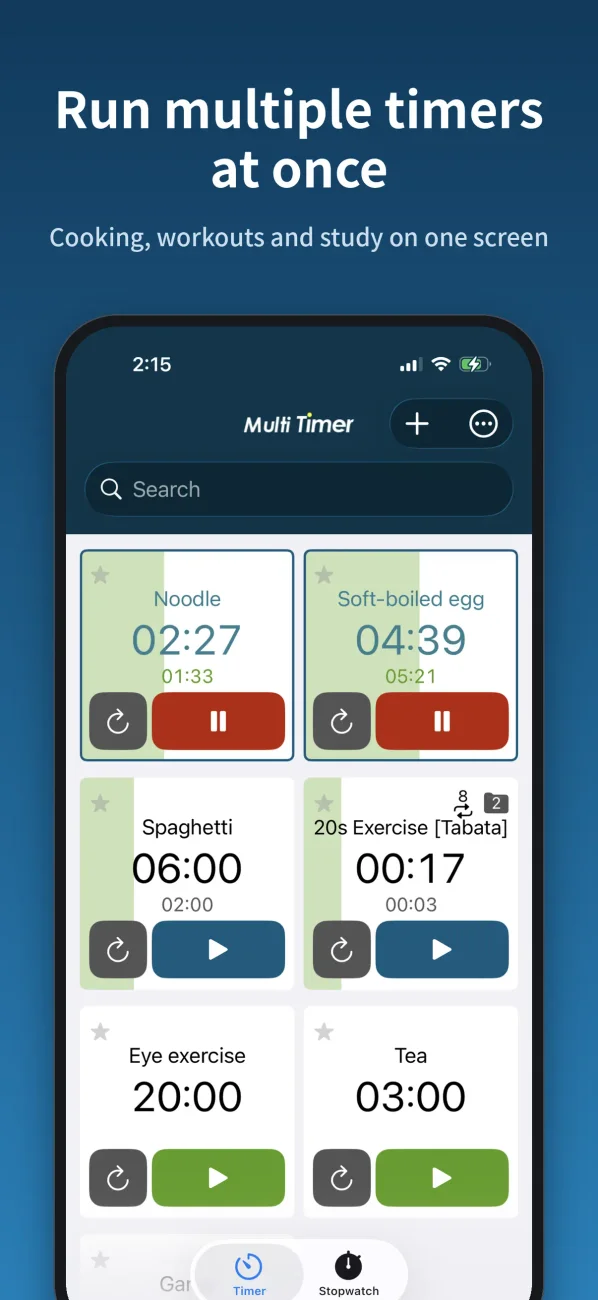
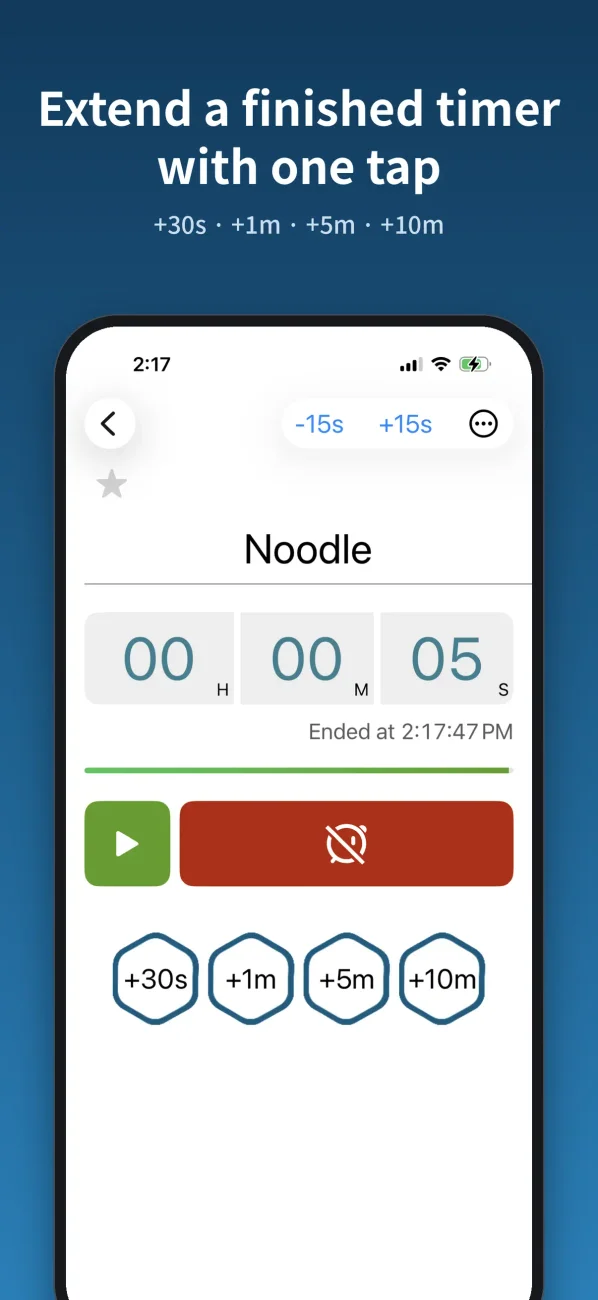
Multi Timer is a beautifully designed time management app. Create as many timers as you like, and run them one at a time or all at once. Stopwatch results can be saved and shared.
Use Multi Timer for cooking, workouts, study, work, games - anything you like.
• Multiple timers at once: Save the timers you use most for cooking, workouts, study or work. Start them with a single tap whenever you need them.
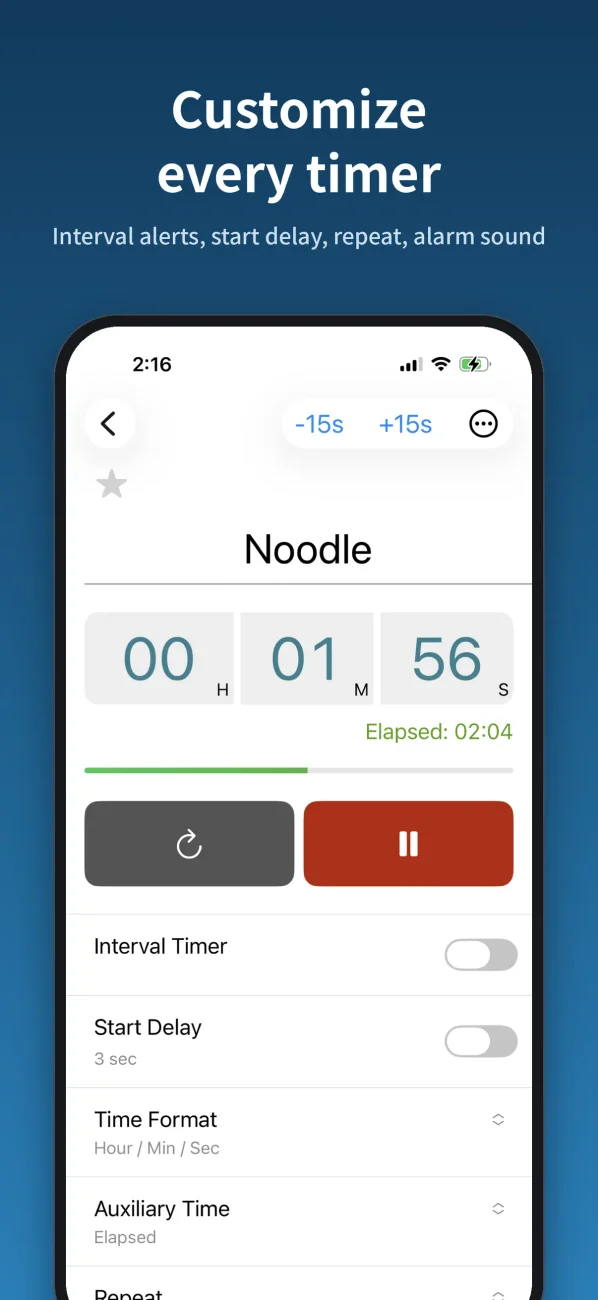
• A unique sound for each timer: Give each timer its own alarm sound, so you know which one went off without looking at the screen.
• Interval timer and repeat: Get an alert at every interval and repeat a timer as many times as you want. Perfect for HIIT, tabata and pomodoro.
• Voice alerts: The app can read out the timer name and the remaining time.
• Groups and sequences: Group timers and run them one after another in sequence.
• Scheduled timers: Set timers and stopwatches to start automatically on chosen days and times.
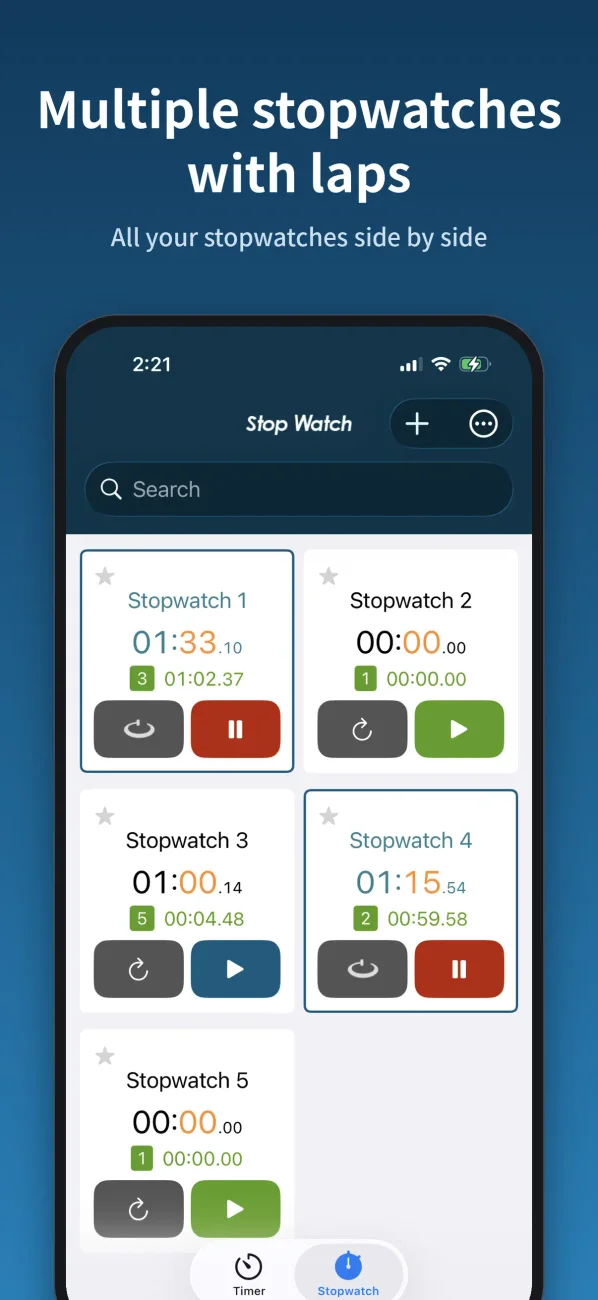
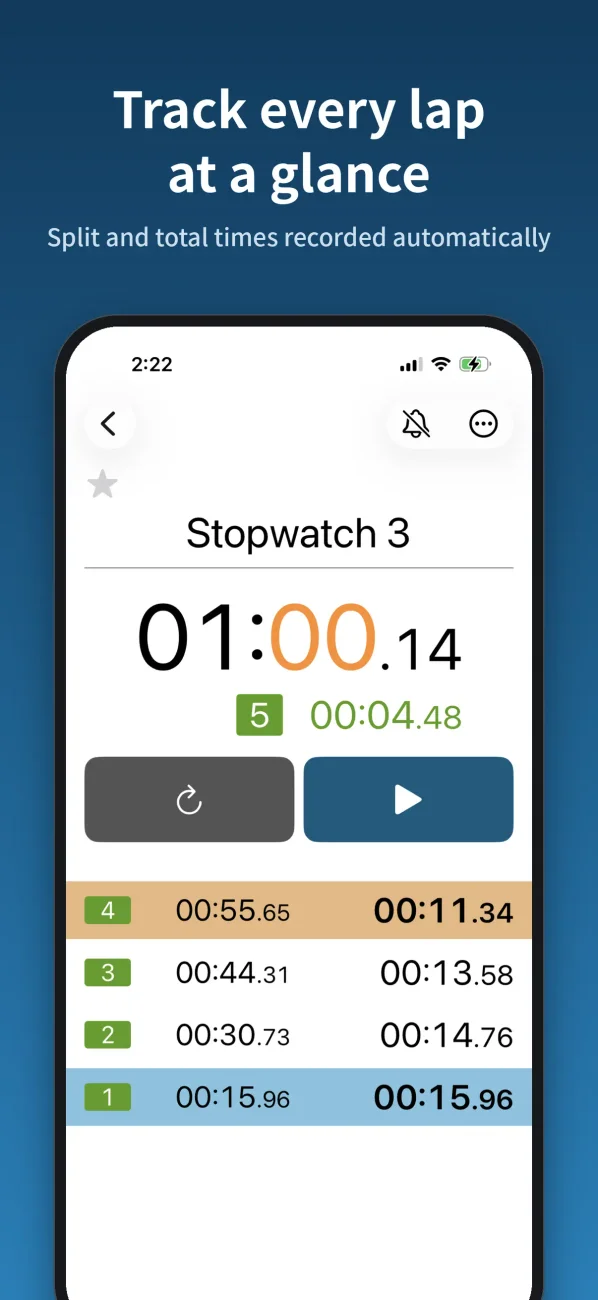
• Stopwatch with laps: Record lap and split times, then share the results as text or CSV.
• Widget: Control timers and stopwatches right from your home screen.
• Backup & restore: Back up your timers and stopwatches and restore them any time.
• Improved with your ideas: Multi Timer keeps growing with ideas from users. We always appreciate your feedback.
* Questions or suggestions? Please contact us:
- email: jeedoridori@gmail.com
* Standard Apple Terms of Use (EULA)
https://www.apple.com/legal/internet-services/itunes/dev/stdeula/
* Privacy Policy
https://www.lemonclip.com/app/privacy/privacy-policy-en.html
What’s new
Version 1.5.2 · Nov 15, 2026
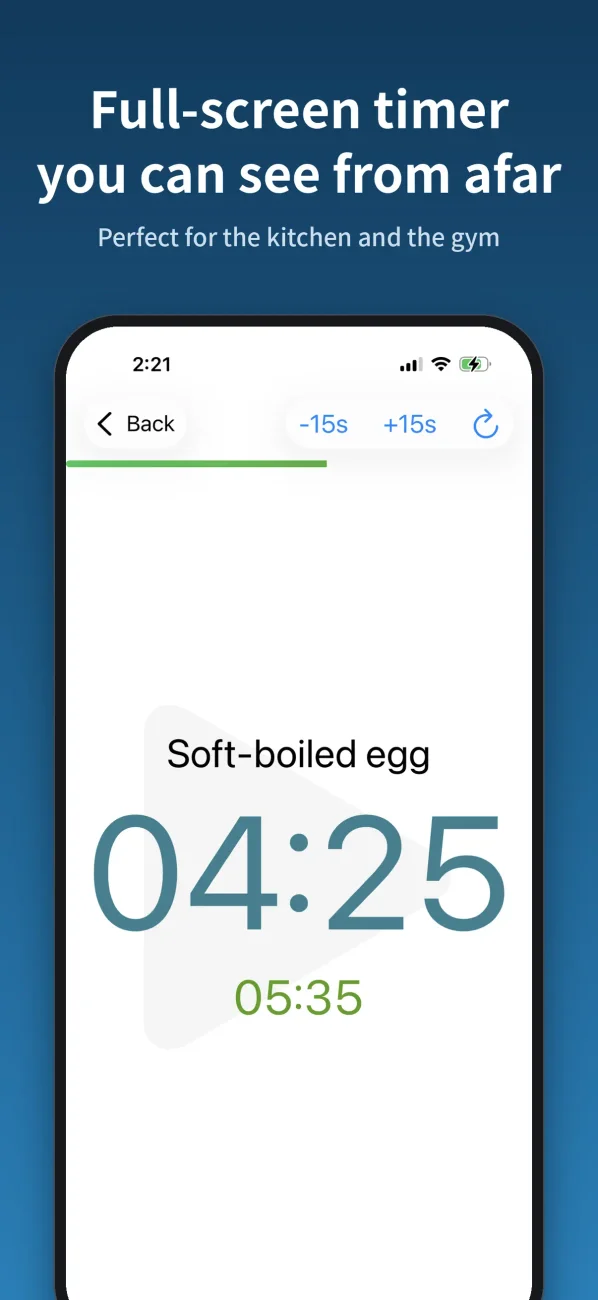
• Full-screen timer: Timers can now open in full screen when you start them. (Settings > Full Screen When Timer Starts)
• Swipe left or right in full screen to move between timers. The screen flashes when an alarm goes off.
• In grid view, swipe left or right to switch between timers and stopwatches.
• New app icon with dark mode and tinted icon support
• Added Indonesian and Portuguese (Brazil)
• Fixed an issue where the alarm sound stopped right away for timers in a sequential group set to keep alarming.
App privacy
What LemonClip declares on the App Store about how this app handles data.
-
Data used to track you
May be used to track you across apps and websites owned by other companies.
- Location
- Identifiers
- Usage data
- Diagnostics
-
Data linked to you
May be collected and linked to your identity.
- Location
- Identifiers
- Usage data
- Diagnostics
Privacy practices may vary, for example with the features you use or your age.
Information
- Seller
- LemonClip
- Category
- Utilities
- Version
- 1.5.2
- Updated
- Nov 15, 2026
- Released
- Aug 16, 2023
- Size
- 15.1 MB
- Requires
- iOS 16.0 or later
- Age rating
- 4+
- Price
- Free
- In-app purchases
- Yes
- Languages
- English, Indonesian, Korean, Portuguese
- Copyright
- © Copyright 2023. LemonClip. All rights reserved.
You might also like
-
 Multi Timer: CountdownFocus, kitchen, workouts
-
 MultiTimer: Multiple timersVisual countdown seconds timer
-
 MultiTimer: Stopwatch + TimerMultiple timers & countdown
-
 Multi-StopwatchMultiple lap timer & stopwatch
-
 timer. - Multi Countdown TimerLive Activities / Widget Timer
-
 Timr - Multiple TimersMultiple Simultaneous Timers
-
 Visual Multi Timer: TimusMultiple Interval Timers Free
-
 Stopwatch°Multi Stop Watch
-
 Loop - Interval & Multi TimerFor Sport, Meditation & Study
-
 About Timers - Kitchen TimerMultiple Timers & Stopwatch