my59
Classic calculator emulator
Designed for iPhone, iPad, Mac
Free · In-app purchases
- Age rating4+
- CategoryUtilities
- DeveloperMiroslav Perovic
- LanguagesEnglish
- Size11.1 MB
Links to the official App Store page
Download.org hosts no file of my59. The button opens its official App Store page, published by Miroslav Perovic. Listing last checked on Nov 15, 2026.
Screenshots

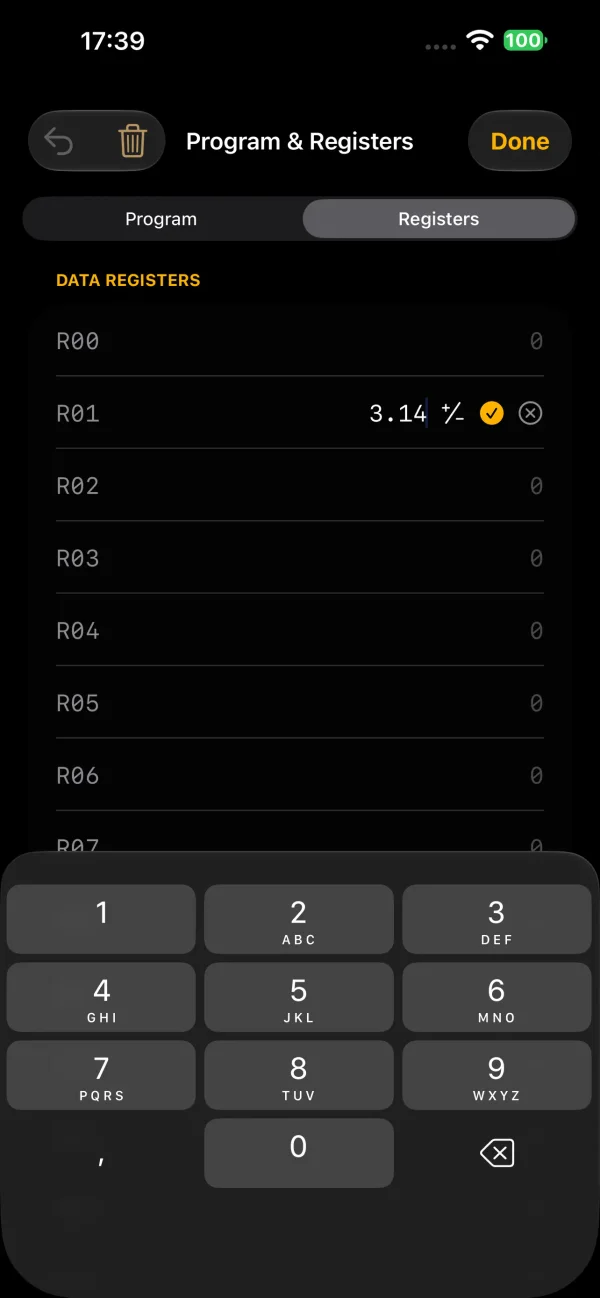
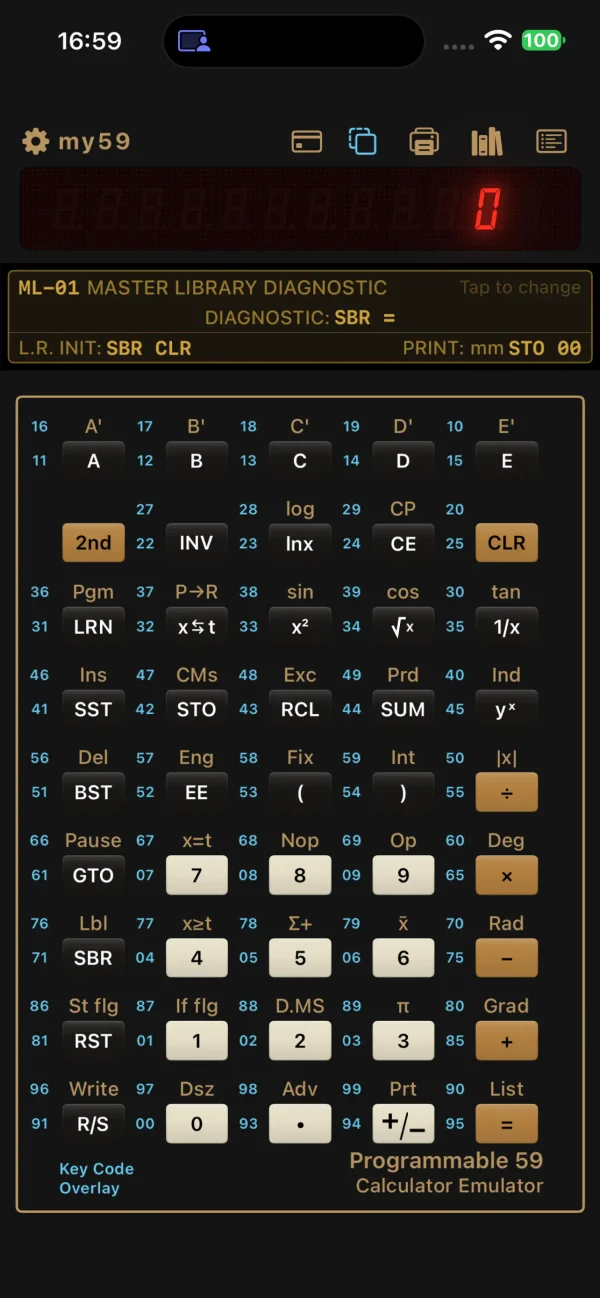
About
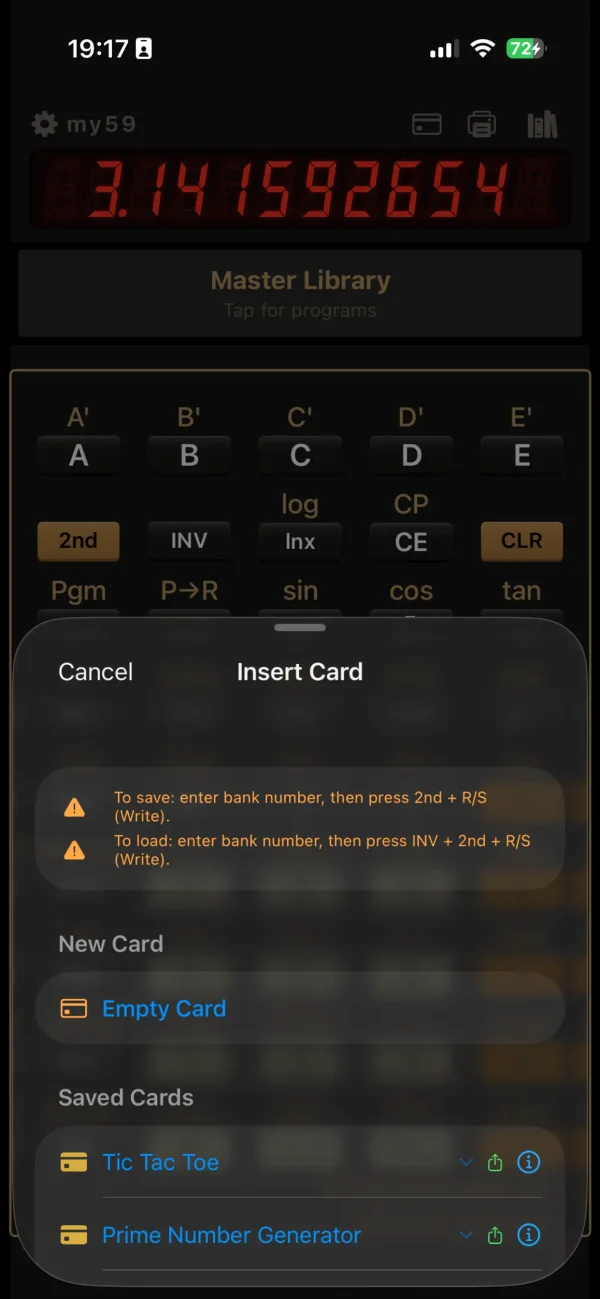
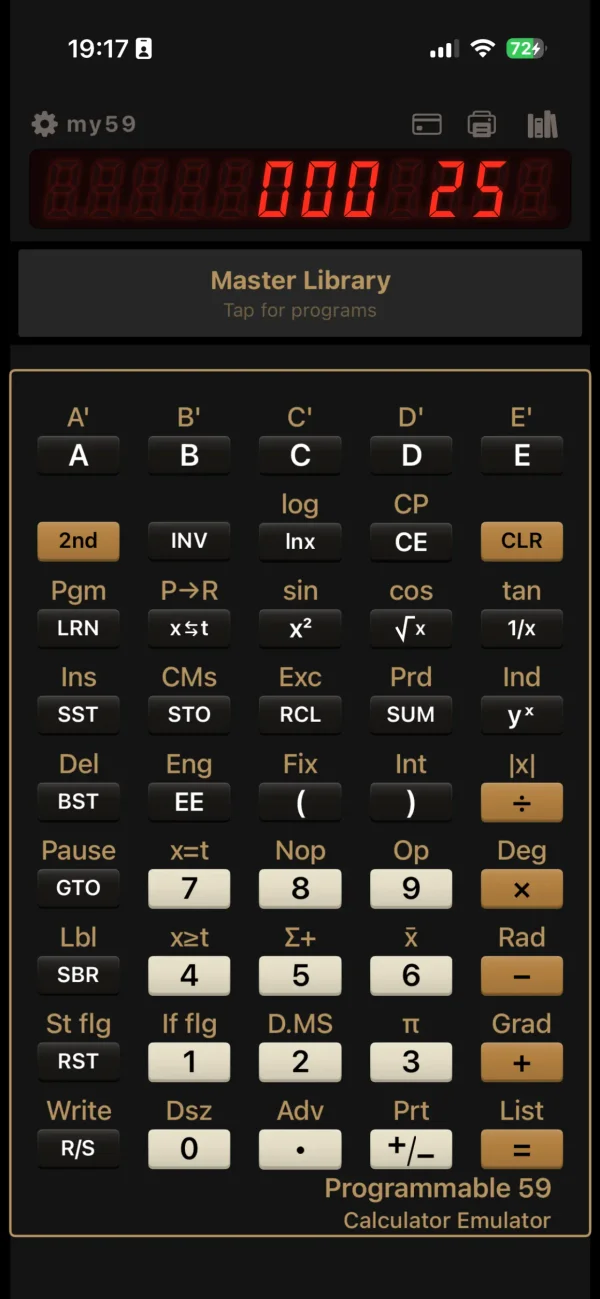
Experience the power and authenticity of a classic programmable calculator from the late 1970s directly on your iPhone, iPad, and Mac. my59 is not just a calculator app; it is a faithful, highly accurate emulator that brings a piece of computing history into the modern era.
Whether you are an engineer, a student, a retro-computing enthusiast, or simply someone who appreciates the raw power of vintage programmable calculators, my59 delivers an authentic, uncompromised experience enhanced with the latest Apple ecosystem features.
KEY FEATURES:
Authentic Design & Feel: A meticulously crafted interface inspired by classic programmable calculators of the era, complete with a faithful keypad layout and display.
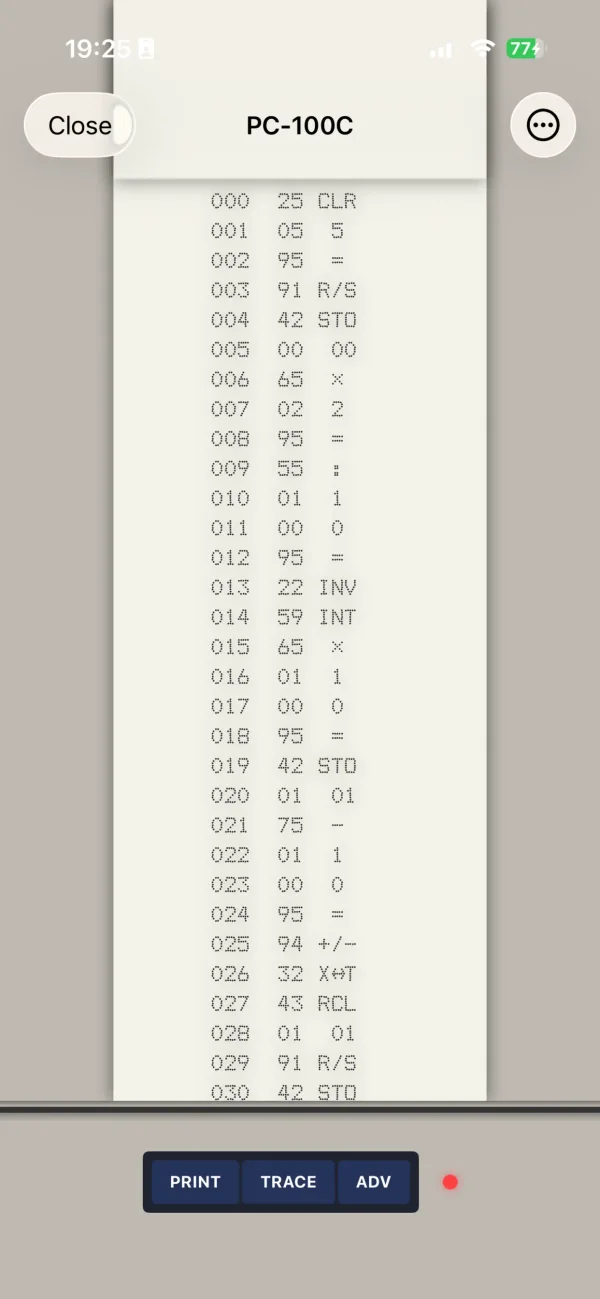
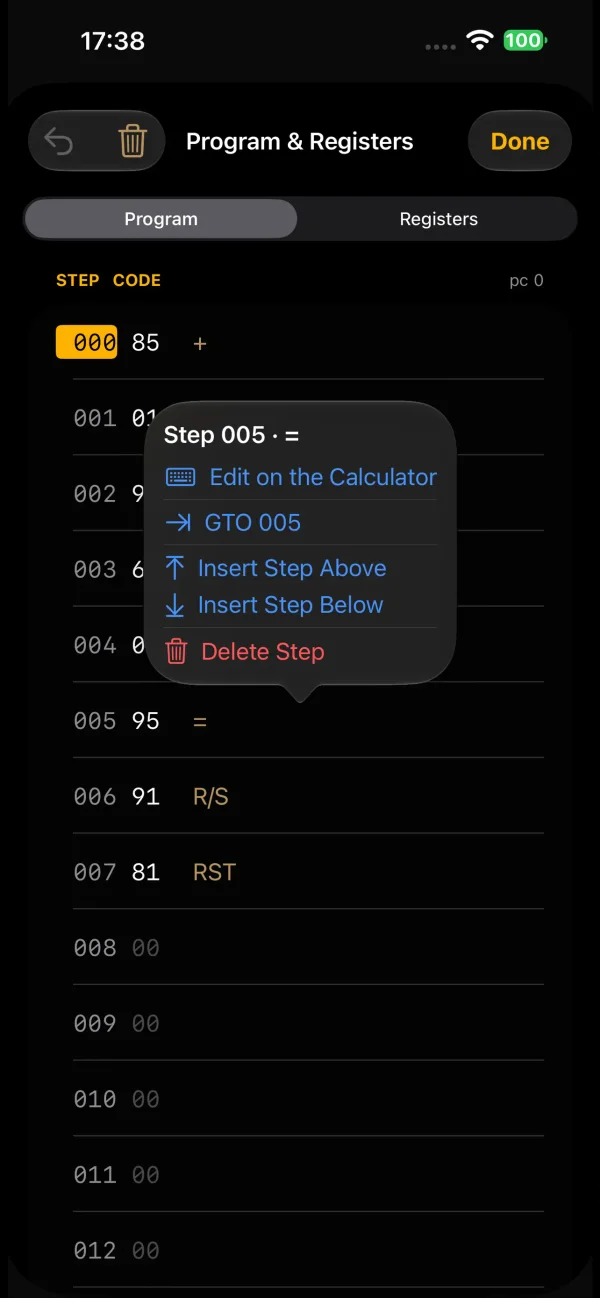
Full Emulation: Supports the complete original instruction set, memory registers, and programming logic. Write and execute programs just as you would on the original hardware.
Modern Workspace: Fully optimized for all screen sizes, including seamless portrait and landscape modes on iPad, and native support for Apple Silicon Macs.
Built-in Documentation: Never get stuck. Full documentation, manuals, and quick references are integrated directly into the app for easy access.
UNLOCK FULL POWER (Premium):
my59 is free to download and try. Upgrading to Premium (available as a flexible subscription or a lifetime one-time purchase) unlocks the ultimate workstation:
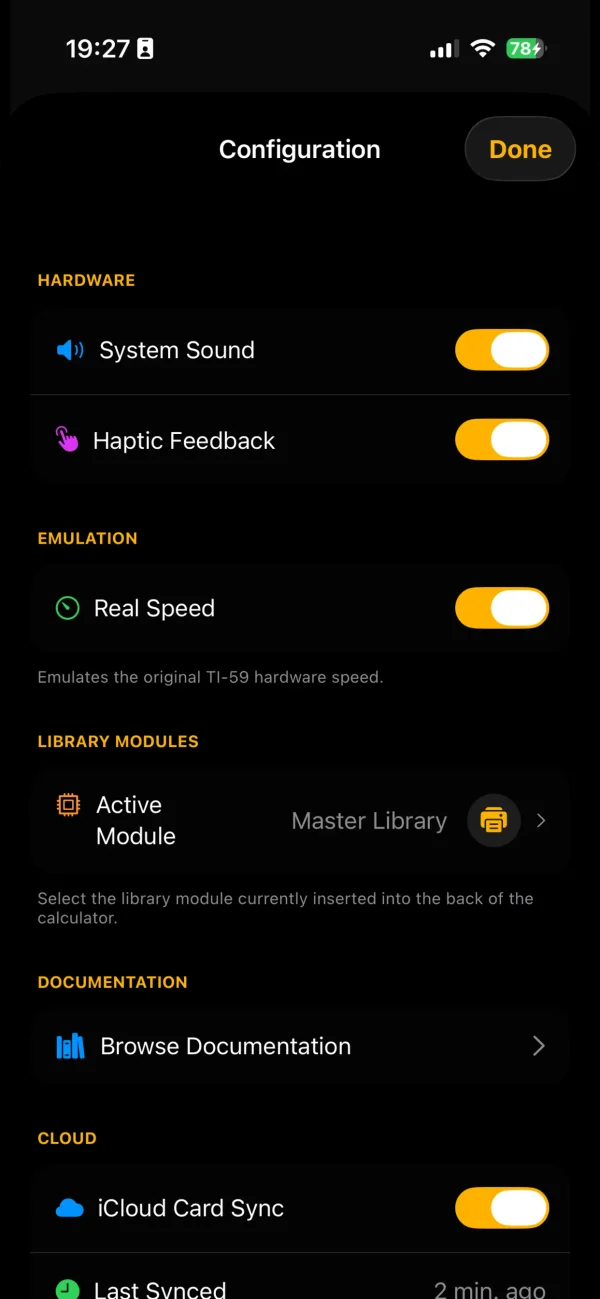
Complete Module Library: Get unrestricted access to all expansion packs and library modules.
iCloud Sync: Keep your programs, memory state, and modules seamlessly synchronized across your iPhone, iPad, and Mac.
Advanced Saving & Sharing: Save an unlimited number of custom programs and easily share them with other users.
Terms of Use (EULA): https://www.apple.com/legal/internet-services/itunes/dev/stdeula/
This app is an independent project and is not affiliated with, endorsed by, or connected to Texas Instruments Inc. or any of its subsidiaries.
What’s new
Version 1.2.3 · Oct 22, 2026
Better on foldable iPhones
- Unfolded: my59 now works like it does on iPad. Choose whether the calculator sits on the left or right (Settings → Calculator Position). The printer, documentation and Program &
Registers panel open beside it, and the app rotates freely.
- Folded: the calculator stays upright whichever way up you hold the phone.
App privacy
What Miroslav Perovic declares on the App Store about how this app handles data.
-
Data not collected
The developer does not collect any data from this app.
Privacy practices may vary, for example with the features you use or your age.
Information
- Seller
- Miroslav Perovic
- Category
- Utilities
- Version
- 1.2.3
- Updated
- Oct 22, 2026
- Released
- Apr 1, 2026
- Size
- 11.1 MB
- Requires
- iOS 26.0 or later
- Age rating
- 4+
- Price
- Free
- In-app purchases
- Yes
- Languages
- English
- Copyright
- © Miroslav Perovic 2026