- 対象年齢4+
- カテゴリユーティリティ
- 開発元Miroslav Perovic
- 言語英語
- サイズ19.3 MB
App Storeの公式ページにリンクしています
Download.orgはmy59のファイルを一切ホストしていません。ボタンを押すと、Miroslav Perovicが公開しているApp Storeのアプリページが開きます。ページの最終確認:2026/11/25。
スクリーンショット



概要
開発元はこのテキストをお使いの言語で提供していません。
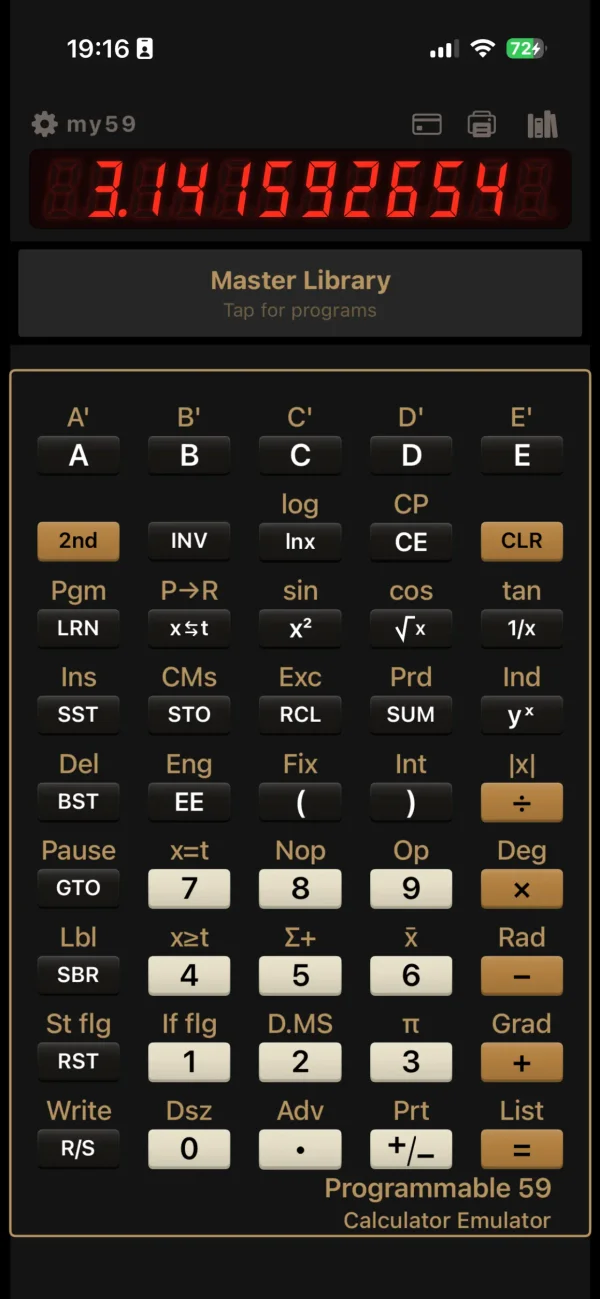
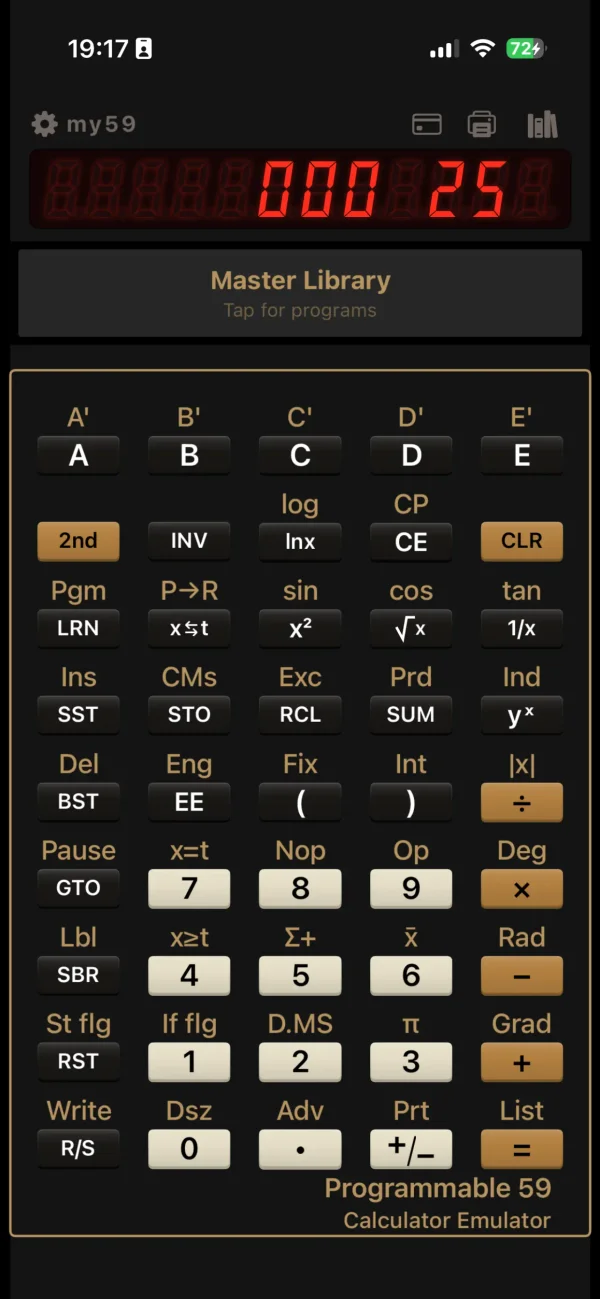
Experience the power and authenticity of a classic programmable calculator from the late 1970s directly on your iPhone, iPad, and Mac. my59 is not just a calculator app; it is a faithful, highly accurate emulator that brings a piece of computing history into the modern era.
Whether you are an engineer, a student, a retro-computing enthusiast, or simply someone who appreciates the raw power of vintage programmable calculators, my59 delivers an authentic, uncompromised experience enhanced with the latest Apple ecosystem features.
KEY FEATURES:
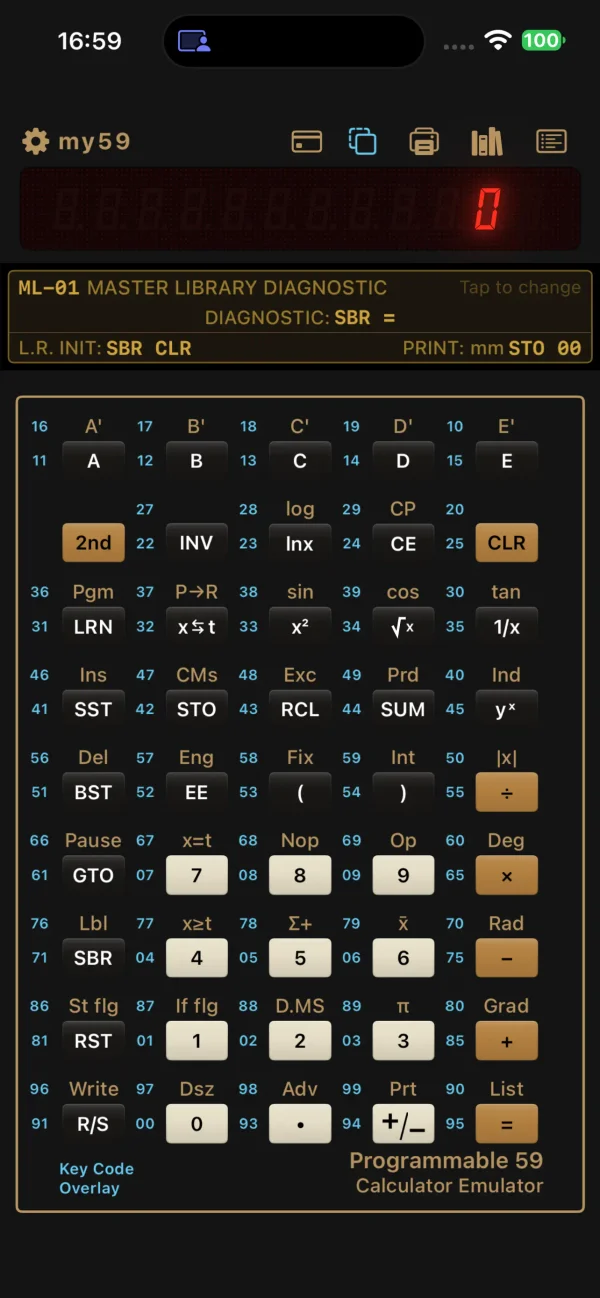
Authentic Design & Feel: A meticulously crafted interface inspired by classic programmable calculators of the era, complete with a faithful keypad layout and display.
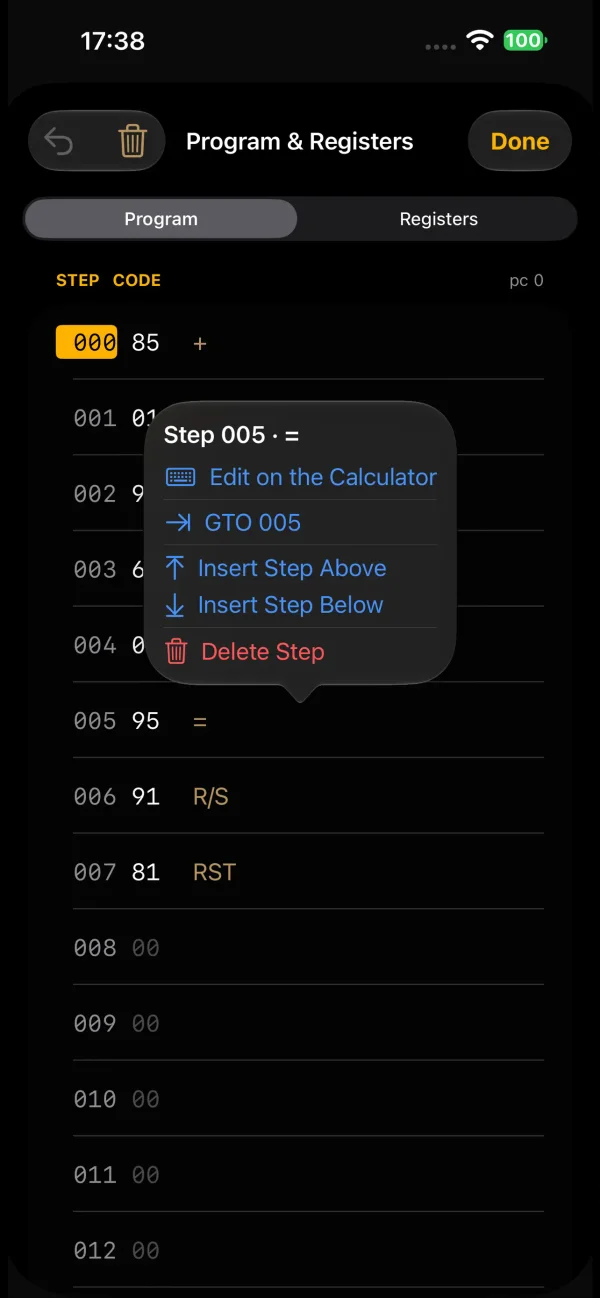
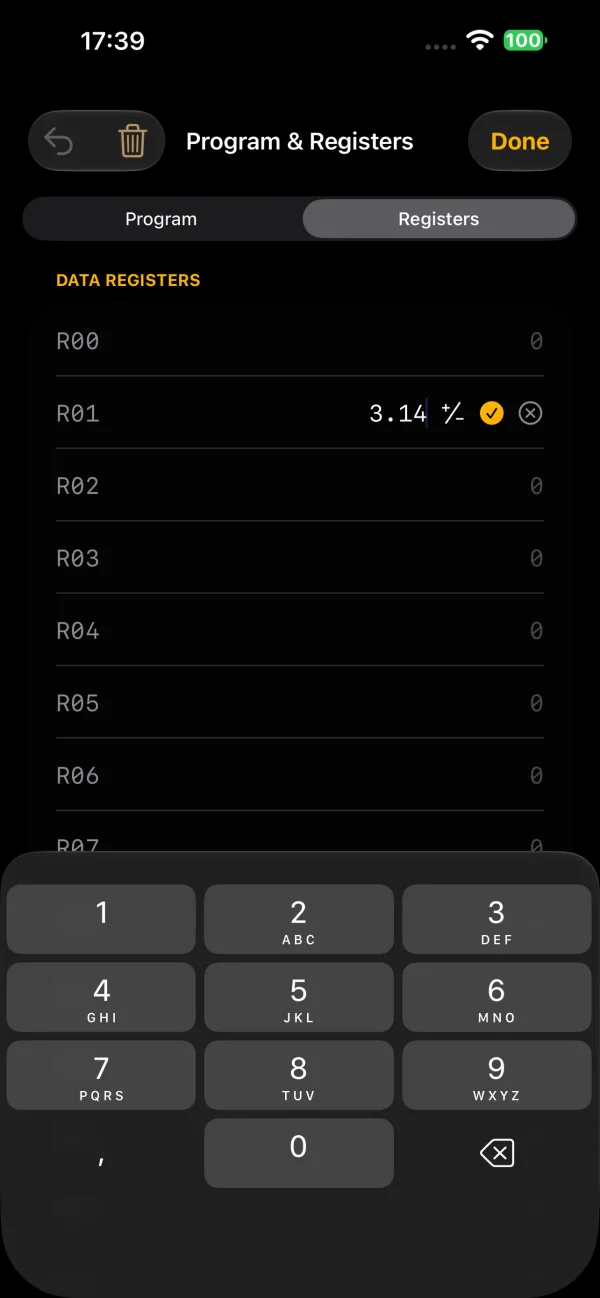
Full Emulation: Supports the complete original instruction set, memory registers, and programming logic. Write and execute programs just as you would on the original hardware.
Modern Workspace: Fully optimized for all screen sizes, including seamless portrait and landscape modes on iPad, and native support for Apple Silicon Macs.
Built-in Documentation: Never get stuck. Full documentation, manuals, and quick references are integrated directly into the app for easy access.
UNLOCK FULL POWER (Premium):
my59 is free to download and try. Upgrading to Premium (available as a flexible subscription or a lifetime one-time purchase) unlocks the ultimate workstation:
Complete Module Library: Get unrestricted access to all expansion packs and library modules.
iCloud Sync: Keep your programs, memory state, and modules seamlessly synchronized across your iPhone, iPad, and Mac.
Advanced Saving & Sharing: Save an unlimited number of custom programs and easily share them with other users.
Terms of Use (EULA): https://www.apple.com/legal/internet-services/itunes/dev/stdeula/
This app is an independent project and is not affiliated with, endorsed by, or connected to Texas Instruments Inc. or any of its subsidiaries.
新機能
バージョン 2.0.0 · 2026/11/24
my59 2.0 brings a program debugger and a new User's Guide.
PROGRAM DEBUGGER (Premium)
• Set breakpoints on program lines, with an optional condition such as R00 = 3.
• Run the program one line at a time: Step, Step Over and Step Out.
• Step Back returns to the lines that already ran, with memory, display and flags restored.
• Watch registers and flags, and see what each line changed.
• A console records what the program did.
• On the Mac the debugger is a window of its own. On iPhone and iPad it covers the full screen.
USER'S GUIDE
• A new guide written for your device: one for the Mac, one for iPhone and one for iPad.
• Open it from Settings, or from the Help menu on the Mac.
IMPROVEMENTS
• R/S now stops a running program every time, at real speed and in turbo mode.
• The Program & Registers panel shows the real memory partition, not only the default of 480 steps.
アプリのプライバシー
このアプリのデータの取り扱いについて、Miroslav PerovicがApp Storeで申告している内容です。
-
データの収集なし
開発元はこのアプリからデータを収集しません。
プライバシーの取り扱いは、ご利用の機能やお客様の年齢などに応じて異なる場合があります。
情報
- 販売元
- Miroslav Perovic
- カテゴリ
- ユーティリティ
- バージョン
- 2.0.0
- 更新日
- 2026/11/24
- リリース
- 2026/4/1
- サイズ
- 19.3 MB
- 必要条件
- iOS 26.0以降
- 対象年齢
- 4+
- 価格
- 無料
- アプリ内課金
- あり
- 言語
- 英語
- 著作権
- © Miroslav Perovic 2026