my59
Classic calculator emulator
Được thiết kế cho iPhone, iPad, Mac
Miễn phí · Mua hàng trong ứng dụng
- Độ tuổi4+
- Danh mụcTiện Ích
- Nhà phát triểnMiroslav Perovic
- Ngôn ngữTiếng Anh
- Kích thước19,3 MB
Liên kết đến trang App Store chính thức
Download.org không lưu trữ tệp nào của my59. Nút này mở trang ứng dụng trên App Store, nơi Miroslav Perovic phát hành ứng dụng. Trang được kiểm tra lần cuối: 25/11/2026.
Ảnh chụp màn hình



Giới thiệu
Nhà phát triển chưa cung cấp nội dung này bằng ngôn ngữ của bạn.
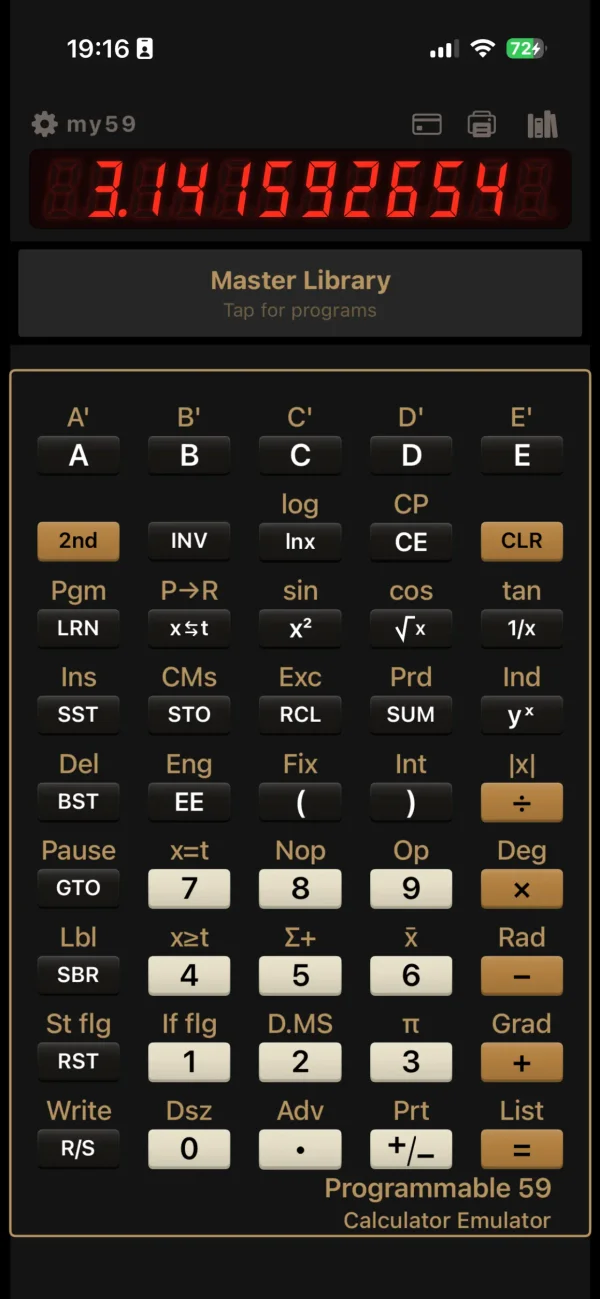
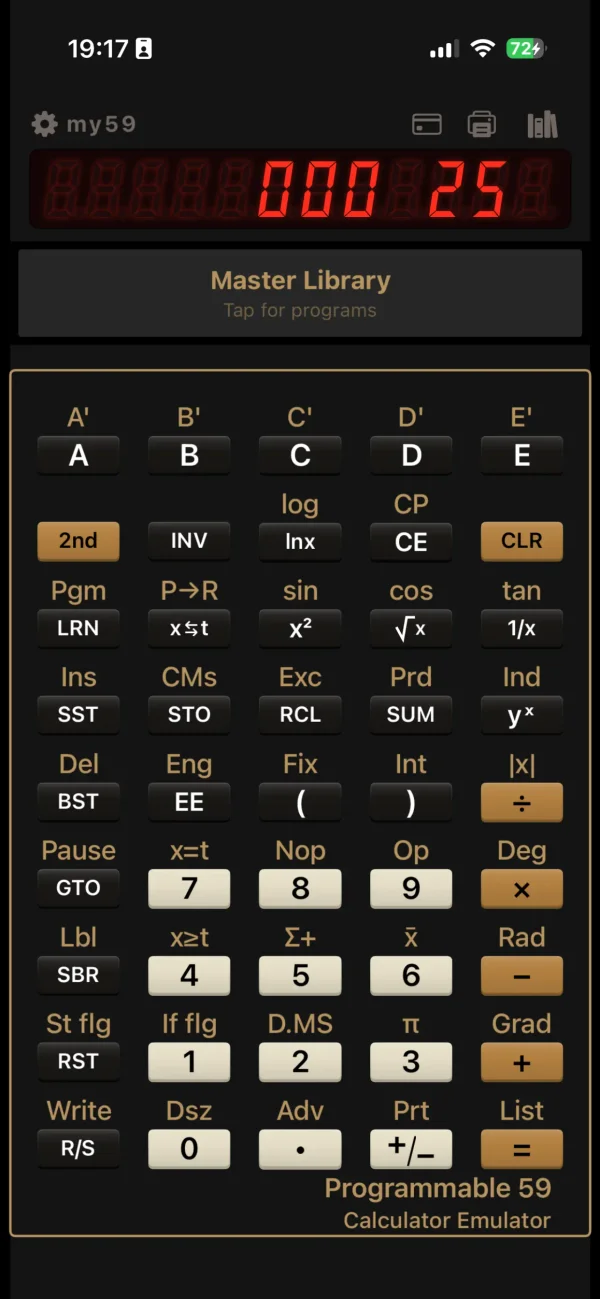
Experience the power and authenticity of a classic programmable calculator from the late 1970s directly on your iPhone, iPad, and Mac. my59 is not just a calculator app; it is a faithful, highly accurate emulator that brings a piece of computing history into the modern era.
Whether you are an engineer, a student, a retro-computing enthusiast, or simply someone who appreciates the raw power of vintage programmable calculators, my59 delivers an authentic, uncompromised experience enhanced with the latest Apple ecosystem features.
KEY FEATURES:
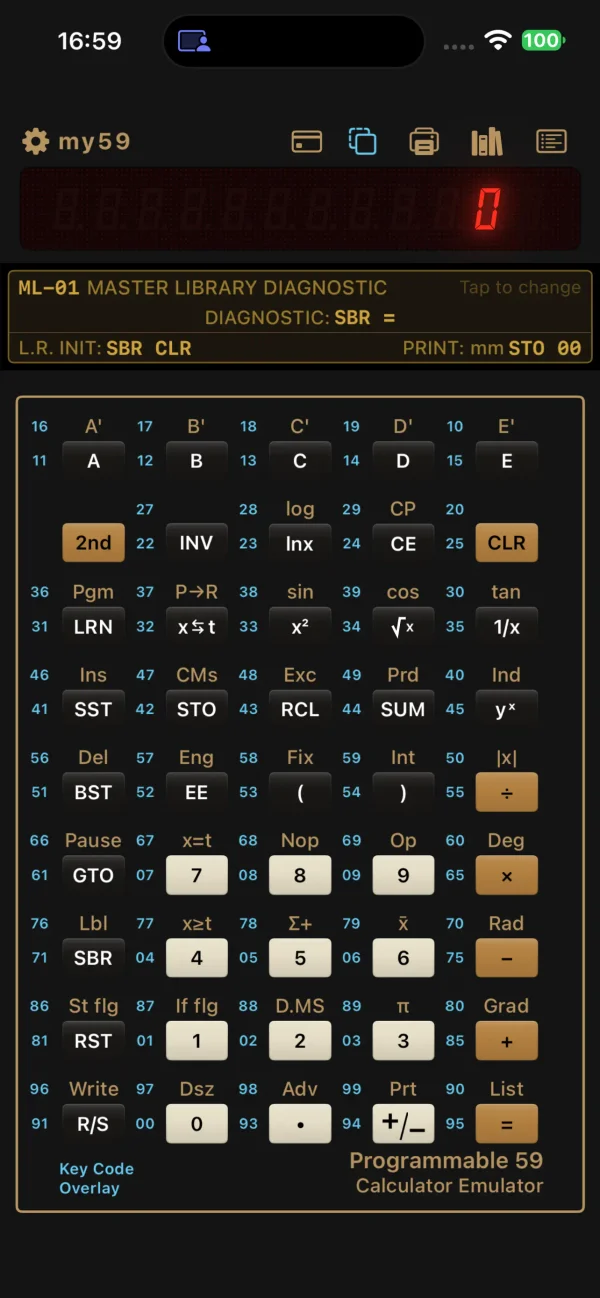
Authentic Design & Feel: A meticulously crafted interface inspired by classic programmable calculators of the era, complete with a faithful keypad layout and display.
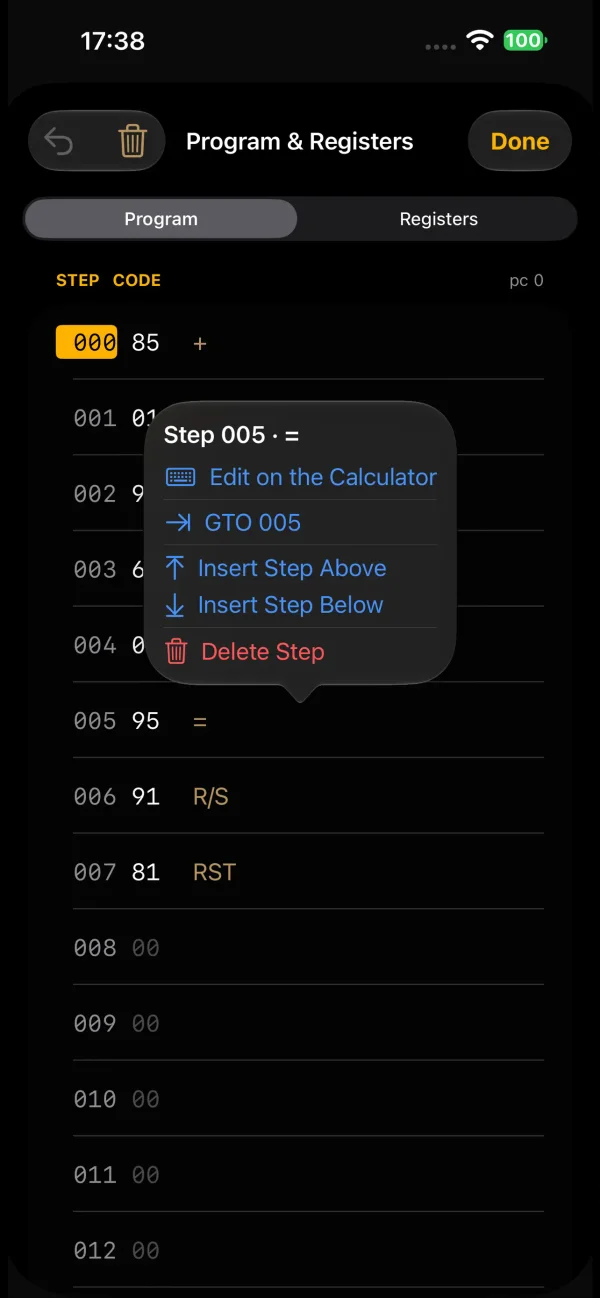
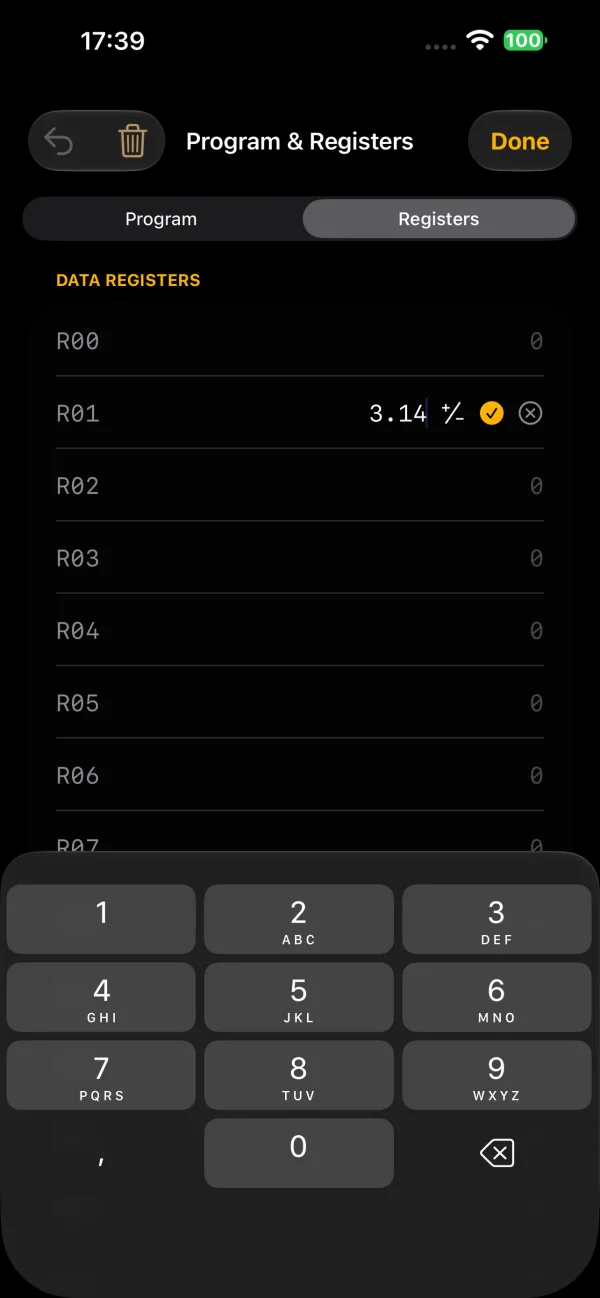
Full Emulation: Supports the complete original instruction set, memory registers, and programming logic. Write and execute programs just as you would on the original hardware.
Modern Workspace: Fully optimized for all screen sizes, including seamless portrait and landscape modes on iPad, and native support for Apple Silicon Macs.
Built-in Documentation: Never get stuck. Full documentation, manuals, and quick references are integrated directly into the app for easy access.
UNLOCK FULL POWER (Premium):
my59 is free to download and try. Upgrading to Premium (available as a flexible subscription or a lifetime one-time purchase) unlocks the ultimate workstation:
Complete Module Library: Get unrestricted access to all expansion packs and library modules.
iCloud Sync: Keep your programs, memory state, and modules seamlessly synchronized across your iPhone, iPad, and Mac.
Advanced Saving & Sharing: Save an unlimited number of custom programs and easily share them with other users.
Terms of Use (EULA): https://www.apple.com/legal/internet-services/itunes/dev/stdeula/
This app is an independent project and is not affiliated with, endorsed by, or connected to Texas Instruments Inc. or any of its subsidiaries.
Có gì mới
Phiên bản 2.0.0 · 24/11/2026
my59 2.0 brings a program debugger and a new User's Guide.
PROGRAM DEBUGGER (Premium)
• Set breakpoints on program lines, with an optional condition such as R00 = 3.
• Run the program one line at a time: Step, Step Over and Step Out.
• Step Back returns to the lines that already ran, with memory, display and flags restored.
• Watch registers and flags, and see what each line changed.
• A console records what the program did.
• On the Mac the debugger is a window of its own. On iPhone and iPad it covers the full screen.
USER'S GUIDE
• A new guide written for your device: one for the Mac, one for iPhone and one for iPad.
• Open it from Settings, or from the Help menu on the Mac.
IMPROVEMENTS
• R/S now stops a running program every time, at real speed and in turbo mode.
• The Program & Registers panel shows the real memory partition, not only the default of 480 steps.
Quyền riêng tư của ứng dụng
Những gì Miroslav Perovic khai báo trên App Store về cách ứng dụng này xử lý dữ liệu.
-
Dữ liệu không được thu thập
Nhà phát triển không thu thập bất kỳ dữ liệu nào từ ứng dụng này.
Phương thức đảm bảo quyền riêng tư có thể khác nhau, chẳng hạn như tuỳ theo các tính năng bạn sử dụng hoặc độ tuổi của bạn.
Thông tin
- Người bán
- Miroslav Perovic
- Danh mục
- Tiện Ích
- Phiên bản
- 2.0.0
- Cập nhật
- 24/11/2026
- Phát hành
- 01/04/2026
- Kích thước
- 19,3 MB
- Yêu cầu
- iOS 26.0 trở lên
- Độ tuổi
- 4+
- Giá
- Miễn phí
- Mua hàng trong ứng dụng
- Có
- Ngôn ngữ
- Tiếng Anh
- Bản quyền
- © Miroslav Perovic 2026