my59
Classic calculator emulator
iPhone, iPad, Mac için tasarlandı
Ücretsiz · Uygulama içi satın alma
- Yaş sınırı4+
- KategoriYardımcılar
- GeliştiriciMiroslav Perovic
- Dillerİngilizce
- Boyut19,3 MB
Resmi App Store sayfasına bağlanır
Download.org, my59 için hiçbir dosya barındırmaz. Düğme, uygulamanın App Store üzerindeki sayfasını açar; uygulamayı orada Miroslav Perovic yayınlar. Sayfanın son kontrolü: 25.11.2026.
Ekran görüntüleri

Hakkında
Geliştirici bu metni dilinizde sunmamış.
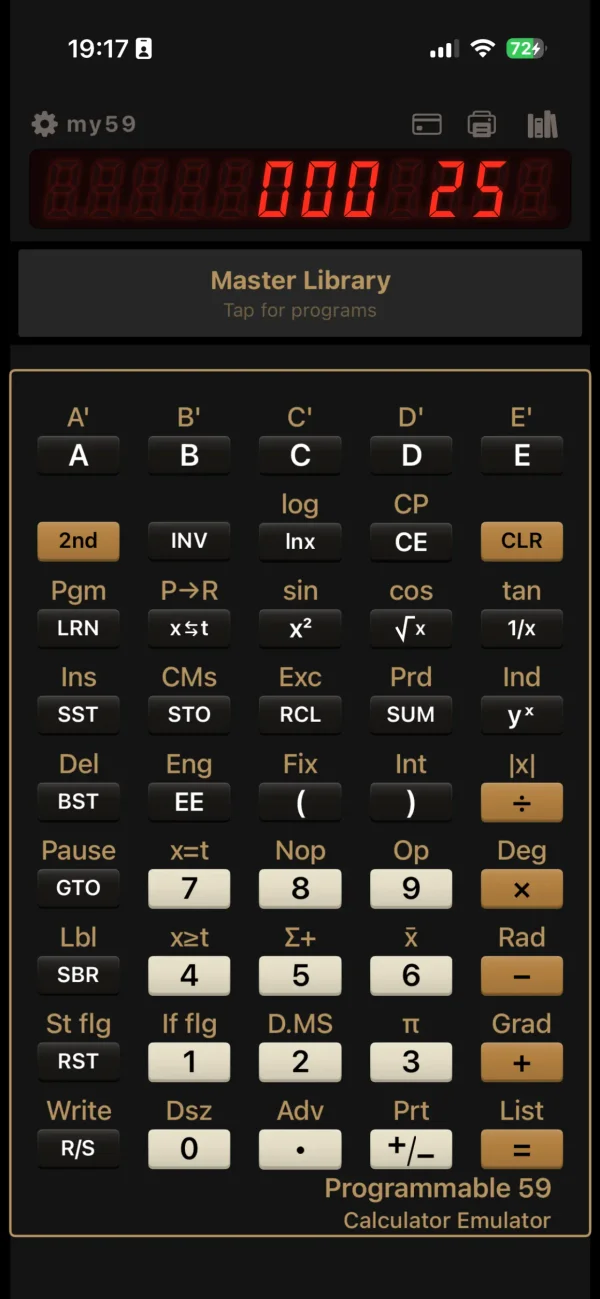
Experience the power and authenticity of a classic programmable calculator from the late 1970s directly on your iPhone, iPad, and Mac. my59 is not just a calculator app; it is a faithful, highly accurate emulator that brings a piece of computing history into the modern era.
Whether you are an engineer, a student, a retro-computing enthusiast, or simply someone who appreciates the raw power of vintage programmable calculators, my59 delivers an authentic, uncompromised experience enhanced with the latest Apple ecosystem features.
KEY FEATURES:
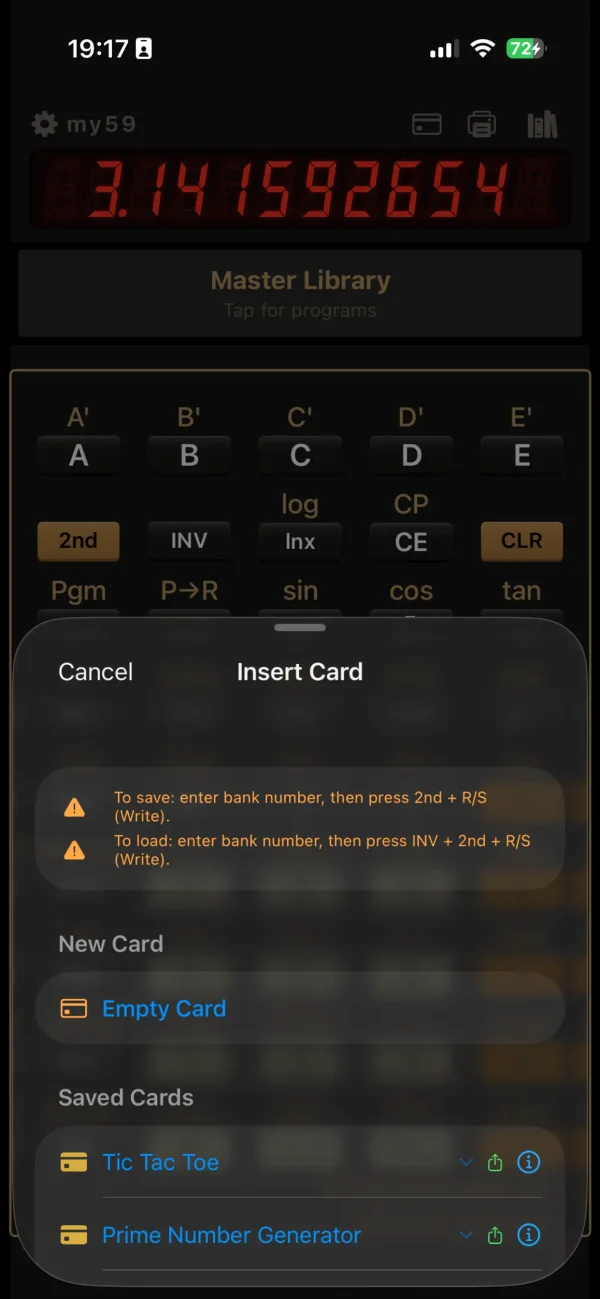
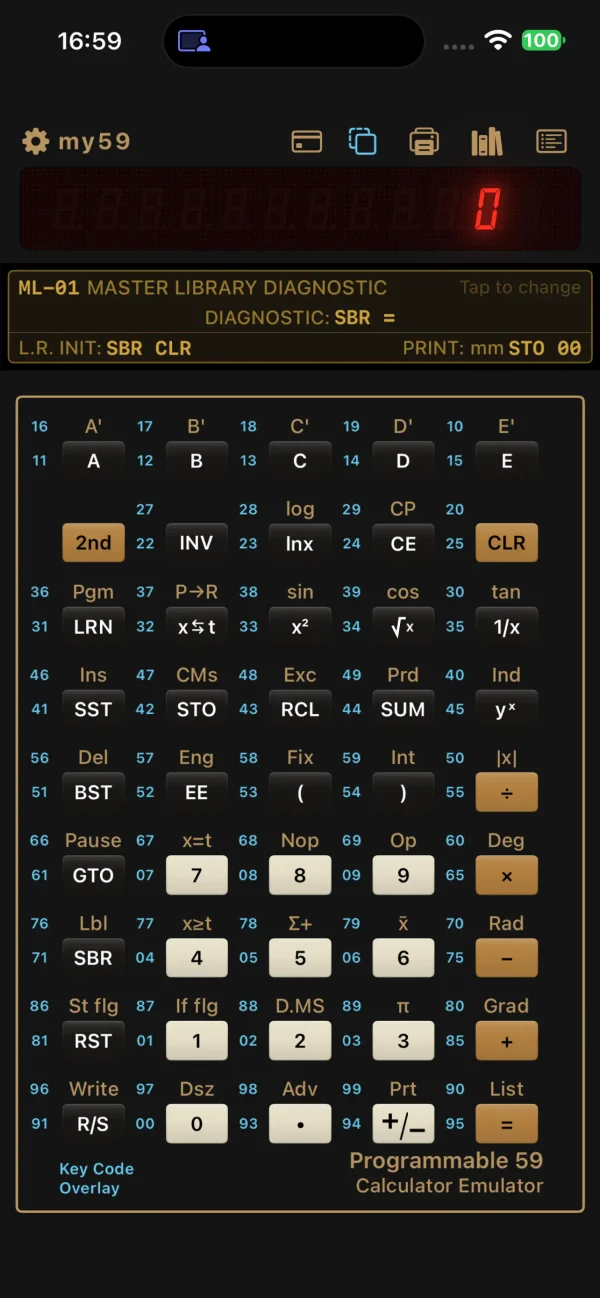
Authentic Design & Feel: A meticulously crafted interface inspired by classic programmable calculators of the era, complete with a faithful keypad layout and display.
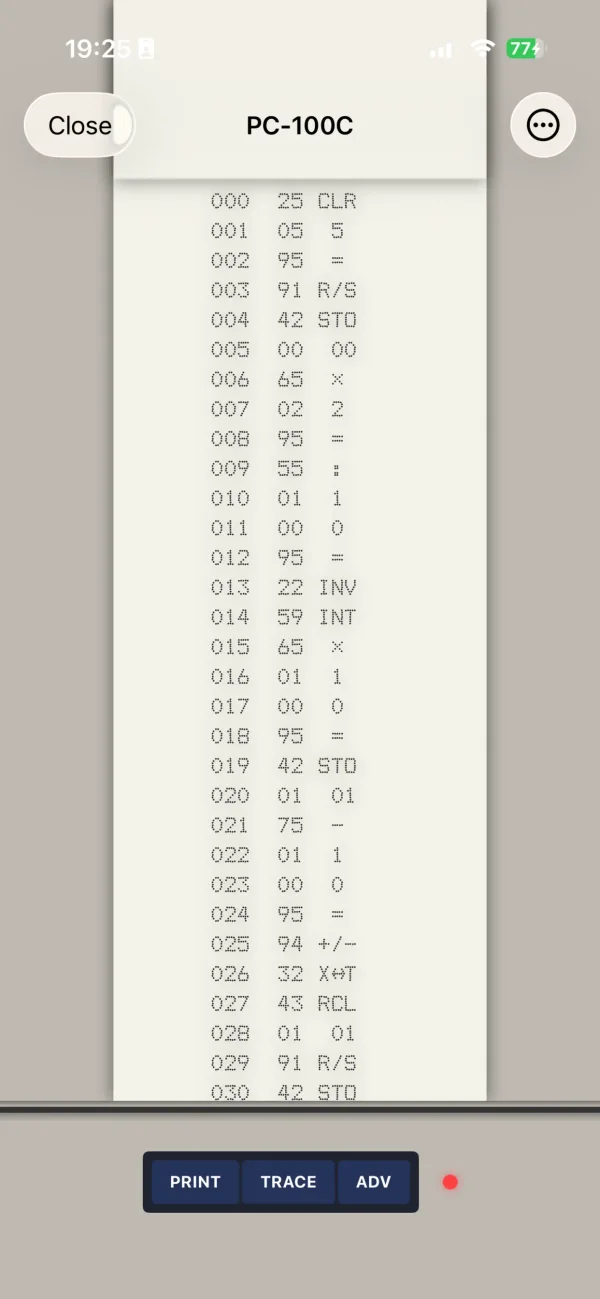
Full Emulation: Supports the complete original instruction set, memory registers, and programming logic. Write and execute programs just as you would on the original hardware.
Modern Workspace: Fully optimized for all screen sizes, including seamless portrait and landscape modes on iPad, and native support for Apple Silicon Macs.
Built-in Documentation: Never get stuck. Full documentation, manuals, and quick references are integrated directly into the app for easy access.
UNLOCK FULL POWER (Premium):
my59 is free to download and try. Upgrading to Premium (available as a flexible subscription or a lifetime one-time purchase) unlocks the ultimate workstation:
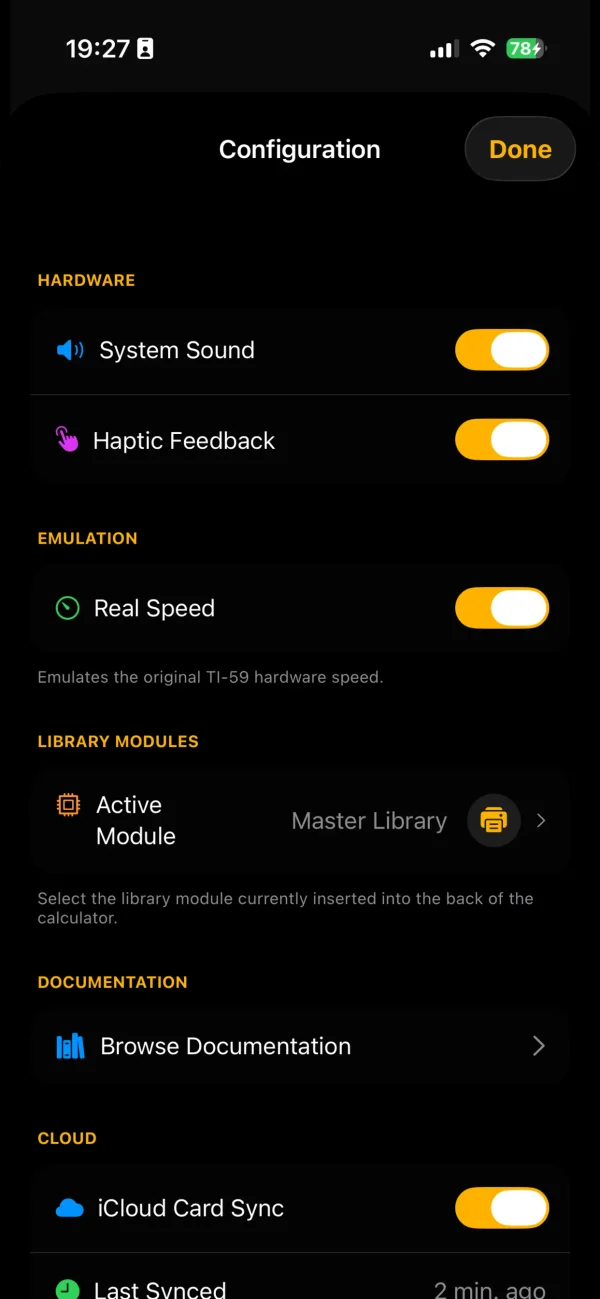
Complete Module Library: Get unrestricted access to all expansion packs and library modules.
iCloud Sync: Keep your programs, memory state, and modules seamlessly synchronized across your iPhone, iPad, and Mac.
Advanced Saving & Sharing: Save an unlimited number of custom programs and easily share them with other users.
Terms of Use (EULA): https://www.apple.com/legal/internet-services/itunes/dev/stdeula/
This app is an independent project and is not affiliated with, endorsed by, or connected to Texas Instruments Inc. or any of its subsidiaries.
Yenilikler
Sürüm 2.0.0 · 24.11.2026
my59 2.0 brings a program debugger and a new User's Guide.
PROGRAM DEBUGGER (Premium)
• Set breakpoints on program lines, with an optional condition such as R00 = 3.
• Run the program one line at a time: Step, Step Over and Step Out.
• Step Back returns to the lines that already ran, with memory, display and flags restored.
• Watch registers and flags, and see what each line changed.
• A console records what the program did.
• On the Mac the debugger is a window of its own. On iPhone and iPad it covers the full screen.
USER'S GUIDE
• A new guide written for your device: one for the Mac, one for iPhone and one for iPad.
• Open it from Settings, or from the Help menu on the Mac.
IMPROVEMENTS
• R/S now stops a running program every time, at real speed and in turbo mode.
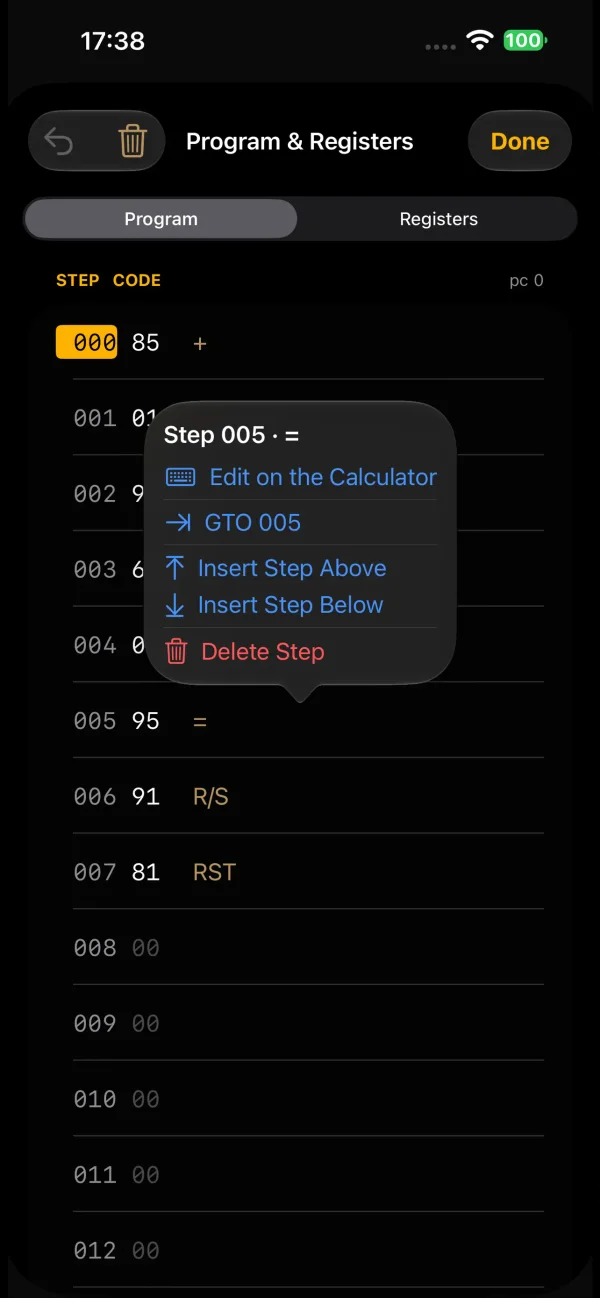
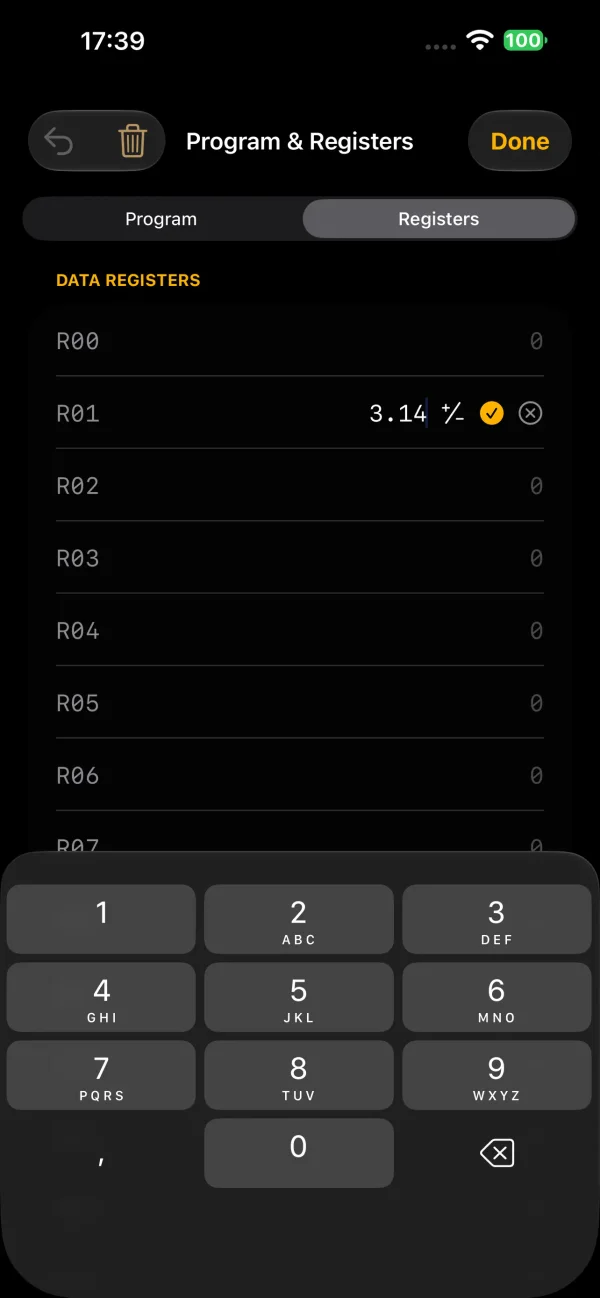
• The Program & Registers panel shows the real memory partition, not only the default of 480 steps.
Uygulama gizliliği
Bu uygulamanın verileri nasıl işlediği hakkında Miroslav Perovic tarafından App Store üzerinde yapılan beyan.
-
Veri toplanmıyor
Geliştirici bu uygulamadan hiçbir veri toplamıyor.
Gizlilik uygulamaları, örneğin kullandığınız özelliklere veya yaşınıza göre değişiklik gösterebilir.
Bilgiler
- Satıcı
- Miroslav Perovic
- Kategori
- Yardımcılar
- Sürüm
- 2.0.0
- Güncellendi
- 24.11.2026
- Yayın tarihi
- 01.04.2026
- Boyut
- 19,3 MB
- Gereksinim
- iOS 26.0 veya sonrası
- Yaş sınırı
- 4+
- Fiyat
- Ücretsiz
- Uygulama içi satın alma
- Evet
- Diller
- İngilizce
- Telif hakkı
- © Miroslav Perovic 2026