Nib - Private Notes
Private, open-source writing
Designed for iPhone, iPad, Mac, iPod touch
Free · In-app purchases
- Age rating4+
- CategoryProductivity
- DeveloperAndrew Neitsch
- LanguagesEnglish
- Size10.7 MB
Links to the official App Store page
Download.org hosts no file of Nib - Private Notes. The button opens its official App Store page, published by Andrew Neitsch. Listing last checked on Nov 23, 2026.
Screenshots



About
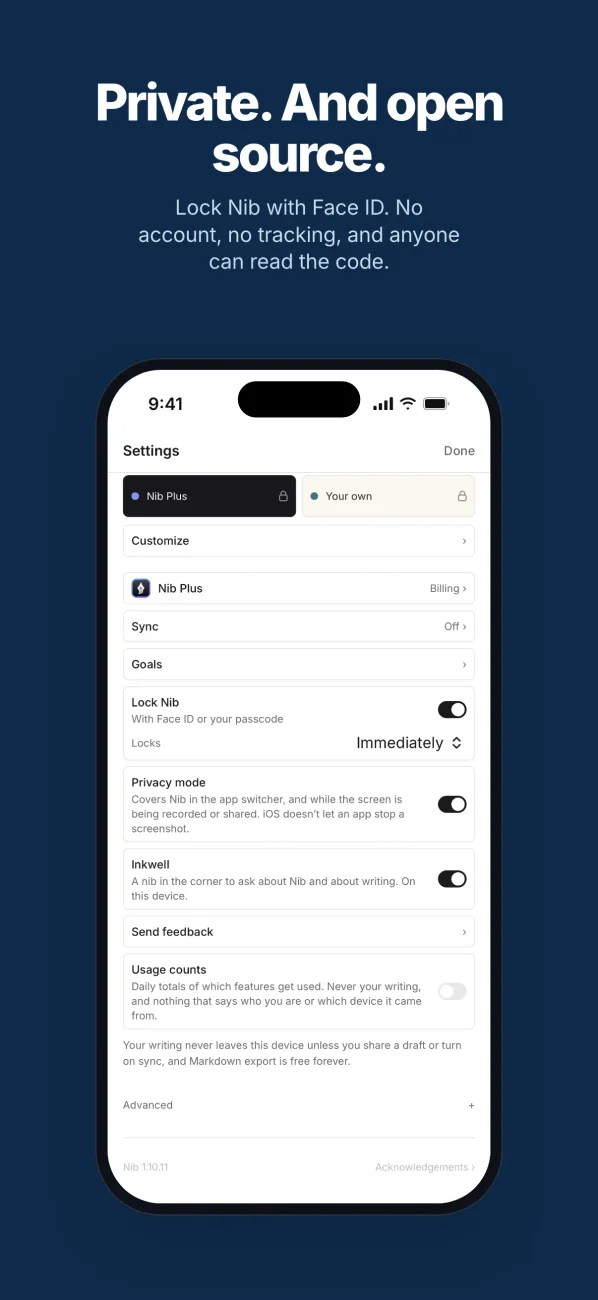
Nib is a quiet place to write, on your iPhone and iPad. No account, no ads, no tracking: your writing stays on your device. And Nib is open source, so anyone can check.
WRITE
• Notes for catching a thought, and pages for real writing: headings, an outline, pictures, tables, callouts, code, and formulas.
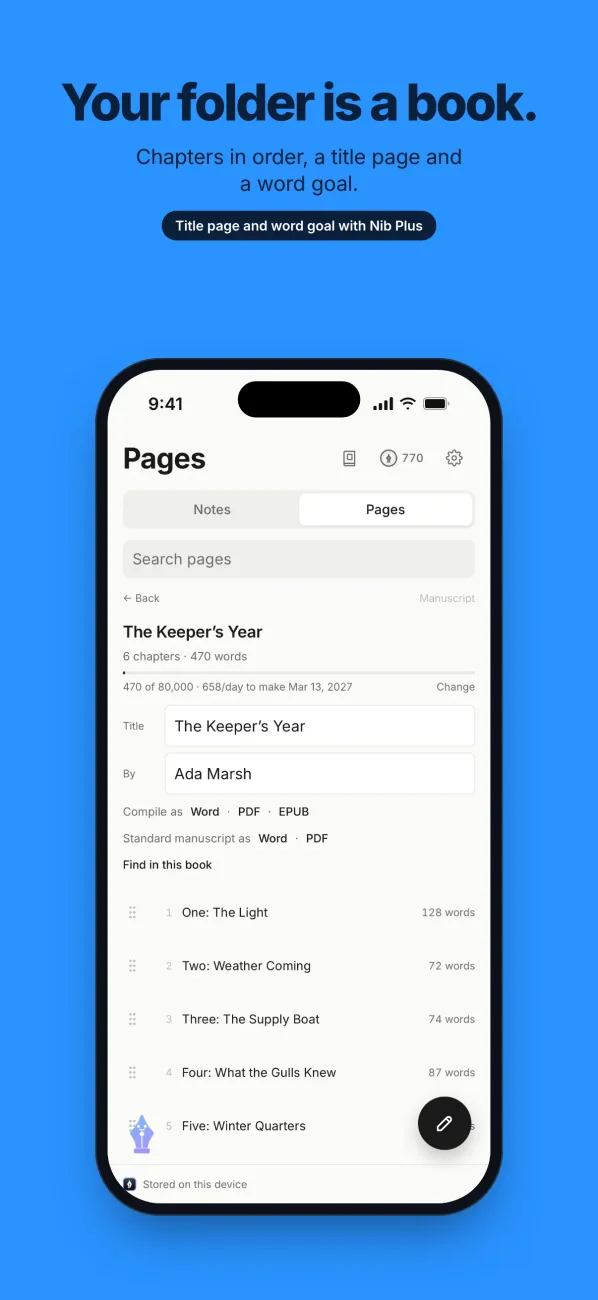
• Write a book: a folder's pages become a manuscript, with parts and chapters you drag into order.
• Fold a section away, link to any note or heading with [[, and leave notes to self and TKs as you go.
• Find and replace in any note, by whole words, capitals or a pattern.
• Hear your writing read aloud, set a daily word goal, and let the style check count filler, clichés and long sentences.
MEET INKWELL
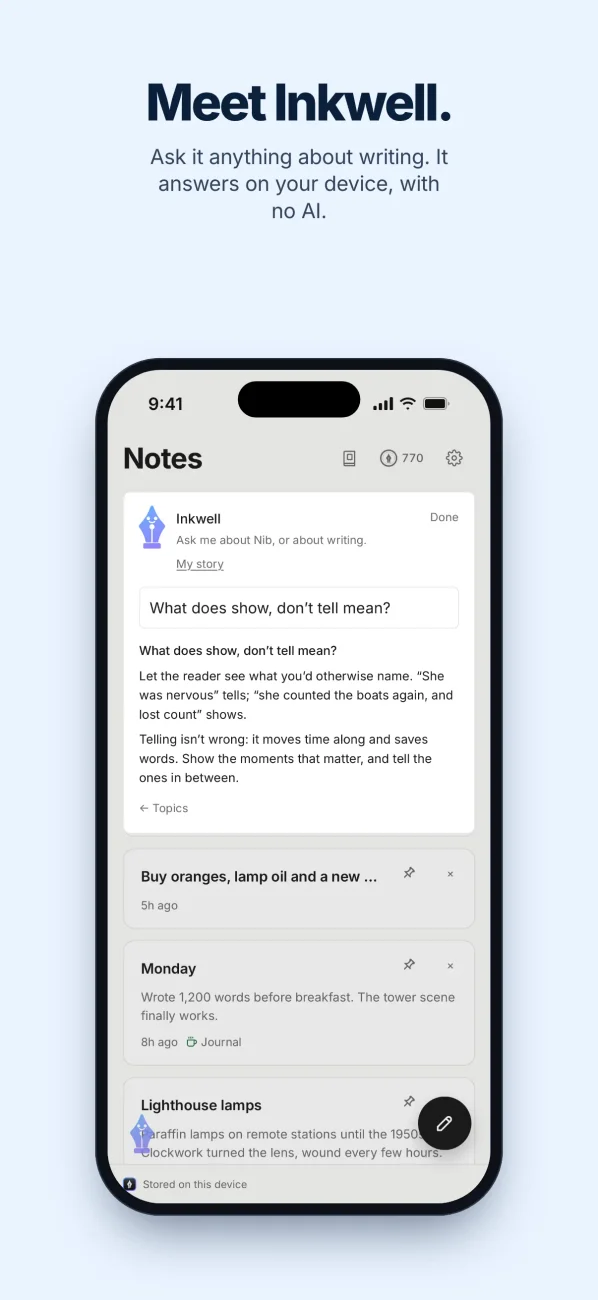
• A small nib in the corner that answers nearly 1,900 questions about Nib and about writing, on your device, with no AI. It has prompts for when you're stuck.
KEEP IT IN ORDER
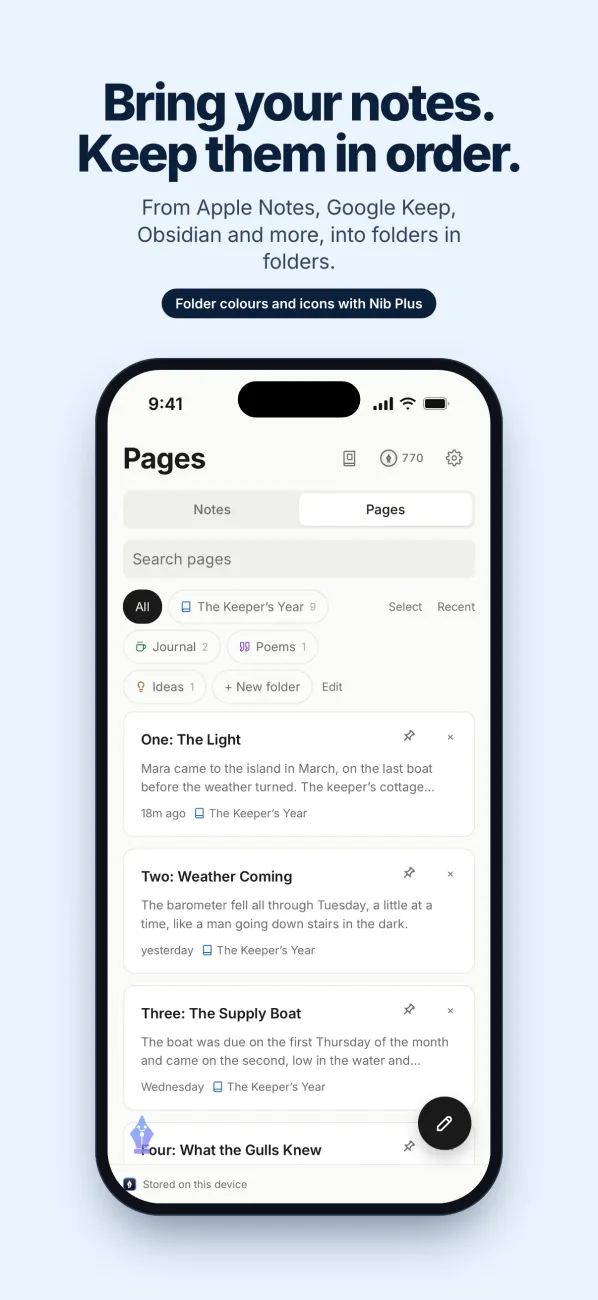
• Your notes and pages as cards. Pin them, archive them, or select several at once.
• Folders inside folders, in your own order, and categories in a colour. Three of each are free, and so are three templates.
• 30 days of version history: compare any version with now, and bring back what you need.
• Reminders on any note, once or again and again.
CATCH A THOUGHT
• Share to Nib from any app, add a note with Shortcuts, or start one from a widget.
• Paste a screenshot, and its words come in as text (iOS and iPadOS 26 and later).
BRING IT IN, TAKE IT OUT
• Import from Apple Notes, Google Keep, Obsidian, Evernote, Bear, Simplenote, Joplin, UpNote, Notesnook, Zoho Notebook, FuseBase, ColorNote, Markdown or Word.
• Export as Markdown, and back up your whole library, free forever.
• Share a draft by link, read-only, for a week.
PRIVATE BY DESIGN
• Everything stays on your device unless you share a draft or turn on sync.
• No accounts, no ads and no tracking.
• Lock Nib with Face ID, Touch ID or your passcode, and hide it in the app switcher.
• Open source: the code of Nib and its server is public at nibprivacy.com/source.
STAMPS
• A free pack of stamps every day, and coins for coming back. Collect all 300 in the Stampbook.
• In December, each day's pack opens a door of a Christmas calendar.
MAKE IT YOURS
• Light, dark or seven more themes, and your text's size, width, spacing and typeface.
NIB PLUS
• Your library on iPhone, iPad and Mac, with encrypted sync and a sync code only you hold. The server stores copies it cannot read.
• An encrypted backup off your device.
• Attach any file to a note, keep pictures at full quality, and save whole web pages from Safari.
• An inbox address other apps can send notes to.
• Export to Word, PDF and HTML. Compile a book into Word, PDF or EPUB, with a title page and standard manuscript format.
• Find and replace across a whole book, and a word goal with a deadline.
• Side by side, and tabs, on iPad.
• Shared drafts for up to 90 days, with a password, readers' notes and a count of opens, or gone after one reading.
• All your version history, deadlines, sprints and a calendar of your writing.
• Notes that move to the trash on a day you choose, and a vault for chosen notes.
• The style check's suggestions, underlined in your text.
• Four more themes, saved looks on all your devices, and a colour and icon for each folder.
• As many folders, categories and templates as you like.
One subscription covers Nib on your iPhone, iPad and Mac when you use the same Apple Account.
Nib Plus is an auto-renewing subscription, monthly or yearly, with a free trial for new subscribers. Payment is charged to your Apple Account at confirmation of purchase or at the end of the trial. The subscription renews automatically unless cancelled at least 24 hours before the end of the current period. Manage or cancel it in your App Store account settings.
Terms of Use: https://www.apple.com/legal/internet-services/itunes/dev/stdeula/
Privacy Policy: https://nibprivacy.com/privacy/
What’s new
Version 1.10.12 · Nov 20, 2026
What's New in Nib 1.10.12?
QUICKER TO COME BACK TO
• Left open for hours, Nib picks up where you were without the lag.
• The day's coins arrive as soon as you collect them, and your pack is there the moment you open it.
• New note opens straight away, even after a night away. On a Mac it could leave you on the library.
• If your device closes Nib's page to save memory, Nib shows its own cover while it comes back, not a blank white screen.
SAFER SYNC AND SHARING
• A draft shared to be read once with a password now asks for the password first, and a wrong one doesn't use the draft up. This applies to drafts you share from this version on.
• Sync checks what the server sends more closely, and a request can't be replayed by someone who caught it on the way.
• A clip in your inbox that can't be read as Markdown arrives as plain text, instead of holding up the rest.
ALSO
• Markdown with very deeply nested quotes or lists imports properly.
• Many small fixes.
App privacy
What Andrew Neitsch declares on the App Store about how this app handles data.
-
Data not linked to you
May be collected but is not linked to your identity.
- Purchases
- User content
- Usage data
Privacy practices may vary, for example with the features you use or your age.
Information
- Seller
- Andrew Neitsch
- Category
- Productivity
- Version
- 1.10.12
- Updated
- Nov 20, 2026
- Released
- Oct 1, 2026
- Size
- 10.7 MB
- Requires
- iOS 15.4 or later
- Age rating
- 4+
- Price
- Free
- In-app purchases
- Yes
- Languages
- English
- Copyright
- © 2026
You might also like
-
 Nivo - Life TrackerMake time visible
-
 CoreNote: Notes & Todo StarFour canvases and private sync
-
 Vanishing NotesTemporary, Self-Destruct Memos
-
 Type ShhhTake private notes in public
-
 SlideJot - Lighter Than NotesCapture fleeting thoughts
-
 Scribbl: Notes & PDF MarkupHandwriting, math and markup
-
 Daypen: AI Notes & PlannerTake notes, ace your exams
-
 Focus mode for YouTubeHide shorts
-
 RIFT NOTES + Voice MemosMap-based ideas & journal
-
 Catch: Reels & Link OrganizerFast Save & Search Videos