NoteWork
Sync regardless of device type
Designed for iPhone, iPad, iPod touch
Free · In-app purchases
- Age rating4+
- CategoryProductivity
- DeveloperHUMAN MAGIC Co., Ltd.
- LanguagesEnglish+ 1 more
- Size76.7 MB
Links to the official App Store page
Download.org hosts no file of NoteWork. The button opens its official App Store page, published by HUMAN MAGIC Co., Ltd. Listing last checked on Nov 16, 2026.
Screenshots

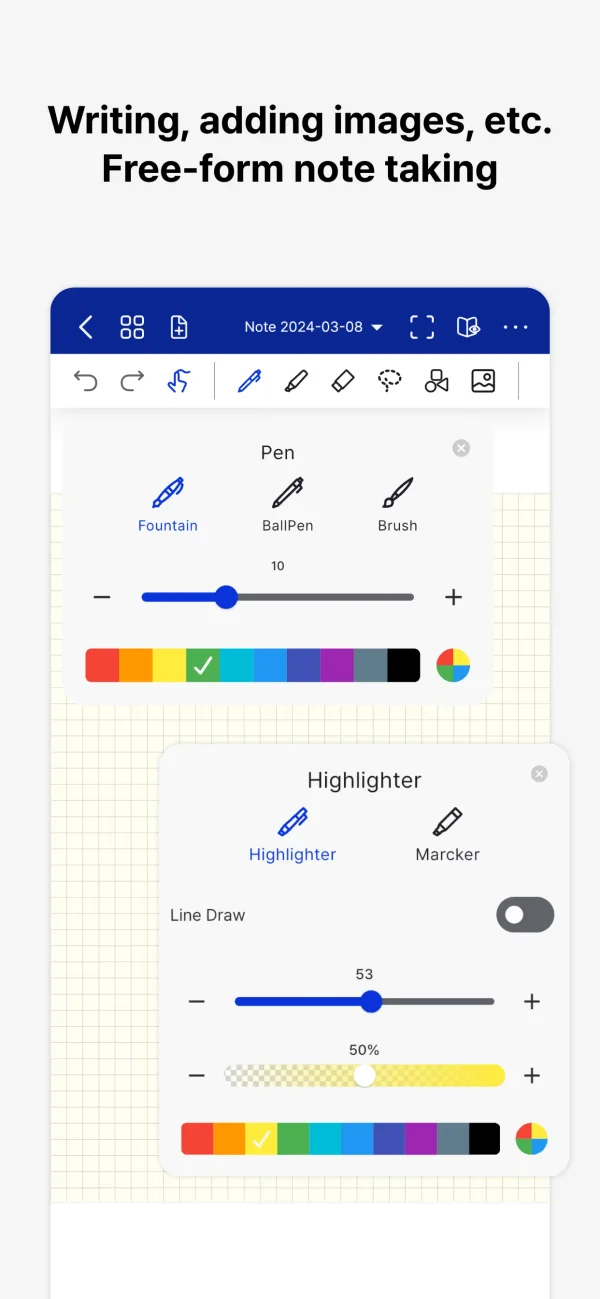
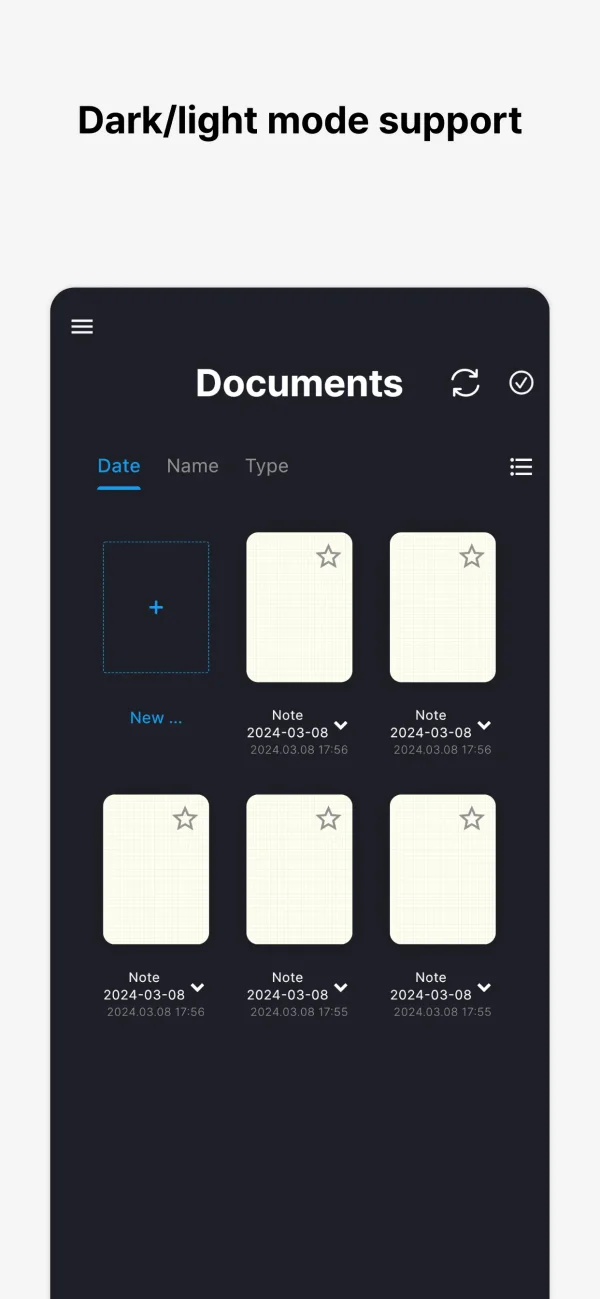
About
Open a new chapter of digital notes with NOTEWORK!
More than just a simple note-taking app, NoteWork has strong synchronization advantages.
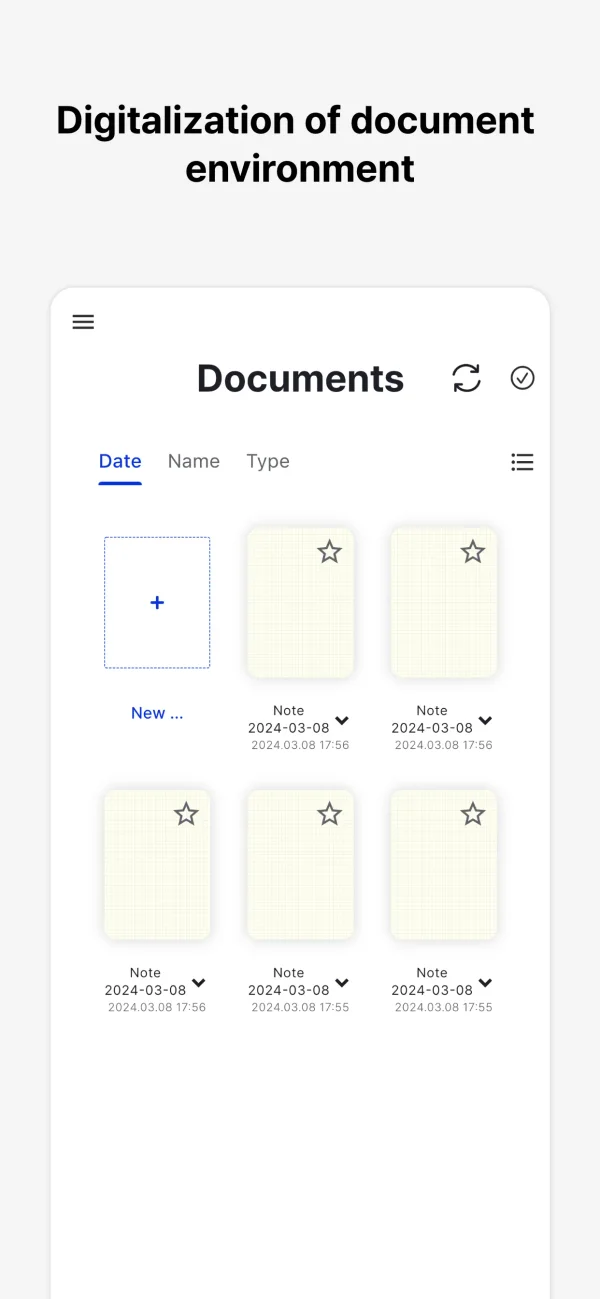
Easily organize your notes and update them anytime, anywhere, even on different devices, thanks to the stable cloud.
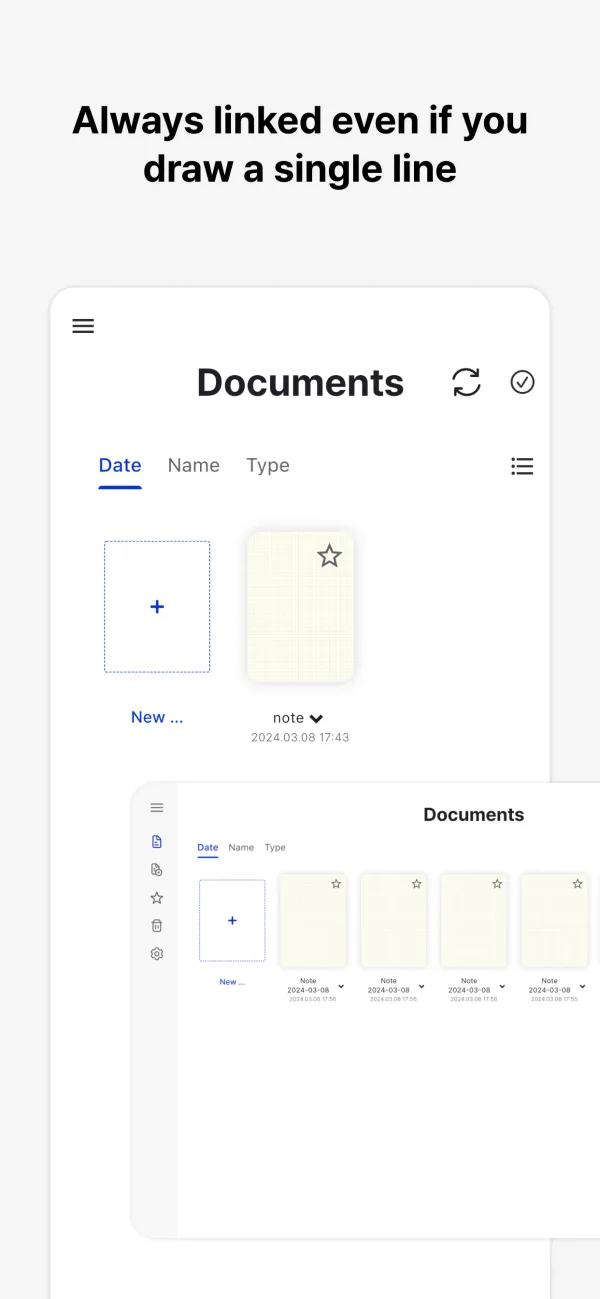
Thanks to NoteWork, which has the advantage of collaboration in the company, experience the amazing speed of instant synchronization even when you draw a single line!
- You can use handwriting together on one page. Create natural, smooth handwritten notes on tablets and phones.
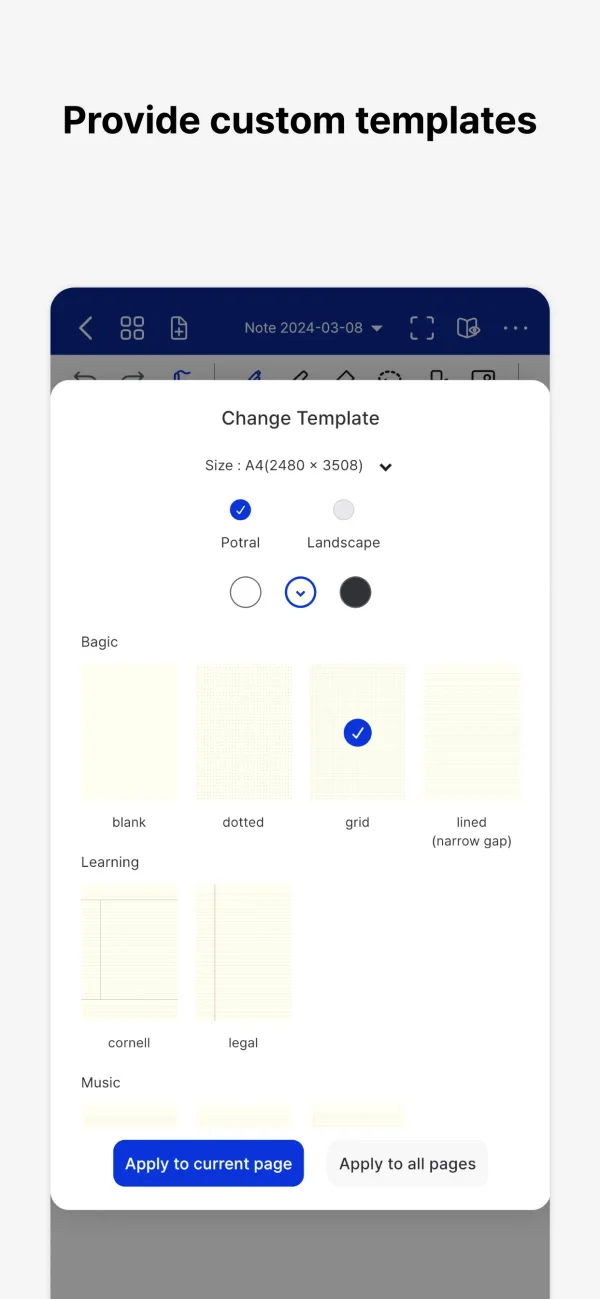
- You can take professional notes using various templates. For templates, try using the free templates provided by NoteWork!
- Back up your handwritten notes by saving them on the NoteWork dedicated server. Keep your data safe at all times with automatic synchronization in the amazing NoteWork, which can be used across tablets, phones, and even different devices.
- Enjoy free editing using the form recognition function, such as resizing shapes, lines, and text, changing text color, or moving to a different location on the page.
Real-time collaboration and automatic synchronization
- We put user convenience first by synchronizing notes across all devices and keeping them safe on the server.
- The biggest strength that cannot be found in all currently available applications is that automatic and constant updates are possible by logging into the application regardless of the type of device.
equipment
- Improve the quality of your writing with a variety of pens and colors. Experience the feeling of writing by hand by recognizing the texture and pressure of the pen.
- Import and edit images and improve the quality of your notes. Go beyond handwriting and add images for even more visual benefits.
- Improve aesthetic properties through various shapes such as ovals, squares, and stars.
- You can move freely using the lasso tool, such as selection, movement, and rotation.
- User-configurable sizes and templates allow you to take professional notes in a variety of fields.
- PDF Import, Export
The pricing system is based solely on capacity with no restrictions on usage. We maximize user convenience by paying for the amount of space users will use without differential usage restrictions based on plan level. Users will be able to experience the amazing development potential of NoteWork, which was created with the utmost consideration and thought by and for users, and its consideration for customers. Experience special applications that you have never experienced before through free, constant synchronization between devices regardless of device type!
Web site : https://www.humanmagic.kr
Tearms of Use : https://www.humanmagic.kr/tearms-of-use
Privacy policy : https://www.humanmagic.kr/privacy-policy
What’s new
Version 2.1.0 · Oct 31, 2026
Added text input feature
App privacy
What HUMAN MAGIC Co., Ltd. declares on the App Store about how this app handles data.
-
Data linked to you
May be collected and linked to your identity.
- Purchases
- Contact info
- User content
- Identifiers
- Other data
-
Data not linked to you
May be collected but is not linked to your identity.
- Contact info
- User content
- Identifiers
- Usage data
- Diagnostics
Privacy practices may vary, for example with the features you use or your age.
Information
- Seller
- HUMAN MAGIC Co., Ltd.
- Category
- Productivity
- Version
- 2.1.0
- Updated
- Oct 31, 2026
- Released
- Apr 4, 2024
- Size
- 76.7 MB
- Requires
- iOS 15.6 or later
- Age rating
- 4+
- Price
- Free
- In-app purchases
- Yes
- Languages
- English, Korean
- Copyright
- © 2024 HUMAN MAGIC Co.,Ltd.
You might also like
-
 Notator | Annotate DocumentsTaking notes, annotating PDFs
-
 notototoNote,pdf markup
-
 Reader's BenchPDF & ePub reader, notes
-
 StoneNote - Video Study NotesHandwrite while watching
-
 CanvasNoteThe ultimate note-taking app
-
 Simple Notes Daily PlannerReminders: Journal & Stickers
-
 AxNote: Note TakingSketches, text & images
-
 Study notes & PDF - OneboardSync Notes, Markdown&Organize
-
 Note X - NotepadTake notes easily
-
 Notestudio: note taking, pdfFor Study & Work. Pen & Pencil