
OCR Scanner : Text & Document
#1 OCR Scanner
Designed for iPhone, iPad, iPod touch
Free · In-app purchases
- Age rating4+
- CategoryProductivity
- DeveloperBhavika Vora
- LanguagesEnglish
- Size29.0 MB
Links to the official App Store page
Download.org hosts no file of OCR Scanner : Text & Document. The button opens its official App Store page, published by Bhavika Vora. Listing last checked on Nov 12, 2026.
Screenshots


About
OCR Scanner – Image to Text & PDF Scanner
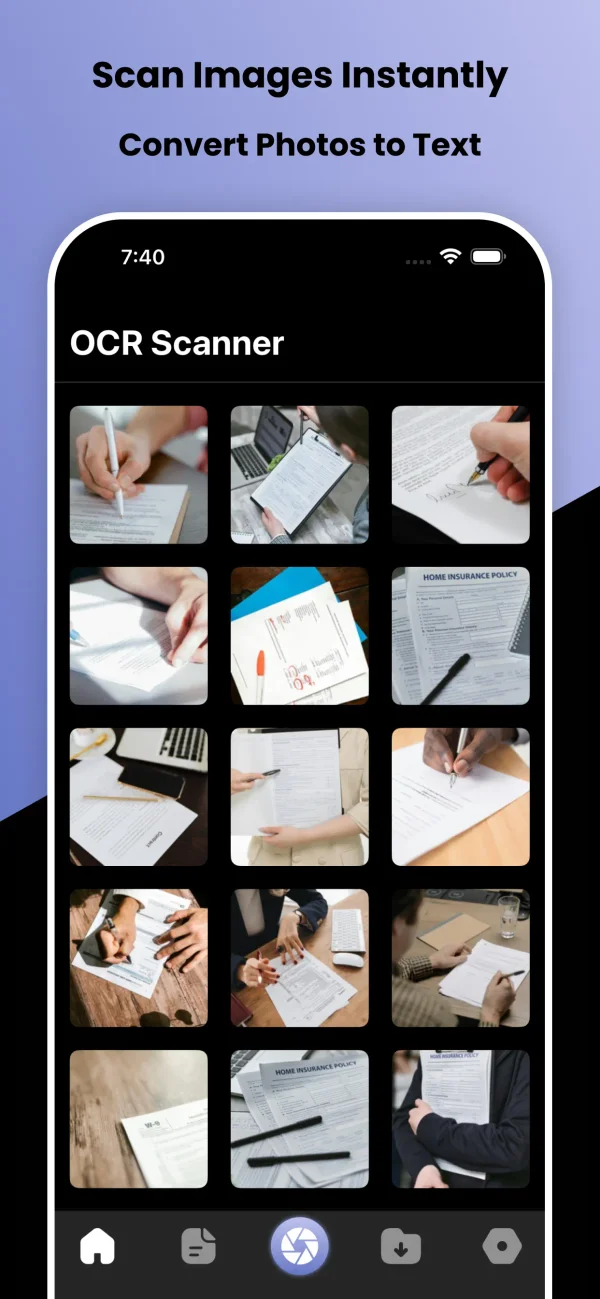
Turn your images, documents, and PDFs into editable text instantly with OCR Scanner. This powerful OCR (Optical Character Recognition) app lets you scan, extract, and convert text with high accuracy in just seconds.
Whether you're a student, professional, or everyday user, OCR Scanner makes document scanning fast, simple, and reliable.
POWERFUL OCR TEXT SCANNER
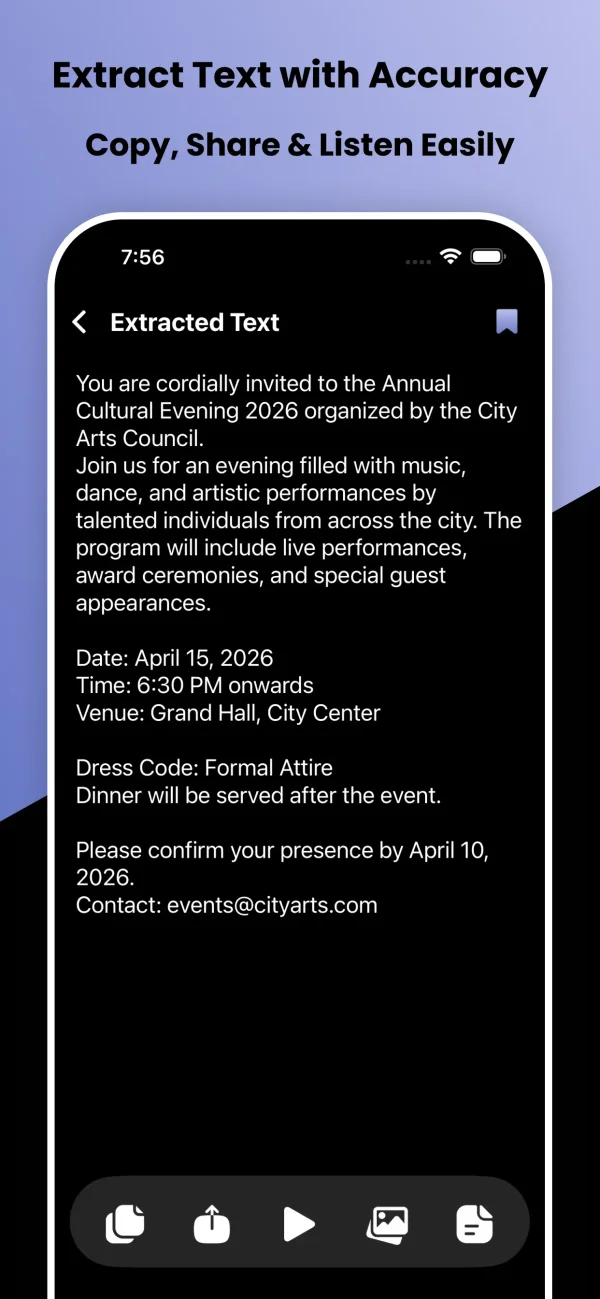
Extract text from images, photos, screenshots, and scanned documents with advanced OCR technology. Get clean, accurate, and editable text instantly.
IMAGE TO TEXT CONVERTER
Convert any photo into text within seconds. Capture or upload images and quickly transform them into readable, editable content.
PDF TO TEXT SCANNER
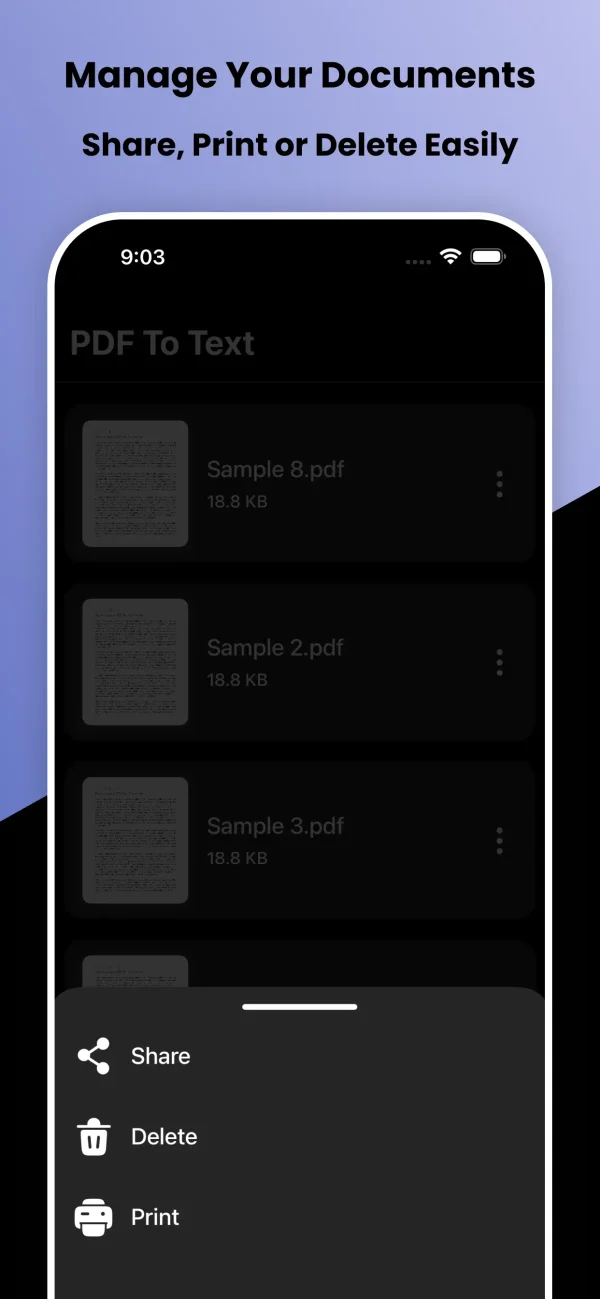
Easily extract text from PDF files while maintaining formatting. Perfect for documents, reports, contracts, and notes.
SMART DOCUMENT SCANNER
Use your device camera to scan documents in real-time. Capture receipts, books, business cards, and more with precision.
SAVE & ORGANIZE FILES
Store your scanned text and documents securely. Access, manage, and organize everything in one place anytime.
EDIT & REUSE TEXT
Edit extracted text directly inside the app. Fix errors, format content, and reuse text effortlessly.
SHARE & EXPORT ANYWHERE
Share your scanned text via email, messaging apps, or export as documents. Boost productivity by sending files instantly.
SECURE & PRIVATE
Your privacy matters. All your files stay सुरक्षित and are never shared without your permission.
FAST, ACCURATE & EASY TO USE
• High-speed OCR processing
• Accurate text recognition
• Clean and simple interface
• Offline scanning support
• No technical skills required
WHY CHOOSE OCR SCANNER?
• All-in-one OCR Scanner & PDF Scanner
• Reliable Image to Text Converter
• Powerful OCR Reader & Text Recognizer
• Easy Document Scanner for daily use
• Perfect for students, business, and personal use
USE CASES
• Scan notes and books
• Convert receipts into text
• Digitize documents
• Extract text from screenshots
• Save important information quickly
KEY FEATURES
• Scan documents instantly
• Convert images to text
• Extract text from PDF
• Edit scanned text
• Save and manage files
• Share text easily
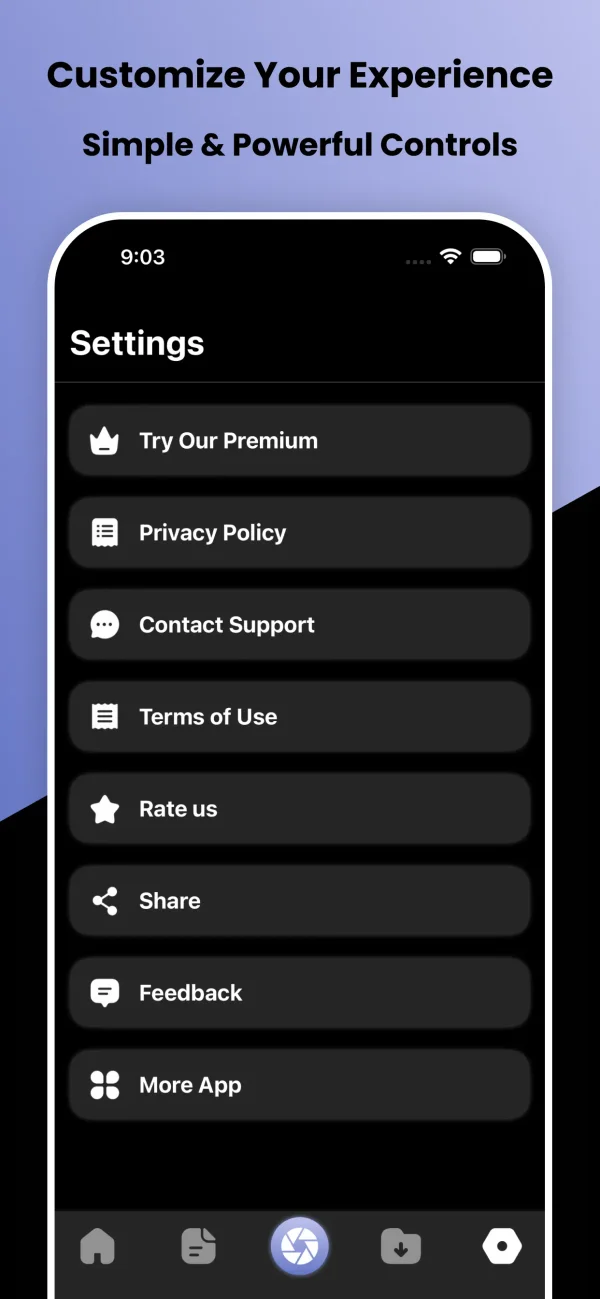
• Premium option to remove ads
Download OCR Scanner – Image to Text & PDF Scanner now and simplify the way you scan, extract, and manage text!
Privacy Policy: https://sites.google.com/view/softiosapps/privacypolicy
Terms of Use: https://sites.google.com/view/softiosapps/termsofuse
What’s new
Version 1.1 · Jun 6, 2026
- Crashes Fixed
- Performace Improved
- Description Updated
App privacy
What Bhavika Vora declares on the App Store about how this app handles data.
-
Data used to track you
May be used to track you across apps and websites owned by other companies.
- User content
- Usage data
-
Data not linked to you
May be collected but is not linked to your identity.
- User content
- Usage data
Privacy practices may vary, for example with the features you use or your age.
Information
- Seller
- Bhavika Vora
- Category
- Productivity
- Version
- 1.1
- Updated
- Jun 6, 2026
- Released
- Mar 28, 2026
- Size
- 29.0 MB
- Requires
- iOS 13.0 or later
- Age rating
- 4+
- Price
- Free
- In-app purchases
- Yes
- Languages
- English
- Copyright
- © Bhavika Dhameliya
You might also like
-
 Scannr - Document ScannerProductivity
-
 Text Scanner – OCRDocument & photo to text
-
 Aside - Save AnythingWork with Your Personal Agent
-
 Can't ForgetStay on Top of What Matters
-
 PDF Editor & Scanner ProSign, Fill Forms & Merge Docs
-
 PDF Scanner: Doc & OCR ConvertScan, Sign & Convert to Word
-
 Codex MapsProductivity
-
 HSvuProductivity
-
 ocr text scanner appProductivity
-
 OCR Text Scan : Photo to TextScan Photos to Editable Text