OpsHome NOC
Server & Network Monitor
Designed for iPhone, iPad
Free · In-app purchases
- Age rating4+
- CategoryUtilities
- Developer超 张
- LanguagesEnglish+ 11 more
- Size14.3 MB
Links to the official App Store page
Download.org hosts no file of OpsHome NOC. The button opens its official App Store page, published by 超 张. Listing last checked on Nov 16, 2026.
Screenshots


About
Infrastructure monitoring for your self-hosted environment — from iPhone and web console.
OpsHome NOC combines mobile monitoring and web-based operations into one view for websites, private services, Synology NAS, Proxmox, VMware vSphere, Linux hosts, Docker containers, and infrastructure incidents.
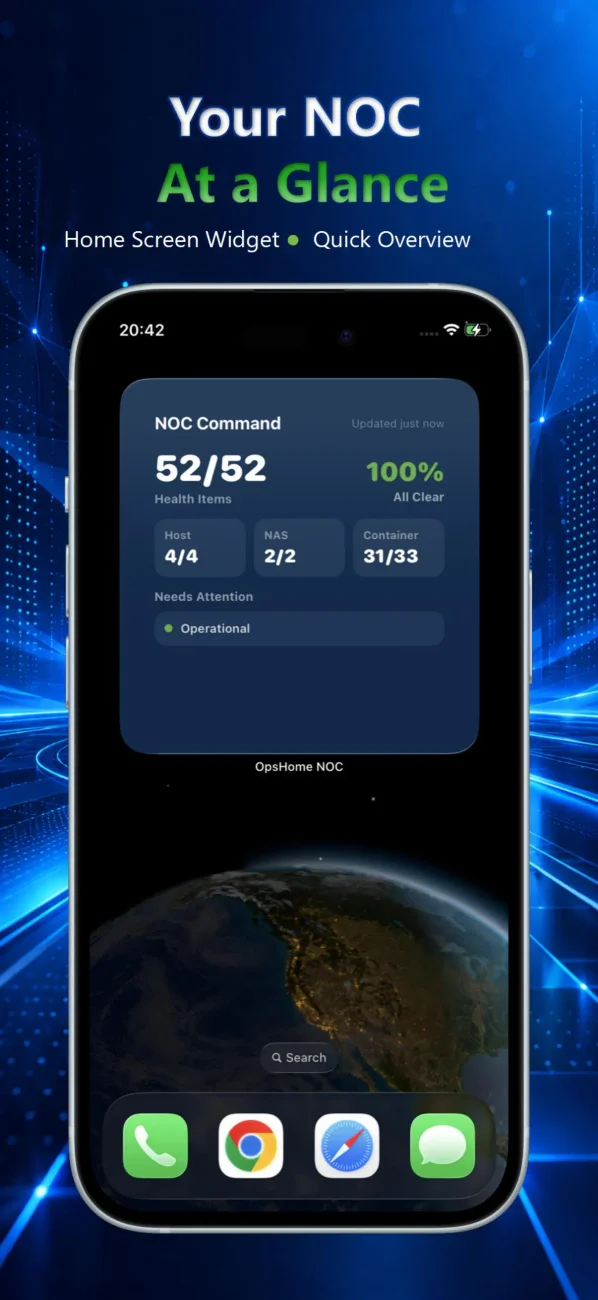
See what is online, what needs attention, what resources are affected, and how incidents develop — without switching between multiple dashboards.
MONITOR YOUR INFRASTRUCTURE
Monitor public and private infrastructure from one place:
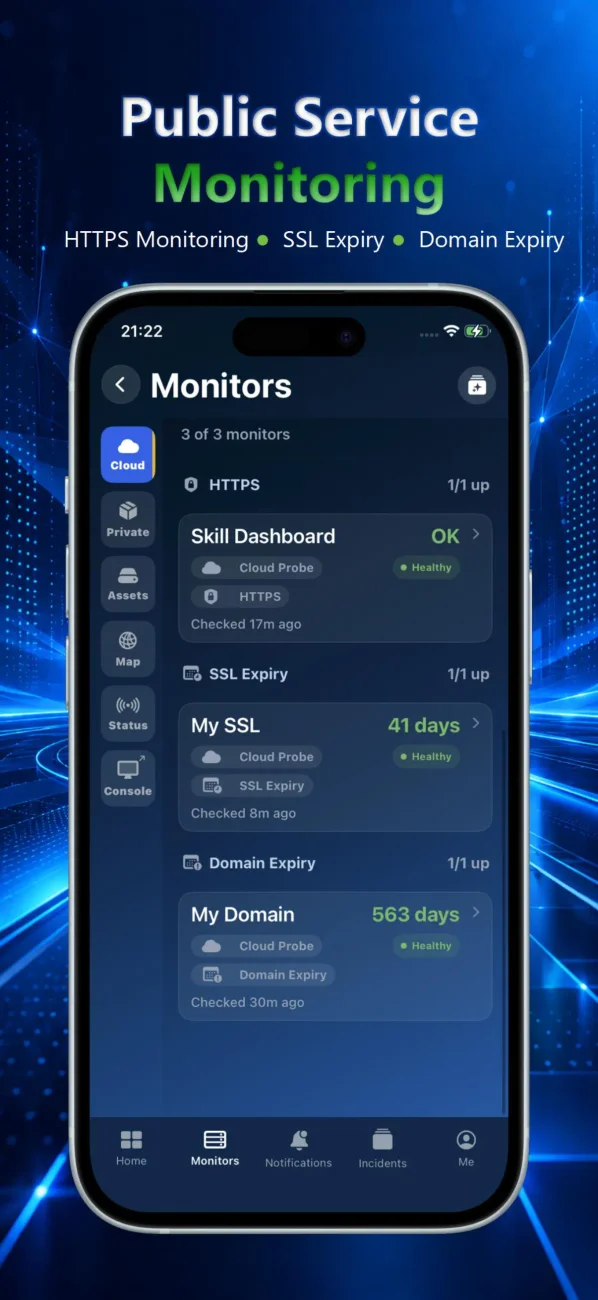
• HTTP, HTTPS, and TCP services
• SSL certificates and domain expiration
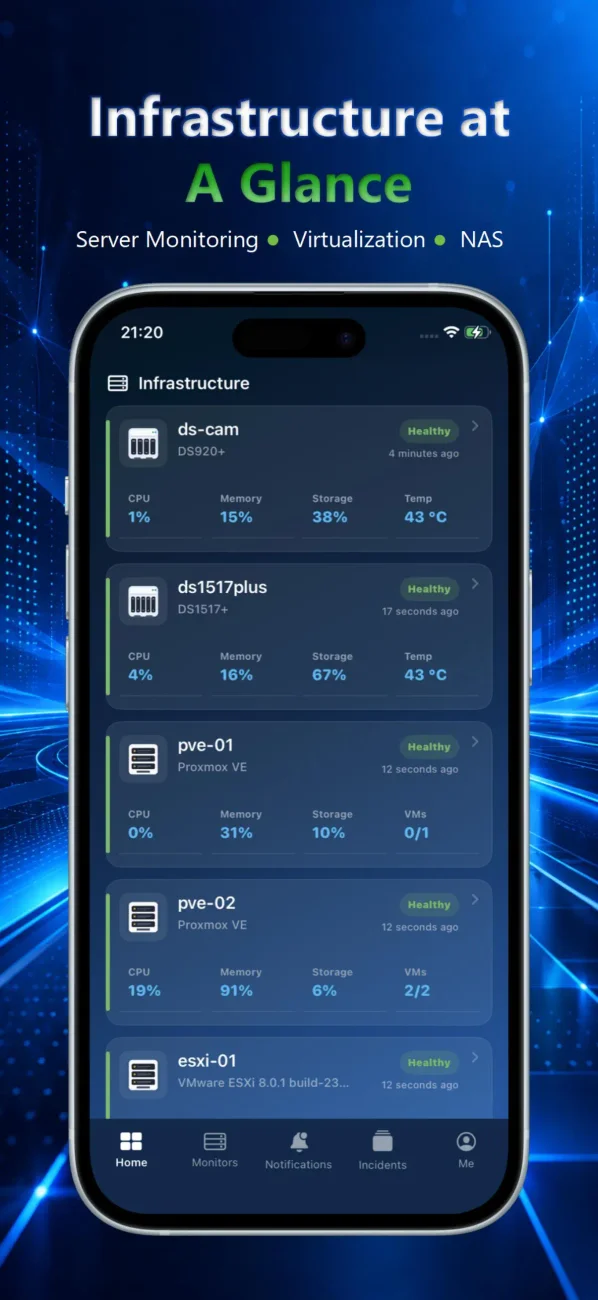
• Synology NAS systems
• Proxmox hosts and virtual machines
• VMware vSphere environments
• Linux servers
• Docker containers
• Internal and VPN-only services
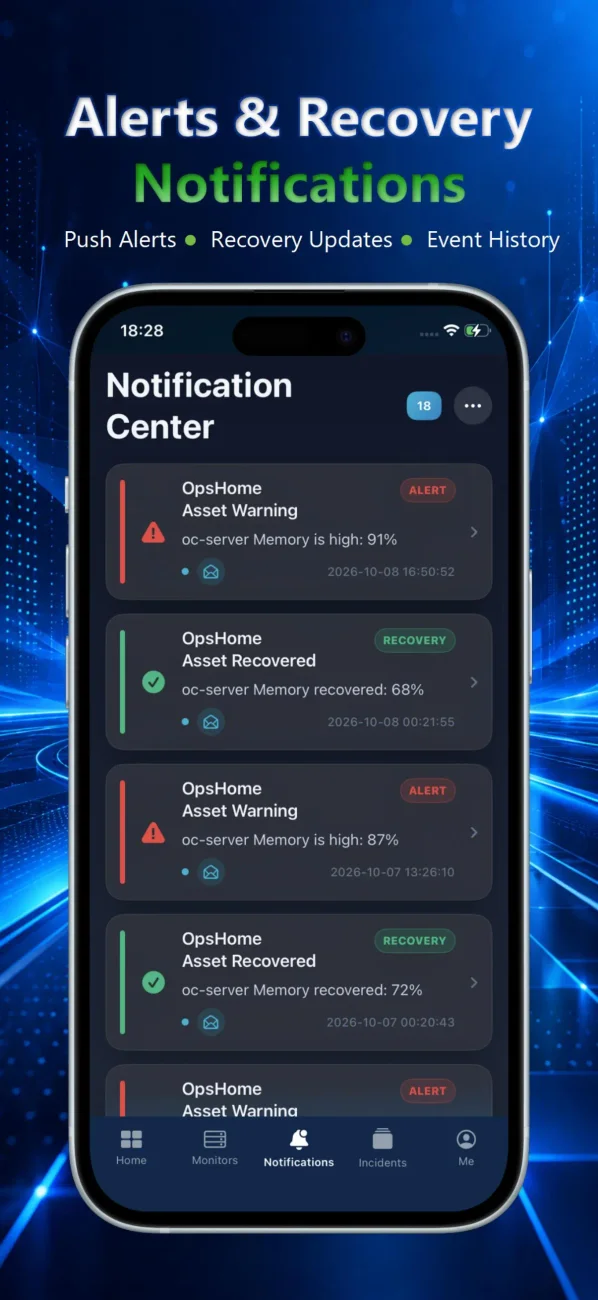
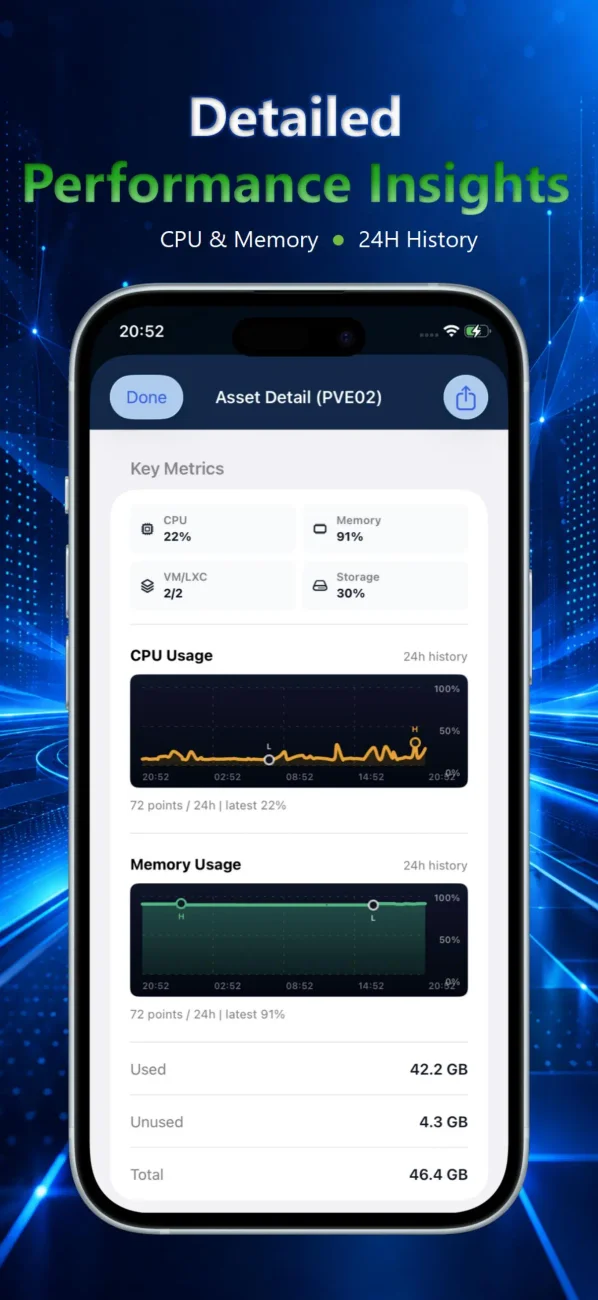
Review availability, response times, health status, historical trends, alerts, incidents, and recovery events.
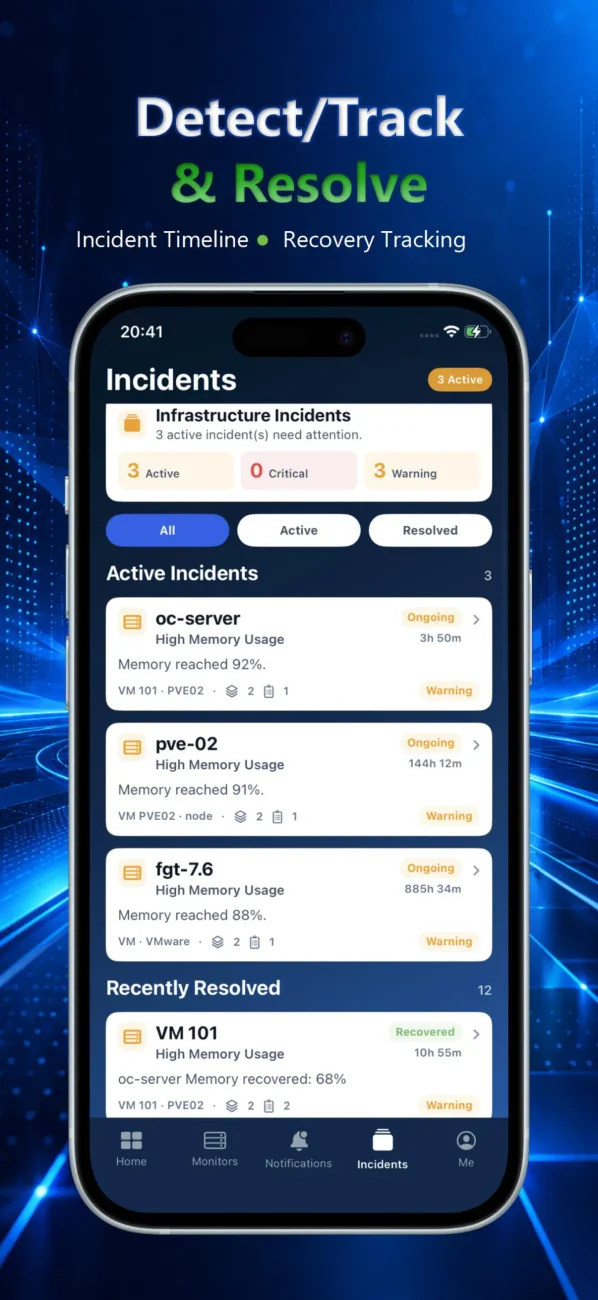
INCIDENT WORKSPACE
Understand more than whether a service is online or offline.
The Incident Workspace provides a clearer operational view of infrastructure events.
Review:
• Active and resolved incidents
• Severity and duration
• Affected resources
• Incident summary
• Evidence timeline
• Recovery information
Connect monitor and asset events into a complete incident lifecycle to understand what happened and what was affected.
PRIVATE MONITORING — NO PUBLIC EXPOSURE
Monitor internal infrastructure securely with Docker Probe.
Docker Probe connects outbound from your private network, allowing OpsHome NOC to monitor internal services without directly exposing them to the internet.
• No port forwarding
• No inbound firewall rules
• No public exposure required
Keep private infrastructure visible while maintaining your existing network security model.
INFRASTRUCTURE VISIBILITY
View infrastructure across different platforms:
• Synology
• Proxmox
• VMware vSphere
• Linux
• Docker
Review health, availability, performance information, changes, and operational events from your iPhone or web console.
BUILT FOR SELF-HOSTED ENVIRONMENTS
Designed for:
• Homelab enthusiasts
• Self-hosted users
• NAS owners
• VMware and Proxmox users
• Docker users
• IT administrators
• Small infrastructure operators
Whether your services run on the public internet, behind a VPN, or inside a private LAN, OpsHome NOC keeps your infrastructure visible from one place.
FREE PLAN
Start monitoring with:
• Up to 30 public monitors
• 1 Docker Probe for private monitoring
• Core infrastructure visibility
Upgrade when your environment grows.
YOUR INFRASTRUCTURE. ONE OPERATIONAL VIEW.
Monitor services.
Track infrastructure.
Understand incidents.
Follow recovery.
OpsHome NOC brings your self-hosted infrastructure together through an iPhone app and web console.
Legal
Terms of Use:
https://app.opshome.run/terms.html
Apple Standard EULA:
https://www.apple.com/legal/internet-services/itunes/dev/stdeula/
Privacy Policy:
https://app.opshome.run/privacy.html
What’s new
Version 1.18 · Nov 14, 2026
• New MSP client workspaces keep client devices separate from your personal monitoring. Organize resources by site and area, and view each workspace’s network topology.
• Switch from Home between Personal, a single client, All Clients, or All Workspaces. The monitoring overview, topology, incidents, and status pages follow your selection.
• A one-time MSP purchase unlocks one client workspace. Monitoring limits follow your current plan. Delete an empty workspace to reuse the slot for another client.
• Improved how plans and benefits are displayed, and how Home formats relative times in your chosen language.
App privacy
What 超 张 declares on the App Store about how this app handles data.
-
Data linked to you
May be collected and linked to your identity.
- Purchases
- Identifiers
- Usage data
- Diagnostics
Privacy practices may vary, for example with the features you use or your age.
Information
- Seller
- 超 张
- Category
- Utilities
- Version
- 1.18
- Updated
- Nov 14, 2026
- Released
- May 6, 2026
- Size
- 14.3 MB
- Requires
- iOS 17.6 or later
- Age rating
- 4+
- Price
- Free
- In-app purchases
- Yes
- Languages
- English, Dutch, French, German, Italian, Japanese, Polish, Portuguese, Simplified Chinese, Spanish, Swedish, Traditional Chinese
- Copyright
- © 2026 Zhang Chao
You might also like
-
 Shellcove · Cloud AgentPrivate AI tasks on your Macs
-
 DataFastViewWi-Fi Quality.Data on Island
-
 TiYiAll-Protocol VPN Client
-
 1Direct: Chat Without SaveTemplates, QR & Quick Actions
-
 GPS Area Measure - FieldAcreGPS Land & Distance Calculator
-
 ScanLan: Network ScannerOn-Device AI Insights
-
 TV Remote - ClickerUniversal Remote TV Control
-
 LutraTallyExpenses, Budgets & Reminders
-
 Post Saver: Web ClipperRead Later, Bookmark & Archive
-
 API WalletAI API Balance and Usage