Padoo Trackpad
Mouse for Mac and Windows PC
Designed for iPhone, iPad
Free · In-app purchases
- Age rating4+
- CategoryUtilities
- Developertal alfi
- LanguagesEnglish
- Size8.0 MB
Links to the official App Store page
Download.org hosts no file of Padoo Trackpad. The button opens its official App Store page, published by tal alfi. Listing last checked on Nov 23, 2026.
Screenshots



About
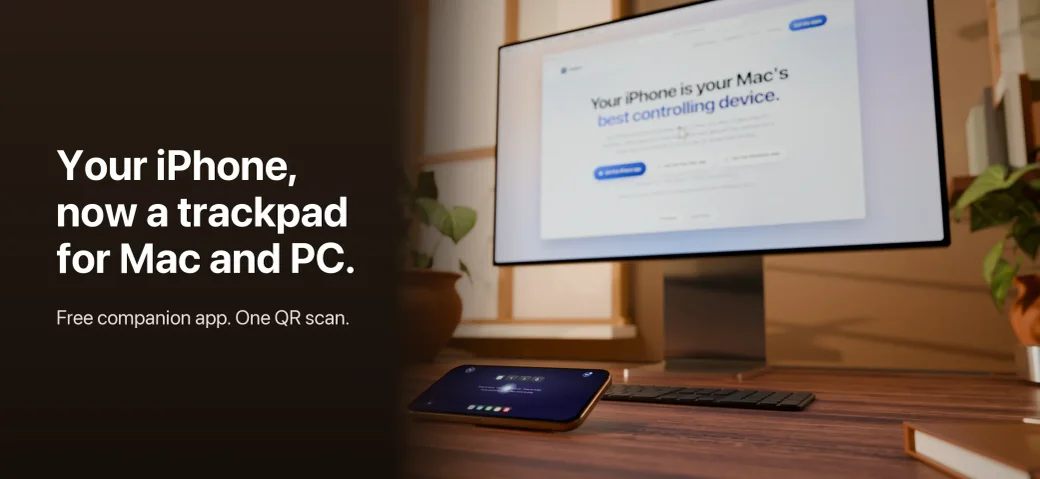
Padoo turns your iPhone into a trackpad for your Mac or Windows PC. It isn't a remote desktop app. The phone's glass becomes the pointing surface, and your computer's cursor responds in about 2ms over a direct wireless link.
Setup is one QR scan. After that the two apps find each other on their own and pick whichever connection is fastest: USB cable, direct phone-to-Mac Wi-Fi, or your normal network.
TRACKPAD
Works the way your MacBook trackpad already works. One finger moves the cursor. Tap to click. Two-finger tap for right click. Two fingers to scroll, with acceleration and coasting like a real trackpad. Rest a finger to stop a page mid-glide. Three-finger swipe between desktops. Tap-and-a-half gives you click and drag.
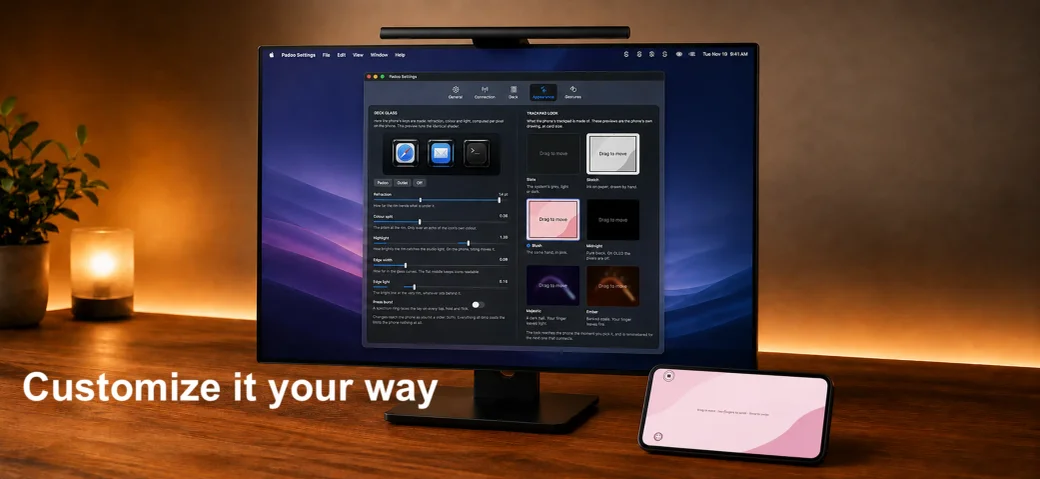
If the defaults don't suit your hands, every threshold is adjustable from the Mac: how far a tap can travel and still count as a tap, how long the drag window stays open, how much movement commits a swipe.
TRACKPAD DOCK
Up to five apps of your choosing sit along an edge of the trackpad. Tap one and it comes forward on the Mac, without leaving the trackpad. The dock shows which of them are already running, and you can arrange it separately for portrait and landscape. Drag an app onto a slot to put it there.
AIR POINTER
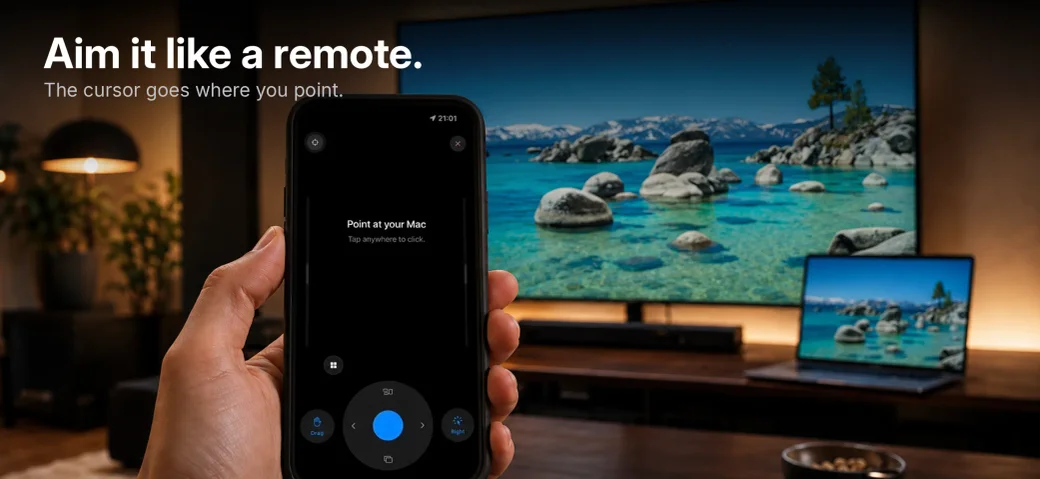
Aim the phone at your screen and the cursor goes where you point, like a TV remote. It sends absolute position rather than relative movement, so nothing sits between your aim and the screen. A quick relative mode works straight away. There's also a calibrated mode if you want it mapped to your actual display.
The Mac draws a soft ring around the cursor while you're aiming, so you can see what it's tracking.
APP DECK
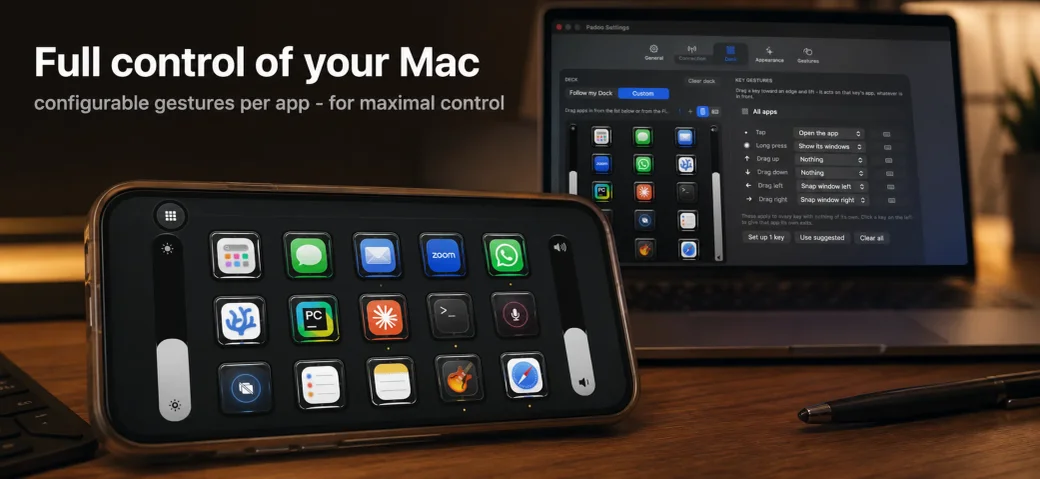
A grid of keys, one per app in your Mac's Dock, in the same order, using the real icons. Press one and that app comes forward. Brightness and volume sliders sit on either side. The Mac reads its own Dock, so there's nothing to configure.
MULTI-COMPUTER CONTROL
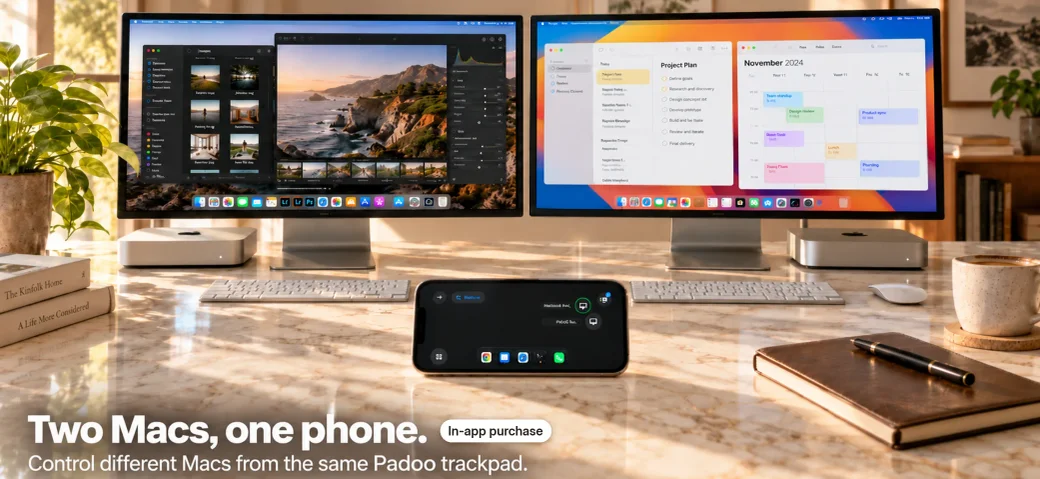
An optional one-time purchase lets one iPhone stay connected to up to three computers. Switch between them with a tap, or lay out your screens and slide the pointer off the edge of one computer onto the next. Trackpad, Air Pointer and App Deck all follow the computer you choose.
ABOUT THE CONNECTION
Wireless input can stutter, and it's usually one of two things. Either Wi-Fi channel contention on the Mac's single radio, or Low Power Mode on the iPhone cutting the capture rate in half. Padoo checks both and tells you which one you're hitting, in plain language.
If the link drops while you're mid-drag, the Mac lets go of the button within about 1.5 seconds. You won't get stuck holding something you can't see.
PRIVACY
No account. No sign-in. No ads, no tracking. Anonymous usage statistics help improve Padoo, and you can turn them off. The phone talks to your computers and nothing else. Pairing keys stay in the keychain.
YOU'LL NEED THE COMPANION APP
Padoo does nothing on its own. It works with a Mac or a Windows PC, and the companion app for both is a free download from taltools.site/padoo.
On a Mac it needs macOS 15 or later. It runs in the menu bar with no Dock icon, and it needs Accessibility permission so it can move your cursor.
What’s new
Version 1.6.4 · Nov 18, 2026
Bug fixes.
App privacy
What tal alfi declares on the App Store about how this app handles data.
-
Data not linked to you
May be collected but is not linked to your identity.
- Purchases
- Identifiers
- Usage data
- Diagnostics
Privacy practices may vary, for example with the features you use or your age.
Information
- Seller
- tal alfi
- Category
- Utilities
- Version
- 1.6.4
- Updated
- Nov 18, 2026
- Released
- Aug 28, 2026
- Size
- 8.0 MB
- Requires
- iOS 18.0 or later
- Age rating
- 4+
- Price
- Free
- In-app purchases
- Yes
- Languages
- English
- Copyright
- © 2026 Tal Alfi
You might also like
-
 אופקטיביUtilities
-
 NewMotionTrackpad, keyboard, and mic
-
 Porthole: Mac Remote DesktopPrivate VNC Screen Sharing
-
 RTL Couch Surfer TrackpadYour iDevice to Full Trackpad
-
 FreeMouse: Trackpad & KeyboardRemote mouse for your Mac
-
 Coast: Macros & TrackpadBuild your own controller
-
 Remote Mouse: Deck PointerKeyboard & Trackpad for PC
-
 Duo Trackpad - Touch ControlTrackpad, gestures & shortcuts
-
 Bluetooth MouseWireless Mouse & Keyboard
-
 SmartScan ControlThorlux SmartScan App