Page Translator
Translate any page you scan
Designed for iPhone, iPad, iPod touch
Free · In-app purchases
- Age rating4+
- CategoryProductivity
- DeveloperTHE CLEVER APP COMPANY LIMITED
- LanguagesEnglish
- Size47.5 MB
Links to the official App Store page
Download.org hosts no file of Page Translator. The button opens its official App Store page, published by THE CLEVER APP COMPANY LIMITED. Listing last checked on Nov 15, 2026.
Screenshots

About
Page Translator turns printed pages, PDFs, photos and copied text into readable translations.
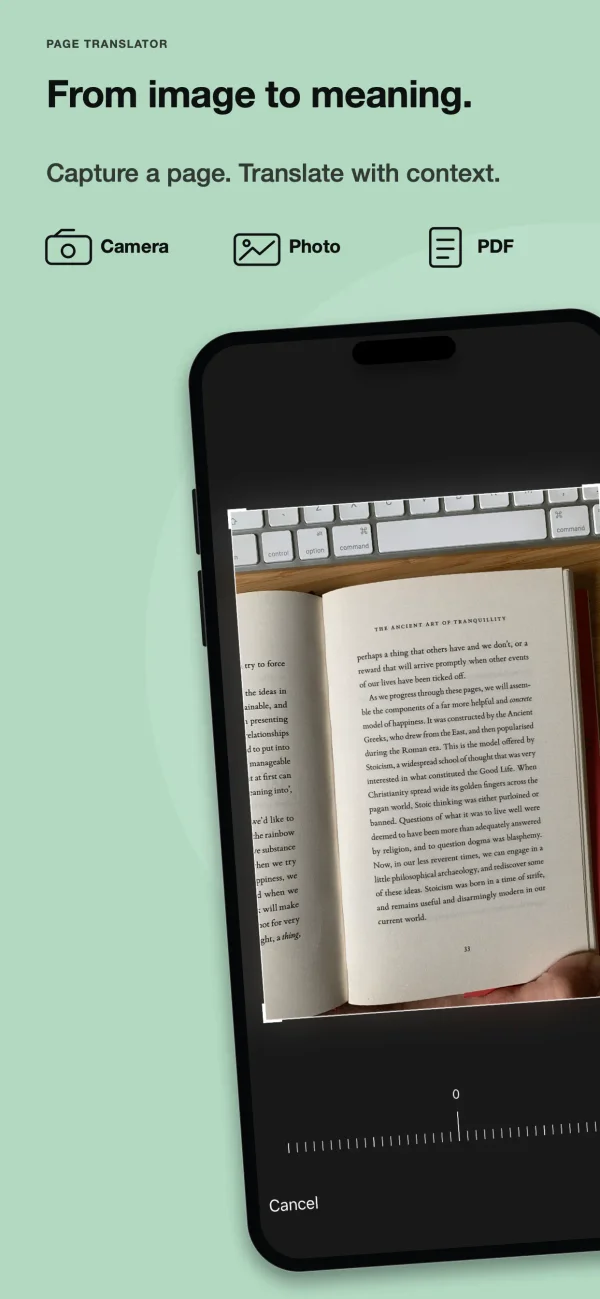
Scan a page with your camera, open a photo or PDF, or import text from another app. Choose a source and target language from more than 50 languages, then translate the content on your device.
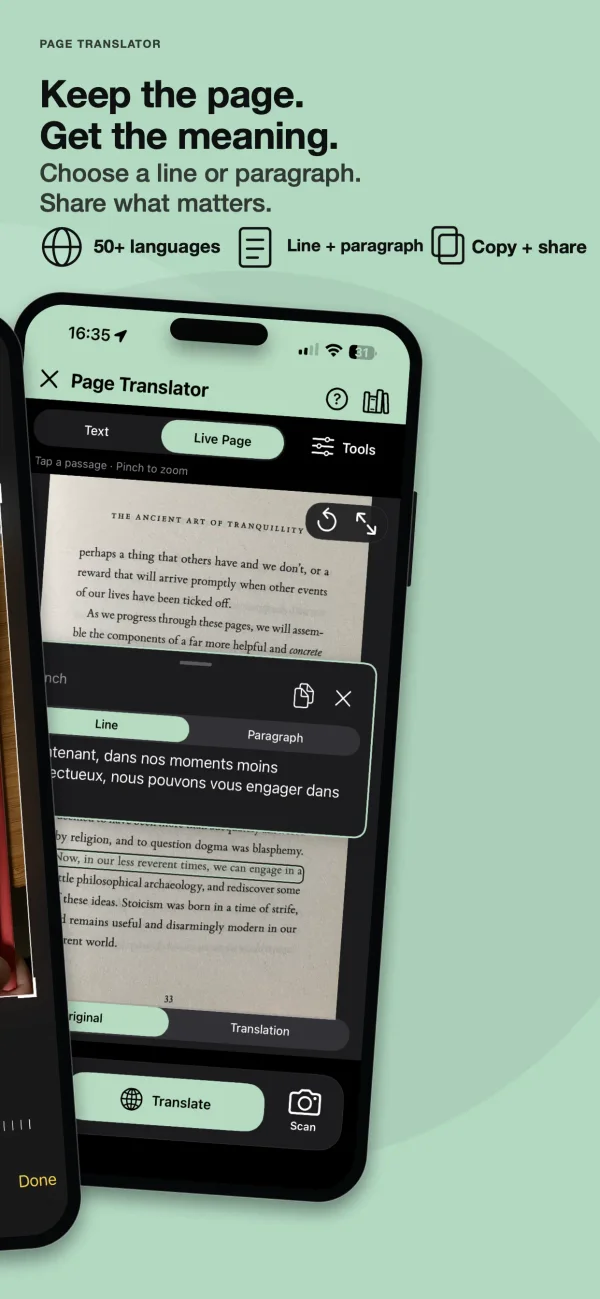
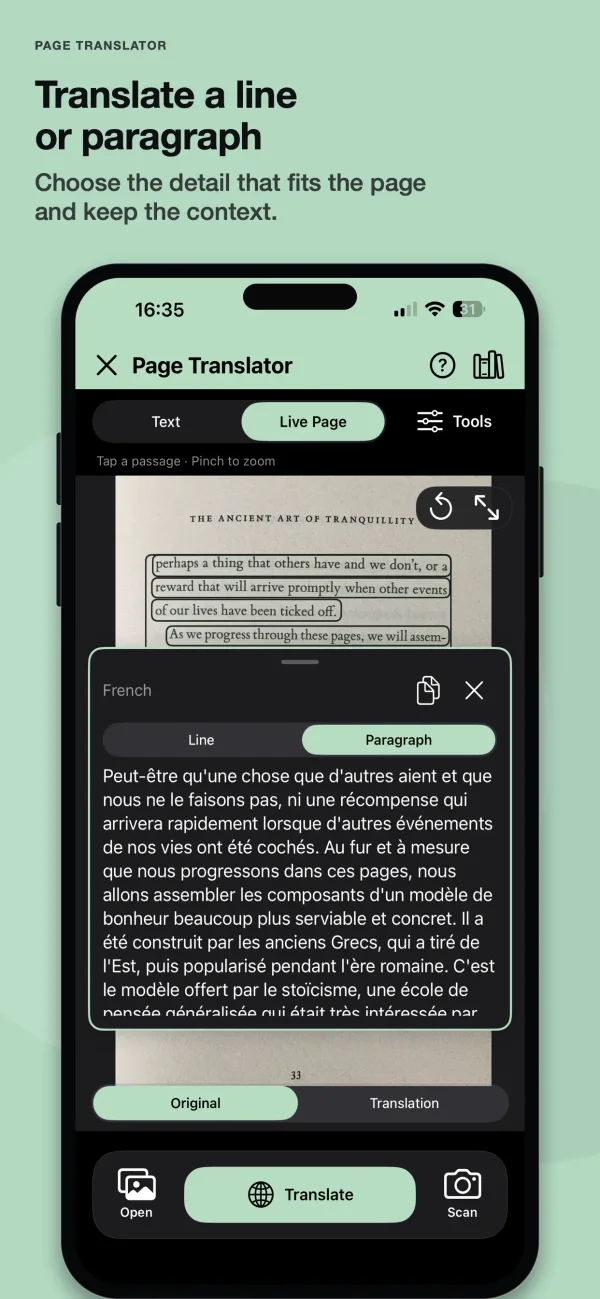
Live Page Viewer keeps the original page visible while translations stay connected to the source. Tap a line for a quick translation, press and hold for a paragraph, or translate the whole page in a clear, scrollable reading layer.
Use Show on Page to return to the matching passage in the original image. Translation cards can be moved, copied, closed, retried and reset without losing the source page.
FEATURES
• Scan pages with the camera
• Use page-alignment guides, tap-to-focus and zoom
• Open photos from your photo library
• Choose individual photos when using limited Photos access
• Import selectable-text or scanned PDFs
• Import PDFs up to 25 MB and five pages
• Recognise paragraphs, numbered lists and natural sentence structure
• Choose automatic or manual source-language recognition
• Translate individual lines
• Translate complete paragraphs
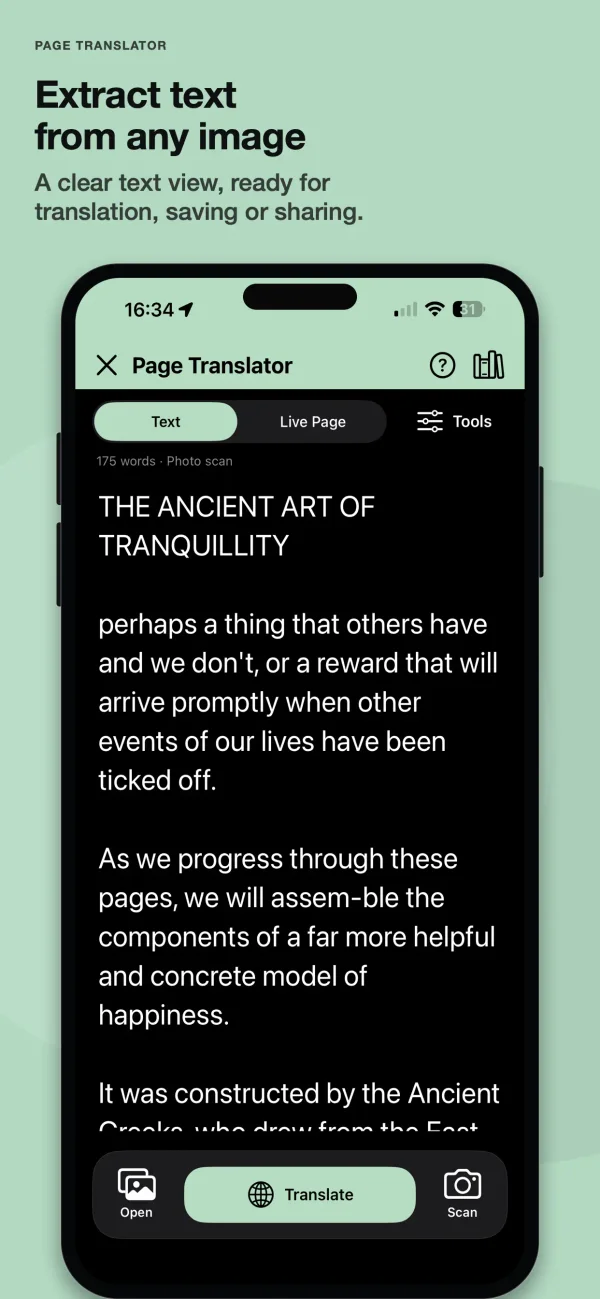
• Translate the whole page in a readable view
• Show translated passages on the original photo
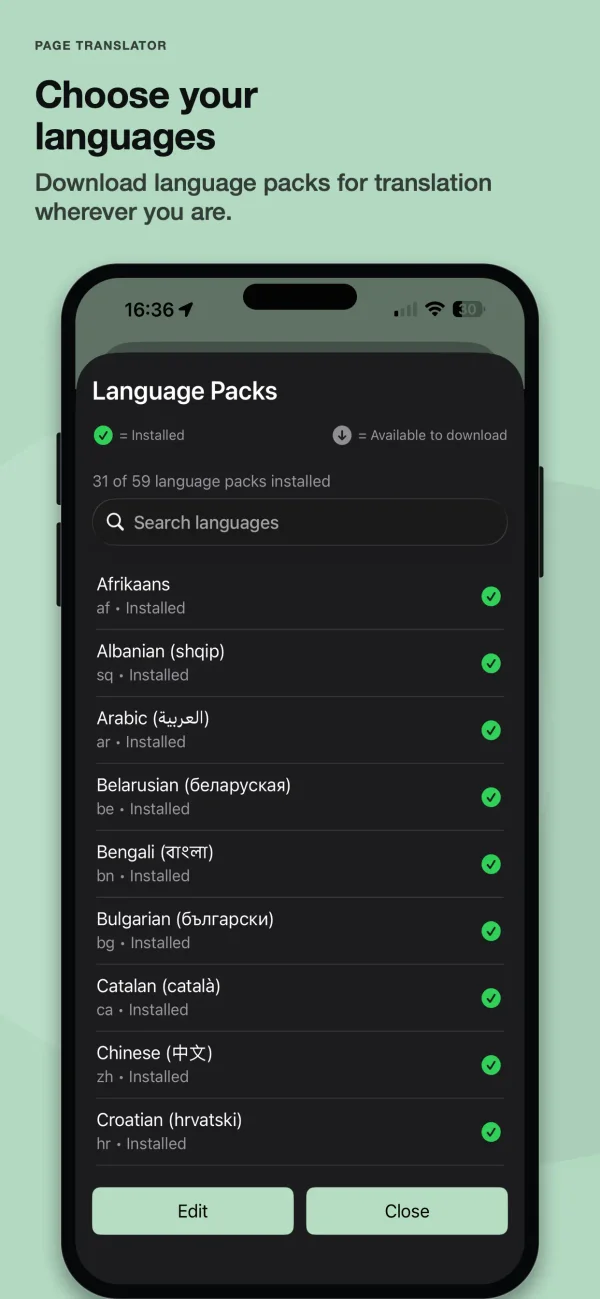
• Download and manage language packs
• Search languages by name
• See installed language packs and download progress
• Cancel, retry and resume translation
• Save pages to history
• Organise scanned pages into books
• Edit recognised text
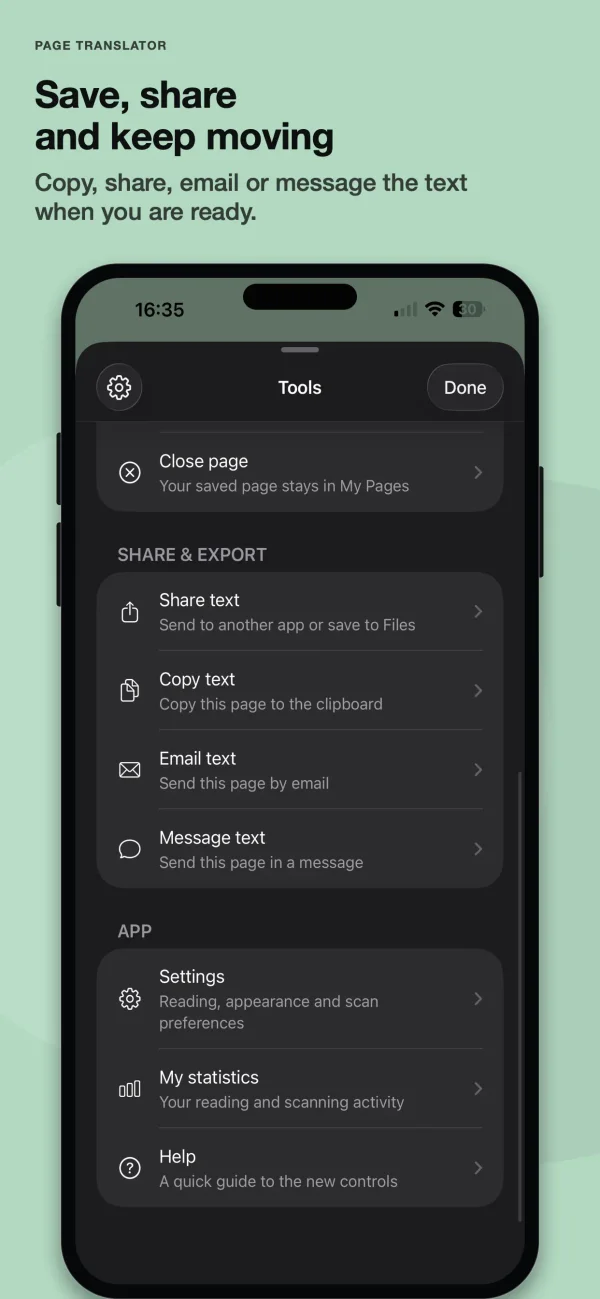
• Copy or export text to other apps
• Choose an accent colour and customise page behaviour
• Send pages to Page Reader to hear them read aloud
Page Translator makes the meaning of a page easier to understand — whether you are travelling, studying, working or reading something new.
What’s new
Version 2.0 · Sep 24, 2026
Meet the new Page Translator — a major redesign for clearer, more natural translation from any page.
• A completely refreshed interface with simpler controls, clearer navigation and a fresh visual identity.
• Live Page Viewer has been redesigned from the ground up.
• Tap a line for a readable translation card, or press and hold to translate a paragraph.
• Translate the whole page in a clean, scrollable reading layer while keeping the original photo available.
• Show a translated passage on the original page, move translation cards, reset the view and keep source text aligned.
• Improved contrast makes selected lines and paragraphs easier to see over both light pages and photographs.
• Translation now supports progress, cancellation, retry and recovery when language models need to be downloaded.
• Manage language packs with search, native language names, install status, download progress and deletion controls.
• Smarter recognition preserves paragraphs, numbered lists, sentence structure and page geometry.
• Import larger PDFs, including selectable-text PDFs and scanned pages.
• Modern camera controls now include page guides, tap-to-focus, zoom, flash controls and improved capture reliability.
• A faster, more efficient photo picker supports limited Photos access, iCloud photos and full-resolution scanning.
• Refreshed Settings, My Stats, colour customisation, purchase screens and companion-app links.
• Safer clipboard suggestions, clearer errors and improved stability throughout scanning, history and page reopening.
Page Translator makes the meaning of a page easier to find, understand and keep.
App privacy
What THE CLEVER APP COMPANY LIMITED declares on the App Store about how this app handles data.
-
Data used to track you
May be used to track you across apps and websites owned by other companies.
- Location
- Identifiers
- Usage data
- Diagnostics
-
Data linked to you
May be collected and linked to your identity.
- Location
- Identifiers
- Usage data
- Diagnostics
-
Data not linked to you
May be collected but is not linked to your identity.
- Diagnostics
Privacy practices may vary, for example with the features you use or your age.
Information
- Seller
- THE CLEVER APP COMPANY LIMITED
- Category
- Productivity
- Version
- 2.0
- Updated
- Sep 24, 2026
- Released
- Jul 13, 2022
- Size
- 47.5 MB
- Requires
- iOS 15.5 or later
- Age rating
- 4+
- Price
- Free
- In-app purchases
- Yes
- Languages
- English
- Copyright
- © Clever App Co.
You might also like
-
 PDF Translator: Document & OCRTranslate Word, Excel & Scans
-
 Scan & Translate+ Text GrabberCamera & Photo Translator
-
 Voice Aloud ReaderText to speech Read PDF book
-
 Peech: Text to Speech ReaderListen to Books, PDFs and Web
-
 Text to Speech - Listen AIRead Aloud PDFs, Docs & Books
-
 Microsoft TranslatorTranslate 100+ languages
-
 iTranslate TranslatorTranslate Photo, Voice, Text
-
 Camera Detector AppHidden Camera Detector & Spy
-
 Translator - AI TranslatePhoto, Voice, Text, Keyboard
-
 AI Photo TranslatorCamera Language Text Translate