
- Age rating4+
- CategoryProductivity
- DeveloperPhi Vu Hoang
- LanguagesEnglish
- Size12.9 MB
Links to the official App Store page
Download.org hosts no file of Parefy. The button opens its official App Store page, published by Phi Vu Hoang. Listing last checked on Nov 12, 2026.
Screenshots




About
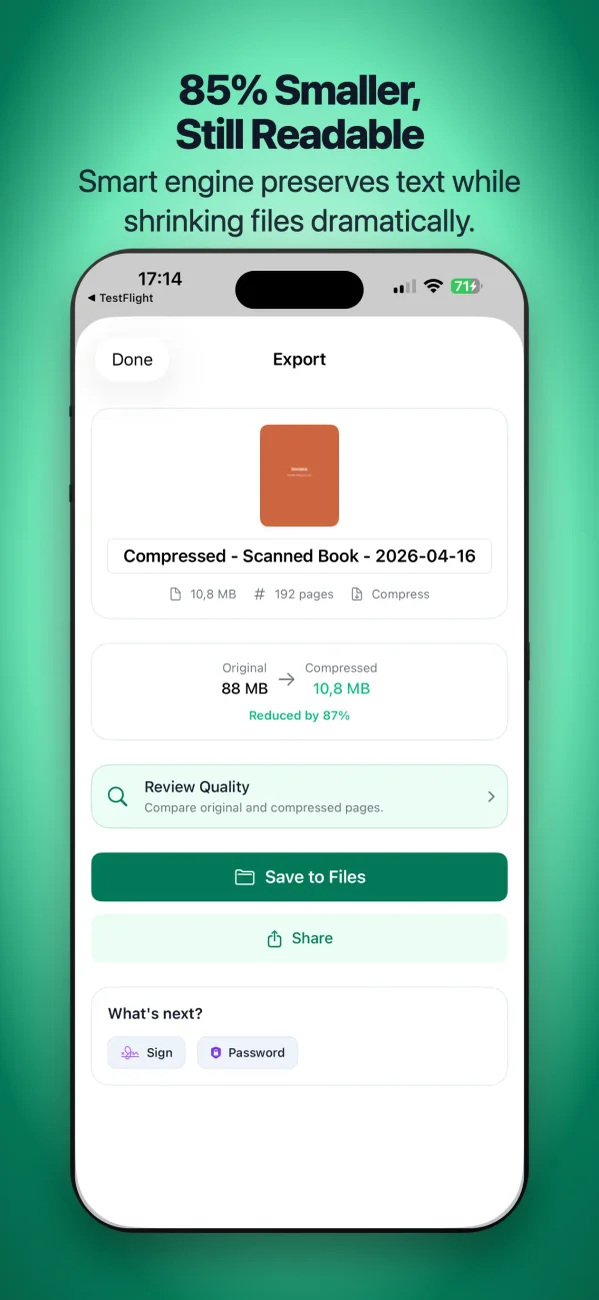
Parefy shrinks PDFs to any target file size you set — and keeps text readable. Set the size you need, pick a quality preference, and the compression engine hits your target automatically. No other mobile PDF app does this.
But that's just the start. Parefy is a complete offline PDF toolkit for iPhone and iPad. Every tool runs entirely on your device — no uploads, no cloud, no tracking.
Terms of Use (EULA): https://www.apple.com/legal/internet-services/itunes/dev/stdeula/
COMPRESS PDFs
The most advanced PDF compression on iOS. Four quality presets — Keep Quality, Balanced, Smaller File, and Extreme — plus target-size mode with a simple slider. The engine classifies each page (text, scanned, photo, mixed) and applies the right strategy automatically. Advanced mode gives you full control.
SCAN DOCUMENTS
Point your camera at any document and Parefy creates a clean PDF instantly. Auto-edge detection, perspective correction, and image enhancement built in. Or import existing photos from your library and convert them to PDF with quality presets.
MERGE PDFs
Combine multiple PDF files into one. Append documents back-to-back or interleave pages alternately (perfect for combining front/back scans). Drag to reorder and merge in seconds.
SPLIT & EXTRACT PAGES
Pull out specific pages or page ranges. Select individual pages, odd/even, or custom ranges to create new documents instantly.
SIGN DOCUMENTS
Place your handwritten signature on any PDF. Draw once, save, and reuse. Pinch to resize, drag to position, two-finger rotate.
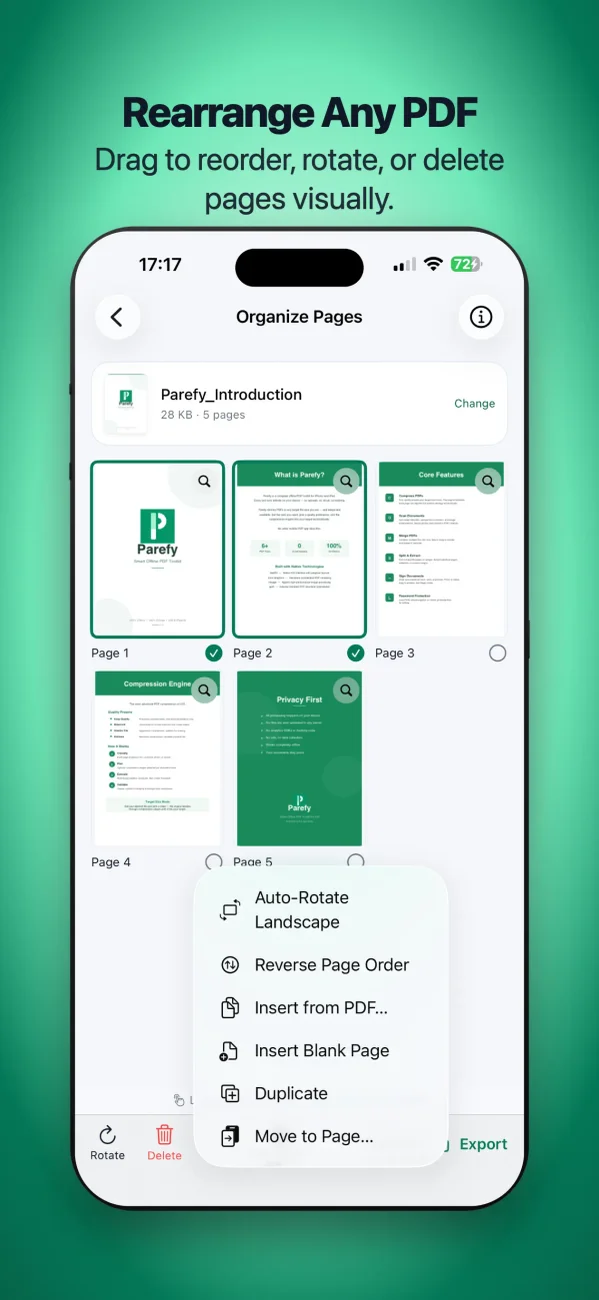
ORGANIZE PAGES
Rearrange, rotate, and delete pages within any PDF. Visual thumbnails make it easy to reorganize exactly how you want.
PASSWORD PROTECTION
Lock PDFs with encryption or unlock protected files for editing.
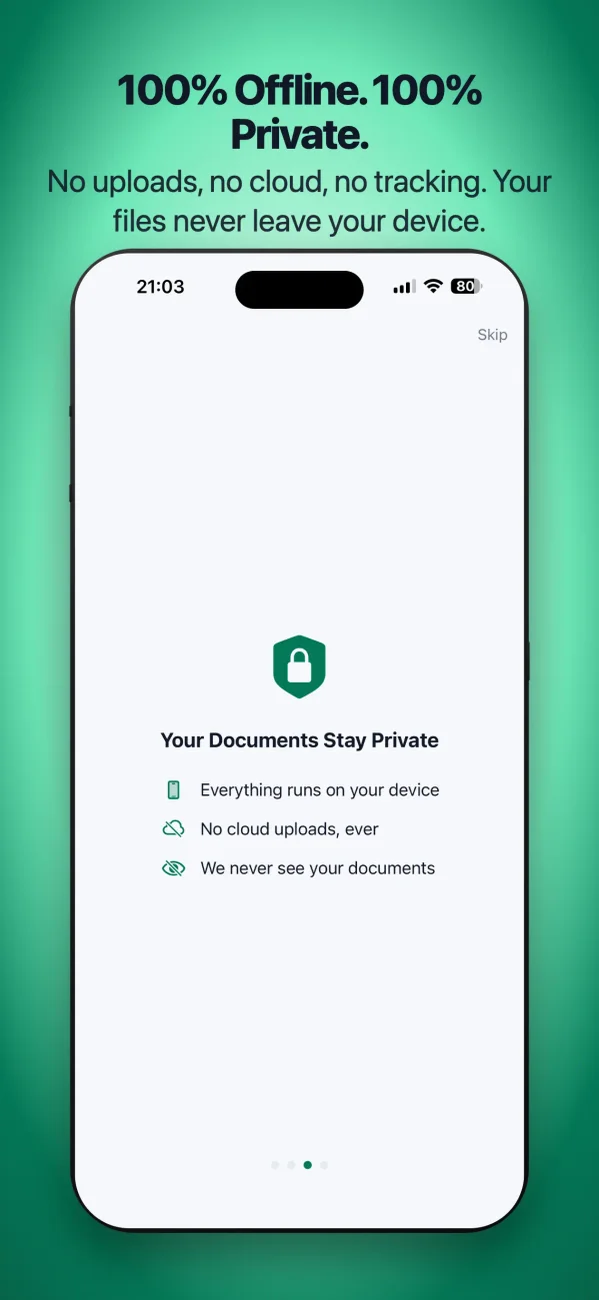
100% OFFLINE. 100% PRIVATE.
Parefy processes all files on your device. No uploads, no cloud servers, no tracking, no ads, and no analytics SDKs. Your documents never leave your iPhone or iPad.
- Native SwiftUI interface
- Works without internet
- Handles large PDFs (1,000+ pages)
- Files app and Share sheet integration
- Universal app for iPhone and iPad
App privacy
What Phi Vu Hoang declares on the App Store about how this app handles data.
-
Data not linked to you
May be collected but is not linked to your identity.
- Identifiers
- Usage data
- Diagnostics
Privacy practices may vary, for example with the features you use or your age.
Information
- Seller
- Phi Vu Hoang
- Category
- Productivity
- Version
- 1.0
- Updated
- Apr 25, 2026
- Released
- Apr 25, 2026
- Size
- 12.9 MB
- Requires
- iOS 17.0 or later
- Age rating
- 4+
- In-app purchases
- Yes
- Languages
- English
- Copyright
- © 2026 Vu Hoang. All rights reserved.
You might also like
-
 GuardianScan Pro: PDF ScannerPrivate Document Scanner • OCR
-
 Slim PDF: Compress & ShrinkMerge, Split & Resize PDFs
-
 Markdown.md - Reader & EditorRead & edit Markdown offline
-
 PDF Compressor OfflineCompress PDF Files Offline
-
 Swype: Rewards & ExpensesPakistan’s smart card app
-
 Batch PDF Compressor SquashPDFDocument Size Reducer Tool
-
 PDF Compressor: Compress PDF .Compress PDF - PDF Compressor
-
 EasyMD - MD reader & editorMarkdown、HTML、LaTeX、Mermaid
-
 PDF SqueezerCompress PDFs Offline
-
 PDFOptimCompress & Optimize PDF files