
Parental Control Screen Time
App Blocker & Family Location
Designed for iPhone
Free · In-app purchases
- Age rating4+
- CategoryProductivity
- DeveloperVadzim Narbutovich
- LanguagesEnglish+ 20 more
- Size20.1 MB
Links to the official App Store page
Download.org hosts no file of Parental Control Screen Time. The button opens its official App Store page, published by Vadzim Narbutovich. Listing last checked on Nov 23, 2026.
Screenshots

About
Help your child use their phone more mindfully—with clear rules and time for life beyond the screen.
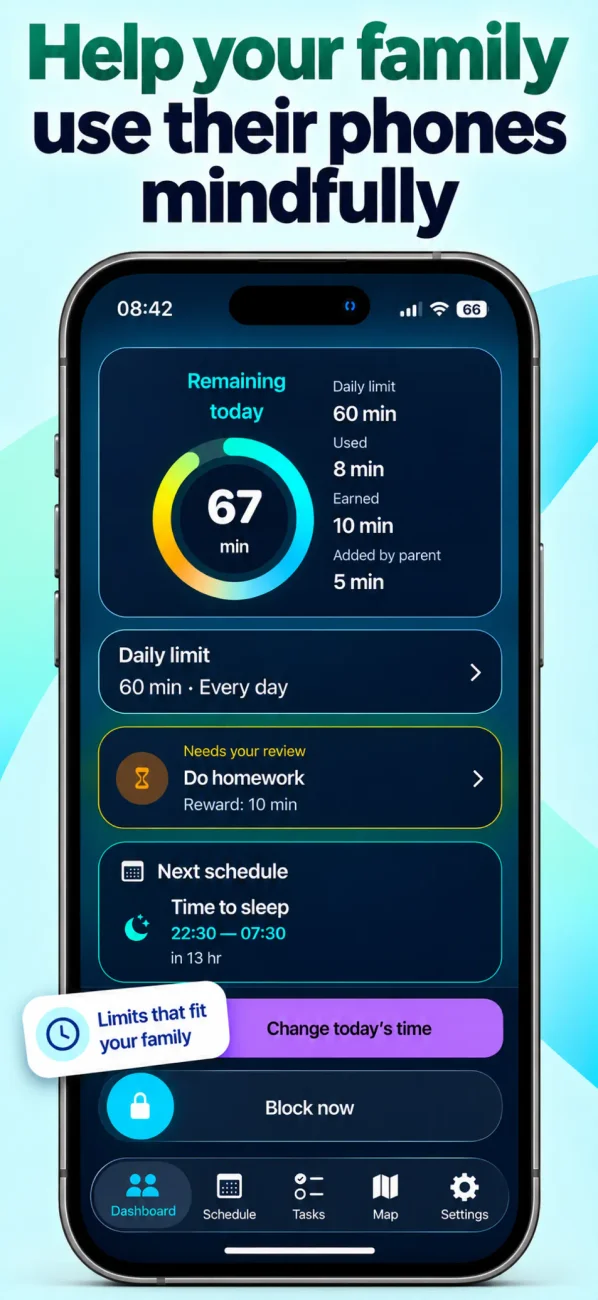
ParentalControl lets parents manage their child's time in selected apps from their own phone. Set limits and schedules, encourage helpful habits, and request your child's location when you need it.
LIMITS FOR WEEKDAYS AND WEEKENDS
Set one daily limit for the whole week or choose a different allowance for each day. For example, allow less time on school days and more on weekends.
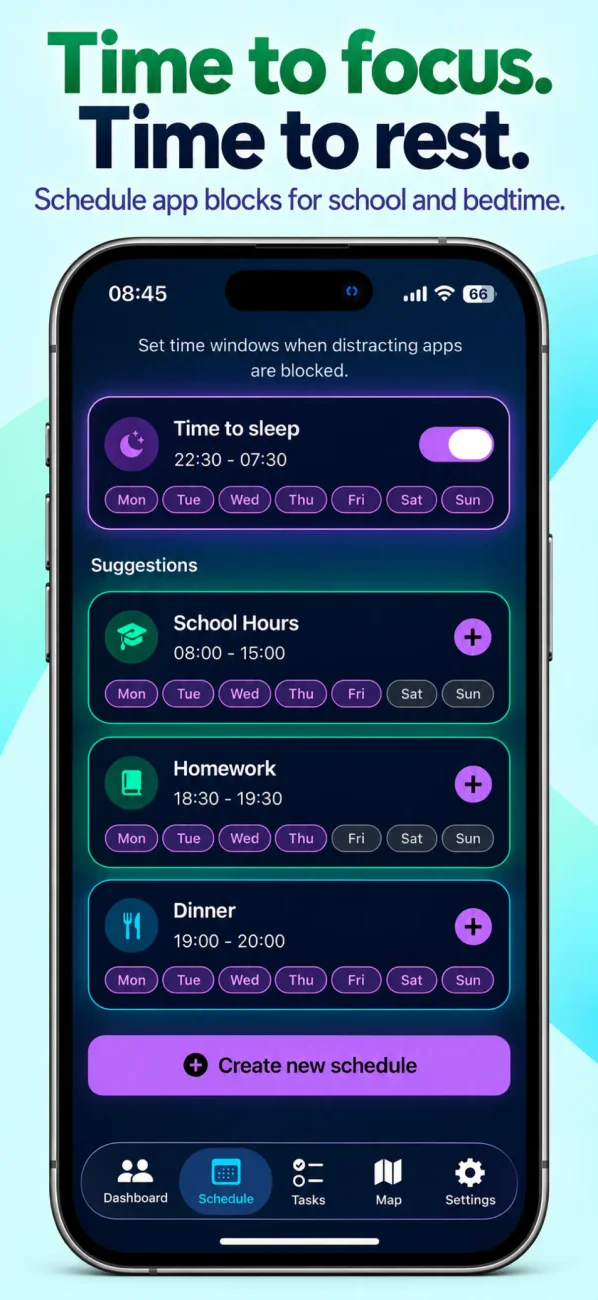
SCHEDULES FOR SLEEP AND STUDY
Choose the days and times when selected apps should be blocked. Help your child make room for schoolwork, rest, and time together without their phone.
MANAGE EVERYTHING FROM YOUR PHONE
Block or unblock selected apps, adjust today's available time, and see how much time your child has left.
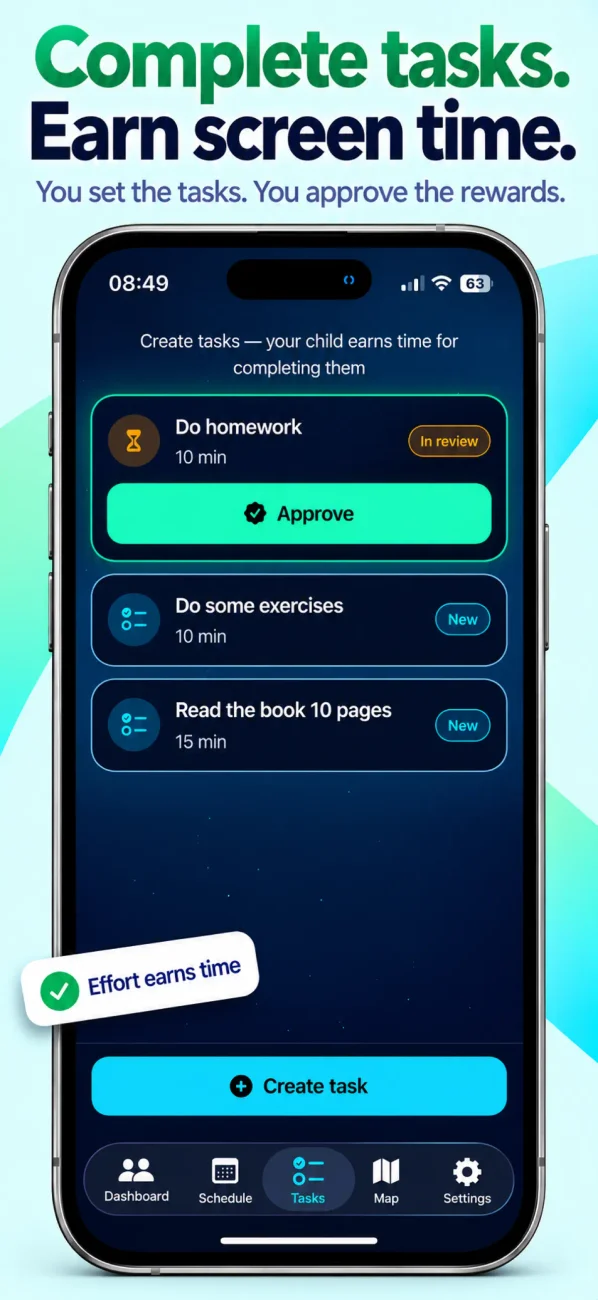
TASKS WITH REWARDS
Create tasks for your child and offer extra time in apps as a reward. Your child submits completed tasks for review, and you approve the result and award the time.
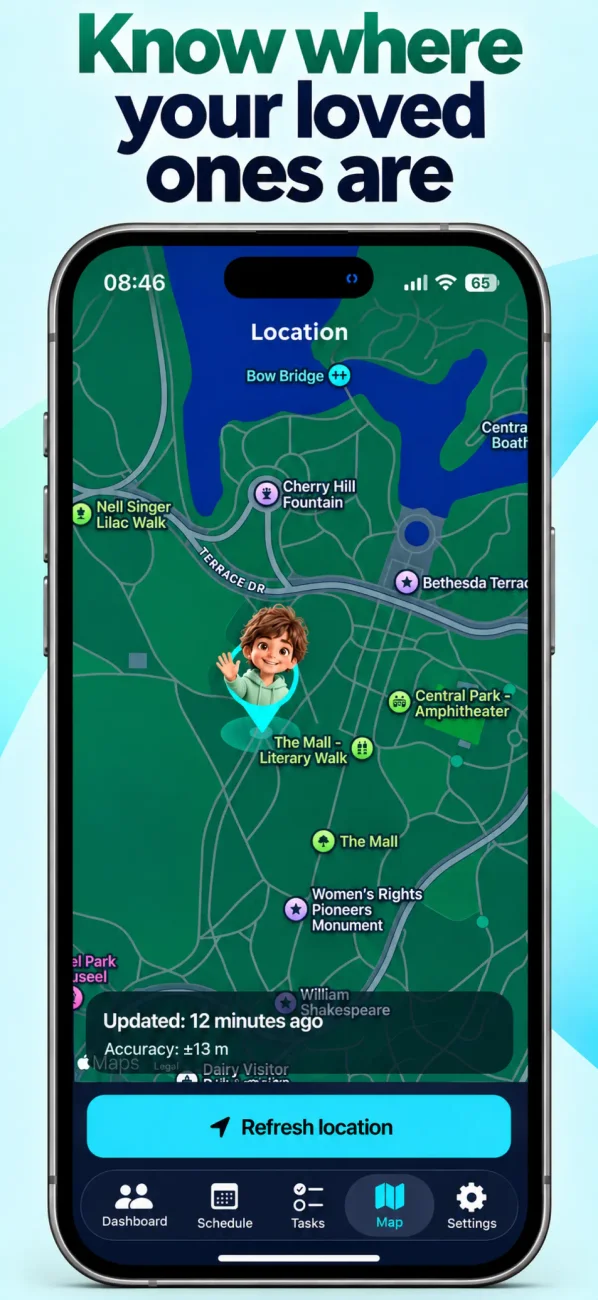
YOUR CHILD'S LOCATION
Request your child's location and view it on the map.
USAGE STATISTICS
See time spent in selected apps on any day you choose. Detailed statistics are available on your child's phone in PIN-protected parent mode.
SIMPLE SETUP
Install the app on your phone and your child's phone, choose the appropriate roles, and link the phones with a code. Step-by-step setup helps you grant the required permissions, choose apps to manage, and set a parent PIN.
Managing app access requires Screen Time permission on your child's phone. To request their location in the background, set location access to Always.
You can also set up protection against app removal by setting up Apple Family Sharing and approving parental controls for your child. This step is optional when getting started.
Privacy Policy:
https://vadimnarbutovich.github.io/parentalcontrolapp/privacy-en.html
Terms of Use:
https://www.apple.com/legal/internet-services/itunes/dev/stdeula/
What’s new
Version 1.2 · Nov 18, 2026
Added support for more languages to make the app even easier to use.
App privacy
What Vadzim Narbutovich declares on the App Store about how this app handles data.
-
Data not linked to you
May be collected but is not linked to your identity.
- Location
- Identifiers
- Usage data
- Diagnostics
Privacy practices may vary, for example with the features you use or your age.
Information
- Seller
- Vadzim Narbutovich
- Category
- Productivity
- Version
- 1.2
- Updated
- Nov 18, 2026
- Released
- Nov 9, 2026
- Size
- 20.1 MB
- Requires
- iOS 18.4 or later
- Age rating
- 4+
- Price
- Free
- In-app purchases
- Yes
- Languages
- English, Arabic, Bulgarian, French, Georgian, German, Greek, Italian, Japanese, Kazakh, Korean, Kyrgyz + 9 more
- Copyright
- © Vadzim Narbutovich
You might also like
-
 Foremost: Block Apps & FocusEarn Screen Time, Stop Reels
-
 App Blocker: StayBriefScreen Time & Focus Timer
-
 Weekly – Planner & To-Do ListRepeating weekly schedule
-
 Блок - Блокировка отвлеченийProductivity
-
 LockIn: Screen Time ControlApp Blocker, Focus & Limits
-
 Quizwall: Focus App BlockerUnlock apps with quizzes
-
 Focus Friend,Screen Time: EnsoBrainrot App Blocker & Refocus
-
 Habit Tracker: Habit ItStreaks, Journal, Routine
-
 Pomodoro Timer - FocusKitStudy & Routine Planner
-
 Moment - Screen Time BlockerBlock Apps, Regain Control