Passo Password Manager & 2FA
Autofill Passkeys & OTP Vault
Designed for iPhone, iPad, Mac
In-app purchases
- Age rating17+
- CategoryProductivity
- Developer星 何
- LanguagesSpanish+ 4 more
- Size31.3 MB
Links to the official App Store page
Download.org hosts no file of Passo Password Manager & 2FA. The button opens its official App Store page, published by 星 何. Listing last checked on Nov 13, 2026.
Screenshots
About
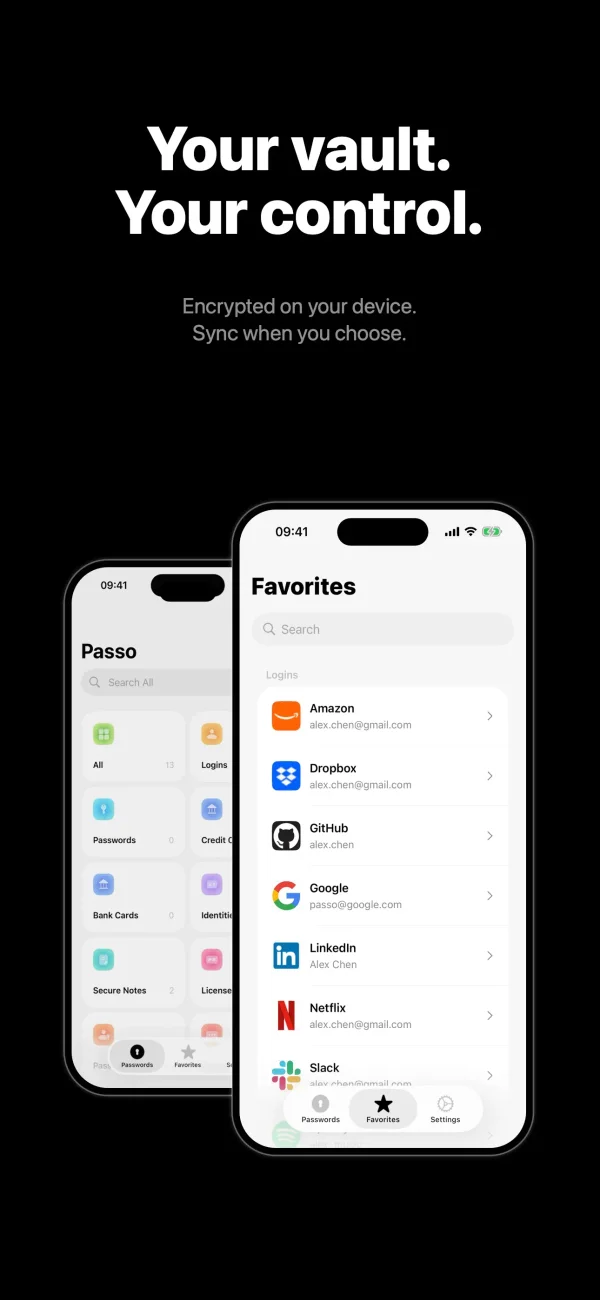
Passo is a local-first password manager that keeps your passwords, passkeys, one-time codes, cards, and secure notes in an encrypted Password Library you control—private by default and designed to be agent-friendly, so it works naturally with the tools you choose.
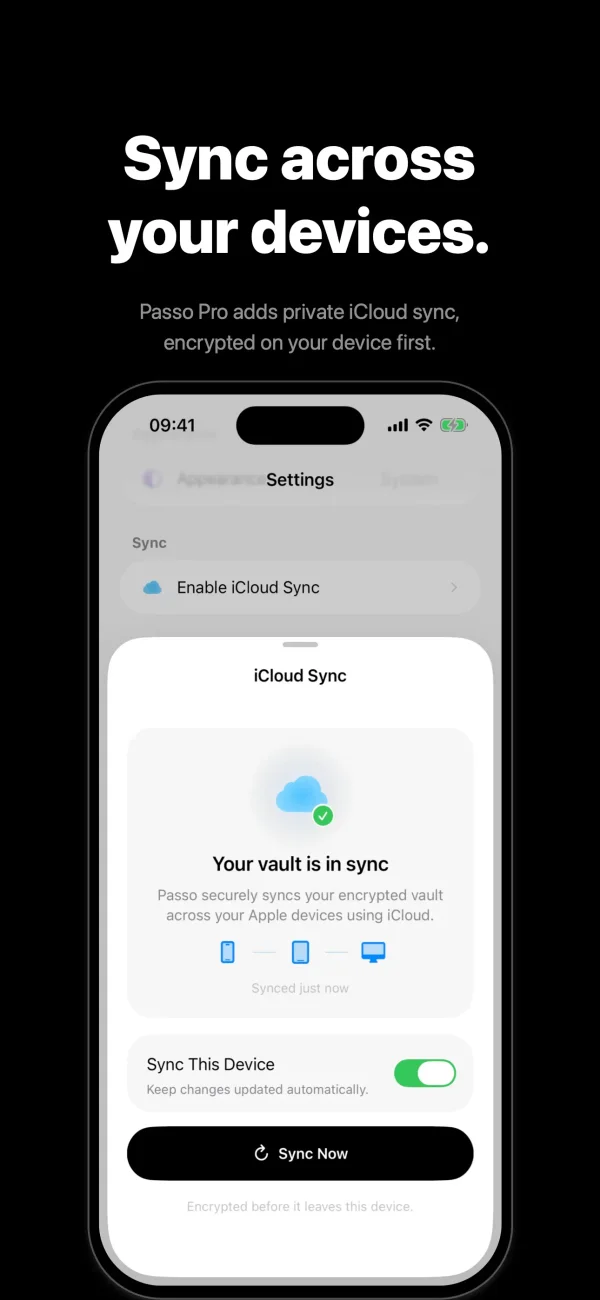
Your Password Library is encrypted and stored locally by default—only you control your data and keys. If you choose to enable iCloud sync, your data is encrypted on your device before it is synced.
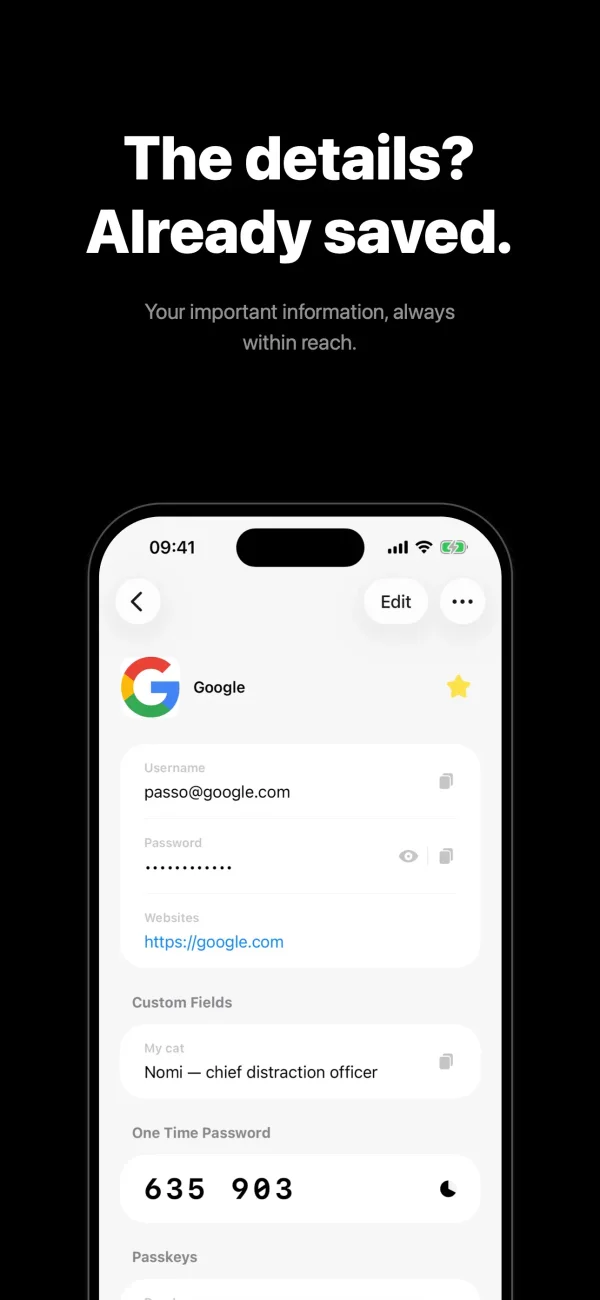
Create a new Password Library or restore from iCloud, unlock with Face ID, browse everything by category, favorite what you use most, and search quickly when you need it. Passo also supports system Autofill, passkeys, and one-time code setup from QR or otpauth links.
Use Passo as a private password vault and authenticator with a password generator for 2FA, credit cards, and secure notes.
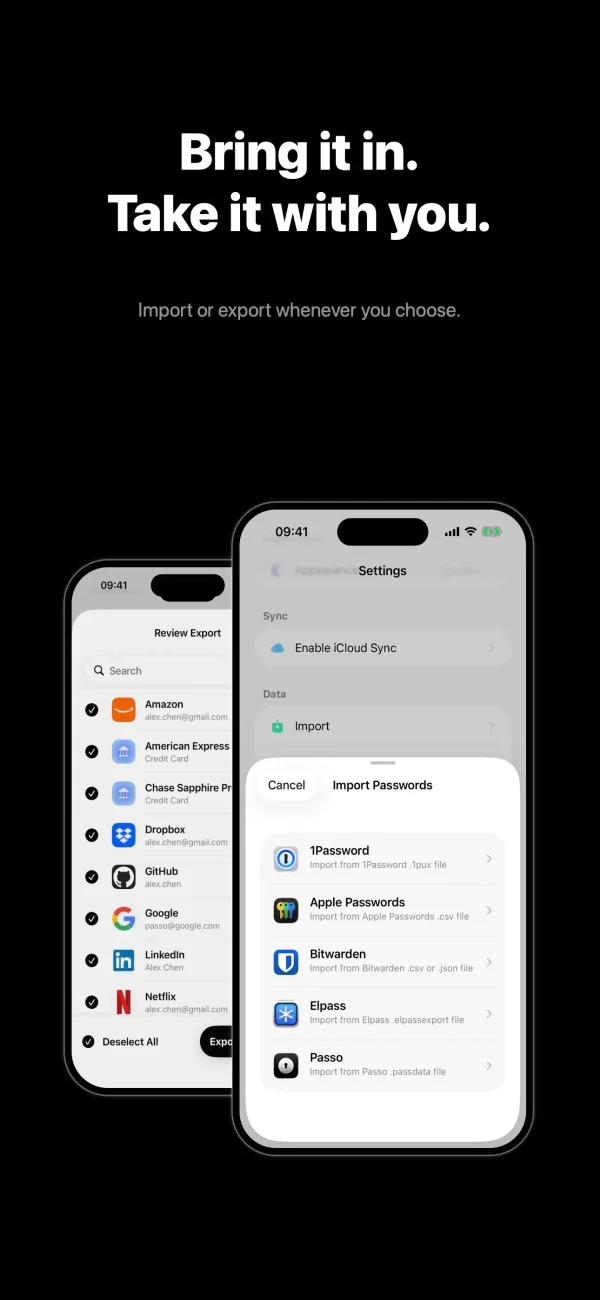
Import from 1Password, Bitwarden, Apple Passwords, Elpass, or an existing Passo export. Passo Pro unlocks iCloud sync across your devices.
Terms of Service: https://getpasso.xyz/terms.html
Privacy Policy: https://getpasso.xyz/privacy-policy.html
What’s new
Version 1.3.3 · Nov 3, 2026
Smoother adaptive layouts, responsive item details, and enhanced sync stability.
Improved
• Adaptive Layouts: Optimized split views, navigation, and settings sheets across compact and expanded display postures.
• Performance: Item details load faster with smoother transitions.
• iCloud Sync: Upgraded background sync coordination for greater consistency across your devices.
Fixed
• Lock Screen: Keeps password input comfortably visible above the keyboard.
App privacy
What 星 何 declares on the App Store about how this app handles data.
-
Data linked to you
May be collected and linked to your identity.
- Usage data
-
Data not linked to you
May be collected but is not linked to your identity.
- Usage data
Privacy practices may vary, for example with the features you use or your age.
Information
- Seller
- 星 何
- Category
- Productivity
- Version
- 1.3.3
- Updated
- Nov 3, 2026
- Released
- Apr 8, 2026
- Size
- 31.3 MB
- Requires
- iOS 18.0 or later
- Age rating
- 17+
- In-app purchases
- Yes
- Languages
- Spanish, Simplified Chinese, Traditional Chinese, English, Japanese
- Copyright
- © Copyright 2026 kukushi
You might also like
-
 Mr. Jago – Password ManagerPrivate & Encrypted Vault
-
 PriPass - Password ManagerSecure your passwords offline
-
 Teak: Save InspirationsSave ideas. Find them later.
-
 SafePass | Password ManagerSecure Password Generator
-
 Password Manager - SafeBoxPasswords Vault & Lock Safe
-
 SageGateEvery AI, One App, Your Data
-
 Password Manager: Safe LockStore, Autofill Passwords
-
 Nemos: Second Brain & MemosLink Saver, Screenshots, Notes
-
 Falcon File ManagerVideos, music, photos & zip
-
 Excelsior: Time TrackerDaily Planner & Goal Tracker