- Age rating4+
- CategoryUtilities
- Developerbo seul jeong
- LanguagesEnglish+ 1 more
- Size5.1 MB
Links to the official App Store page
Download.org hosts no file of PDF Cropper. The button opens its official App Store page, published by bo seul jeong. Listing last checked on Nov 12, 2026.
Screenshots
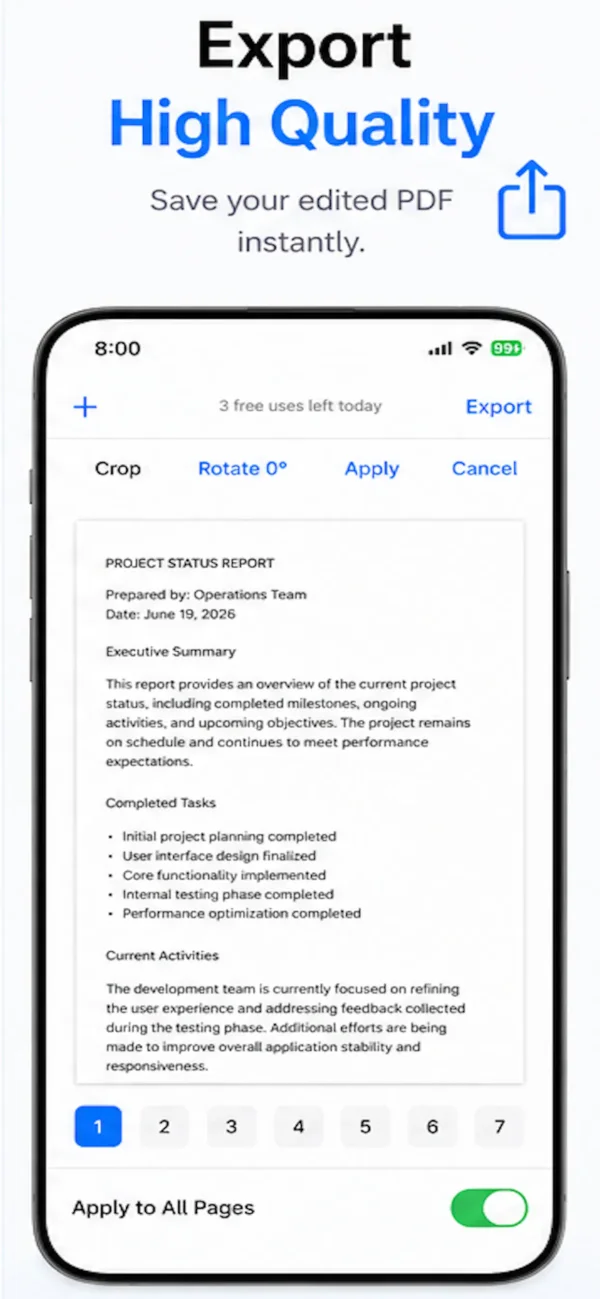
About
The developer has not provided this text in your language.
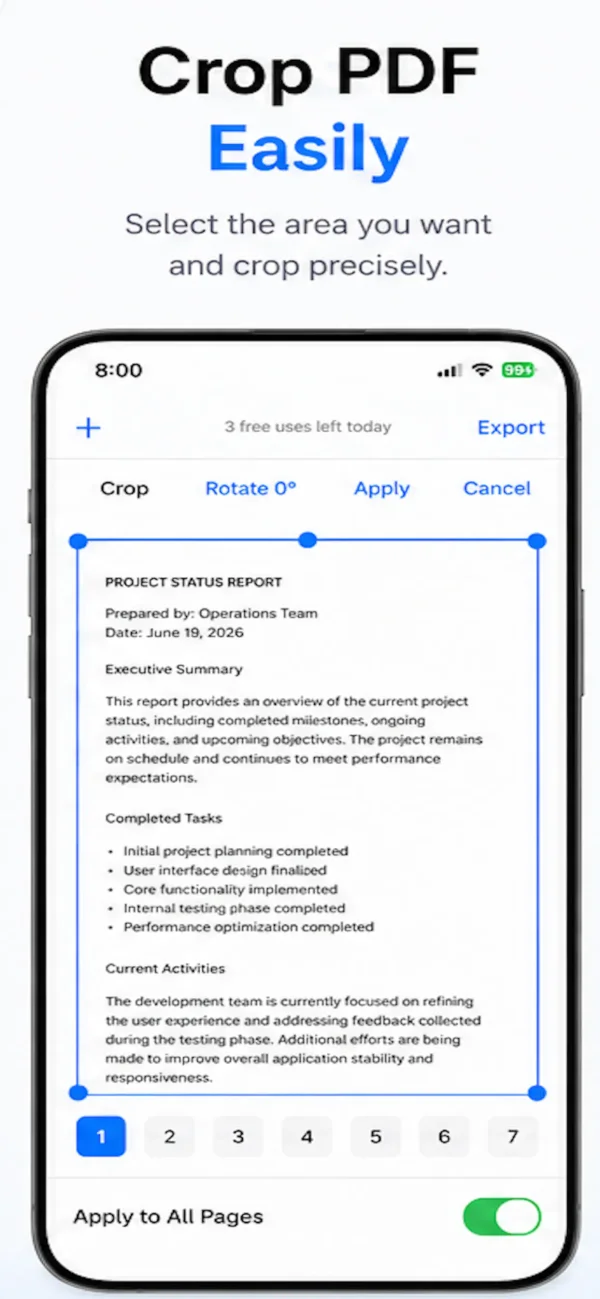
PDF 페이지를 빠르고 간편하게 자르세요.
PDF Cropper를 사용하면 드래그하여 원하는 영역을 쉽게 선택하고 PDF 페이지를 자를 수 있습니다. 페이지를 회전하고, 현재 페이지 또는 모든 페이지에 변경 사항을 적용한 뒤, 편집한 PDF를 몇 번의 탭만으로 내보낼 수 있습니다.
주요 기능
• 직관적인 선택 도구로 PDF 페이지 자르기
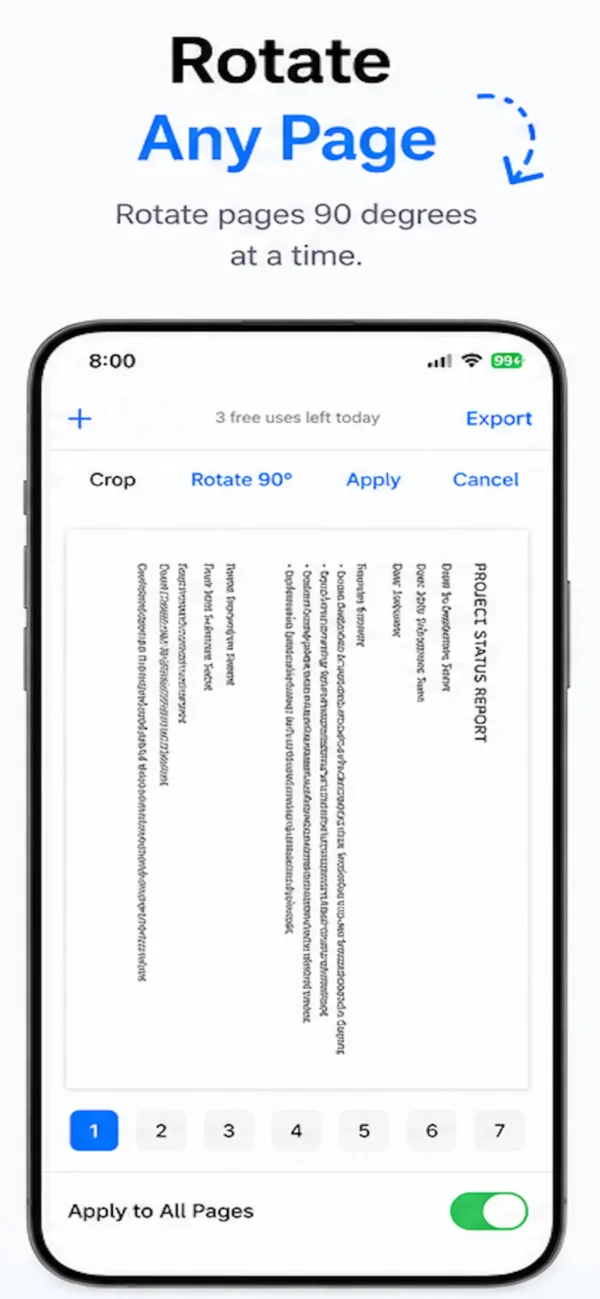
• 페이지 90° 회전
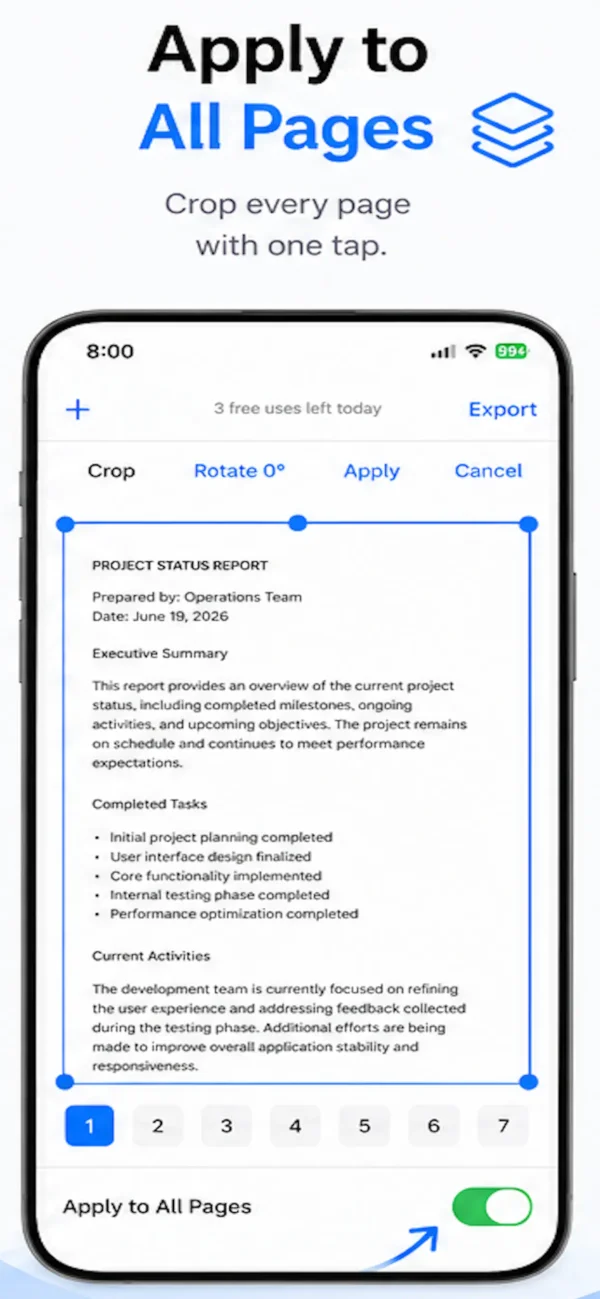
• 현재 페이지 또는 모든 페이지에 편집 내용 적용
• 고품질 PDF로 내보내기
• 깔끔하고 가벼운 사용 환경
Crop PDF pages quickly and easily.
PDF Cropper lets you crop PDF pages with a simple drag-and-resize interface. Rotate pages, apply changes to a single page or all pages, and export your edited PDF in just a few taps.
Features:
• Crop PDF pages with an intuitive selection tool
• Rotate pages by 90°
• Apply edits to a single page or all pages
• Export high-quality PDFs
• Simple, clean and lightweight interface
What’s new
Version 1.1 · Jun 29, 2026
App Store screenshots have been updated.
App privacy
What bo seul jeong declares on the App Store about how this app handles data.
-
Data used to track you
May be used to track you across apps and websites owned by other companies.
- Identifiers
- Usage data
-
Data linked to you
May be collected and linked to your identity.
- Identifiers
- Usage data
Privacy practices may vary, for example with the features you use or your age.
Information
- Seller
- bo seul jeong
- Category
- Utilities
- Version
- 1.1
- Updated
- Jun 29, 2026
- Released
- Jun 28, 2026
- Size
- 5.1 MB
- Requires
- iOS 26.5 or later
- Age rating
- 4+
- Languages
- English, Korean
- Copyright
- © 2026 Bo Seul Jeong
You might also like
-
 PDF - crop question papercrop your pdf, png
-
 Detection Monitor - DetectorScanner Security Detect Device
-
 LightComicsZip, Txt Viewer
-
 Text To Speech: CrikkTTS: Read aloud Docs, PDF etc
-
 APY Calculator - Interest CalcAnnual Percentage Yield
-
 PDF Converter - Text to PDFUtilities
-
 SecuWiz VPN Client 2.1Utilities
-
 Handwriting Keyboard ™Write to Text · 100+ Languages
-
 QuickDrop - Share from AndroidTransmit files with QuickShare
-
 PDF Editor: Merge, Sort & SignOne purchase. No subscriptions