PDF document Scanner :Doc Scan
Scan docs Edit & Sign with OCR
Designed for iPhone, iPad
Free · In-app purchases
- Age rating4+
- CategoryBusiness
- DeveloperBytesong Private Limited
- LanguagesEnglish+ 24 more
- Size16.4 MB
Links to the official App Store page
Download.org hosts no file of PDF document Scanner :Doc Scan. The button opens its official App Store page, published by Bytesong Private Limited. Listing last checked on Nov 17, 2026.
Screenshots

About
Scan documents, receipts, notes, ID cards and passports into clear PDFs. Read the text, edit, sign and share in a few taps. Your documents stay on your device.
DOCUMENT SCANNER
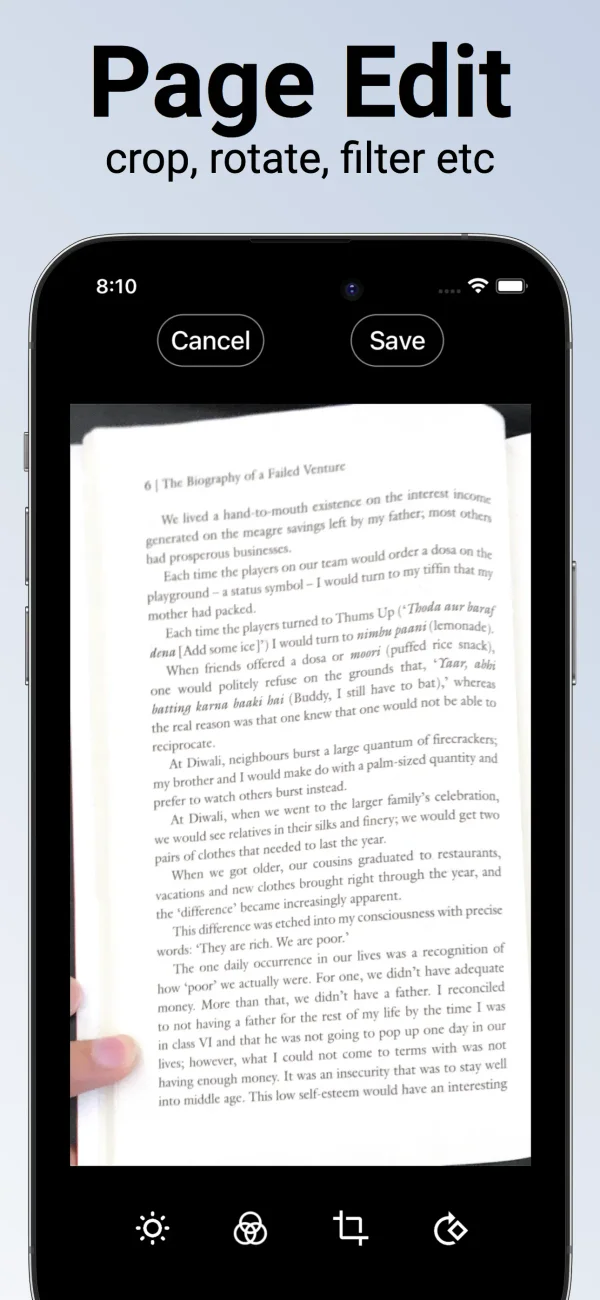
– Scan many pages into one document. Edges are found and pages are flattened for you.
– Crop, rotate, filters, brightness and contrast, and Reduce Noise for clean pages
– Change a page any time, or go back to the original
– ID cards and passports: front and back, or the photo page, on one page at real size
– Remove blank pages, straighten tilted photos, split two-page book scans
TEXT RECOGNITION (OCR)
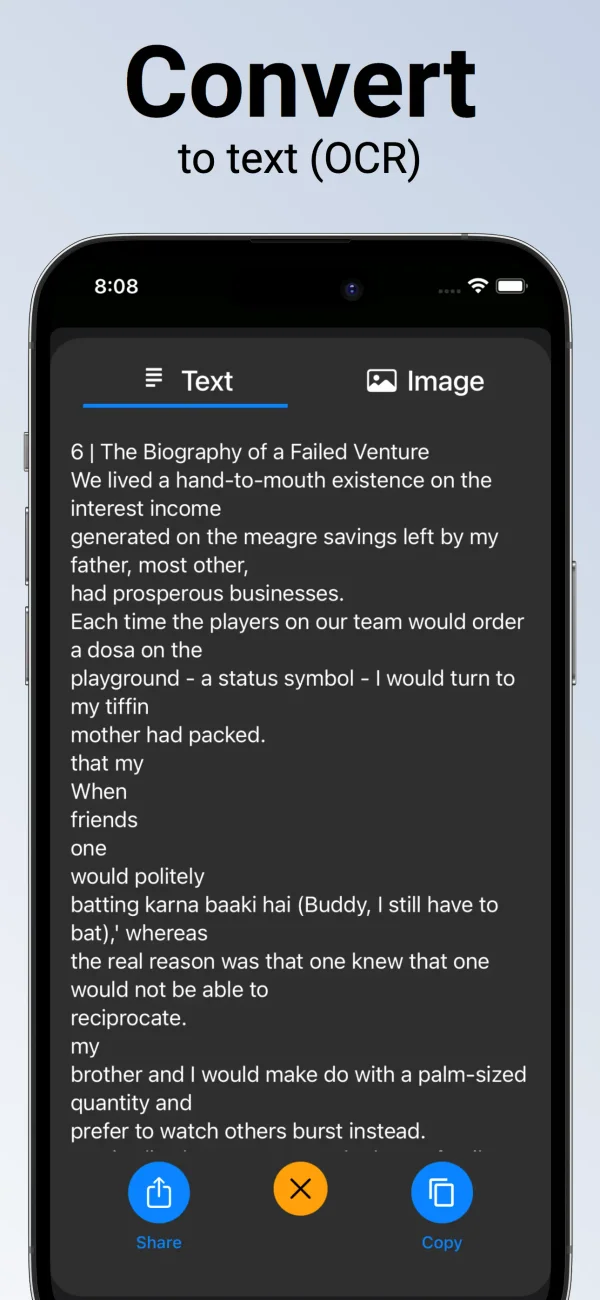
– Read the text on every page, then copy, search or share it
– Find a document by any word in it, also from iPhone search
– Smart names from the page text, like "Acme invoice 1042"
– Read Aloud: listen to the text of your pages
IMPORT AND CONVERT
– Import photos and PDFs, and turn Word, Excel, PowerPoint, text and CSV files into PDF
– Compress a large PDF, or remove a PDF's password
– Merge documents, or split and extract pages
– Open PDFs, photos and Word files shared from other apps
ORGANIZE
– Organize pages: reorder, rotate, duplicate, move and delete
– Folders, drag and drop, search, grid or list
– Lock documents and folders with a PIN, Face ID or Touch ID
– Auto-save every document as a PDF to a folder in Files, like iCloud Drive
– Favorites, and Recently Deleted to restore documents for 30 days
MARK UP AND SIGN
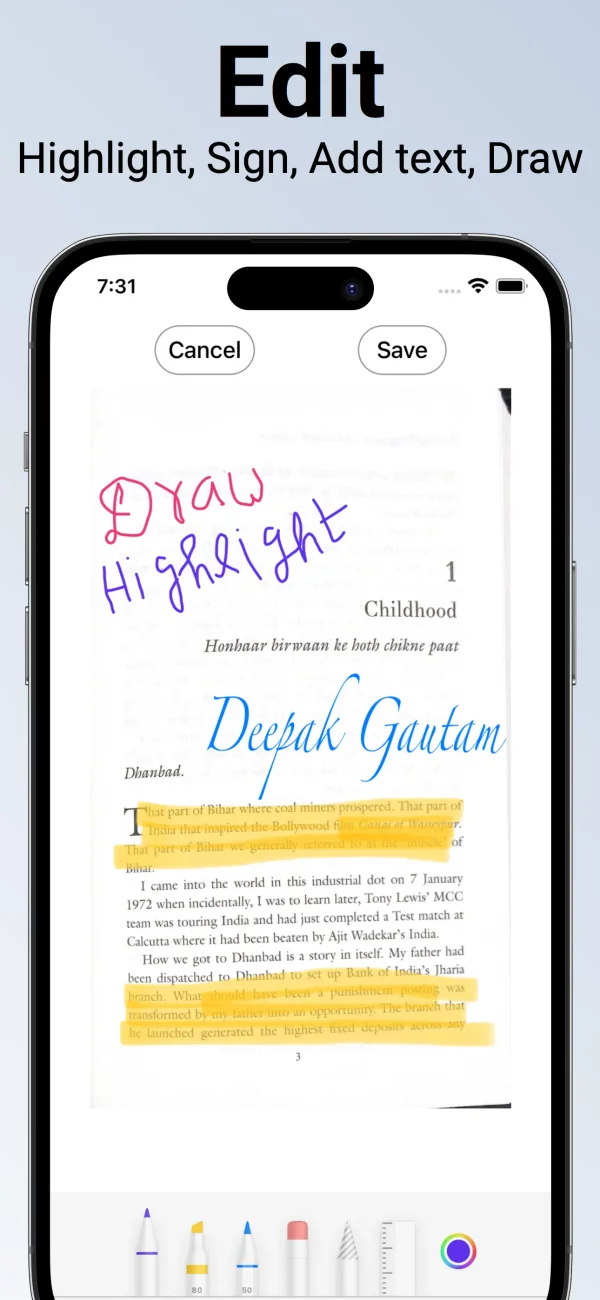
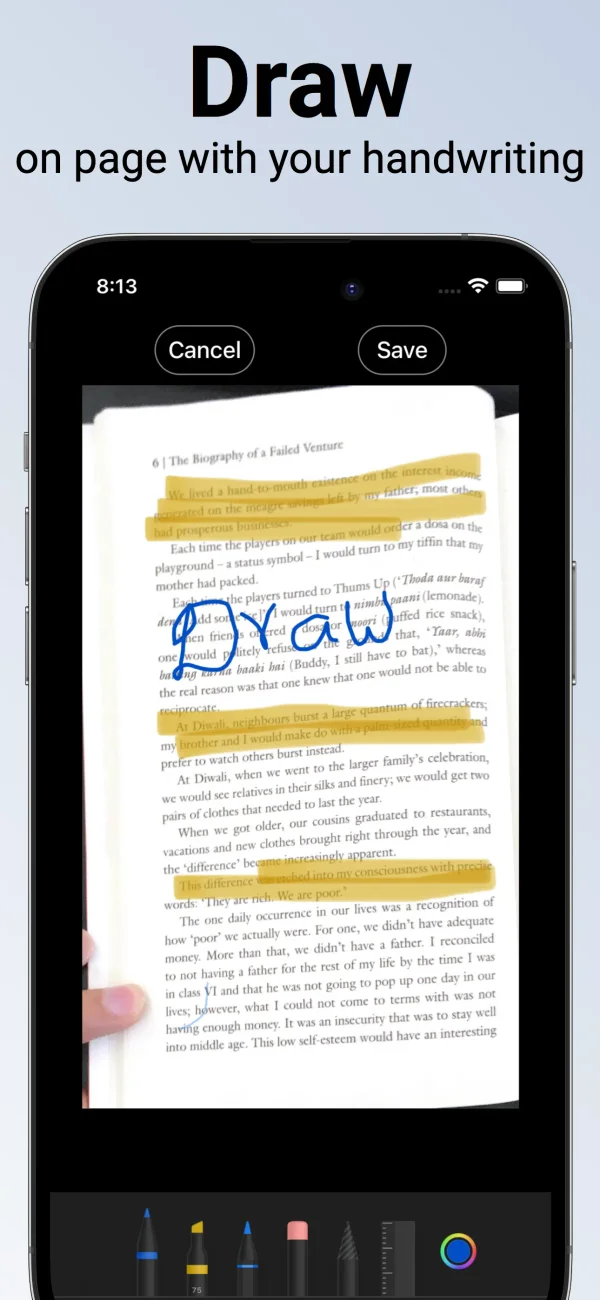
– Draw, highlight, add text, shapes and arrows
– Sign documents and save up to 3 signatures
– Fill in PDF forms
– Redact: black out private details permanently
– Watermark every page with COPY, CONFIDENTIAL or your own text
SHARE
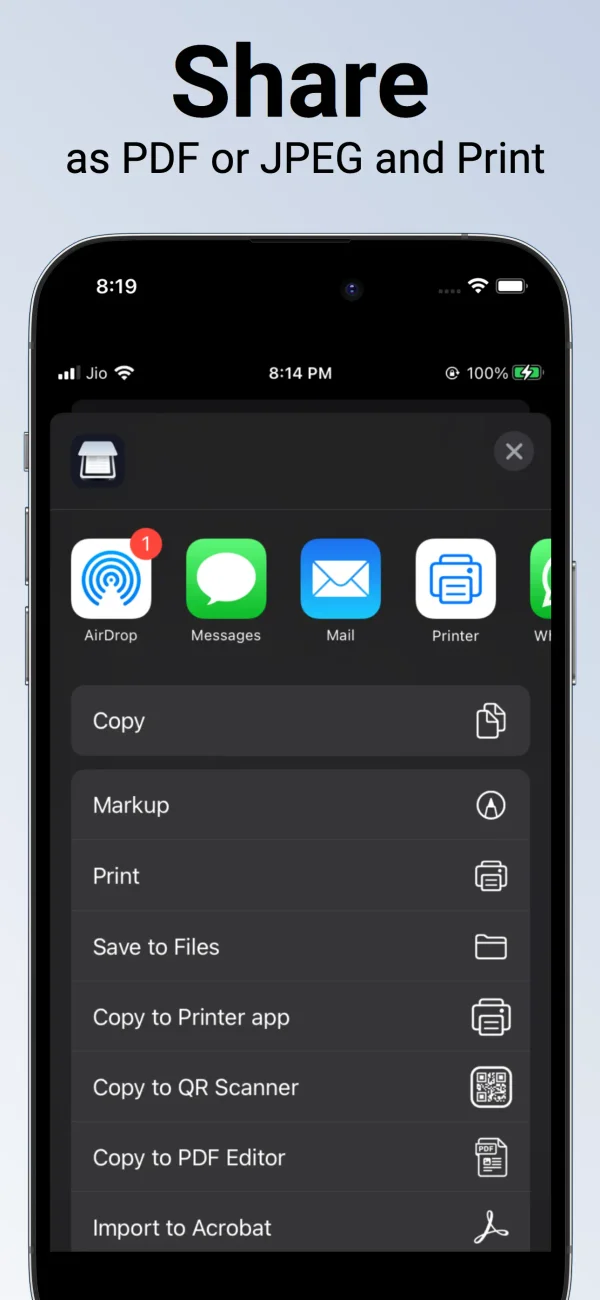
– Share as PDF, images or text by Mail, Messages, AirDrop, Files and more
– Choose the file size, page size (A4, Letter, Legal), page numbers or black & white
– Searchable PDFs and password-protected PDFs
– Preview the PDF before you share it, search it and print it
IPHONE AND IPAD
– A full iPad layout with a sidebar and drag and drop
– Start a scan from Shortcuts, Siri, or Control Center and the Lock Screen (iOS 18 and later)
– Light and dark mode, large text and VoiceOver
SCANX PREMIUM
Scanning, editing, text recognition and sharing as images or text are free. ScanX Premium adds sharing as PDF, signatures, saving and sharing filled forms, searchable PDFs, redact and highlight text, password-protected PDFs, watermarks, book page splitting, auto-save to a folder, PIN lock and printing.
Premium is an auto-renewing weekly or yearly subscription. Payment is charged to your Apple Account. It renews unless you cancel at least 24 hours before the period ends. Manage or cancel it in your App Store account settings.
PRIVACY
Your scans are stored on your device, and in the folder you choose if you turn on auto-save. We can't see them.
Terms of Use: https://ios-apps1.web.app/scanx_terms.html
Privacy Policy: https://ios-apps1.web.app/scanx_privacy.html
What’s new
Version 2.1 · Nov 11, 2026
New in ScanX 2.1
– Signing, redesigned: add initials and today's date, sign many pages at once, choose black, blue or red ink, and move or remove a signature later. Take a photo of your signature on paper and ScanX removes the paper. You can sign PDF forms too.
– Preview a PDF before you share it: search it, jump to a page, or see two pages side by side on iPad.
– Print your documents.
– Open PDFs, photos and Word files shared from other apps.
– Lock documents and folders with a PIN, Face ID or Touch ID.
– Recently Deleted: restore deleted documents for 30 days.
– Favorites: your most-used documents, one tap away.
– Read Aloud: listen to the text of your pages.
– Passport mode in the ID card tool.
– Watermarks with styles, colors and a live preview.
– Auto-save a PDF of every document to a folder in Files.
– Import Word, Excel, PowerPoint and text files.
– Drag documents onto folders.
– Reduce Noise for grainy scans. Crops and filters can be undone later.
– 9 more languages and a new app icon.
Some features need ScanX Premium.
App privacy
What Bytesong Private Limited declares on the App Store about how this app handles data.
-
Data not linked to you
May be collected but is not linked to your identity.
- Usage data
- Diagnostics
Privacy practices may vary, for example with the features you use or your age.
Information
- Seller
- Bytesong Private Limited
- Category
- Business
- Version
- 2.1
- Updated
- Nov 11, 2026
- Released
- Apr 6, 2022
- Size
- 16.4 MB
- Requires
- iOS 16.0 or later
- Age rating
- 4+
- Price
- Free
- In-app purchases
- Yes
- Languages
- English, Arabic, Czech, Danish, Dutch, Finnish, French, German, Hebrew, Indonesian, Italian, Japanese + 13 more
- Copyright
- © 2022 Deepak Gautam
You might also like
-
 Word to PDF Converter ©Convert Image to PDF & Signer
-
 Nova Scanner-Scan PDF DocumentPDF Scanner app with OCR & Fax
-
 Doc OCR - Book PDF ScannerRecognize Text on Image & Edit
-
 PDF Scanner: Editor, ConverterScan, Sign and Edit Documents
-
 PDF Photos+Cam for Document, JPG, Img
-
 İşin Olsun - Job SearchSearch, Apply & Get Hired
-
 Simple Appointment AppClient & Appointment Tracker
-
 PDF Converter - PDF Scanner 24Photos to PDF Reader & Editor
-
 Scanner App - Scan & Edit PDFScan, Fax & Email PDF, OCR Doc