PDF Eddie: PDF Editor & Sign
Merge, Compress, OCR Offline
Designed for iPhone, iPad, Mac
Free · In-app purchases
- Age rating4+
- CategoryProductivity
- DeveloperNEO INSIGHTS PTE. LTD
- LanguagesEnglish+ 13 more
- Size21.8 MB
Links to the official App Store page
Download.org hosts no file of PDF Eddie: PDF Editor & Sign. The button opens its official App Store page, published by NEO INSIGHTS PTE. LTD. Listing last checked on Nov 23, 2026.
Screenshots

About
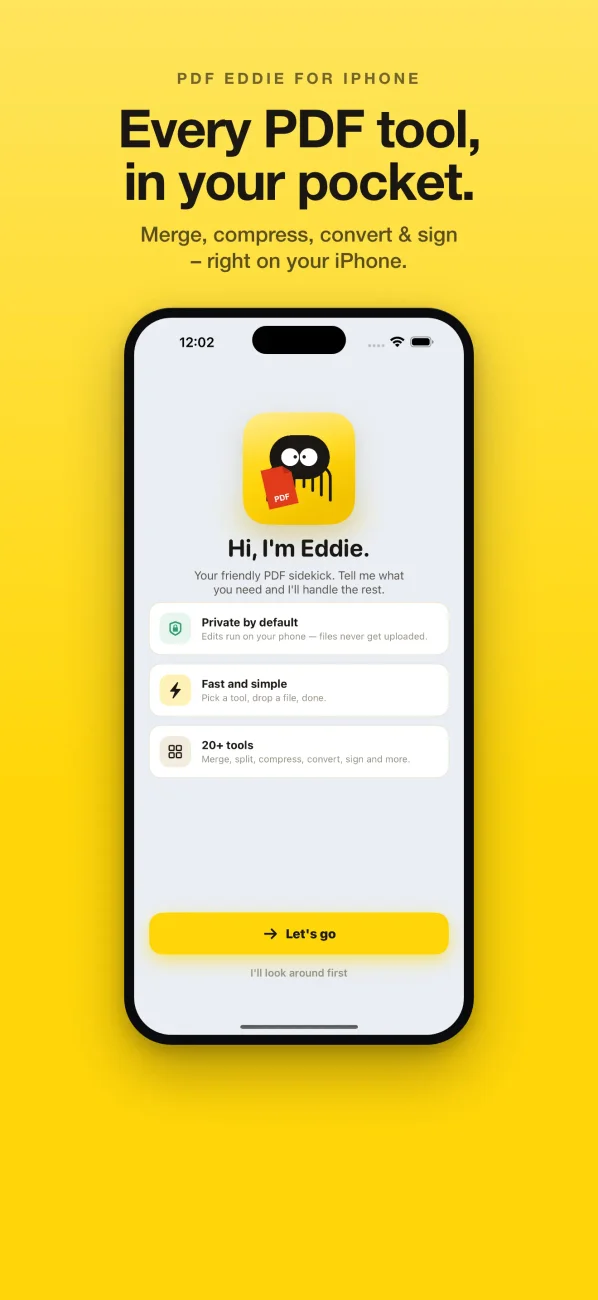
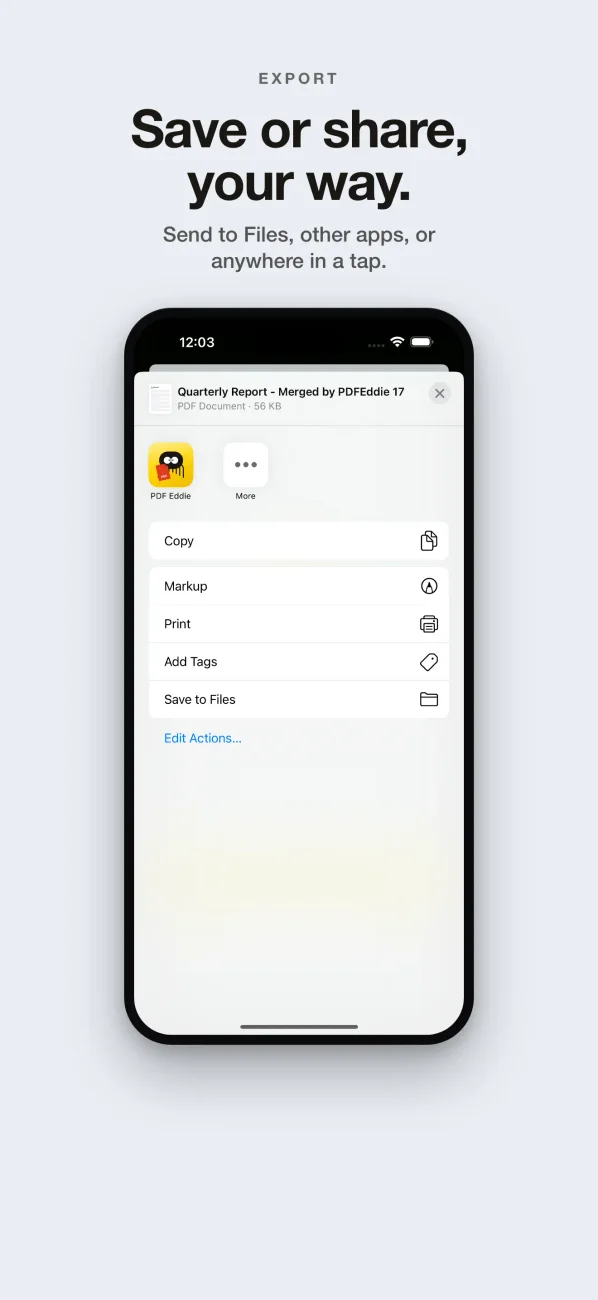
PDF Eddie is the all-in-one PDF editor, converter, and document scanner for iPhone and iPad. With 25 powerful tools in one friendly app, you can merge, split, compress, convert, edit, sign, and scan PDF files in seconds – almost everything works offline, right on your device.
NEED IT DONE RIGHT NOW?
These are the tools people reach for when the clock is ticking:
Sign PDF
Sign contracts, forms, and agreements without printing a thing. Open your PDF, draw your signature with your finger, place it exactly where it belongs, and share the signed document in seconds. Perfect for last-minute paperwork, NDAs, leases, offer letters, and approvals on the go.
Compress PDF
Email bouncing because the file is too big? Compress your PDF to dramatically reduce its size while keeping it clear and readable. You choose how much to shrink versus the quality you want to keep – ideal for emailing, uploading to portals, and saving storage space.
Scan to PDF
Turn your iPhone into a pocket document scanner. Capture receipts, IDs, notes, contracts, and whiteboards with your camera and save them as clean, sharp PDFs – ready to sign, share, or file right away.
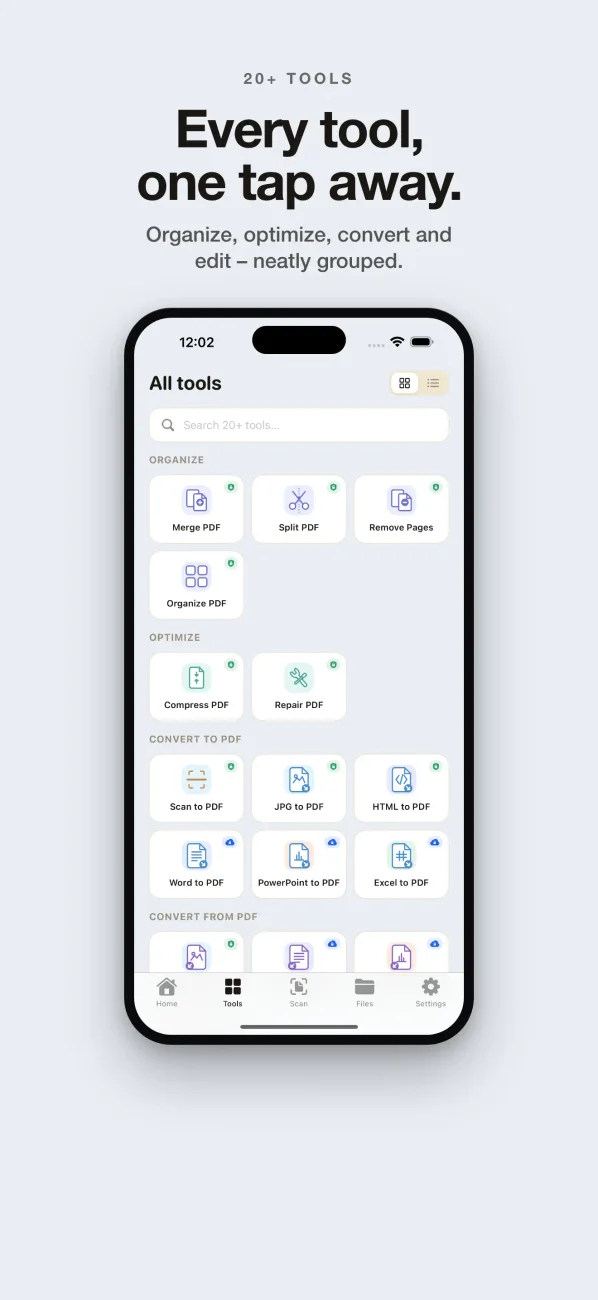
EVERY PDF TOOL YOU NEED, IN ONE PLACE
ORGANIZE
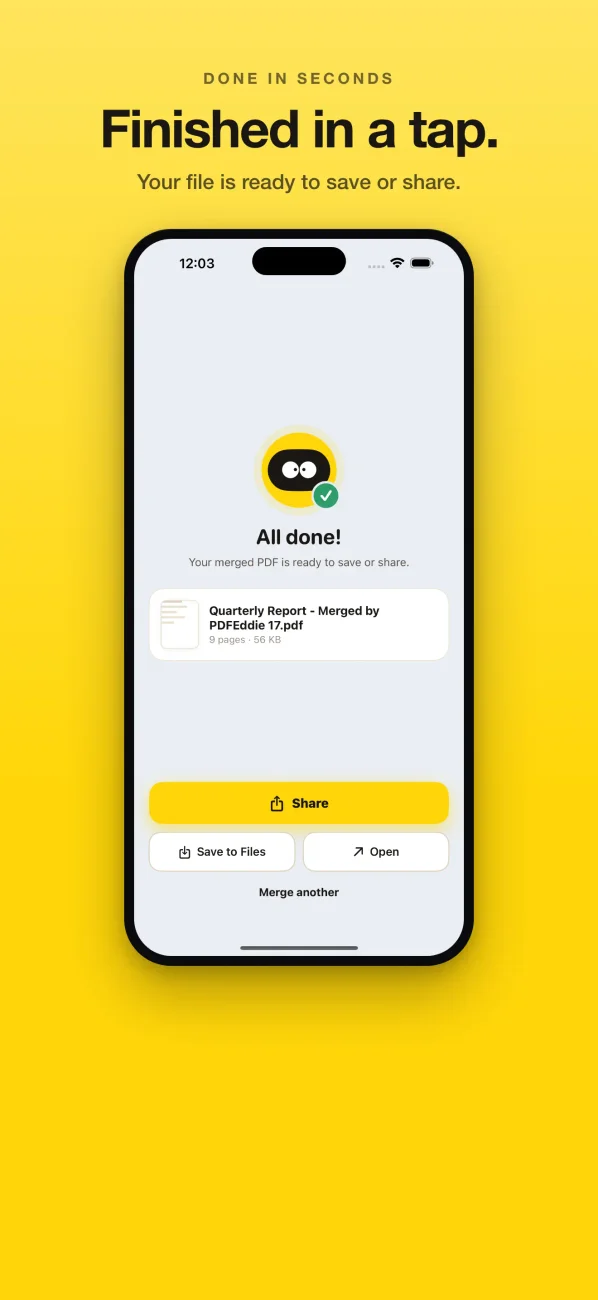
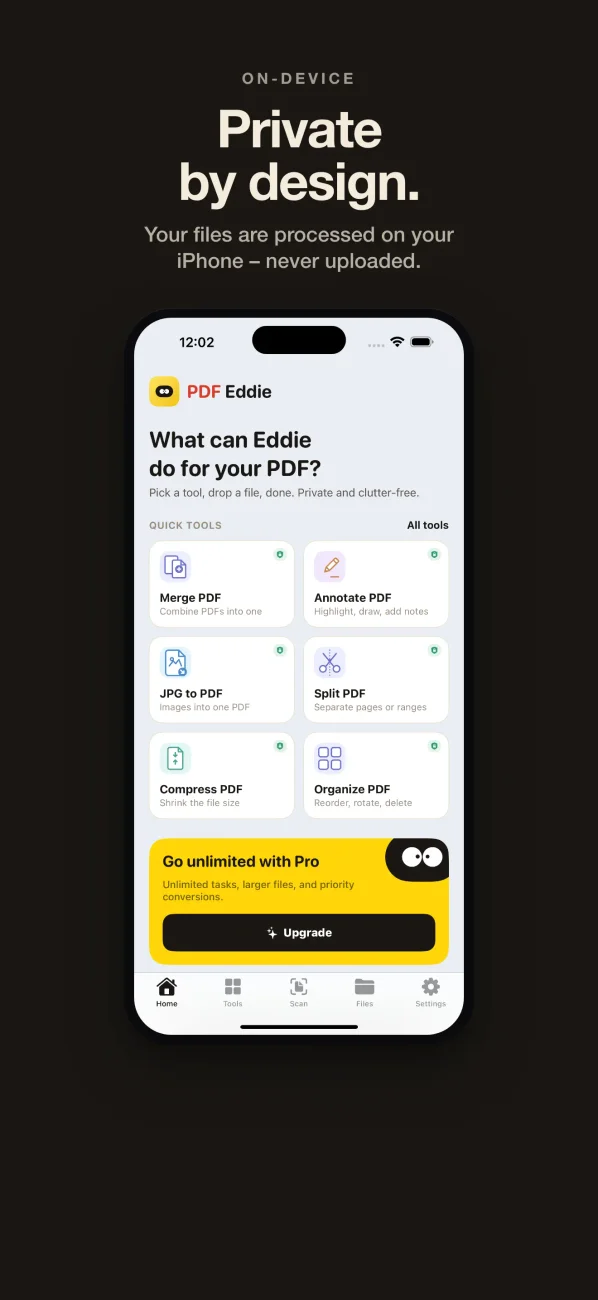
• Merge PDF – combine multiple PDFs into one file
• Split PDF – separate one PDF into several files
• Remove Pages – delete the pages you don't need
• Organize – reorder, rotate, and rearrange pages
CONVERT TO & FROM PDF
• Scan to PDF – documents straight from your camera
• JPG to PDF – turn photos and images into a PDF
• Word to PDF, Excel to PDF, PowerPoint to PDF
• PDF to Word, PDF to Excel, PDF to PowerPoint
• PDF to JPG – export pages as images
• HTML to PDF – save web pages as PDF
EDIT & SIGN
• Sign PDF – add your signature with your finger
• Annotate – highlight, draw, and add notes
• Page Numbers – number every page automatically
• Watermark – stamp text across your pages
• Rotate & Crop – fix orientation and trim margins
OPTIMIZE & SECURE
• Compress PDF – shrink file size for email and storage
• Repair PDF – fix damaged or corrupted files
• Protect PDF – lock with a password
• Unlock PDF – remove a password you own
• Redact PDF – permanently black out sensitive text
PRIVATE BY DESIGN
Your documents are personal, and Eddie keeps them that way. Most tools run entirely on your device, so your files never leave your iPhone or iPad. The few tools that need a server tell you clearly before you start, send your file over a secure encrypted connection, and delete it right after the conversion – your documents are never tracked.
FAST AND FRIENDLY
PDF Eddie is built to be fast and simple – pick a tool, drop in a file, and you're done. Whether you're a student, freelancer, small business owner, or just someone who needs to fix one PDF right now, Eddie is the only PDF app you'll need to read, edit, convert, scan, sign, compress, and share PDFs on the go.
Turn your iPhone and iPad into a complete PDF office. Download PDF Eddie today and handle any PDF, anywhere.
Terms of Use (EULA): https://www.apple.com/legal/internet-services/itunes/dev/stdeula/
What’s new
Version 1.2.1 · Nov 18, 2026
What's New
• New tool: PDF to Markdown. Turn a text PDF into a .md file with headings, lists, tables and links, right on your device.
• Fixes and polish.
Thanks for using Eddie!
App privacy
What NEO INSIGHTS PTE. LTD declares on the App Store about how this app handles data.
-
Data not linked to you
May be collected but is not linked to your identity.
- Purchases
- Identifiers
- Usage data
- Diagnostics
Privacy practices may vary, for example with the features you use or your age.
Information
- Seller
- NEO INSIGHTS PTE. LTD
- Category
- Productivity
- Version
- 1.2.1
- Updated
- Nov 18, 2026
- Released
- Jun 19, 2026
- Size
- 21.8 MB
- Requires
- iOS 17.0 or later
- Age rating
- 4+
- Price
- Free
- In-app purchases
- Yes
- Languages
- English, Arabic, French, German, Indonesian, Italian, Japanese, Korean, Portuguese, Russian, Simplified Chinese, Spanish + 2 more
- Copyright
- © 2026 NEO INSIGHTS PTE. LTD
You might also like
-
 3s PDF ConverterFast Photo to PDF
-
 ModelWitchClaude Pro Usage Tracker
-
 Spy PDF: PDF viewerOpen PDFs quickly, anywhere.
-
 PDF Studio – Editor & ReaderScanner, Sign, Convert & Fill
-
 PDF Signature: Sign & FillFill & sign documents fast
-
 AI Usage MeterMonitor AI Subscription Limits
-
 PDF Text Editor - PDFeditFill & Sign, Merge & Convert
-
 Daily Motivation Quotes - LeapAI Notification Goal Habit
-
 Agent Meter: AI UsageCodex/Gemini/Claud reset alert
-
 PDF Scanner - Receipt ScannerDocument Scanner - PDF Editor