
Foxit PDF Editor
View, Edit, Convert, and Sign
Designed for iPhone, iPad
Free · In-app purchases
- Age rating4+
- CategoryProductivity
- DeveloperFOXIT SOFTWARE INCORPORATED
- LanguagesEnglish+ 11 more
- Size324.3 MB
Links to the official App Store page
Download.org hosts no file of Foxit PDF Editor. The button opens its official App Store page, published by FOXIT SOFTWARE INCORPORATED. Listing last checked on Nov 18, 2026.
Screenshots

About
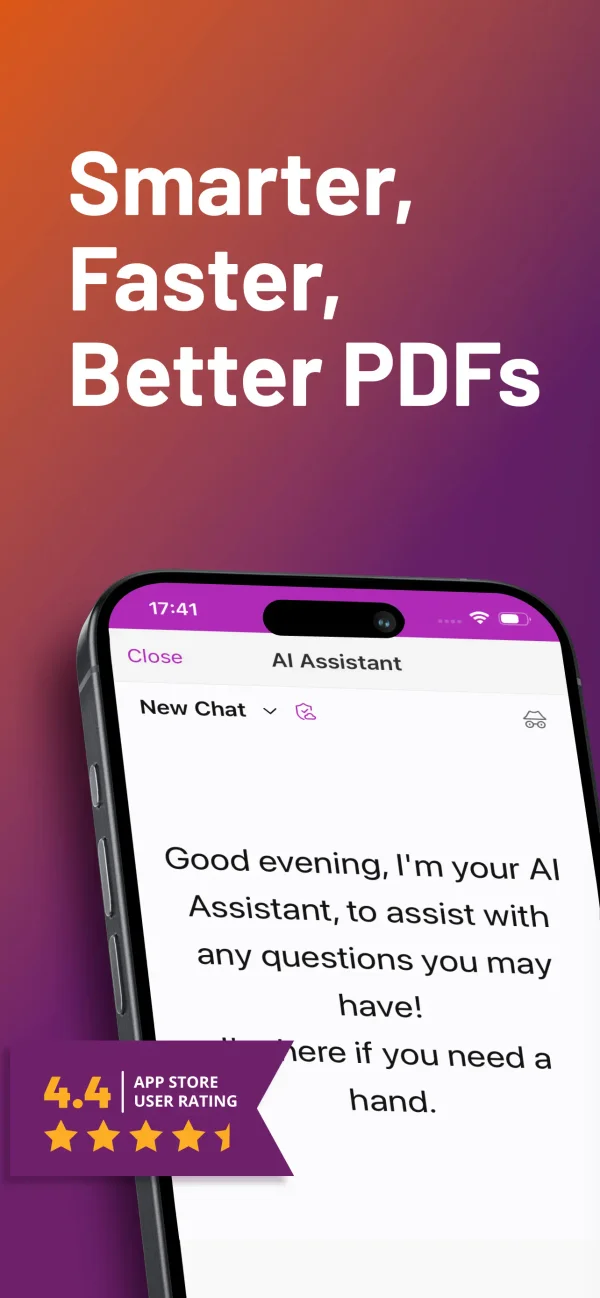
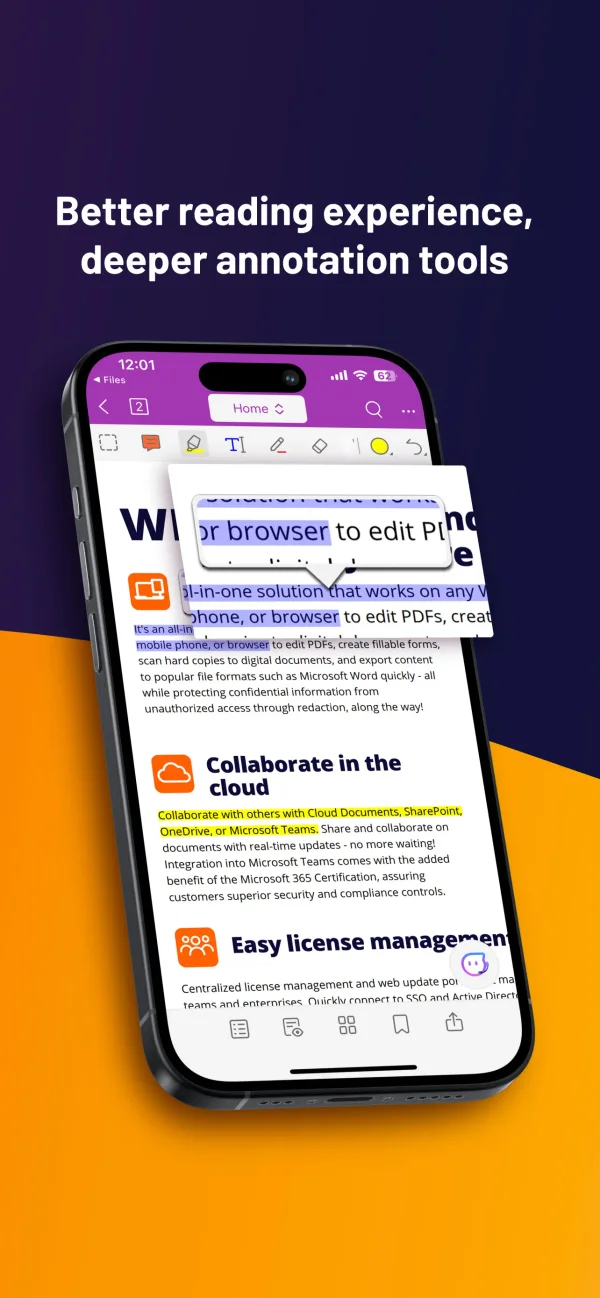
Looking for a versatile PDF editor that you can use anytime, anywhere? Look no further than Foxit PDF Editor mobile app. This easy-to-use PDF editor – trusted by hundreds of millions – allows you to view, edit, and annotate PDF files on iOS devices while on the go. The app also offers advanced subscription-based features, including our AI Assistant, optical character recognition (OCR), handwritten notes conversion, and more.
Discover the capabilities of Foxit PDF Editor:
• Reliable: 100% compliant with your current PDF ecosystem.
• Efficient: Let our AI Assistant do the work for you.
• Lightweight: Doesn’t exhaust your device resources.
• Fast: Instant access to PDFs with no delays.
• Secure: Robust file protection features to safeguard sensitive information.
• Collaborative: Maintain full control of your content while working with others..
• Supportive: Access 24/7 customer service via support chat.
• Multi-Language: Support for 12 languages for global usability.
What Foxit PDF Editor can offer to you:
AI Assistant
• Agent-based conversation to ask and receive real-time responses
• Automate workflows with built-in and custom skills
• AI-powered image/chart generation
• Translate the text
• Auto-create bookmarks
• Read documents aloud intelligently
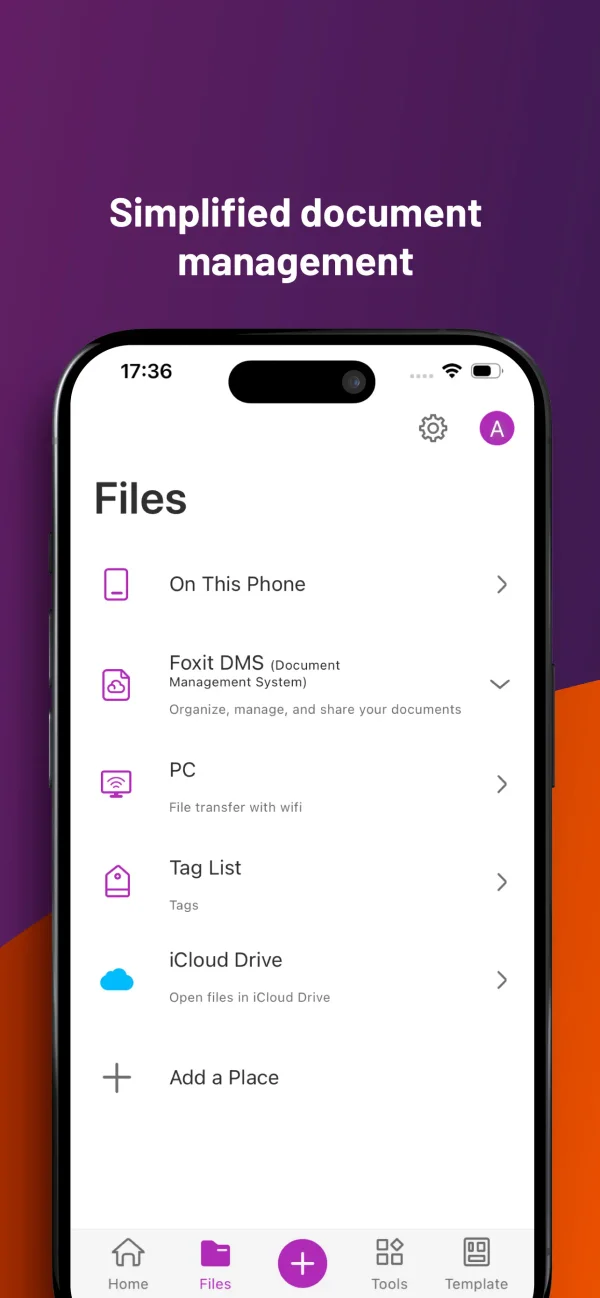
View and manage PDF files
• Reflow PDF files for easy viewing
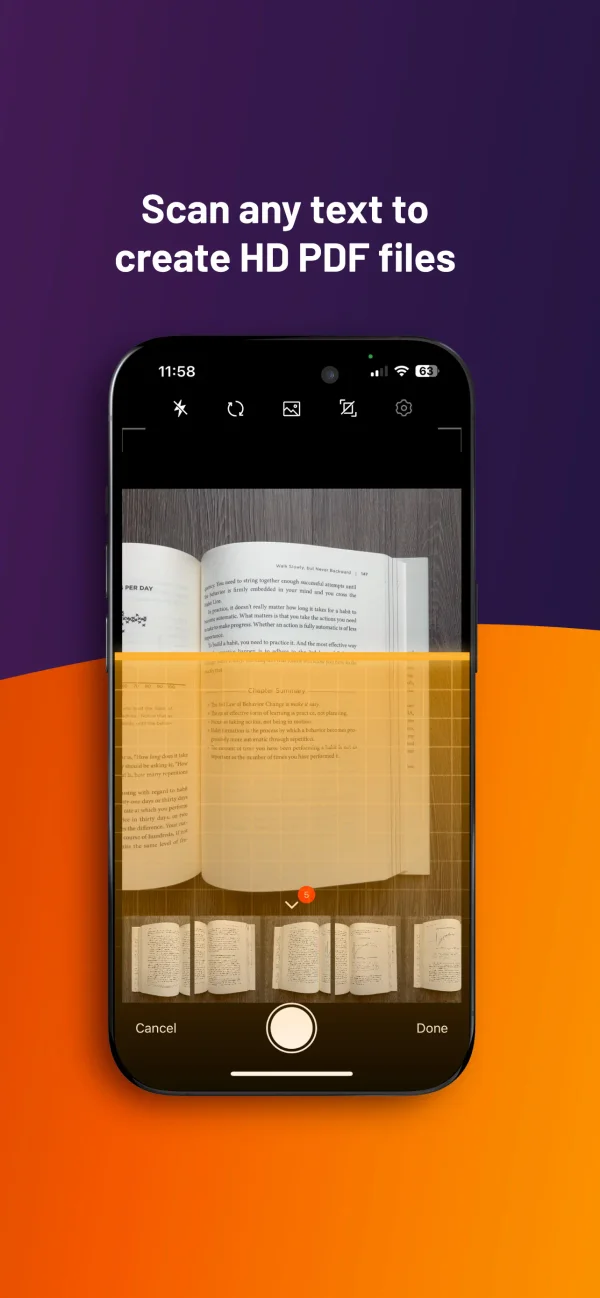
• Convert scanned text and handwritten notes into digital text*
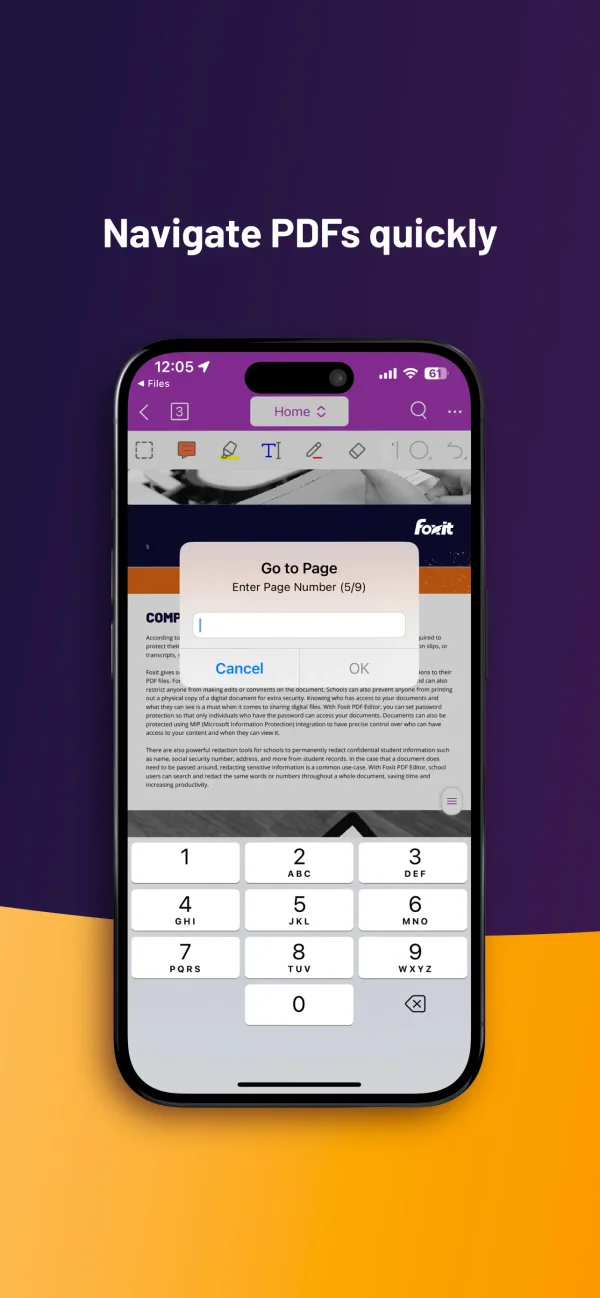
• Easy document navigation with bookmark management features
• Search for text within your PDF document
• Supports tabbed document interface (for iPad only)
• Supports to read the PDF out loud
• Rename, move, copy, or delete PDF file(s)
Collaborate and share PDF files
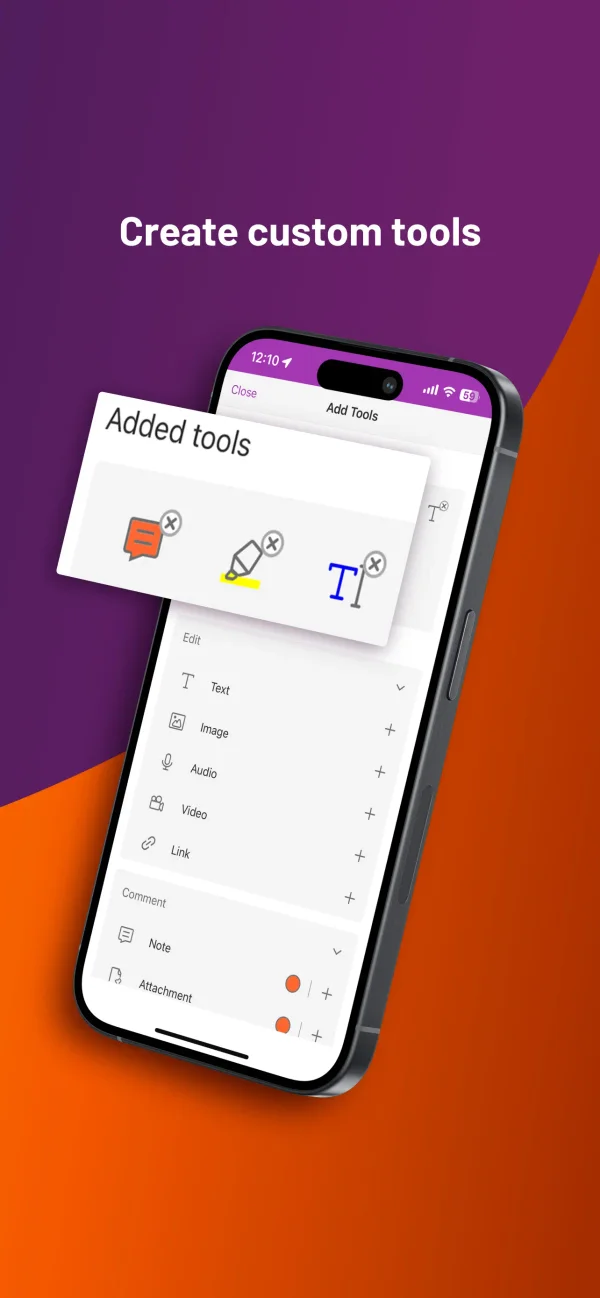
• Add annotations and stamps to PDF files
• Share PDF files and screenshots from within the application
• Share multiple files across your desktop and iOS device via Wi-Fi
• Save, synchronize, and access PDF files in popular cloud services (Google Drive, OneDrive, etc.)
Create and convert PDFs
• Create blank PDFs from scratch*
• Create PDFs from Microsoft Office, image, text, and HTML files*
• Scan and convert paper documents to PDFs (available on iPad 3, iPhone 5, and newer generation products)
• Convert PDFs to Microsoft Office, image, text, or HTML files*
• Combine PDFs to create a new PDF*
Edit PDF files
• Insert audios, videos, or hyperlinks to PDFs*
• Add/edit text and image objects in PDFs*
• Edit document properties*
• Optimize PDF documents*
• Reorganize PDF pages (Add*, delete, rotate, or extract* pages)
Work on PDF forms
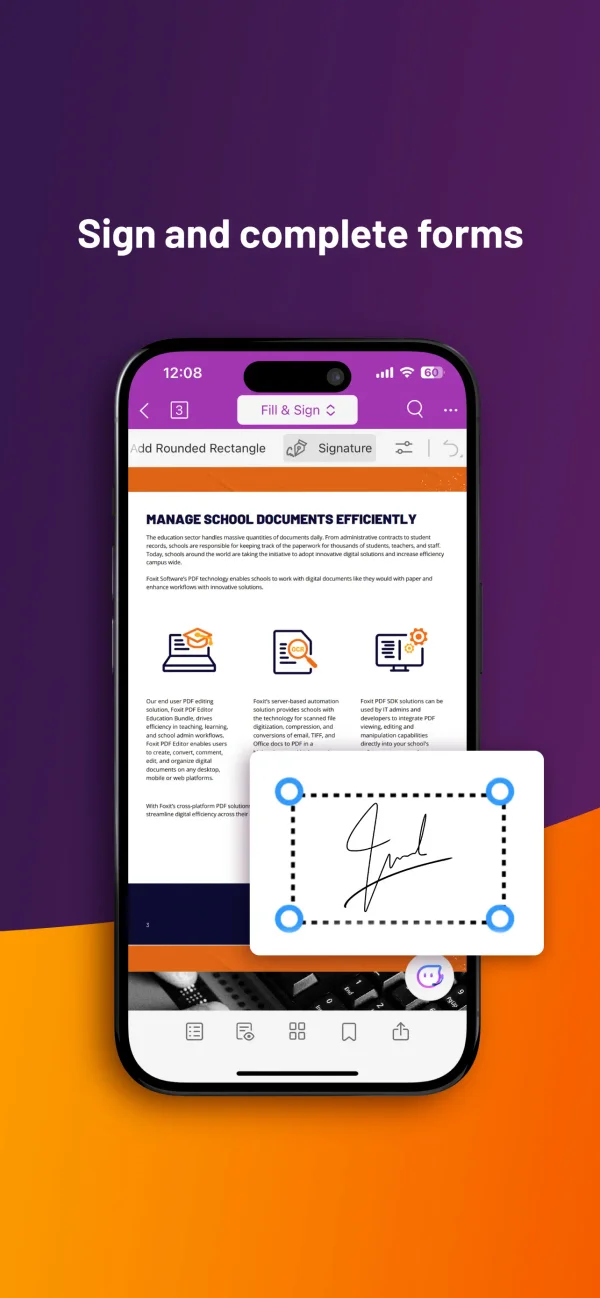
• Fill out and save PDF forms
• Import and export form data
• Submit PDF forms via HTTP, FTP, or Email
• Work on XFA forms*
Sign and protect PDFs
• Add handwritten signatures to PDFs
• Sign PDF documents with an existing digital certificate*
• Protect PDF files with password and Microsoft Information Protection*
• Protect PDF information with redaction*
The features marked with the asterisk (*) are advanced features based on subscription through in-app purchase. To activate the advanced features, you should create a Foxit account and subscribe to Foxit PDF Editor. After subscription, just sign in with your Foxit account and the advanced features will be available.
Terms and Conditions: You must comply with the Foxit-Terms of Use and Privacy Policy (https://appstore.foxitsoftware.com/appstore/license) when using this app.
Have feedback? You can contact us at the following address: https://www.foxit.com/support/ticket.html
Follow Foxit on Facebook and Twitter!
https://www.facebook.com/foxitsoftware
https://twitter.com/foxitsoftware
What’s new
Version 2026.6 · Oct 28, 2026
• New features and enhancements of AI Assistant in PDF Editor.
o Enhanced AI Bookmarks: Generate more accurate AI-powered bookmarks with improved performance and on-screen guidance, helping you organize and navigate long PDFs faster.
o Enhanced Smart Podcast and Read Aloud: Turn PDFs into spoken audio or AI-generated podcasts. Choose what to listen to, customize voices, and download audio to listen on the go.
o AI Chat History: Access and manage past AI Assistant conversations from the new Chats tab, so you can revisit document discussions without starting over.
• Improved Sticky Note Comments: Keep PDF content visible while creating, editing, or replying to sticky note comments, so you can reference the document without interrupting your work.
• Enhanced Page Extraction: Extract selected pages into a new PDF, with the option to flatten annotations and automatically open the new file, making it easier to prepare and share marked-up pages.
• Enhanced Enterprise Cloud Storage Controls: Use Microsoft Intune to disable unapproved cloud integrations in Foxit Editor Mobile, helping IT administrators enforce organizational security policies.
App privacy
What FOXIT SOFTWARE INCORPORATED declares on the App Store about how this app handles data.
-
Data used to track you
May be used to track you across apps and websites owned by other companies.
- Identifiers
-
Data linked to you
May be collected and linked to your identity.
- Identifiers
-
Data not linked to you
May be collected but is not linked to your identity.
- Contact info
- Identifiers
- Usage data
Privacy practices may vary, for example with the features you use or your age.
Information
- Seller
- FOXIT SOFTWARE INCORPORATED
- Category
- Productivity
- Version
- 2026.6
- Updated
- Oct 28, 2026
- Released
- Mar 19, 2012
- Size
- 324.3 MB
- Requires
- iOS 17.0 or later
- Age rating
- 4+
- Price
- Free
- In-app purchases
- Yes
- Languages
- English, Dutch, French, German, Italian, Japanese, Korean, Portuguese, Russian, Simplified Chinese, Spanish, Traditional Chinese
- Copyright
- ©2010-2026 Foxit Software Inc.
You might also like
-
 PDF Pro - Reader Editor FormsEdit, annotate, view documents
-
 PDF Reader – PDFelementPDF Editor & Viewer, PDF Maker
-
 PDFelement: PDF Editor & ScanDocuments Converter & Signer
-
 PDF Expert: Editor & ReaderFill & Sign, Annotate, Convert
-
 PDF Viewer by NutrientFill Forms, Sign, Edit, Redact
-
 Smallpdf: Scanner & PDF Editorcompress, convert, ocr, sign
-
 UPDF - AI-Powered PDF EditorAI Chat, Convert & Sign PDF
-
 MobiPDF・PDF Text Editor・ReaderEdit File・Fill, Sign Documents
-
 PDF Export: Editor & ConverterTools, Scan, Compress & Merge
-
 iLovePDF - PDF Editor & ScanFor Work, Study & E-Signing