PDF Manager: Editor & Scanner
Reader, Converter, Sign & OCR
Designed for iPhone, iPad
Free · In-app purchases
- Age rating17+
- CategoryProductivity
- DeveloperLLC Poison Studio
- LanguagesEnglish+ 6 more
- Size40.0 MB
Links to the official App Store page
Download.org hosts no file of PDF Manager: Editor & Scanner. The button opens its official App Store page, published by LLC Poison Studio. Listing last checked on Nov 15, 2026.
Screenshots
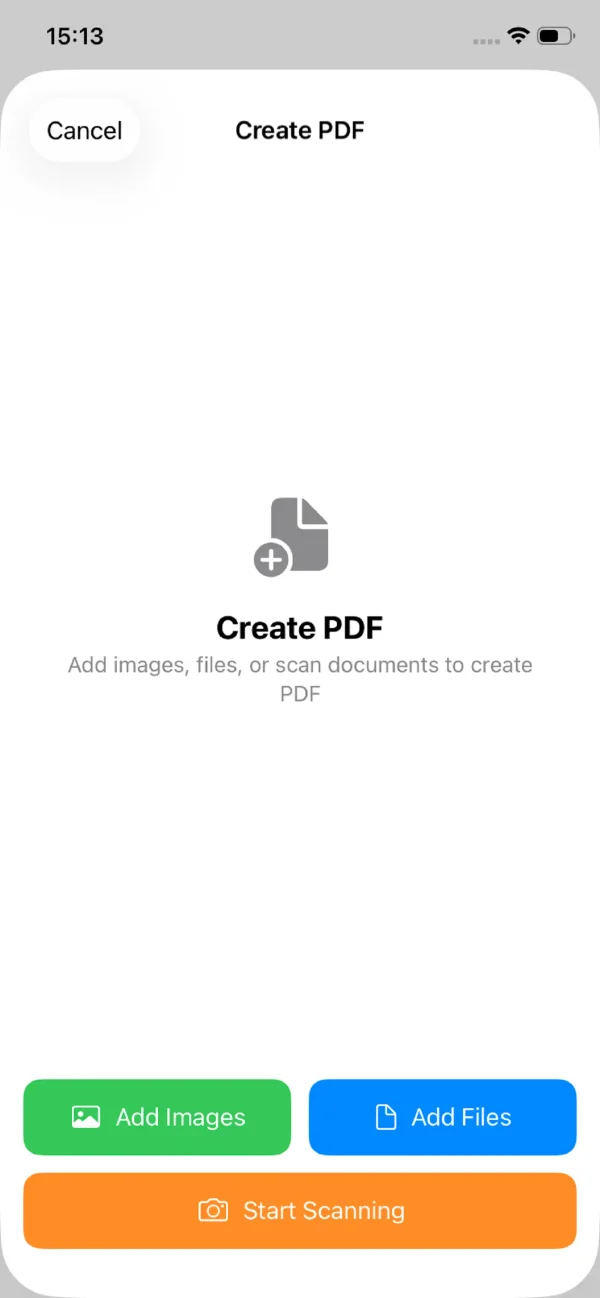
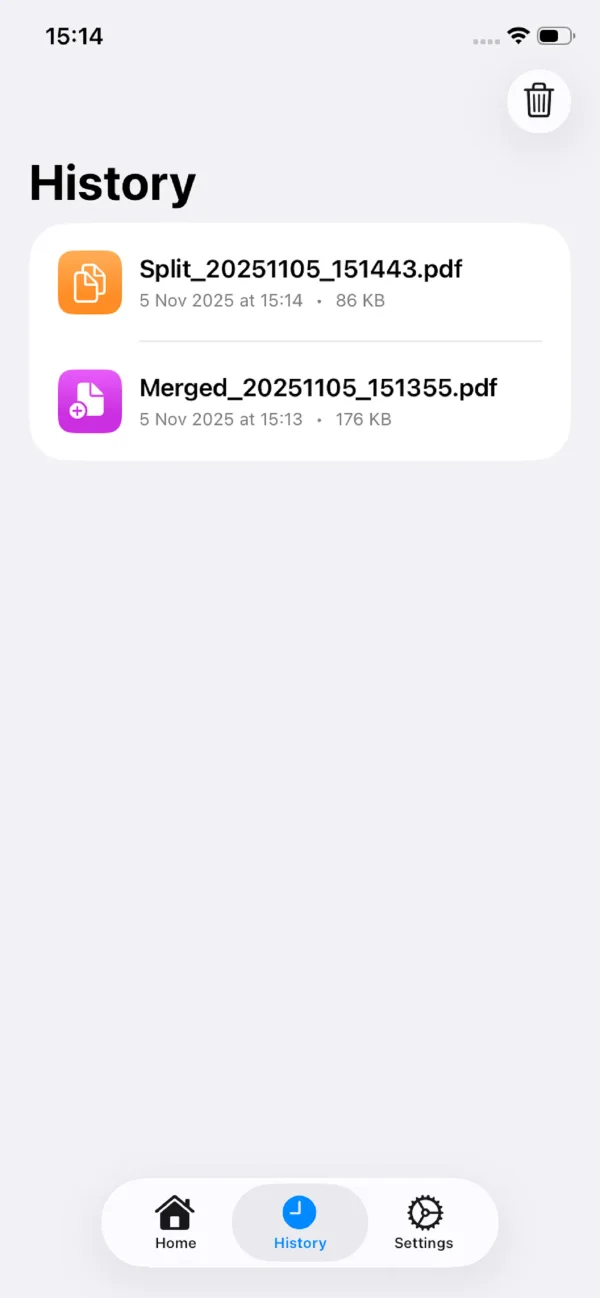

About
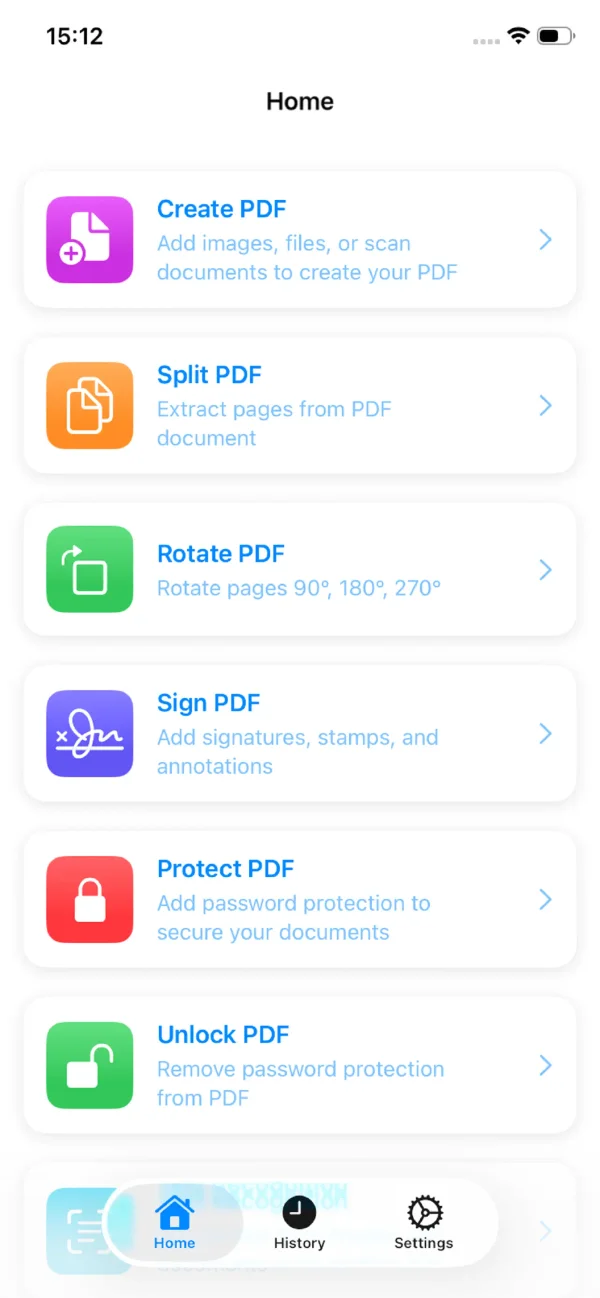
A powerful and easy-to-use application for comprehensive work with PDF files. It combines all the necessary functions in one tool, from creating documents to protecting and editing them. Ideal for students, office staff, and anyone who needs to process PDF files quickly and efficiently.
Main functions:
Creating a PDF
Convert images, text documents, or scans to a high‑quality PDF file in a couple of taps. Popular formats are supported: JPG, PNG, DOCX, TXT, etc.
Split PDF
Easily select the desired pages and split a large document into several small files for easy sending or storage.
Page Rotation
Correct the orientation of individual pages or the entire document — you will no longer have to print and scan again.
Signature of documents
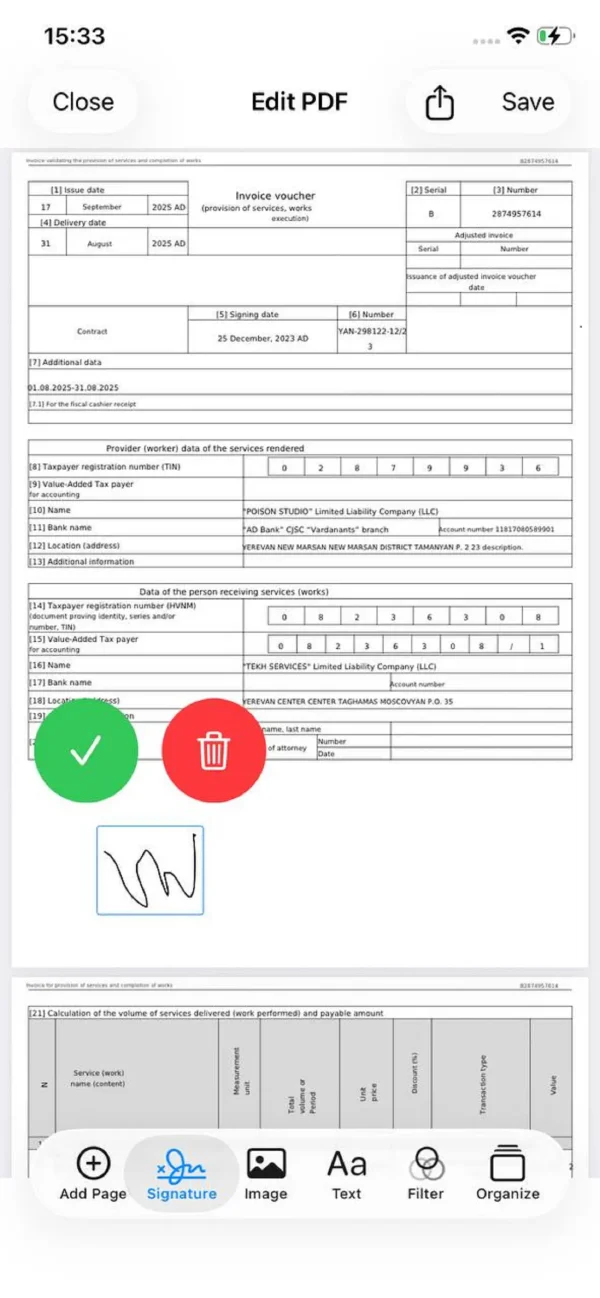
Add an electronic signature directly to the application: draw it by hand, upload an image, or use the text version.
PDF Protection
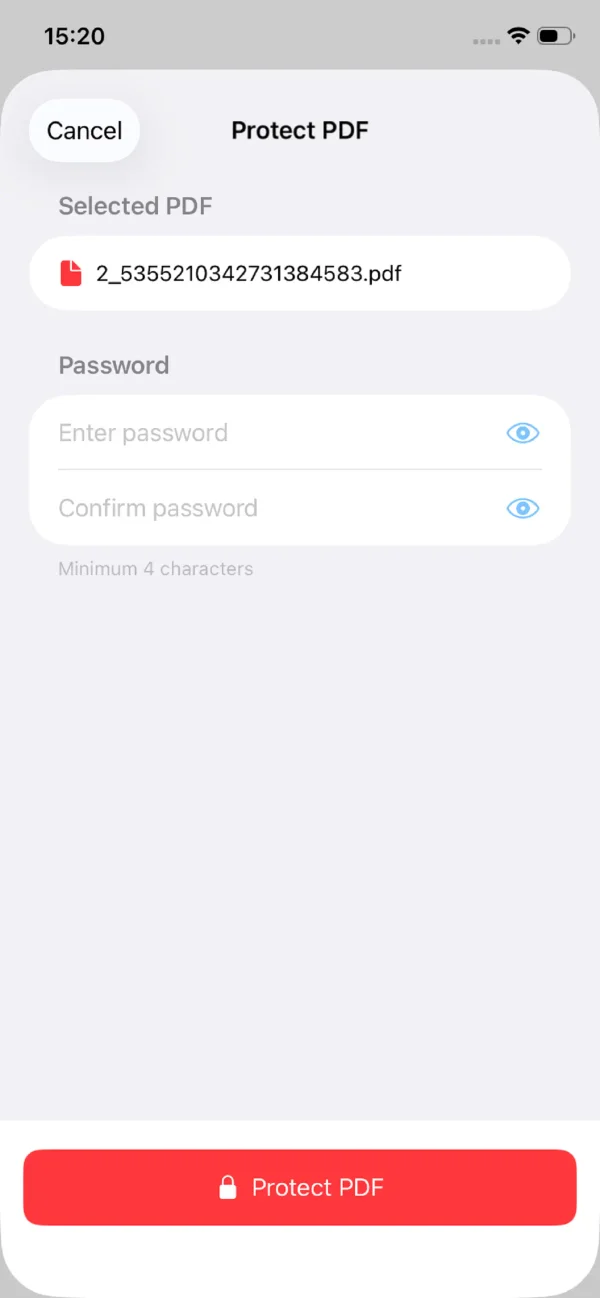
Set a password for the document to restrict access or prohibit editing. Set up the viewing and printing rights for maximum security.
Removing protection
Open protected PDF files if you know the password. Restore access to your documents without unnecessary difficulties.
Text Recognition (OCR)
Turn scans and images into editable text. Multiple languages are supported — extract information from any documents.
Why choose Manager PDF?
A simple interface — all the tools are at hand, everyone can figure it out.
High speed — processing files without delay, even on weak devices.
Security — the data remains on your device, no information is transferred to the cloud.
Offline mode — work with PDF without an internet connection.
No ads — no annoying banners during operation.
Compact size — the application does not take up much space in the smartphone's memory.
Download Manager PDF now and manage your documents easily and efficiently!
Privacy policy: https://poison-studio.am/index.php/manager-pdf/manager-pdf-privacy-policy/
Terms & Conditions: https://poison-studio.am/index.php/manager-pdf/manager-pdf-terms-conditions/
What’s new
Version 17.1 · Oct 30, 2026
Added support for editing existing text in compatible PDF documents.
App privacy
What LLC Poison Studio declares on the App Store about how this app handles data.
-
Data used to track you
May be used to track you across apps and websites owned by other companies.
- Identifiers
- Usage data
- Diagnostics
-
Data linked to you
May be collected and linked to your identity.
- Identifiers
- Usage data
- Diagnostics
Privacy practices may vary, for example with the features you use or your age.
Information
- Seller
- Poison Studio LLC
- Category
- Productivity
- Version
- 17.1
- Updated
- Oct 30, 2026
- Released
- Nov 11, 2025
- Size
- 40.0 MB
- Requires
- iOS 18.6 or later
- Age rating
- 17+
- Price
- Free
- In-app purchases
- Yes
- Languages
- English, Japanese, Korean, Portuguese, Russian, Simplified Chinese, Spanish
- Copyright
- © Poison Studio LLC
You might also like
-
 PDF Editor - Edit PDF & SignAdvanced PDF Converter
-
 PDF Text Editor ‑ Edit PDFChange & rewrite existing text
-
 PDF Editor - Read, Fill & EditEdit PDF Files & Documents
-
 MRS: PDF Editor, Scanner & OCRDocument Signer & Photo to PDF
-
 PDF Reader: Convert & EditProductivity
-
 PDF Editor Scanner: PDFStationScan, Edit, Convert PDF OCR AI
-
 Free PDF Editor, Converter AppReader Maker Pro: Edit & Sign
-
 FreeEdit, PDF EditorProductivity
-
 PDF Converter- Photos & WordPhotos to PDF & Scan Docs
-
 FreePDF: PDF Converter & ScanPDF Tools Converter Scanner