PDF Editor - PDF Reader
Edit, Sign, Scan & Convert PDF
Designed for iPhone, iPad, iPod touch
Free · In-app purchases
- Age rating4+
- CategoryBusiness
- DeveloperPramod Tapaniya
- LanguagesEnglish+ 4 more
- Size2.2 MB
Links to the official App Store page
Download.org hosts no file of PDF Editor - PDF Reader. The button opens its official App Store page, published by Pramod Tapaniya. Listing last checked on Nov 13, 2026.
Screenshots


About
Unlock the full potential of your PDF documents with PDF Editor & Reader. This all-in-one app allows you to view, edit, sign, and manage all your PDF files effortlessly. Whether you're working on business contracts, personal notes, or forms, our app is packed with powerful tools to help you convert, annotate, and compress your PDFs with ease.
Key Features:
PDF Reader
Easily open and view your PDF files. Navigate through documents seamlessly with zoom-in and zoom-out options, page previews, and bookmarking.
PDF Editor
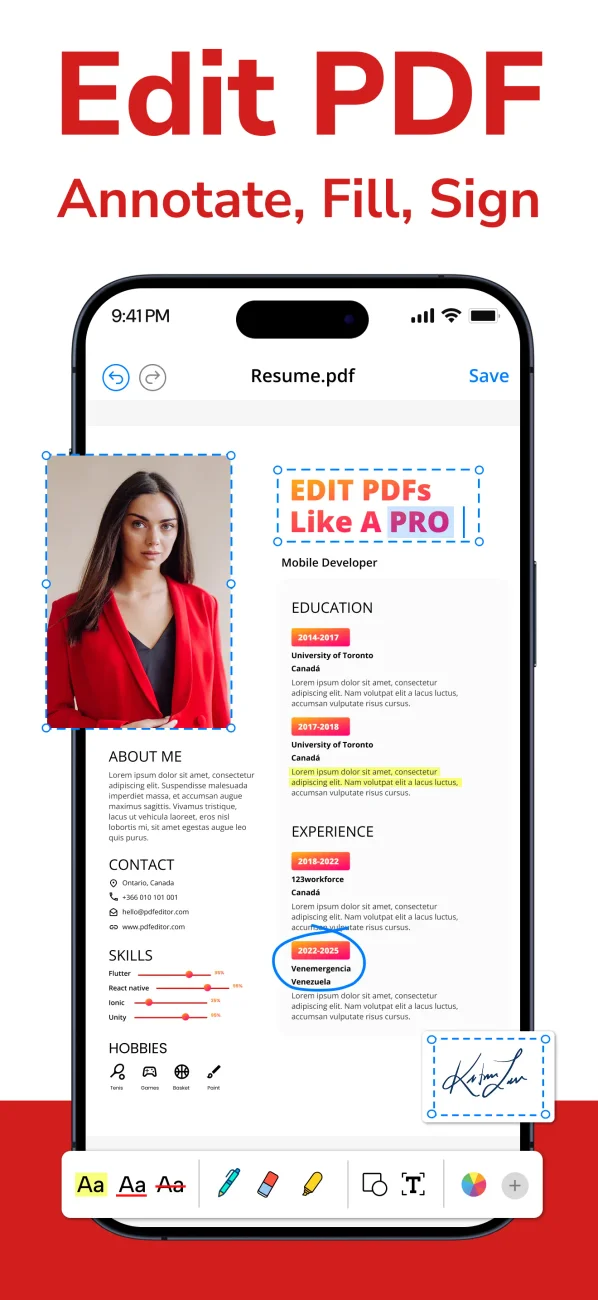
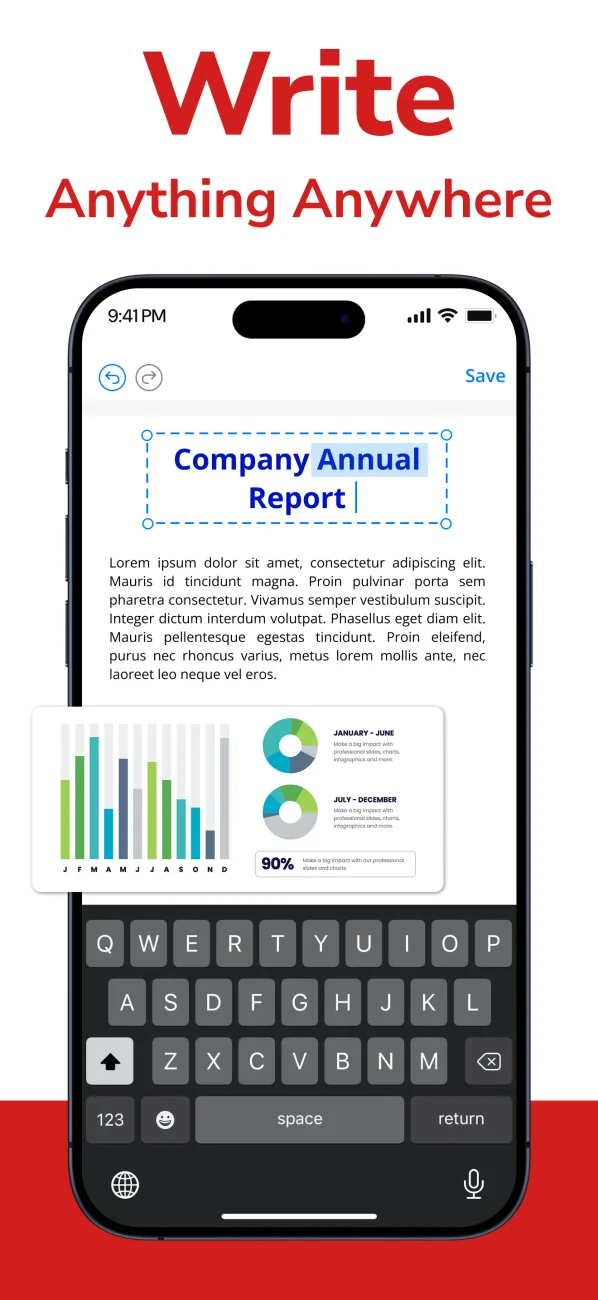
Edit text, images, and pages within your PDF files. Make changes, add new text, modify existing content, or replace images. No more fumbling with third-party apps—everything you need is right here!
eSign PDFs
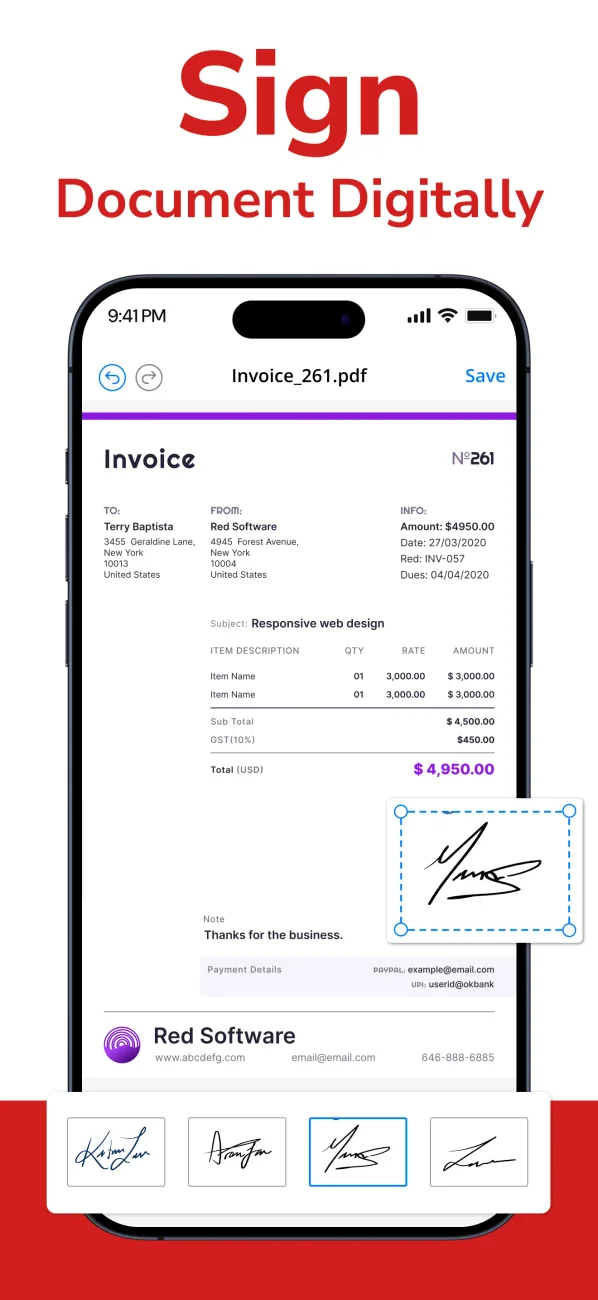
Sign your PDFs digitally with ease! Whether it’s a contract, invoice, or agreement, simply add your digital signature to any PDF. Speed up your workflow and eliminate the hassle of printing, signing, and scanning.
Draw & Write on PDFs
Take notes, add comments, and draw directly onto your PDFs. Whether you're highlighting key sections, doodling, or adding handwritten notes, the draw and write tools are perfect for annotating your documents.
Convert PDFs
Convert your PDFs to different formats like Word, Excel, JPG, and more. Whether you need to extract data or repurpose a document, the PDF Converter feature makes it a breeze. Convert files in just a few taps!
Fill Forms
Filling out forms has never been easier. Quickly add text, checkboxes, or signatures to fill out forms in PDF format, making it ideal for applications, contracts, and other paperwork.
Merge & Split PDFs
Merge multiple PDF documents into one cohesive file or split a large document into smaller sections. Combine and split PDFs with just a tap.
Compress PDF
Reduce the size of large PDF files without losing quality. Whether you're sharing via email or uploading to a website, compress your PDFs for faster, more efficient transfers.
Organize & Manage Files
Effortlessly organize and manage your PDF files in folders. Sort, rename, and arrange your documents for easy access at any time.
Scan Documents
Scan physical documents and save them as PDFs with the integrated PDF Scanner. Quickly digitize receipts, notes, or contracts by scanning and converting them to editable PDFs.
Why Choose PDF Editor & Reader?
Easy to Use: Simple, intuitive design makes working with PDFs a breeze.
All-in-One PDF Solution: Everything you need to manage, edit, sign, and share PDFs is included.
Fast & Efficient: Speed up your workflow with quick access to key tools and features.
Secure & Reliable: Protect your PDFs with password encryption and sign documents securely.
Perfect for business professionals, students, or anyone who needs to manage PDF documents on the go, PDF Editor & Reader is your ultimate PDF tool. From editing, signing, and annotating PDFs to scanning and converting, you can do it all with this powerful app.
App privacy
What Pramod Tapaniya declares on the App Store about how this app handles data.
-
Data not collected
The developer does not collect any data from this app.
Privacy practices may vary, for example with the features you use or your age.
Information
- Seller
- Pramod Tapaniya
- Category
- Business
- Version
- 1.0
- Updated
- Dec 17, 2025
- Released
- Dec 17, 2025
- Size
- 2.2 MB
- Requires
- iOS 14.0 or later
- Age rating
- 4+
- Price
- Free
- In-app purchases
- Yes
- Languages
- English, Japanese, Korean, Simplified Chinese, Traditional Chinese
- Copyright
- Copyright © 2025
You might also like
-
 PDFixy: PDF EditorPdf Scan, Edit, Sign, Share
-
 PDF Genius: AI PDF Text EditorEdit, fill & sign any PDF form
-
 PDF Reader, Editor & ScannerRead,Edit PDF,Word,Excel,PPT
-
 PDF Editor & Files Converter.Convert & Compress Documents
-
 FreeEdit, PDF EditorProductivity
-
 Free PDF Editor, Converter AppReader Maker Pro: Edit & Sign
-
 PDF Hero - PDF Editor & ReaderCreate & Edit PDF Documents
-
 PDF Editor: Fill, Edit, e SignPDF Files Cam Scanner & Reader
-
 PDF Gear - PDF Editor & ReaderPDF Converter, Sign Documents
-
 PDF Reader: Edit & OCR ScanSign, annotate & convert files