PDF Gear - PDF Editor & Reader
PDF Converter, Sign Documents
Designed for iPhone, iPad, iPod touch
Free
- Age rating4+
- CategoryBusiness
- DeveloperPDF GEAR TECH PTE. LTD.
- LanguagesEnglish+ 10 more
- Size45.3 MB
Links to the official App Store page
Download.org hosts no file of PDF Gear - PDF Editor & Reader. The button opens its official App Store page, published by PDF GEAR TECH PTE. LTD. Listing last checked on Nov 26, 2026.
Screenshots
About
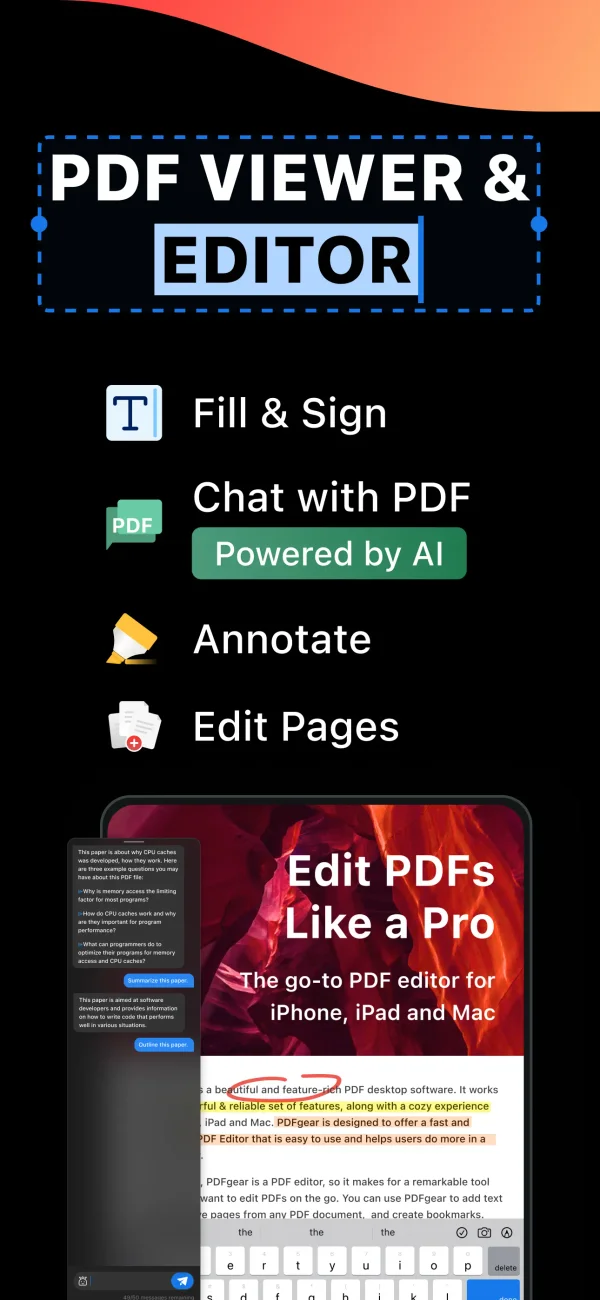
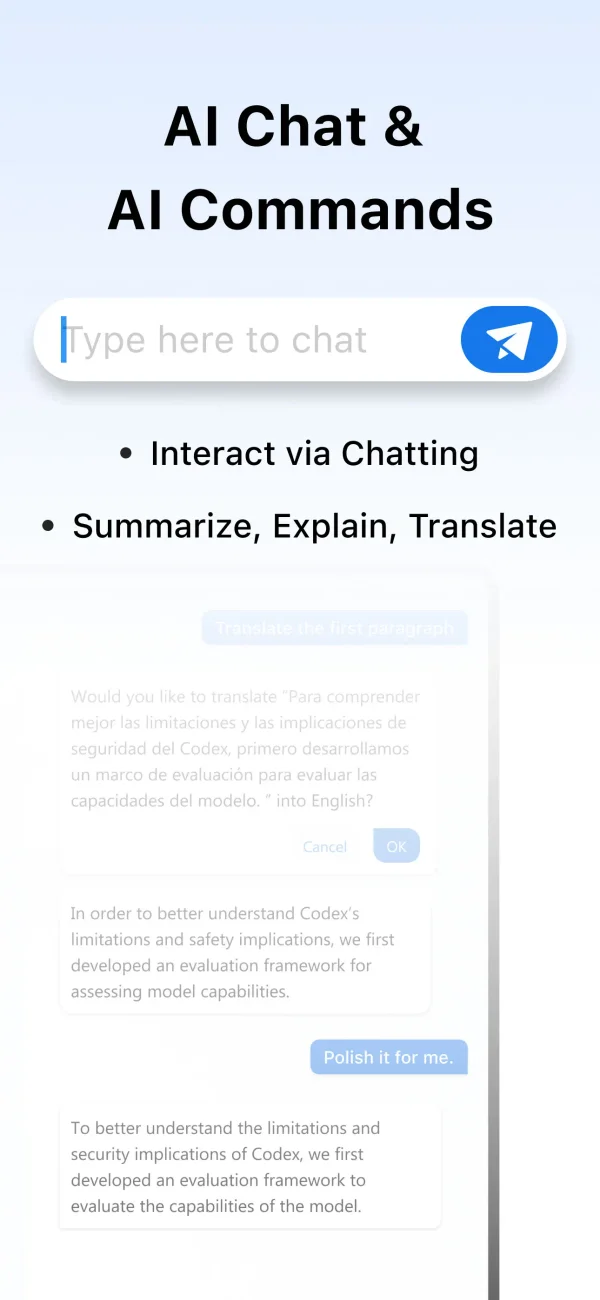
Want a well-featured and easy-to-access PDF solution for mobile use? PDFgear for iOS could achieve this! With PDFgear for iOS, users could handle their PDFs with ease, including viewing, printing, annotating, page editing, signing, etc. The abundant features will let you fill out forms, sign contracts, finish works, review documents, and make more possibilities in PDF!
PDFgear for iOS provides free use for all functions without any limits like trial watermark, page count, etc. The concise design brings users a satisfying experience, and the powerful performance makes the perfect document.
PDFgear will make your study and work easier to carry out PDFs! Try it on your own!
View and Print PDF
• Open and view PDFs with easy touch
• Zoom in or out for better details
• Jump to the appointed page directly
• Print PDF from your phone
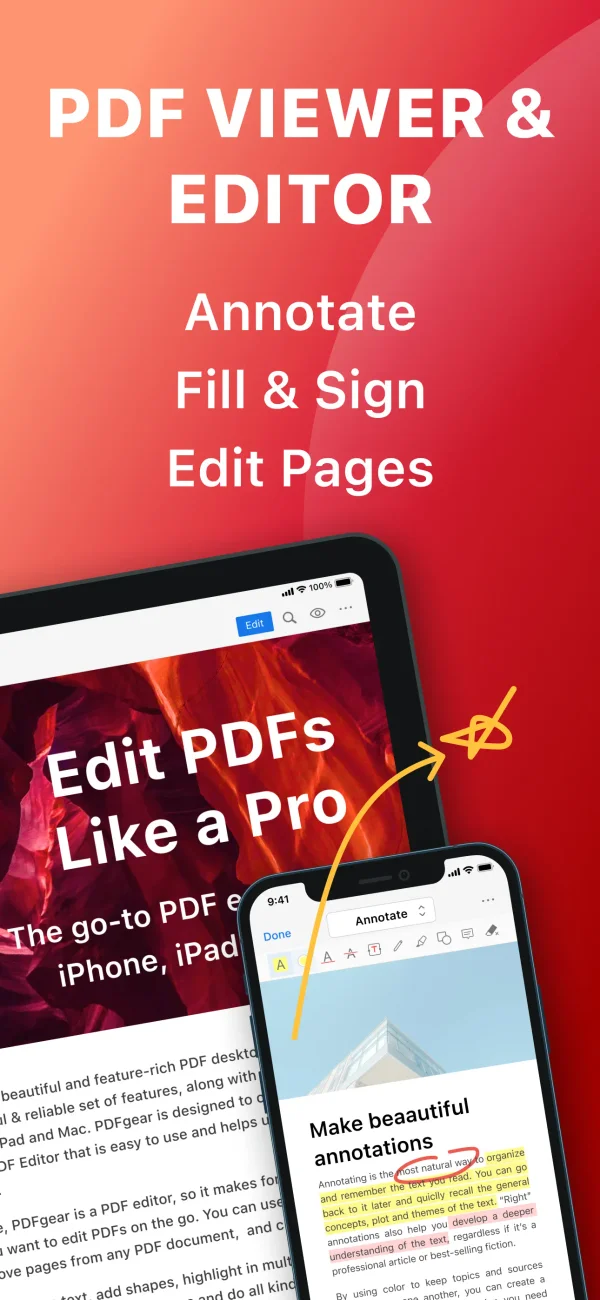
Annotate PDF
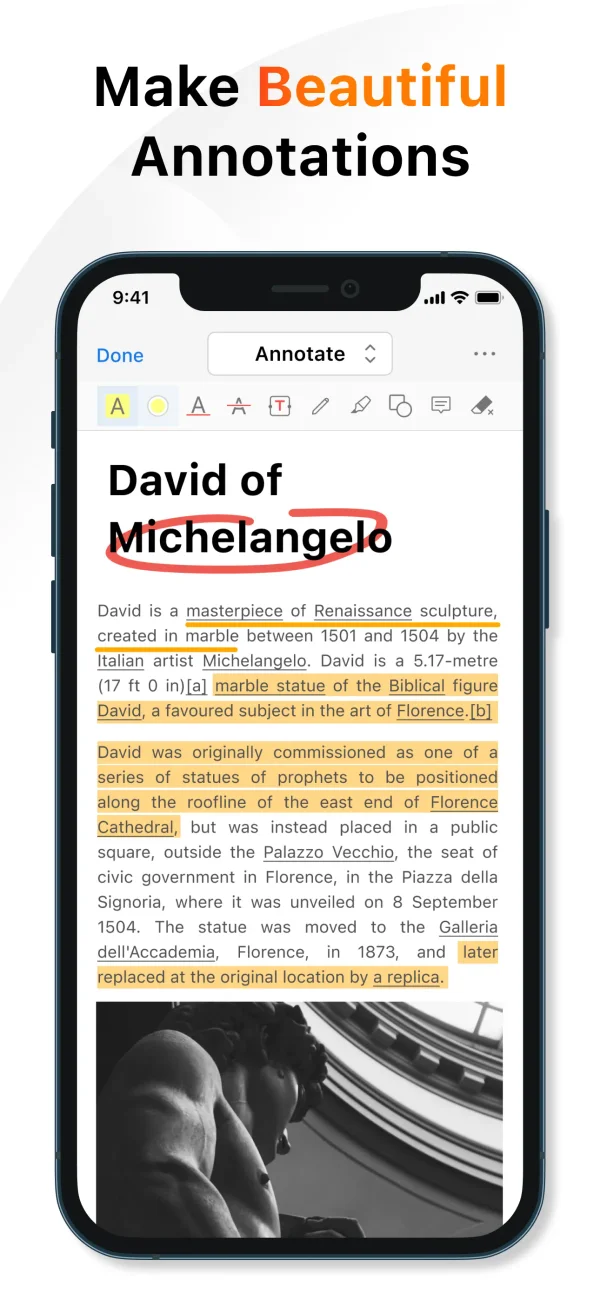
• Markup texts in PDF with highlight, underline and strike-through
• Input texts with the color and font size you need
• Draw shapes like rectangles, circles, lines, and arrows easily
• Write on PDFs with the Ink tool, and erase the ink freely
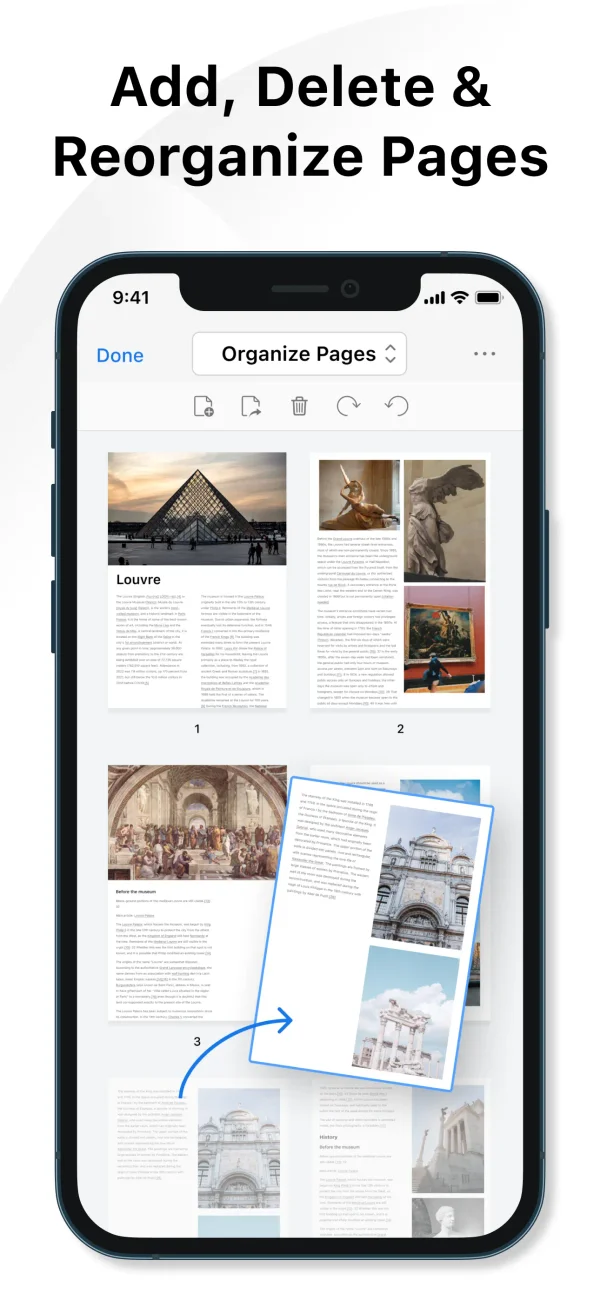
Organize Pages
• Add, delete, and rotate pages supported
• Extract pages from the PDF file with the aimed page range
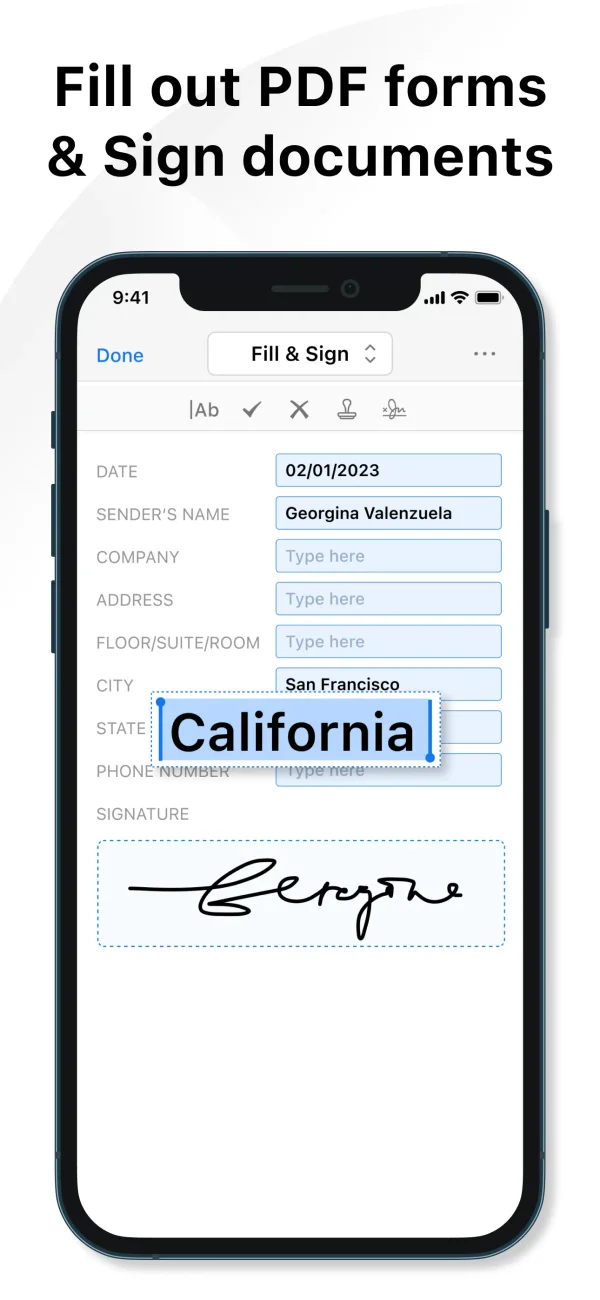
Fill out Forms & Sign PDFs
• Insert text to the form at the place you need
• Put common symbols like checkmarks and crossmarks in the document
• Add built-in or customized stamps to the form
• Sign the PDF with the signature created from image, keyboard, or drawing
Manage PDFs
• Manage PDF files with duplicate, rename, copy, move, share, etc.
• Open and save PDFs in the device & iCloud
What’s new
Version 2.30 · Nov 23, 2026
Fix minor bugs
App privacy
What PDF GEAR TECH PTE. LTD. declares on the App Store about how this app handles data.
-
Data not linked to you
May be collected but is not linked to your identity.
- Usage data
Privacy practices may vary, for example with the features you use or your age.
Information
- Seller
- PDF GEAR TECH PTE. LTD.
- Category
- Business
- Version
- 2.30
- Updated
- Nov 23, 2026
- Released
- Oct 17, 2023
- Size
- 45.3 MB
- Requires
- iOS 15.0 or later
- Age rating
- 4+
- Price
- Free
- Languages
- English, Dutch, French, German, Italian, Japanese, Korean, Portuguese, Russian, Simplified Chinese, Spanish
- Copyright
- © 2026 PDFgear. All rights reserved.
You might also like
-
 PDFelement: PDF Editor & ScanDocuments Converter & Signer
-
 PDF Reader & Editor | XodoSmart Scan & Edit Documents
-
 PDF Expert: Editor & ReaderFill & Sign, Annotate, Convert
-
 Foxit PDF EditorView, Edit, Convert, and Sign
-
 MobiPDF・PDF Text Editor・ReaderEdit File・Fill, Sign Documents
-
 Free PDF Editor, Converter AppReader Maker Pro: Edit & Sign
-
 PDF Editor: Read, Scan & SignAnnotate, Scan, Convert to PDF
-
 UPDF - AI-Powered PDF EditorAI Chat, Convert & Sign PDF
-
 PDF Hero - PDF Editor & ReaderCreate & Edit PDF Documents
-
 Smallpdf: Scanner & PDF Editorcompress, convert, ocr, sign