PDF Scanner — PrivaScan
Document Scanner & OCR
Designed for iPhone, iPad
In-app purchases
- Age rating4+
- CategoryProductivity
- DeveloperCharnpreet Singh
- LanguagesEnglish
- Size5.6 MB
Links to the official App Store page
Download.org hosts no file of PDF Scanner — PrivaScan. The button opens its official App Store page, published by Charnpreet Singh. Listing last checked on Nov 13, 2026.
Screenshots


About
The honest scanner. Scan, search, and sign your documents on your iPhone or iPad. Nothing ever leaves the device.
Most scanner apps hide useful tools behind weekly subscriptions and upload pages to servers. PrivaScan keeps scanning, naming, search, and PDF export on-device, with a clear Pro upgrade for longer files and document workflows.
SCAN IN SECONDS
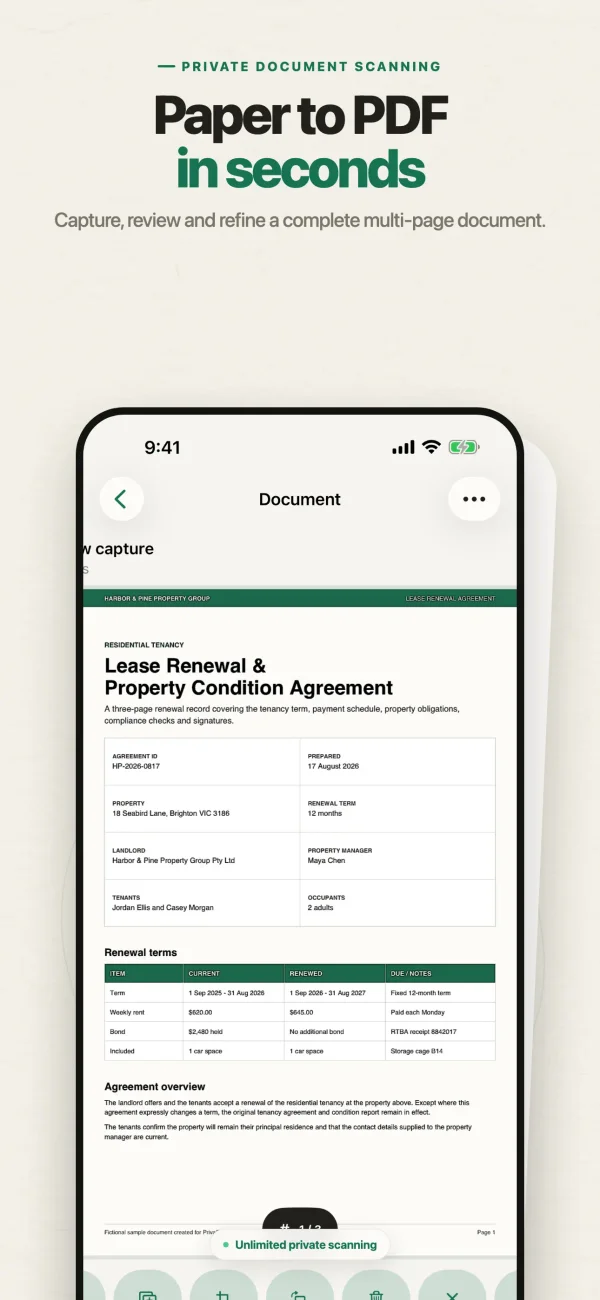
Open the app and the camera is already up. Point it at any page — edges are found, perspective is fixed, and multi-page documents batch automatically. Import photos and PDFs you already have, too.
IT NAMES AND FILES ITSELF
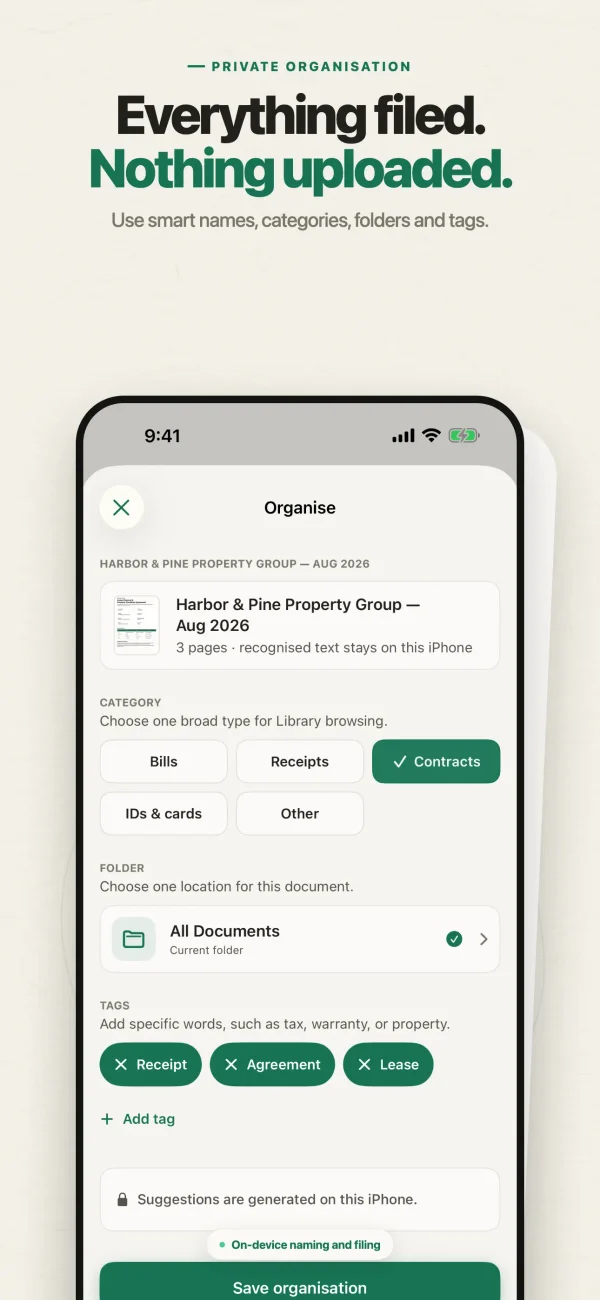
On-device intelligence reads each scan and names it like a person would — “Verizon Bill — Jul 2026” — so your library organizes itself. No typing, no “Scan 47”.
FIND ANY WORD IN ANY DOCUMENT
Every scan becomes searchable text, on your phone. Search “late fee” and jump straight to the line in the lease where it appears — indexed on-device in a blink.
INCLUDED WITH THE APP
• Unlimited scanning and saving
• Auto edge detection, crop, filters, rotate and reorder
• Automatic naming and filing
• Folders, favorites and full-text search
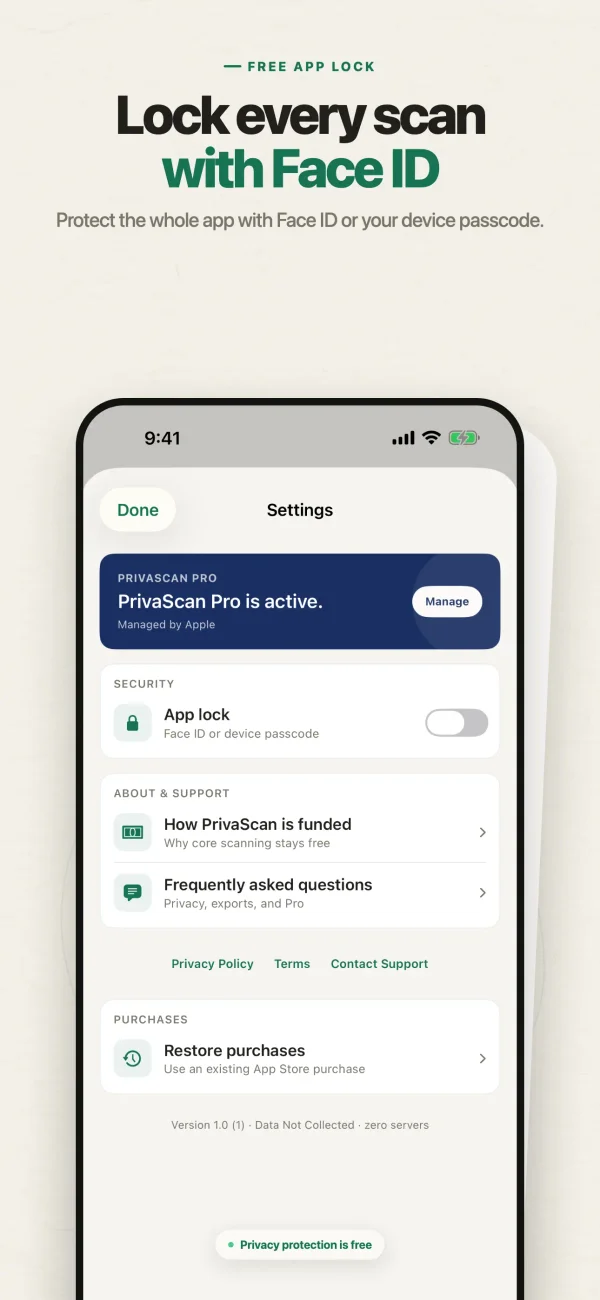
• Face ID / passcode lock
• Unchanged PDF exports up to 10 pages, with no watermarks
• Print and save to Files through the system share sheet — all offline
PRIVASCAN PRO
• Export PDFs of any length
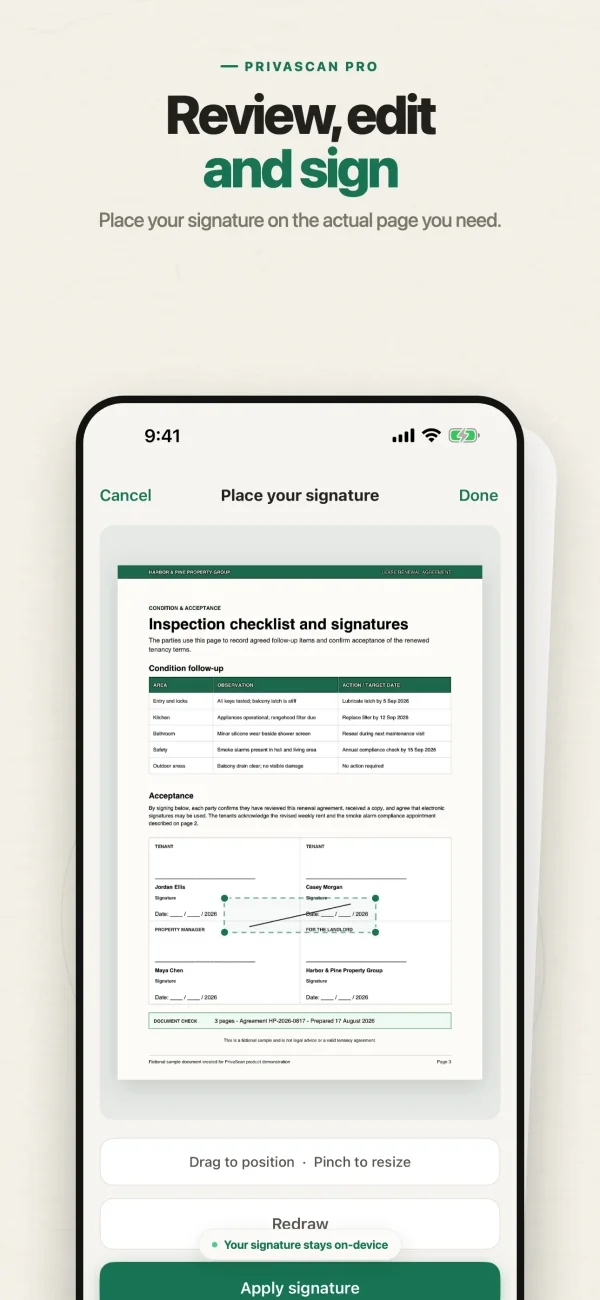
• Sign documents: draw your signature once, stamp it on any page
• Merge documents into a single PDF
• iCloud sync across your devices — coming in 1.1
No weekly subscriptions. No monthly subscriptions. Ever.
PRIVATE BY DESIGN
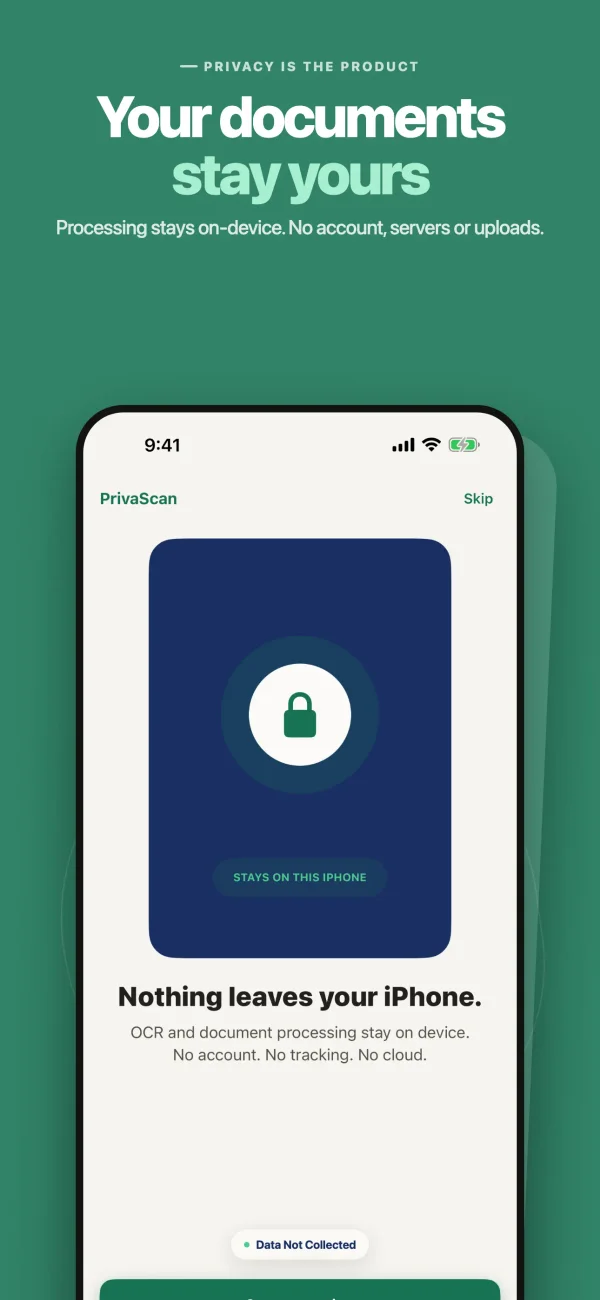
No accounts. No servers. No analytics. No tracking SDKs. Our App Store privacy label reads “Data Not Collected” — because we can’t collect what never leaves your phone. Scanning, text recognition, naming and search all run on-device, and the whole app works in Airplane Mode.
If weekly charges and cloud uploads have made scanner apps hard to trust, this one’s for you.
Terms of Use (EULA): https://www.apple.com/legal/internet-services/itunes/dev/stdeula/
What’s new
Version 1.0.1 · Sep 3, 2026
Bug fixes and performance improvements. Scanning, search, and PDF export still run entirely on your iPhone — nothing leaves the device.
App privacy
What Charnpreet Singh declares on the App Store about how this app handles data.
-
Data not linked to you
May be collected but is not linked to your identity.
- Purchases
- Identifiers
- Usage data
- Diagnostics
Privacy practices may vary, for example with the features you use or your age.
Information
- Seller
- Charnpreet Singh
- Category
- Productivity
- Version
- 1.0.1
- Updated
- Sep 3, 2026
- Released
- Sep 1, 2026
- Size
- 5.6 MB
- Requires
- iOS 17.0 or later
- Age rating
- 4+
- In-app purchases
- Yes
- Languages
- English
- Copyright
- © 2026 Charnpreet Singh
You might also like
-
 Privascan: PDF Scanner & OCRPrivate, Offline, No Watermark
-
 X to Notion (Markdown)Save tweets in one click
-
 ScanMate: PDF ScannerNo ads. No watermark. Ever.
-
 Kiwi PDF: Editor & ScannerEasy Launcher PDF, Reader, OCR
-
 ToText: AI Transcript SummaryEnglish voice & meeting notes
-
 gtsync: Sync Tasks & RemindersConnect Google Calendar to iOS
-
 JPG to PDF Converter - PDFPipPhoto & PNG to PDF - Offline
-
 Superhuman Mail for EMMThe most productive email app
-
 Save2NotionProductivity
-
 Clipboard AI - Paste KeyboardSave & Tag Copy Text History