PDF - Scanner, Reader & Editor
Photo To Document Converter
Designed for iPhone, iPad, iPod touch
Free · In-app purchases
- Age rating4+
- CategoryBusiness
- DeveloperPravin Gondaliya
- LanguagesEnglish+ 14 more
- Size228.0 MB
Links to the official App Store page
Download.org hosts no file of PDF - Scanner, Reader & Editor. The button opens its official App Store page, published by Pravin Gondaliya. Listing last checked on Nov 23, 2026.
Screenshots


About
PDF: Scanner, Reader & Editor – Convert, Lock & Sign Documents
All-in-one mobile solution to scan, read, sign, lock, and manage your documents securely and effortlessly
==================
Turn Your Device into a Powerful Document Hub!
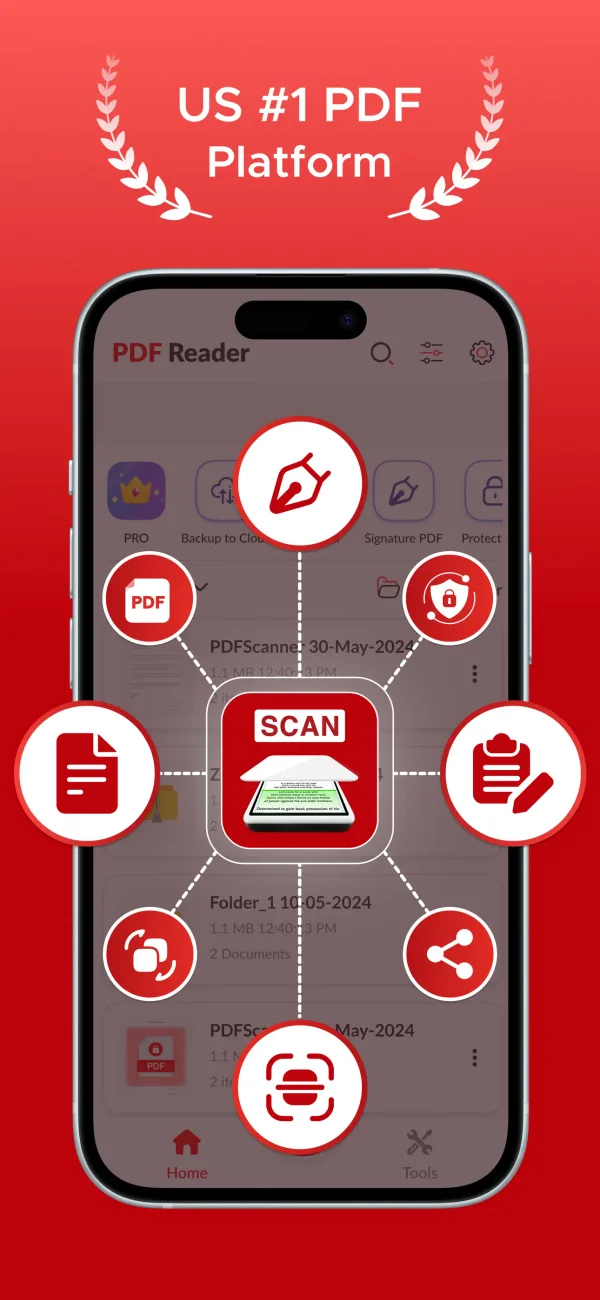
PDF: Scanner, Reader & Editor is the ultimate digital tool that brings scanning, editing, reading, e-signing, and secure file storage all into one place. Whether you’re a student or professional or just need to organize documents on the go, this PDF file manager helps you stay productive and paperless.
==================
- Key Features to Maximize Your Productivity:
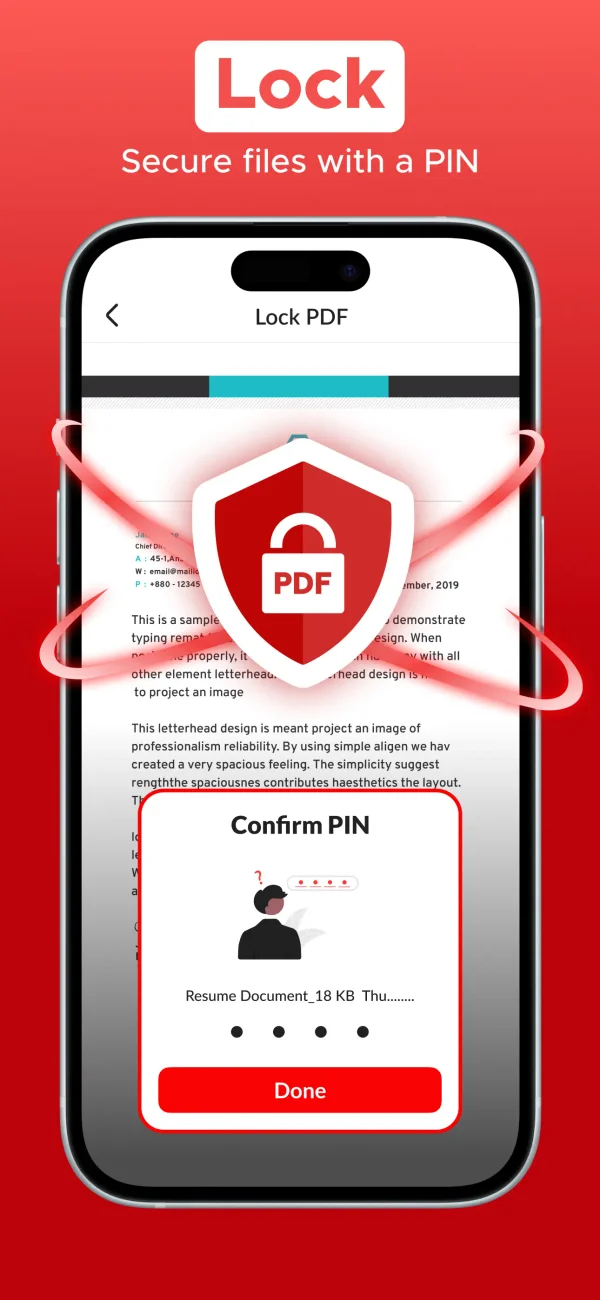
1. PIN Protection & Secure File Locking
Protect important files and folders with a strong PIN code. Keep your private scans safe and accessible only to you.
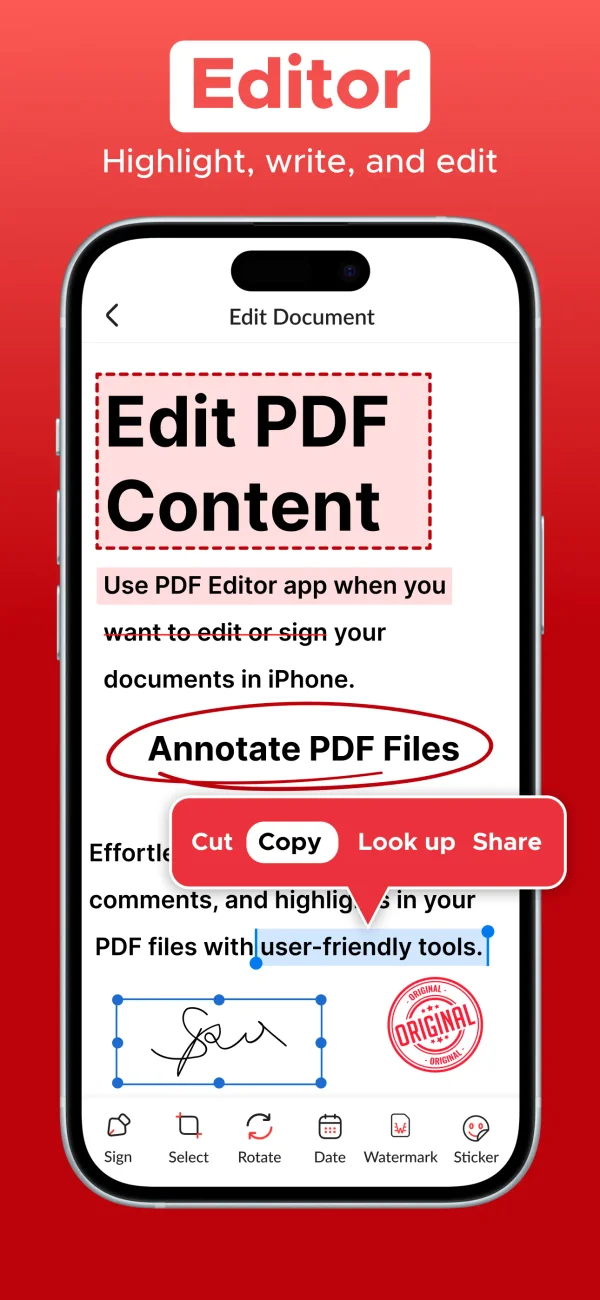
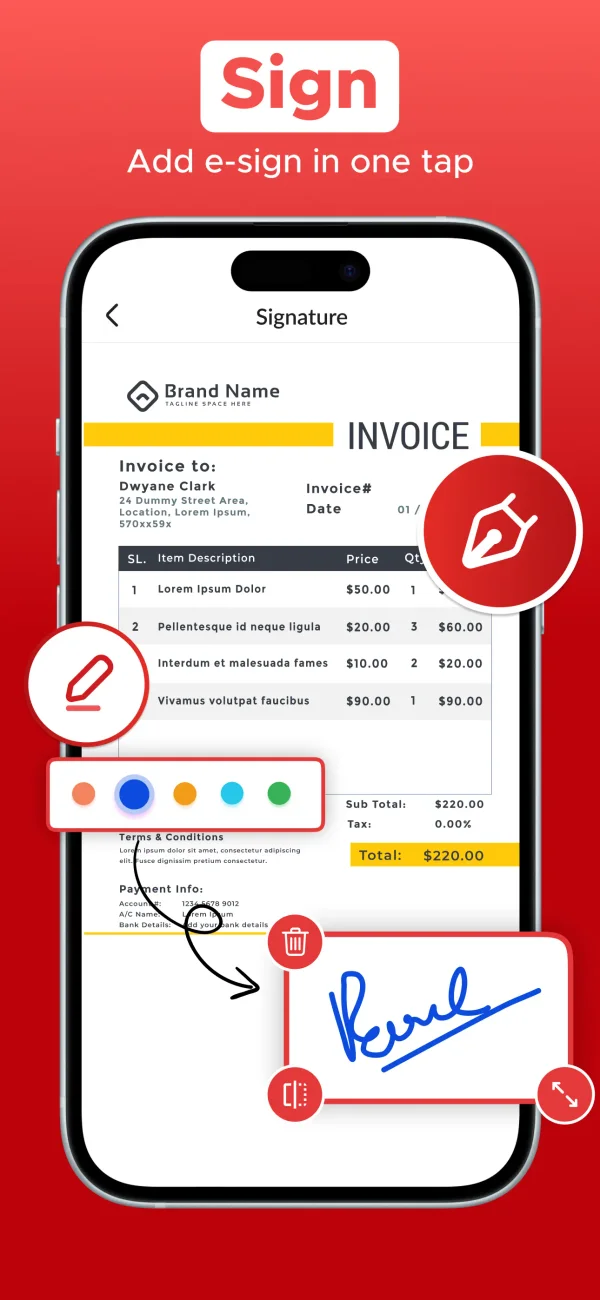
2. Electronic Signature
Sign documents digitally in seconds. Save your signature for reuse and add it to PDFs effortlessly.
3. Smart Document Scanner
Scan physical documents using your camera or import them from the gallery. Supports scanning receipts, contracts, ID cards,
certificates, business cards, handwritten notes, whiteboards, and more.
4. Accurate OCR (Text Recognition)
Convert scanned images to editable text with high-precision OCR. Recognizes multiple languages and allows easy editing and
exporting.
5. All-in-One File Manager
Organize, move, copy, delete, rename, reorder, and manage files or folders seamlessly. Includes drag & drop support for
intuitive document control.
6. Image Enhancer & Editor
Built-in noise removal, color correction, and sharpness controls ensure clean and professional-looking scans every time.
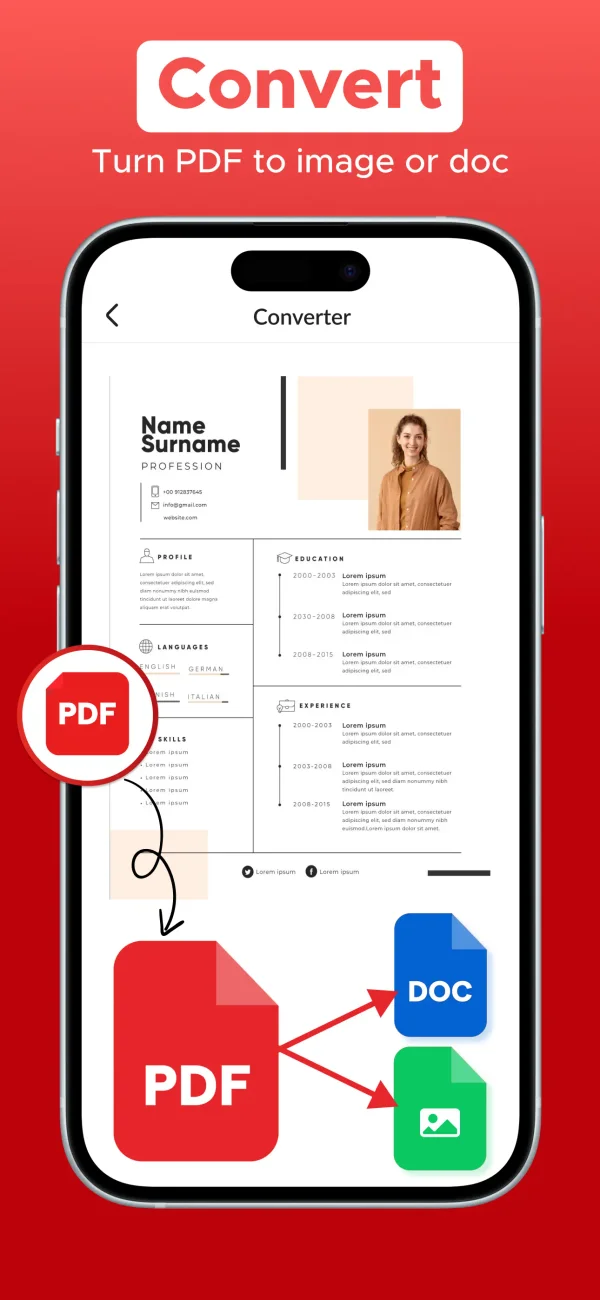
7. Multi-Format Export
Export your files in PDF or JPG format and instantly share them for work, study, or record-keeping.
8. Cloud Upload & Printing
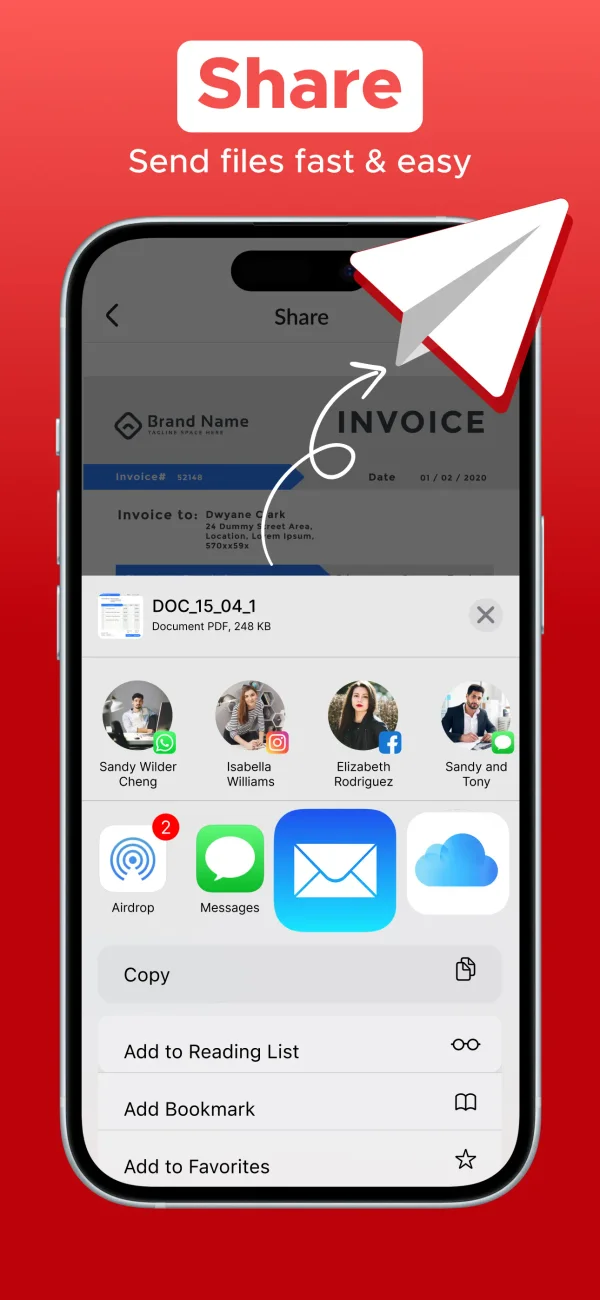
Easily upload your scans to cloud services or print documents directly from your device. Supports sharing via email, text, and
more.
9. Page Management Tools
Cut, copy, paste, reorder, rotate, or delete pages within any PDF. Merge multiple pages or split large files with ease.
==================
- Why Users Love PDF: Scanner, Reader, & Editor
1. Simple and clean interface for quick navigation
2. Seamlessly manage school, business, or personal files
3. Lightning-fast scanning with automatic edge detection
4. Reliable PDF viewer and annotation tools
5. Offline and online access to your documents
6. Converts your phone into a digital office on the go
==================
Perfect For:
- Students managing study notes and assignments
- Freelancers and business owners signing and sending contracts
- Office professionals handling receipts, invoices, or reports
- Anyone looking to organize documents with speed and security
==================
No More Paper Clutter – Stay Organized & Efficient!
Scan, sign, store, and share – all in one smart document scanner.
==================
Disclaimer:
This app offers paid features that require an additional purchase for full access. To enjoy all the content and functionality, a subscription is required.
Privacy Policy: https://vasundharaapps.com/pdf-scanner-privacy-policy-ios
Terms of Use: https://vasundharaapps.com/pdf-scanner-terms-of-service-ios
What’s new
Version 5.1 · Sep 21, 2026
Thanks for staying with us! The new version offers:
- Bug fixes for improved performance.
- Enhanced UI for a better user experience.
We love getting feedback from all of you! Please leave your feedback.
App privacy
What Pravin Gondaliya declares on the App Store about how this app handles data.
-
Data used to track you
May be used to track you across apps and websites owned by other companies.
- Diagnostics
-
Data not linked to you
May be collected but is not linked to your identity.
- Diagnostics
- Other data
Privacy practices may vary, for example with the features you use or your age.
Information
- Seller
- Pravin Gondaliya
- Category
- Business
- Version
- 5.1
- Updated
- Sep 21, 2026
- Released
- Jan 7, 2021
- Size
- 228.0 MB
- Requires
- iOS 15.0 or later
- Age rating
- 4+
- Price
- Free
- In-app purchases
- Yes
- Languages
- English, Afrikaans, Arabic, Danish, Filipino, French, Italian, Japanese, Korean, Portuguese, Russian, Spanish + 3 more
- Copyright
- © Chirag Pipaliya
You might also like
-
 PDF Scanner・Document Scanner・Scan Docs to PDF, CS Scanner
-
 One Scan: PDF Doc ScannerAI OCR, Sign, Photos, Receipts
-
 PDF Editor: Edit & Convert PDFPDF Signer, Document Editor
-
 Photo to PDF Scanner - ScanSkyDocument Scan, Edit & Convert
-
 PDF Editor : PDF Reader,SignerEdit Text, Sign PDF,Fill Forms
-
 InstaPDF - Scan, Edit & ShareGo paperless. PDF Scanner. OCR
-
 Camera Scanner - PDFScan Documents to PDF & Files
-
 Scanner Vault: PDF & OCR ScanDocument Image Text Converter
-
 PDF Max - Edit, Sign PDFsScan, OCR, Research & Study
-
 PDF Editor: sign, fill & moreDocs Scanner, Editor, Convert