PDF Scanner & Scan Document
Doc Sign, Convert Photo to PDF
Designed for iPhone, iPad
Free
- Age rating12+
- CategoryProductivity
- DeveloperMd Sajedur Rahaman
- LanguagesEnglish
- Size94.6 MB
Links to the official App Store page
Download.org hosts no file of PDF Scanner & Scan Document. The button opens its official App Store page, published by Md Sajedur Rahaman. Listing last checked on Nov 23, 2026.
Screenshots
About
Scan PDF, photos, documents, papers, notes, books, and receipts with the versatile document scanner & converter.
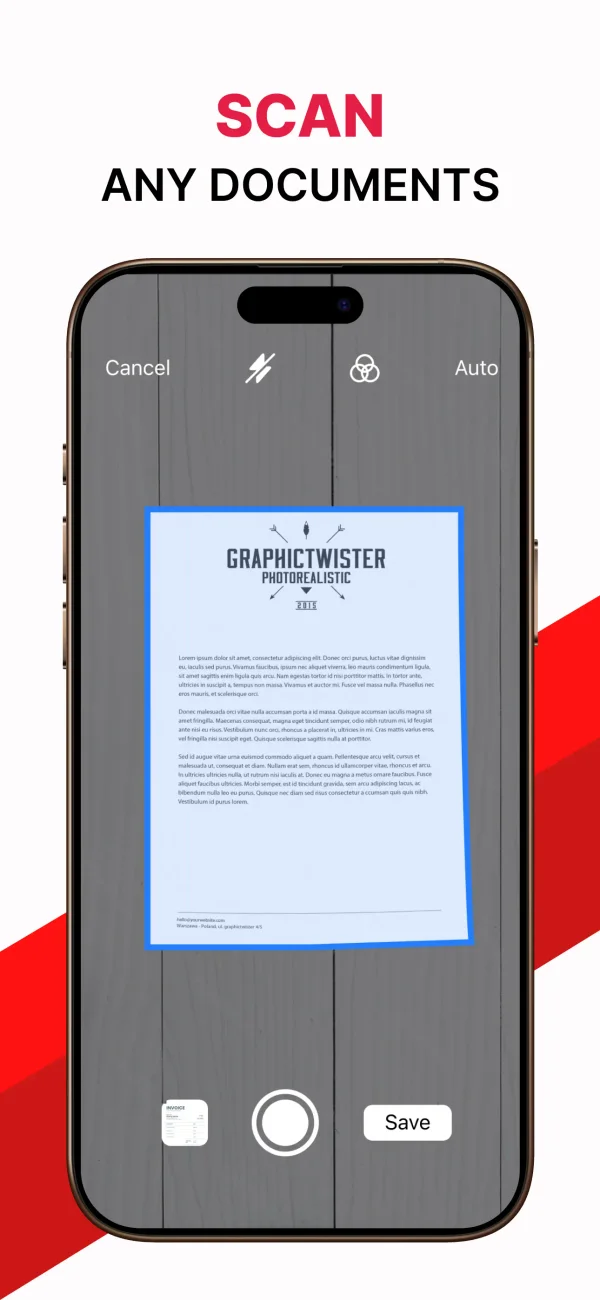
Turn your device into a portable mobile scanner. This is an easy and reliable PDF scanner. It allows you to perform various types of scans through the auto-capturing feature. Scan PDF, photos, receipts, notes, papers, documents, books, etc. and convert them to JPG or PDF. You can edit, delete, save, and share documents with this document scanner & PDF maker. You can also add signs and convert images to text (OCR) by using the PDF scanner.
Key Features:
- Scan PDF, photos, receipts, notes, papers, documents, books, etc.
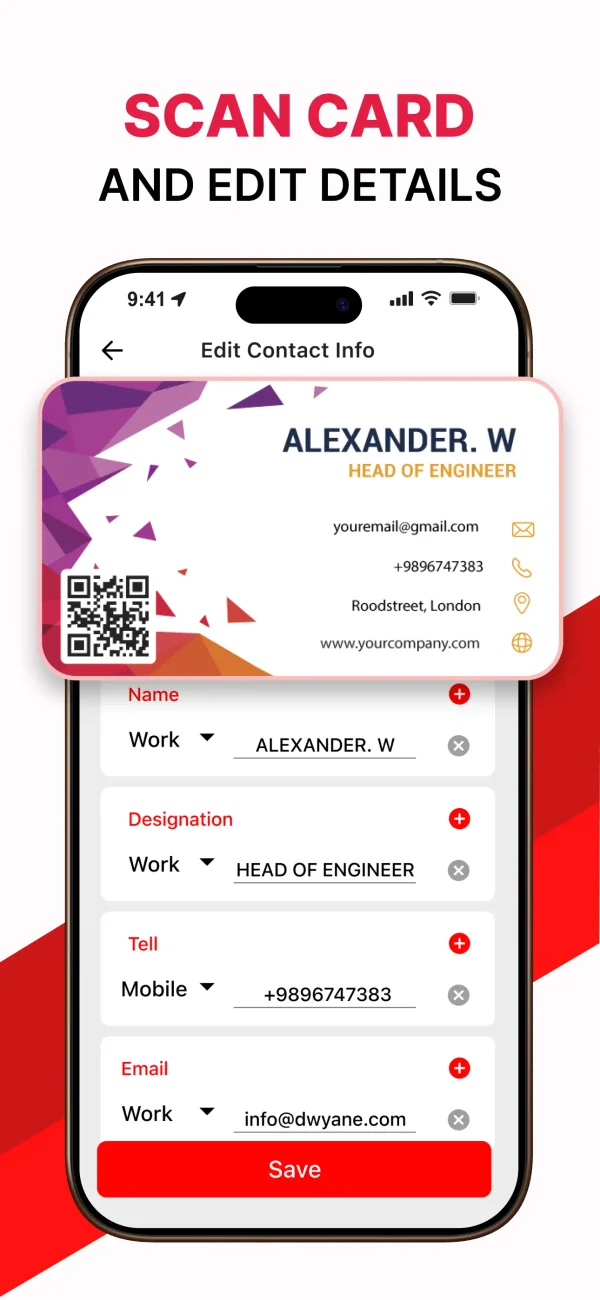
- Scan visiting cards and edit details.
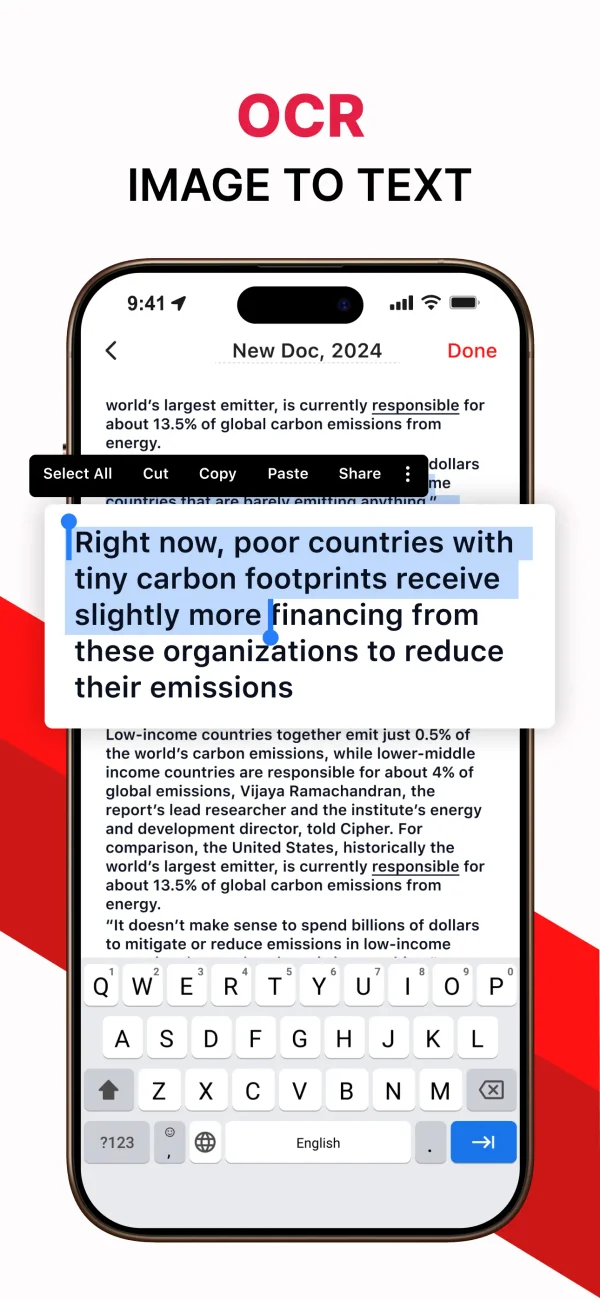
- Extract images and edit text (OCR).
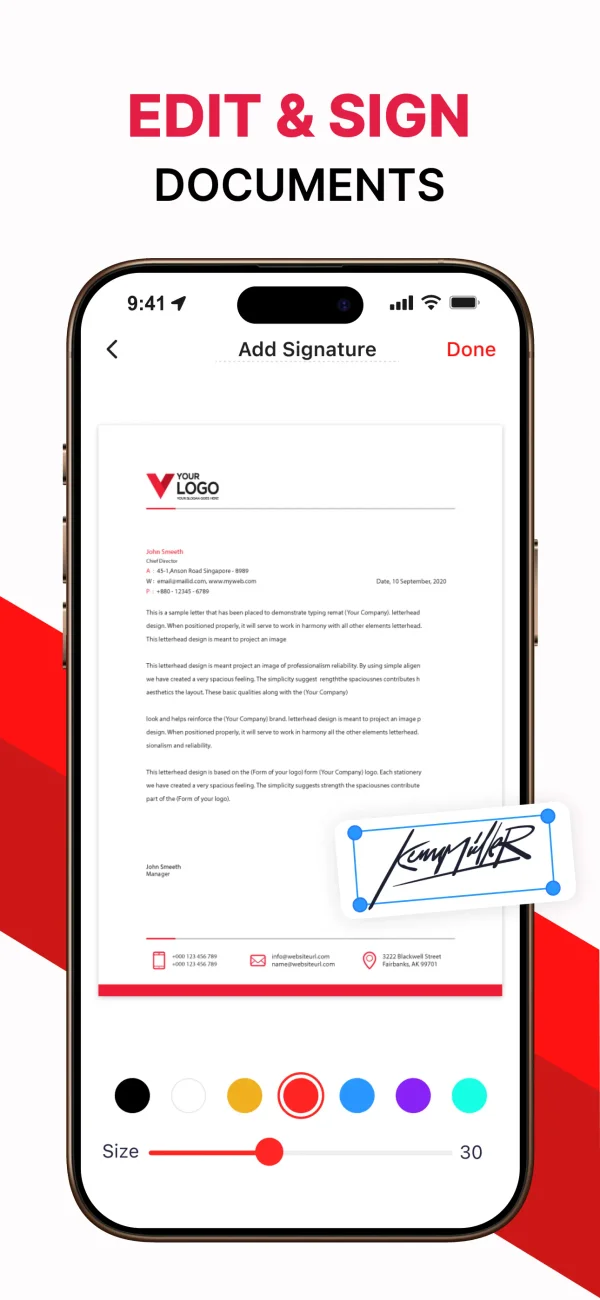
- Draw a sign on your document.
- Edit, delete, save, and share information.
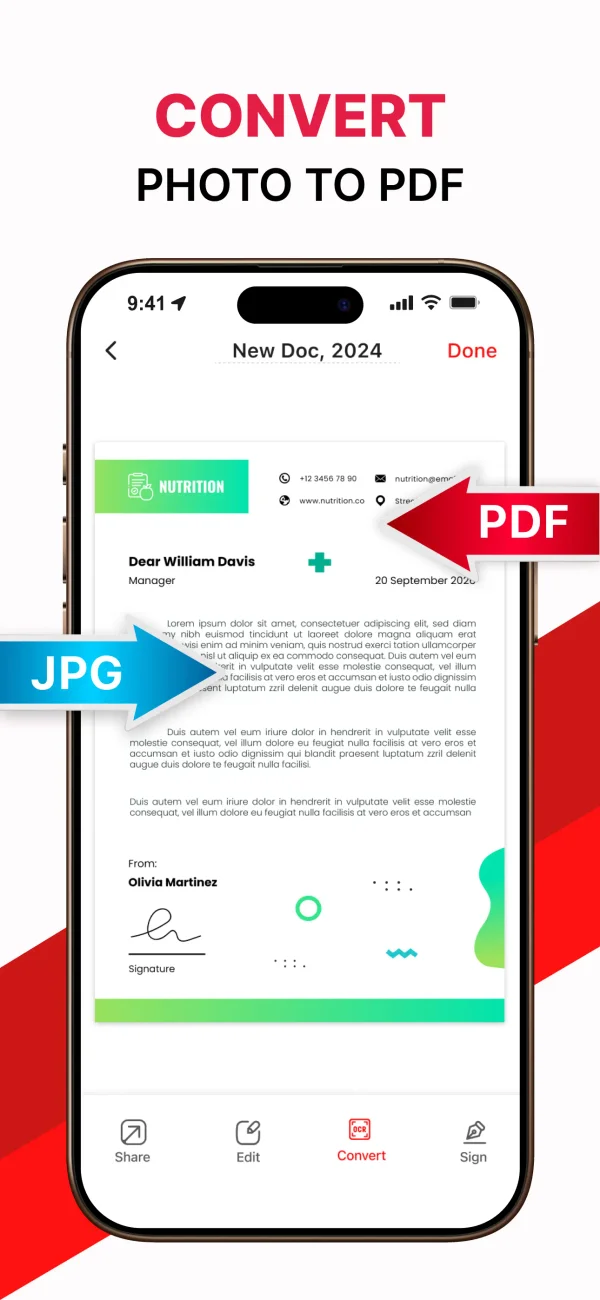
- Import images and export as JPG or PDF.
Document Scanner:
Scan PDF, photos, papers, documents, books, notes, and receipts using the automatic capturing feature of this document scanner. The document scanner is very useful for students and professionals like managers, accountants, and lawyers. Edit, crop, filter, rotate, save, delete, and share features are also available. Make your file management easier and more organized with it.
Book Scanner:
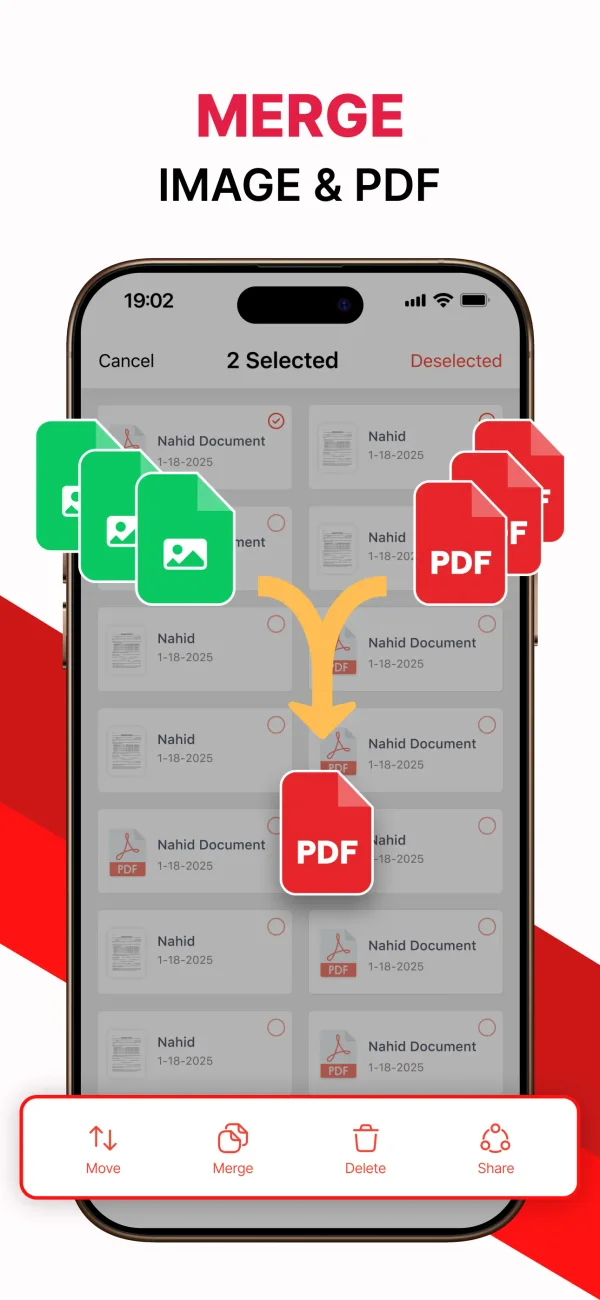
Scan magazines, novels, notes, papers, and books with the book scanner app. It reduces the dependency on scanning and printing machines. The paper scanner and PDF maker can combine multiple images and create high-quality PDFs.
Image to PDF Converter:
Import images from the device gallery or scan anything and convert it to JPG or PDF. You can combine multiple photos in a single PDF file by using the PDF maker.
OCR Text Scanner:
You can extract text from the photo or document and convert it into editable text by using optical character recognition (OCR). With this text scanner, you can save time by avoiding manual data entry. Then you can save it or create a PDF.
Add Signature:
Sign PDF documents and photos anytime and anywhere. It saves you time and makes document management easier and smarter.
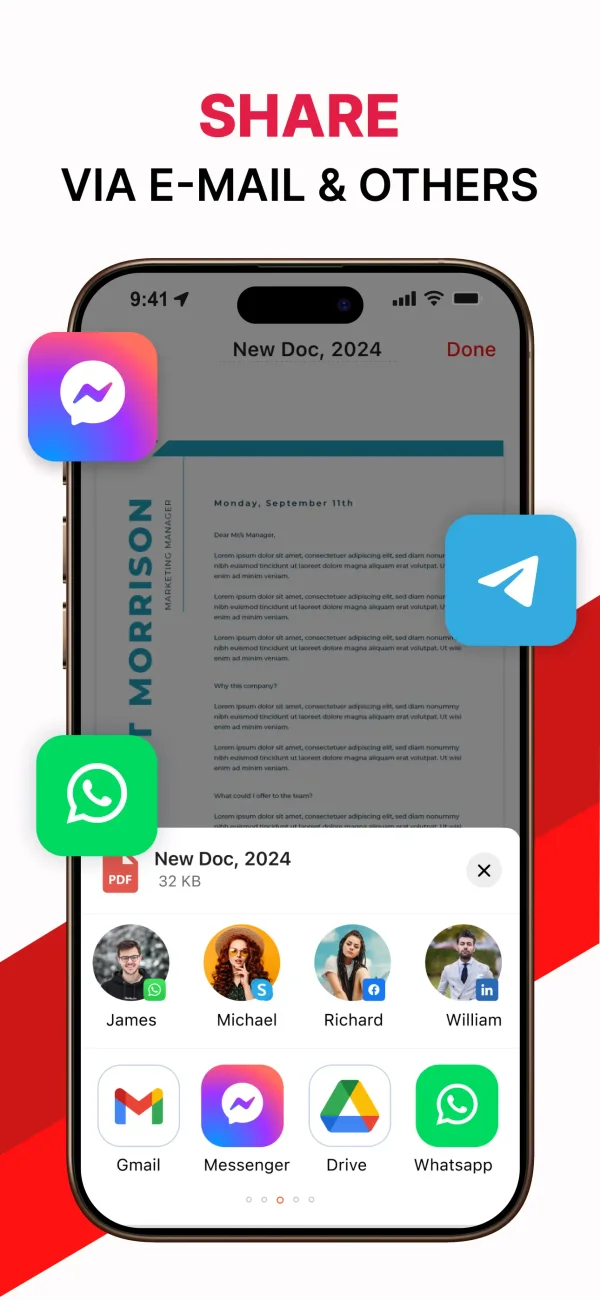
Share:
Share your scanned or created files via email, Facebook, WhatsApp, Drive, and more by using this PDF scanner.
What’s new
Version 1.1.1 · Nov 21, 2026
- UI Update.
- Faster App Launch.
- Smoother Scrolling and Transitions.
- Fixed Crashes and “App not Responding” Issues.
- Better Performance on Low-Memory Devices.
App privacy
What Md Sajedur Rahaman declares on the App Store about how this app handles data.
-
Data used to track you
May be used to track you across apps and websites owned by other companies.
- Identifiers
-
Data not linked to you
May be collected but is not linked to your identity.
- User content
- Identifiers
- Diagnostics
Privacy practices may vary, for example with the features you use or your age.
Information
- Seller
- Md Sajedur Rahaman
- Category
- Productivity
- Version
- 1.1.1
- Updated
- Nov 21, 2026
- Released
- Mar 12, 2025
- Size
- 94.6 MB
- Requires
- iOS 16.0 or later
- Age rating
- 12+
- Price
- Free
- Languages
- English
- Copyright
- © PDF Scanner and Scan Documents ·
You might also like
-
 Document & pdf scanner appCam, Fast, Text & Photo Scan
-
 Scanner App for iPhoneImage, PNG & PDF Converter
-
 Word to PDF Converter - ReaderConvert PDF to Word,JPG to PDF
-
 Sign PDF documentsEdit and archive PDF files
-
 PDF Pro - Reader Editor FormsEdit, annotate, view documents
-
 PDF Converter・Scanner・Editor・Scan Documents・Convert & Edit
-
 PDF Scanner・Document ScannerScan ID Card, Sign, OCR & Edit
-
 Photos PDF : Scanner ConverterPhoto & image to Scan Document
-
 Convert Image To PDF toolsImage to Pdf Convert
-
 PDF Converter -Convert Photo to PDF