- Age rating4+
- CategoryProductivity
- DeveloperMohamed Nagy
- LanguagesEnglish
- Size45.1 MB
Links to the official App Store page
Download.org hosts no file of PDF Viewer: Reader & Markup. The button opens its official App Store page, published by Mohamed Nagy. Listing last checked on Nov 23, 2026.
Screenshots


About
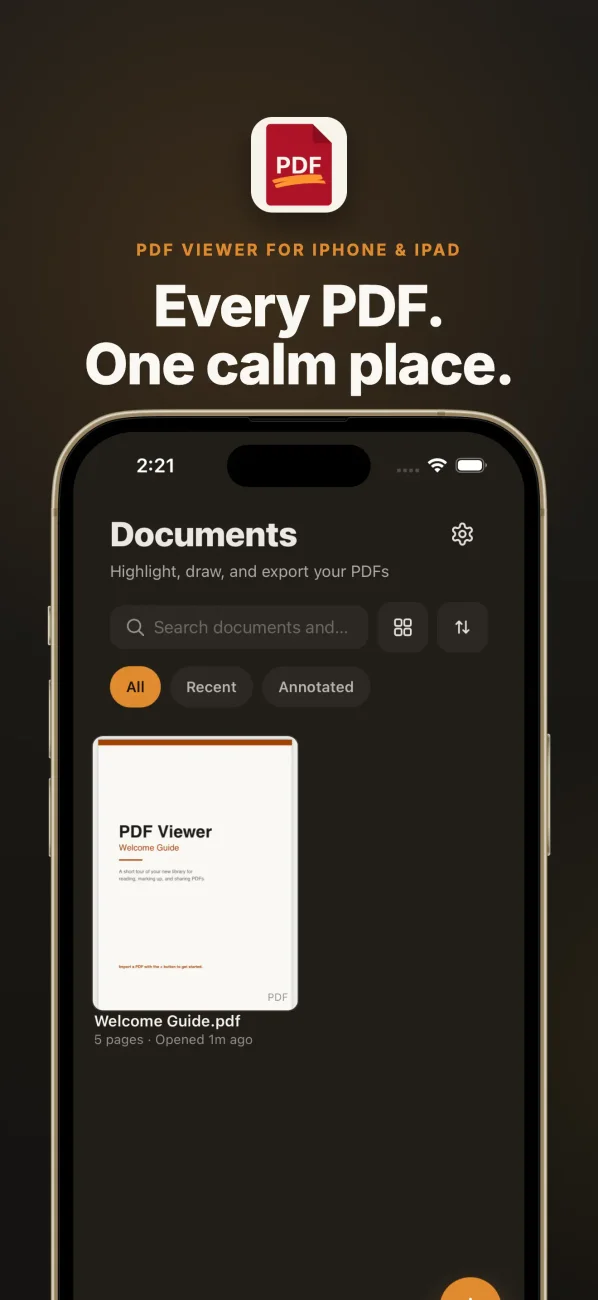
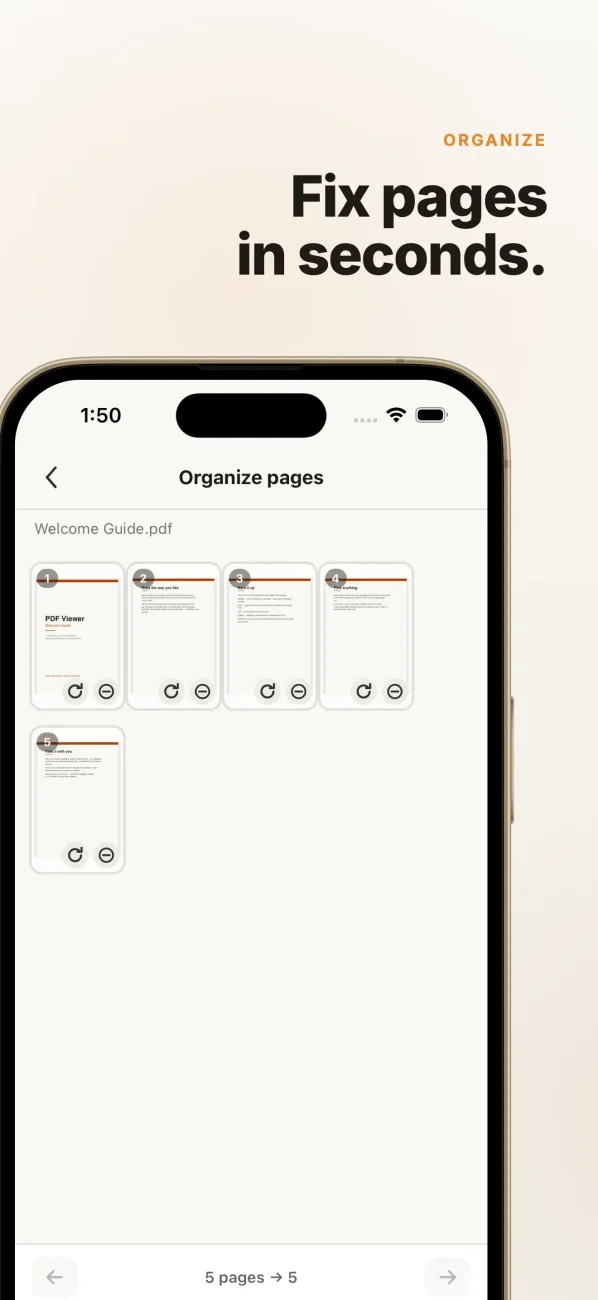
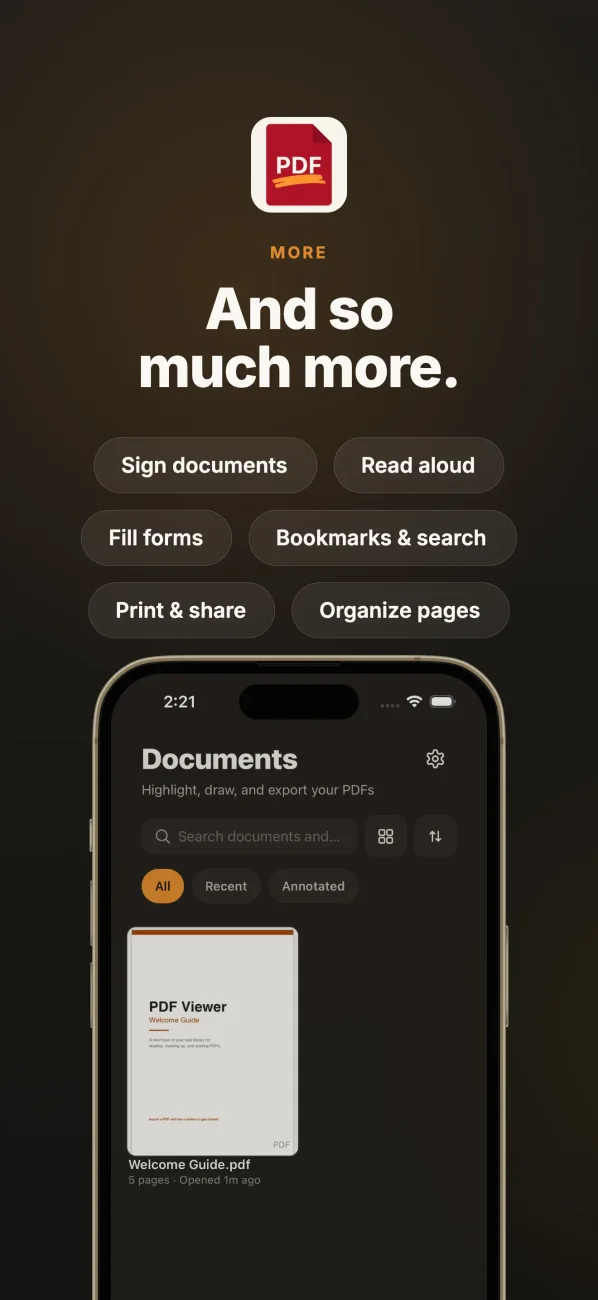
PDF Viewer opens your documents instantly and gives you real tools to work with them — highlight, draw, sign, fill in forms, reorganize pages, and listen to any page read aloud. No account. No sign-up. No waiting.
FAST, LIGHTWEIGHT READING
• Opens straight from Files, Mail, or the share sheet
• Smooth continuous scrolling, even in long documents
• Vertical or horizontal reading modes
• Adjustable page tint and light/dark themes for comfortable reading
• Search inside any document
• Outline, thumbnails, and bookmarks for fast navigation
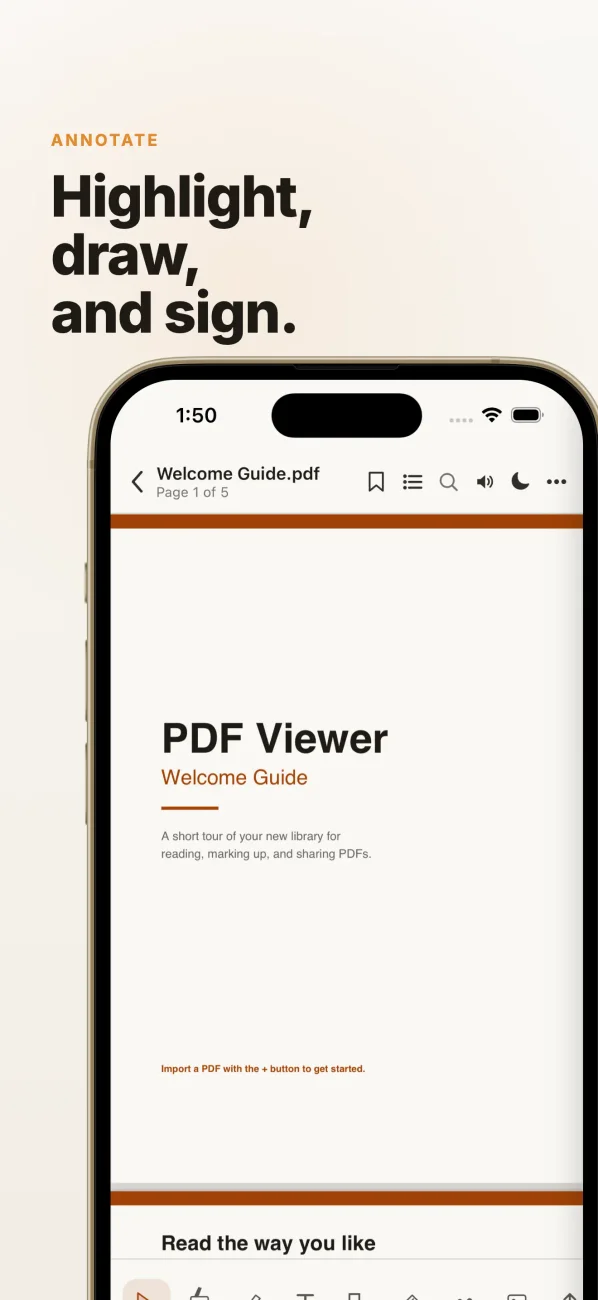
A COMPLETE ANNOTATION TOOLBAR
• Highlight text in any color
• Draw freehand with the pen tool
• Add text notes anywhere on the page
• Draw shapes — rectangles, circles, arrows, lines
• Erase and undo/redo every change
• Annotations are saved automatically as you work
SIGN AND FILL
• Draw your signature once and place it on any page
• Fill in PDF form fields directly
• Reuse saved signatures across documents
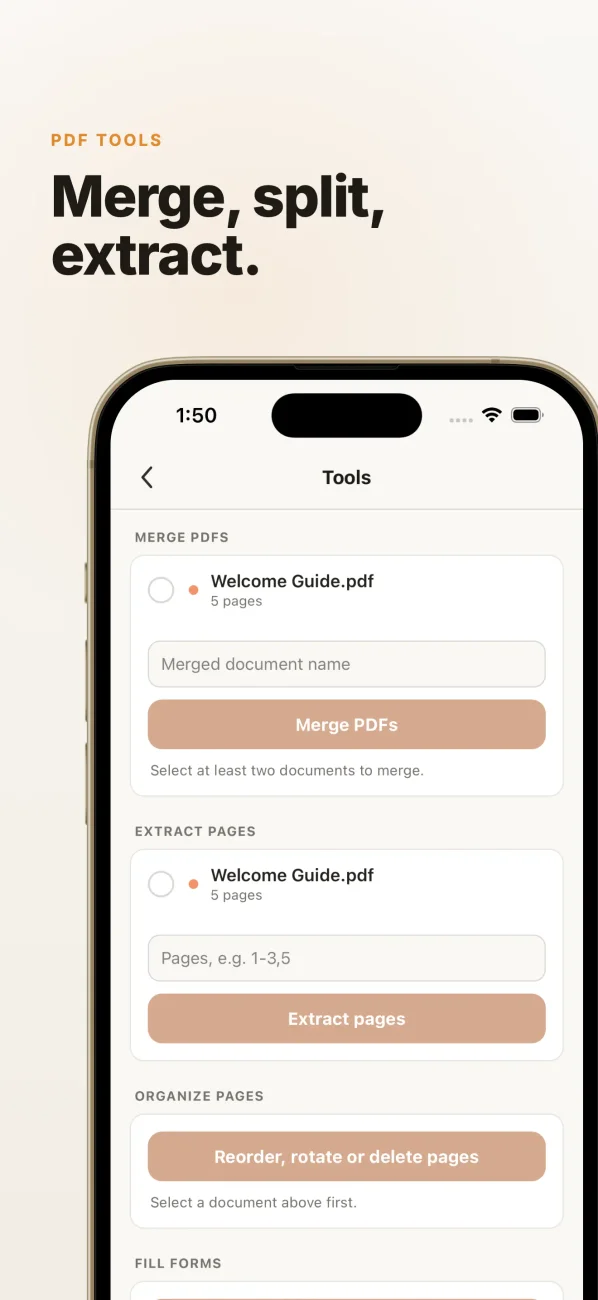
PAGE TOOLS
• Reorganize, reorder, and rotate pages
• Extract a page range into a new document
• Merge several PDFs into one
• Print any document
LISTEN TO YOUR DOCUMENTS
• Read-aloud narrates any page out loud
• Great for proofreading, studying, or reading hands-free
EXPORT AND SHARE
• Flatten annotations permanently into the PDF
• Save a copy or share annotations on their own
• Exports are true vector burn-in — your markup stays sharp at any zoom
PRIVATE BY DESIGN
Your documents never leave your device. There is no account to create, nothing to upload, and no tracking. Files you open stay in your own storage.
BUILT FOR
Students marking up textbooks and papers, professionals reviewing contracts and proposals, engineers reading plans and drawings, and anyone who just wants a PDF to open quickly and work properly.
Questions or feedback? We read every message.
What’s new
Version 1.0.4 · Nov 20, 2026
New: Folders. Organize your library into folders — create, rename and delete folders, move any document in with "Move to folder…", and search still finds everything.
App privacy
What Mohamed Nagy declares on the App Store about how this app handles data.
-
Data not collected
The developer does not collect any data from this app.
Privacy practices may vary, for example with the features you use or your age.
Information
- Seller
- Mohamed Nagy
- Category
- Productivity
- Version
- 1.0.4
- Updated
- Nov 20, 2026
- Released
- Sep 15, 2026
- Size
- 45.1 MB
- Requires
- iOS 16.4 or later
- Age rating
- 4+
- Languages
- English
- Copyright
- © 2026 Mohamed Nagy
You might also like
-
 Reader Ink: PDF Editor & SignPDF Viewer, Scanner & Convert
-
 PageBuddy - PDF Reader & NotesRead. Understand. Annotate.
-
 Insight - AI Document AgentProductivity
-
 Lucid NoteHandwrite & Annotate PDF Notes
-
 P&P PDF ReaderPDF Reader & Annotator
-
 Eve - PDF EditorRead, mark up, pick up again
-
 Us&Co StratfordProductivity
-
 Paperlo: PDF Filler & SignerRead, Merge & eSign Forms
-
 Papyrus - notes, PDFBig notes & PDFs, fluid
-
 SonooraReads your documents aloud