Smart Transfer: Copy My Data
Phone Clone, Switch & Contacts
Designed for iPhone, iPad, iPod touch
Free · In-app purchases
- Age rating4+
- CategoryUtilities
- DeveloperSami Ullah
- LanguagesEnglish+ 16 more
- Size44.4 MB
Links to the official App Store page
Download.org hosts no file of Smart Transfer: Copy My Data. The button opens its official App Store page, published by Sami Ullah. Listing last checked on Nov 18, 2026.
Screenshots


About
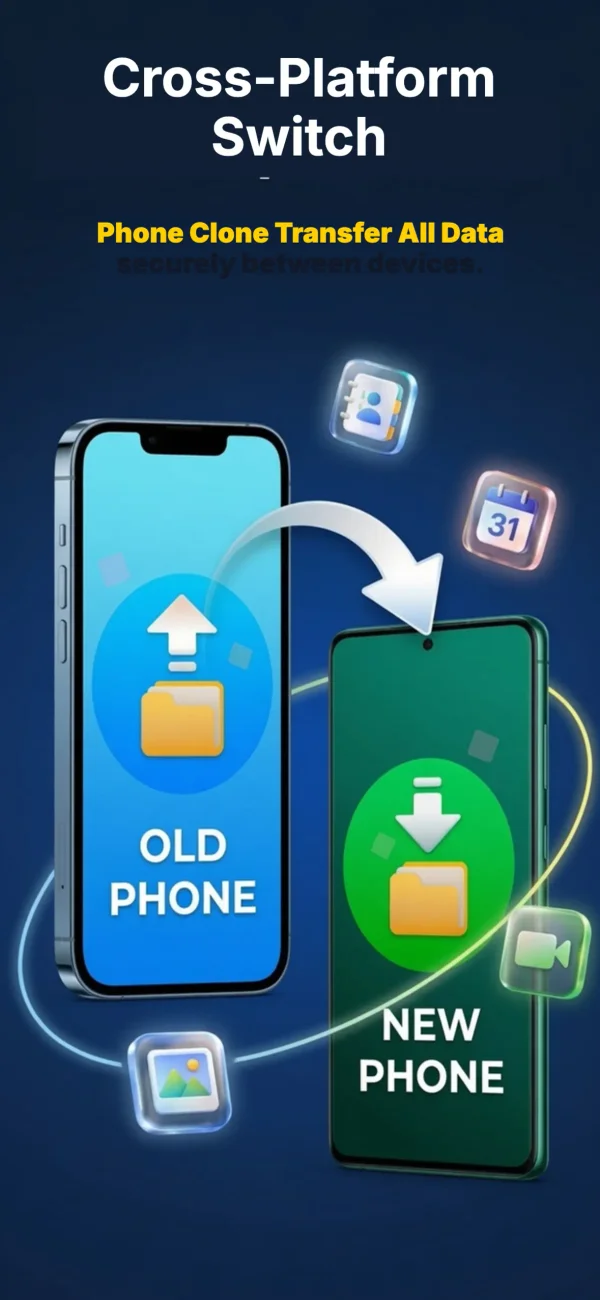
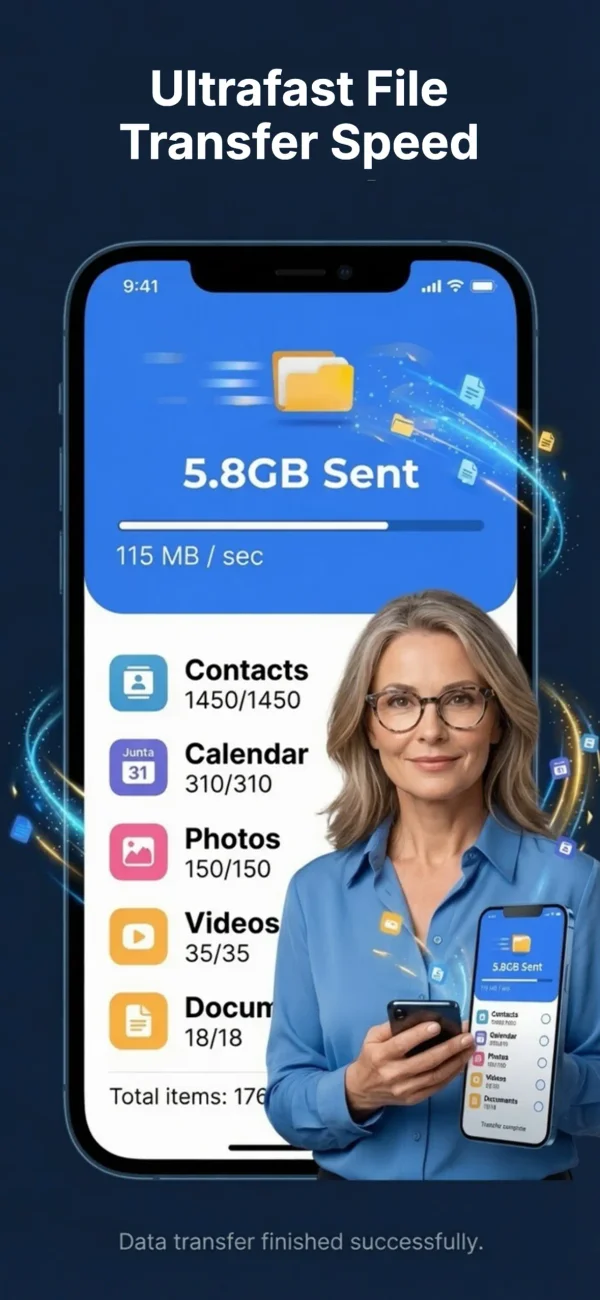
Copy my data from your old phone to your new iPhone in minutes. Smart Transfer is the phone clone app that moves your contacts, photos, videos, music and files over Wi-Fi, with no cable and no account.
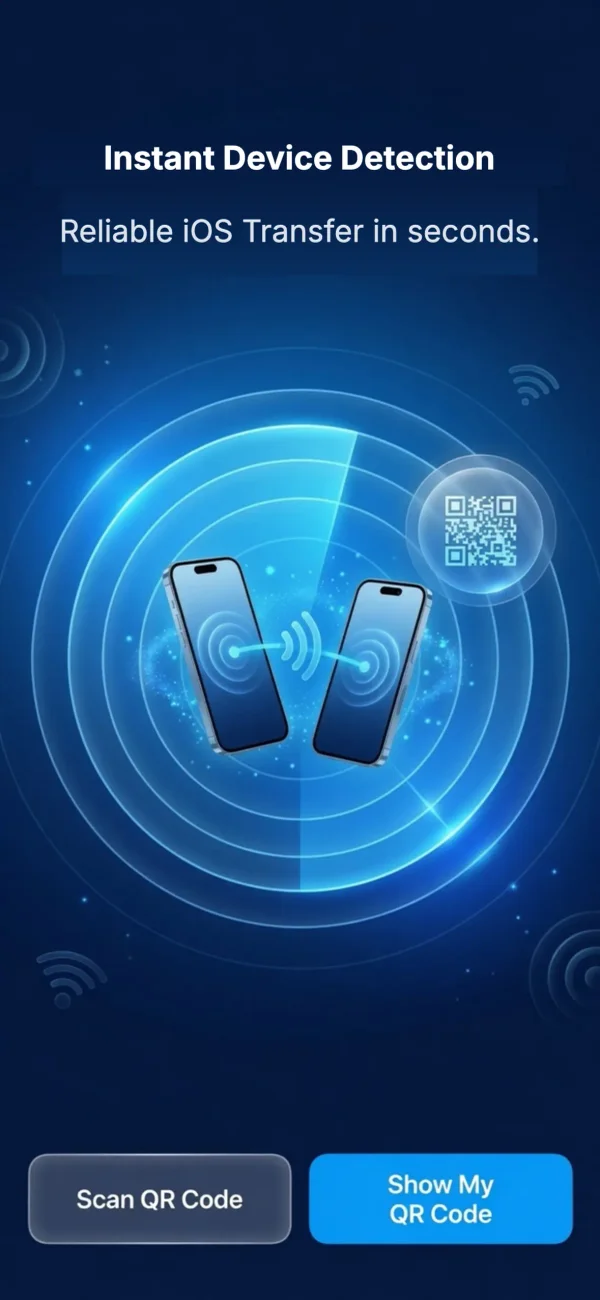
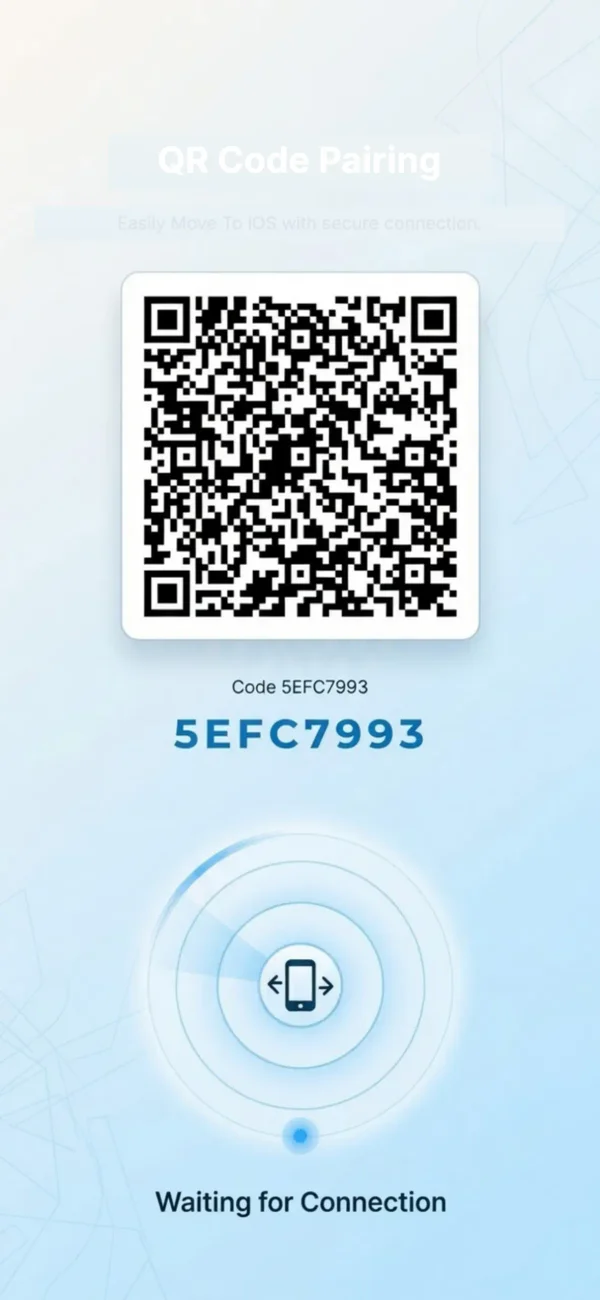
Switching phones should take minutes, not an evening. Install Smart Transfer on both devices, scan a QR code to pair them, choose what you want to move and tap transfer. Your new iPhone or iPad is ready to go.
WHAT YOU CAN TRANSFER
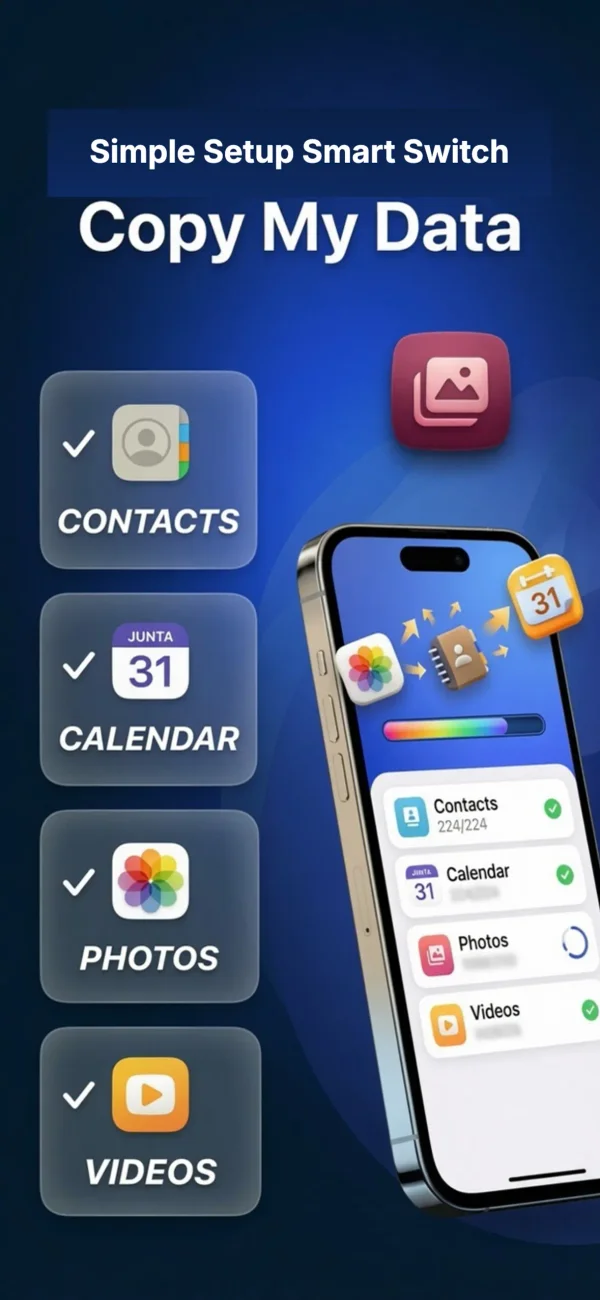
• Contacts: copy your whole address book, or export contacts as a vCard file
• Photos & videos: original files in full resolution, nothing compressed
• Music & audio: move your audio files to the new phone
• Files & documents: PDFs, ZIPs and more
WHY PEOPLE CHOOSE SMART TRANSFER
• No cable needed: everything moves over your local Wi-Fi
• No account, no sign-up, no email
• No size limits on nearby phone-to-phone transfers
• Device-to-device: nearby transfers go straight from one phone to the other
• Fast: most transfers finish in a few minutes
MORE TOOLS
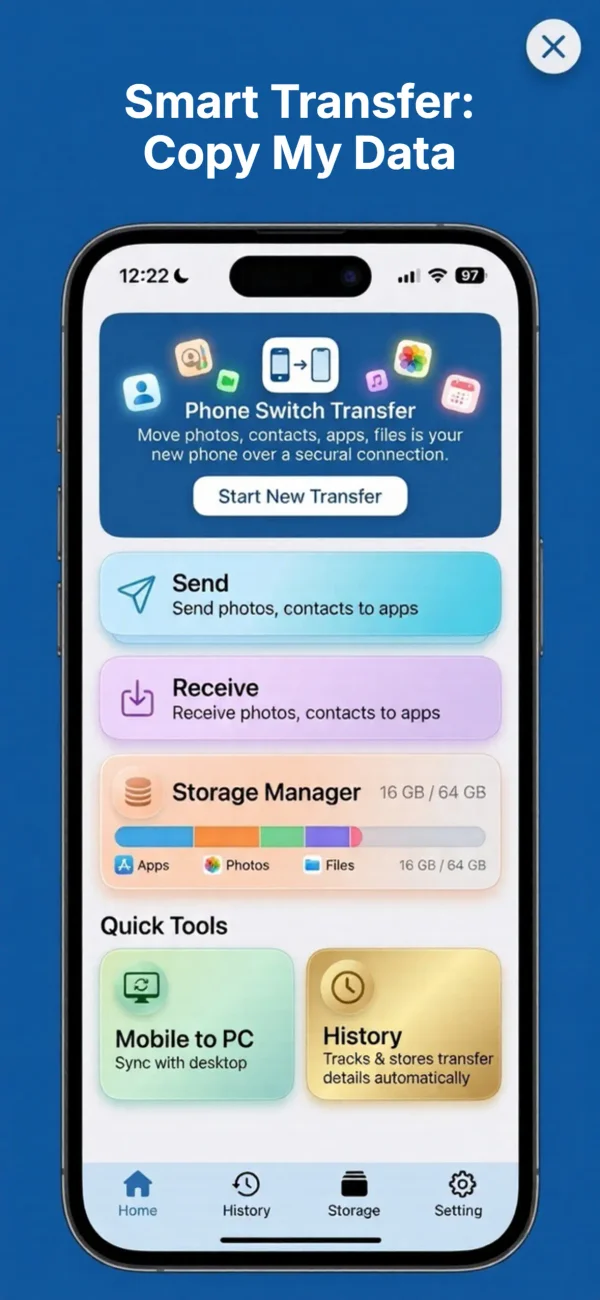
• Link with Computer: send files between your phone and a computer's web browser over Wi-Fi by scanning a QR code
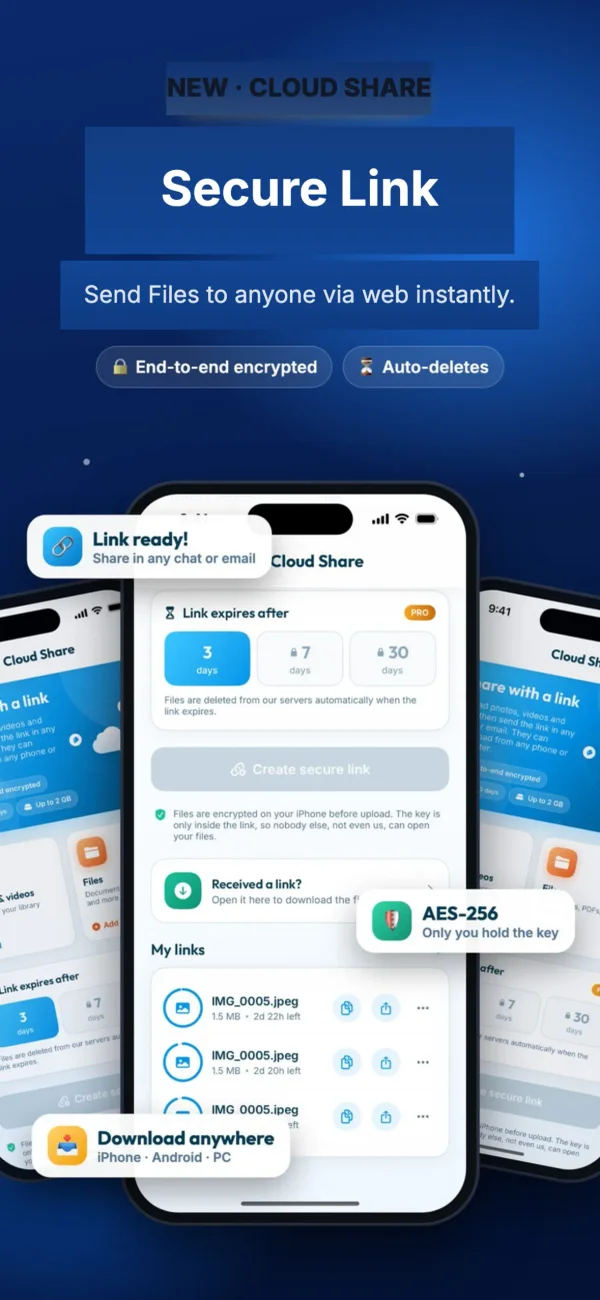
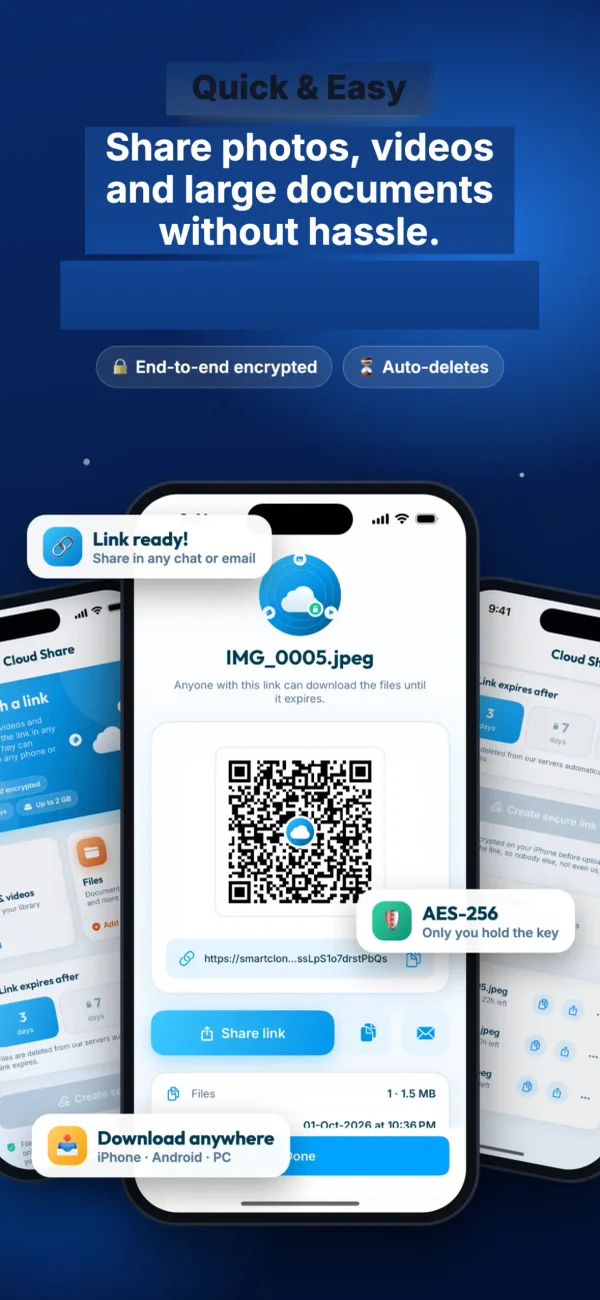
• Cloud Share: send files to anyone with a private, encrypted link (up to 2 GB, or 20 GB with Pro)
• Storage Manager: see how much space your photos, videos, music and contacts use
HOW IT WORKS
1. Install Smart Transfer on both phones
2. Open the app and scan the QR code to pair them
3. Pick what to move: contacts, photos, videos, music or files
4. Done. Your new phone is ready
PRIVACY FIRST
Nearby transfers move your photos, contacts and files directly between your two devices over your own network. If you use Cloud Share, files are encrypted before upload and the link expires automatically. We never sell your data.
Download Smart Transfer and move everything to your new phone in one go.
Privacy Policy: https://appstoreapps2025.blogspot.com/p/smart-clone-privacy-policy-ios.html
Terms of Use (EULA): https://www.apple.com/legal/internet-services/itunes/dev/stdeula/
What’s new
Version 1.0.10 · Nov 4, 2026
Faster, more reliable transfers and bug fixes. Thanks for using Smart Transfer!
App privacy
What Sami Ullah declares on the App Store about how this app handles data.
-
Data used to track you
May be used to track you across apps and websites owned by other companies.
- Identifiers
-
Data linked to you
May be collected and linked to your identity.
- Usage data
- Diagnostics
-
Data not linked to you
May be collected but is not linked to your identity.
- Identifiers
Privacy practices may vary, for example with the features you use or your age.
Information
- Seller
- Sami Ullah
- Category
- Utilities
- Version
- 1.0.10
- Updated
- Nov 4, 2026
- Released
- Jun 21, 2026
- Size
- 44.4 MB
- Requires
- iOS 15.0 or later
- Age rating
- 4+
- Price
- Free
- In-app purchases
- Yes
- Languages
- English, Arabic, Czech, Finnish, French, German, Greek, Hindi, Hungarian, Indonesian, Italian, Japanese + 5 more
- Copyright
- Copyright © 2026 | Smart Transfer: Copy My Data
You might also like
-
 Smart Switch | Copy My DataMove to iOS, Phone Transfer
-
 Smart Switch: Transfer My DataSmart Transfer with Clone App
-
 Smart Switch: Copy my dataEffortless Data Transfer App
-
 Smart Transfer AppCopy Contacts, Photos & Videos
-
 Copy My DataCopy My Data
-
 Copy My Data I Phone transferMove Contacts, Photos & Files
-
 Data Transfer Move to OSMove Data from Phone to Phone
-
 Data Transfer - Copy My DataFile Manager, Mobile Transfer
-
 Copy My Data - Mobile TransferSmart content transferring
-
 QR Code Reader: Code ScannerBarcode Scanner & Scan QR Code