
PicReady: Compress & Resize
Photo size in KB, HEIC to JPG
Designed for iPhone, iPad
Free
- Age rating4+
- CategoryPhoto & Video
- DeveloperLazydev Games
- LanguagesEnglish+ 19 more
- Size18.0 MB
Links to the official App Store page
Download.org hosts no file of PicReady: Compress & Resize. The button opens its official App Store page, published by Lazydev Games. Listing last checked on Nov 12, 2026.
Screenshots


About
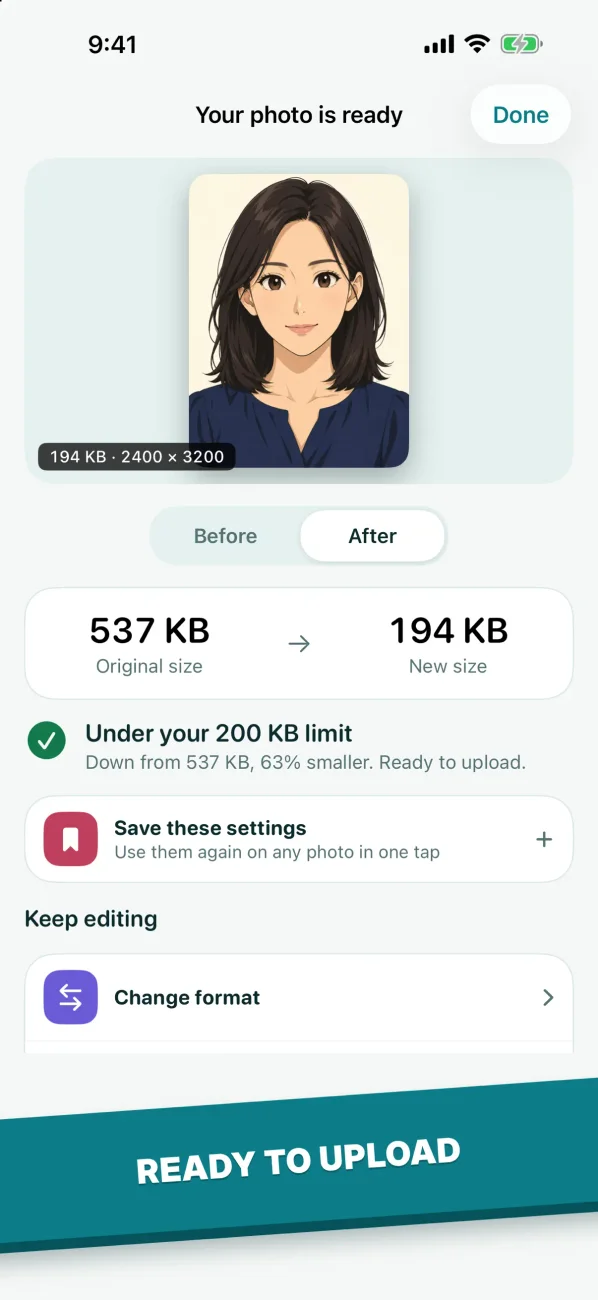
PicReady is a photo compressor and image resizer for forms, applications and uploads. Reduce photo size to your desired levels, make a passport size photo, or convert HEIC to JPG in a few taps. The result is never bigger than the size limit you choose.
Everything happens on your phone. Your photos are never uploaded.
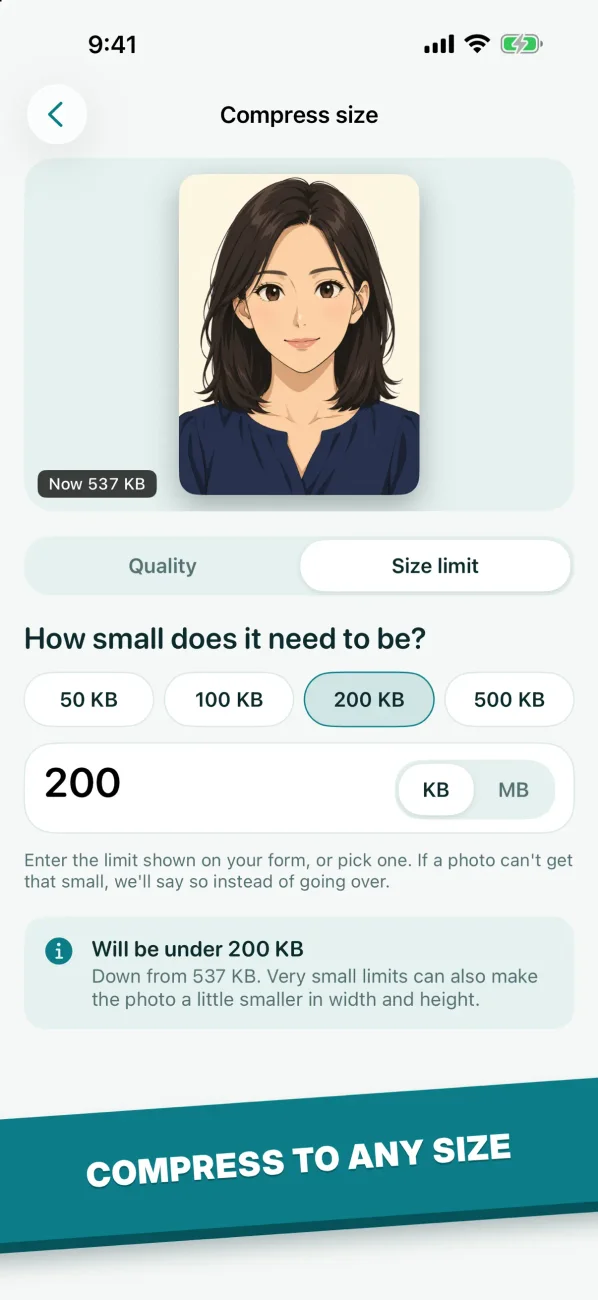
Compress photos to a size in KB
Pick a size limit and PicReady finds the best quality that fits, without going over. Or choose a quality level and see an estimate of the new file size before you start. Works for JPG, PNG, WebP and HEIC photos.
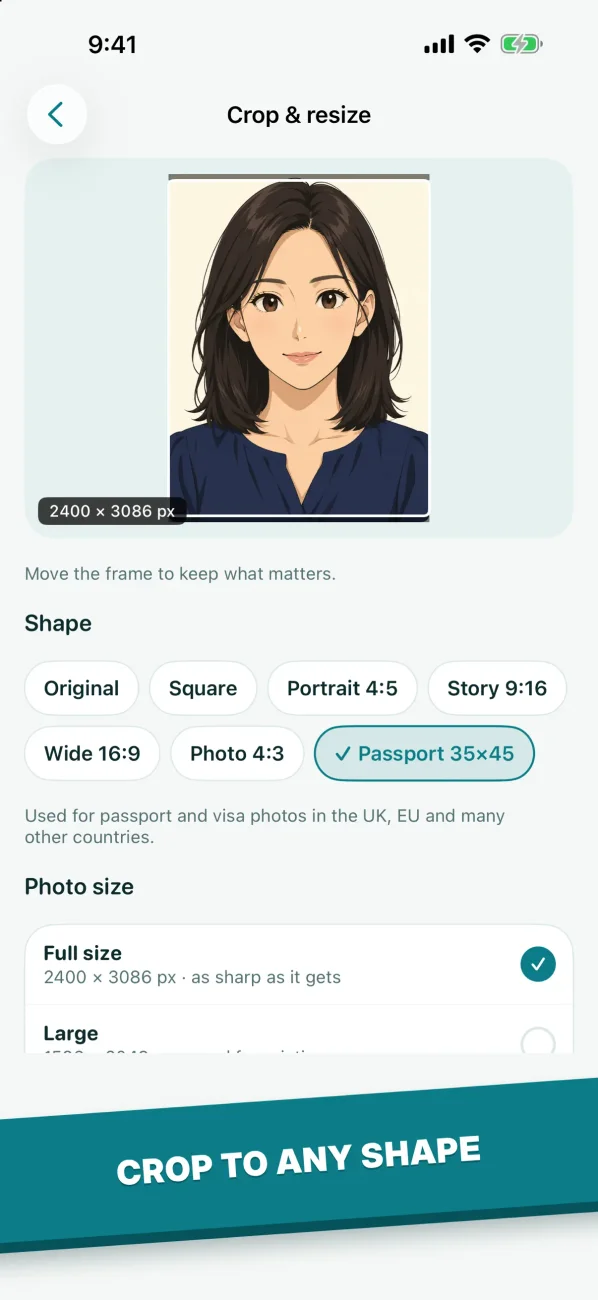
Resize and crop images
Crop freely or to a set shape, or resize an image to an exact size. Shape hints for common profile pictures and posts are built in.
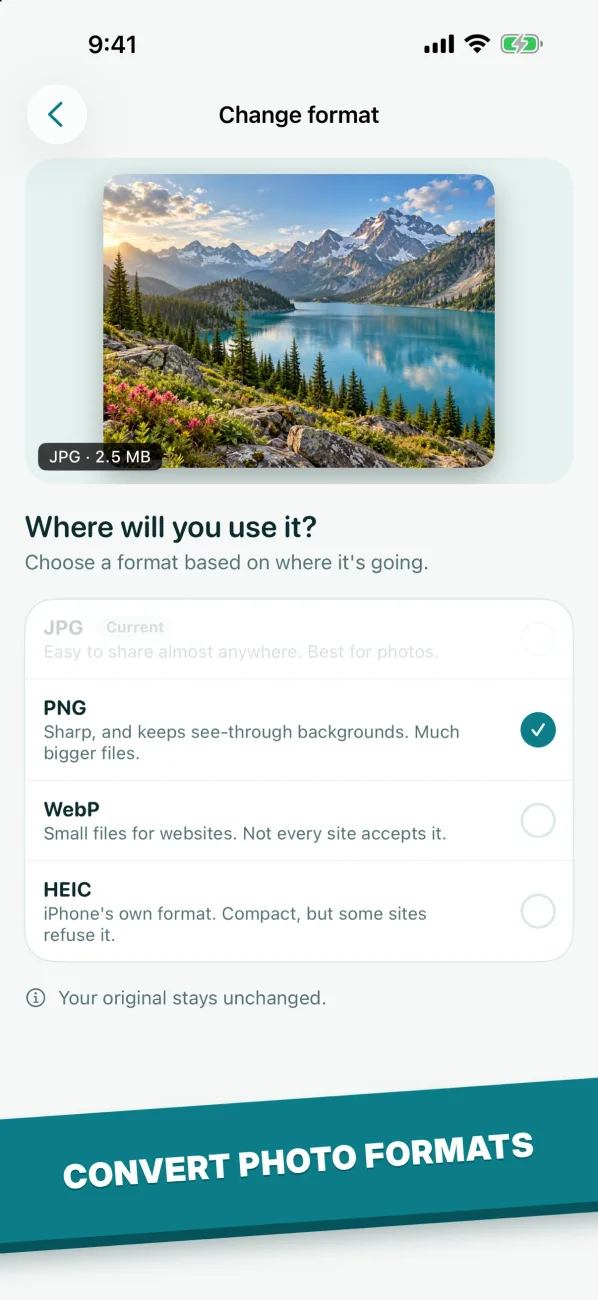
Convert image formats
Save photos as JPG, PNG or WebP. PicReady opens JPG, PNG, WebP, HEIC and AVIF files, so you can turn a HEIC photo into a widely supported JPG.
Passport photo and document presets
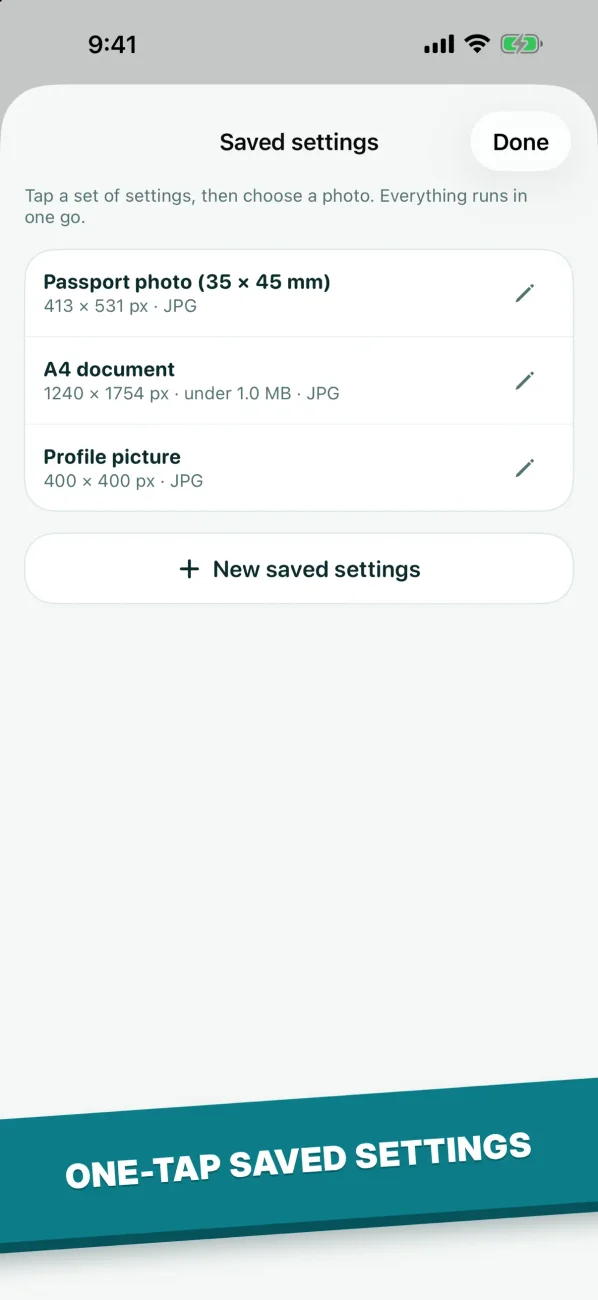
Ready-made presets for a passport photo (35 x 45 mm), an A4 document and a profile picture. Save your own presets for settings you use often.
More tools
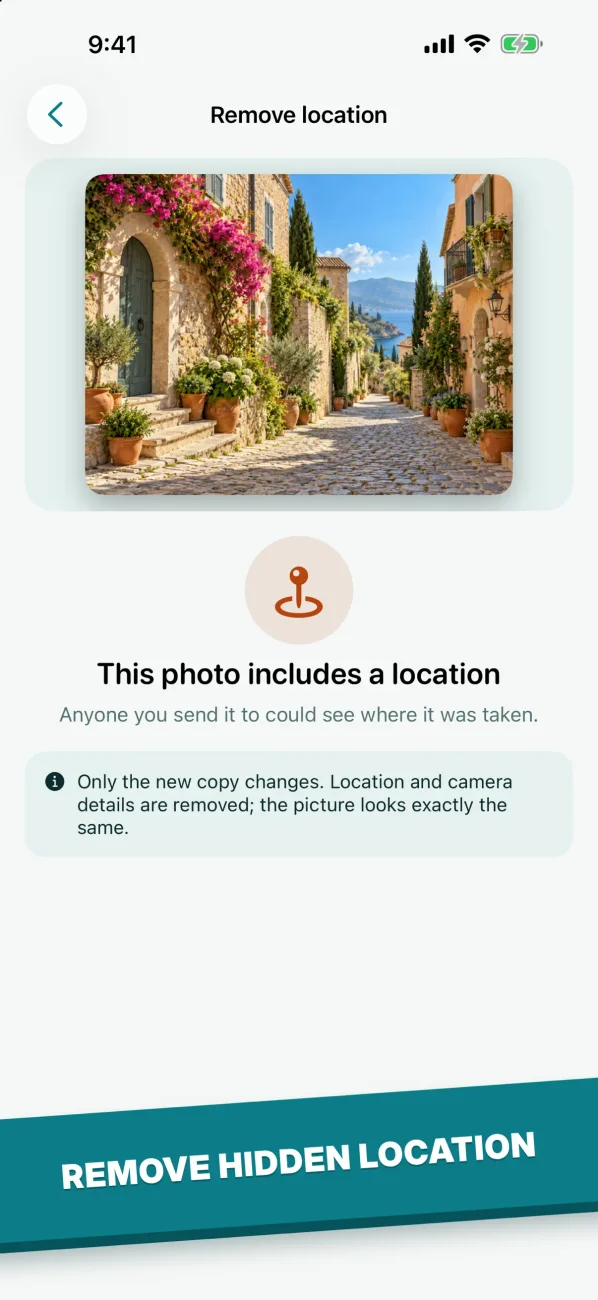
• Remove location: delete GPS location from a photo before you share it.
• Fit to shape: fit a photo into a square or another shape by adding borders, so nothing gets cut off, or by cropping to fill.
• Rotate and flip.
• Photo details: check a photo's file size, dimensions and format.
Made for upload limits
Job applications, exam and government portals, visa forms, email and chat apps often reject photos that are too large or in the wrong format. PicReady shows the final size of every photo, so you can check it against your upload requirements. Tools also work one after another: crop a photo, then compress the result, without starting over.
Private by design
All processing runs on your device. There is no account and no sign-in, and your photos are never uploaded anywhere.
App privacy
What Lazydev Games declares on the App Store about how this app handles data.
-
Data used to track you
May be used to track you across apps and websites owned by other companies.
- Location
- Identifiers
- Usage data
-
Data not linked to you
May be collected but is not linked to your identity.
- Location
- Identifiers
- Usage data
- Diagnostics
Privacy practices may vary, for example with the features you use or your age.
Information
- Seller
- Lazydev Games
- Category
- Photo & Video
- Version
- 1.0
- Updated
- Oct 30, 2026
- Released
- Oct 30, 2026
- Size
- 18.0 MB
- Requires
- iOS 17.0 or later
- Age rating
- 4+
- Price
- Free
- Languages
- English, Arabic, Bengali, French, German, Hindi, Indonesian, Italian, Japanese, Korean, Marathi, Persian + 8 more
- Copyright
- © 2026 LazyDev Games
You might also like
-
 VideoBlur: Blur Faces & LogosBlur faces, logos, objects
-
 RAW Camera: HiFi CamRAW Photo, ISO & Shutter Cam
-
 PolacardInstant photos in your Wallet
-
 Malcut - Auto CaptionsCaptions in 3s. No watermark.
-
 FilCut: Video Highlight MakerAuto Edit Vlogs, Reels & Clips
-
 inTelePrompterTeleprompter + Voice Commands
-
 Xinghui星绘 AI | Video GeneratorAI Tools for Media Creation
-
 PreReel: Pre-Record CameraRecord moments before you tap
-
 Video Upscale ProAI Enhancer up to 8K
-
 VisionCut: Pro Video Editor4K multitrack, no watermark