
Printer App: Smart Scan Print
Wireless PDF Photo Printing
Designed for iPhone, iPad
Free · In-app purchases
- Age rating4+
- CategoryBusiness
- DeveloperBLASTLY, S.L.
- LanguagesEnglish+ 9 more
- Size61.3 MB
Links to the official App Store page
Download.org hosts no file of Printer App: Smart Scan Print. The button opens its official App Store page, published by BLASTLY, S.L. Listing last checked on Nov 20, 2026.
Screenshots
About
PRINT. SCAN. DONE.
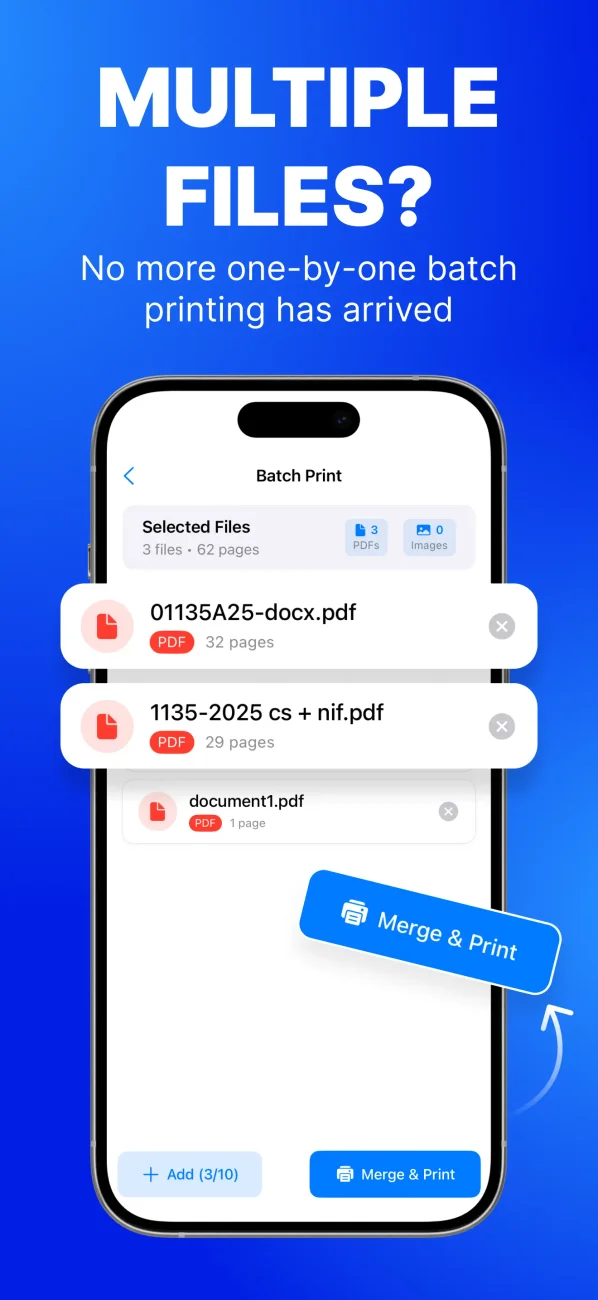
Turn your iPhone or iPad into a full print & scan hub—no cables, drivers or PC required. Lightning-fast Phone-to-Print technology puts photos, PDFs and docs on paper in seconds.
WHY YOU’LL LOVE IT
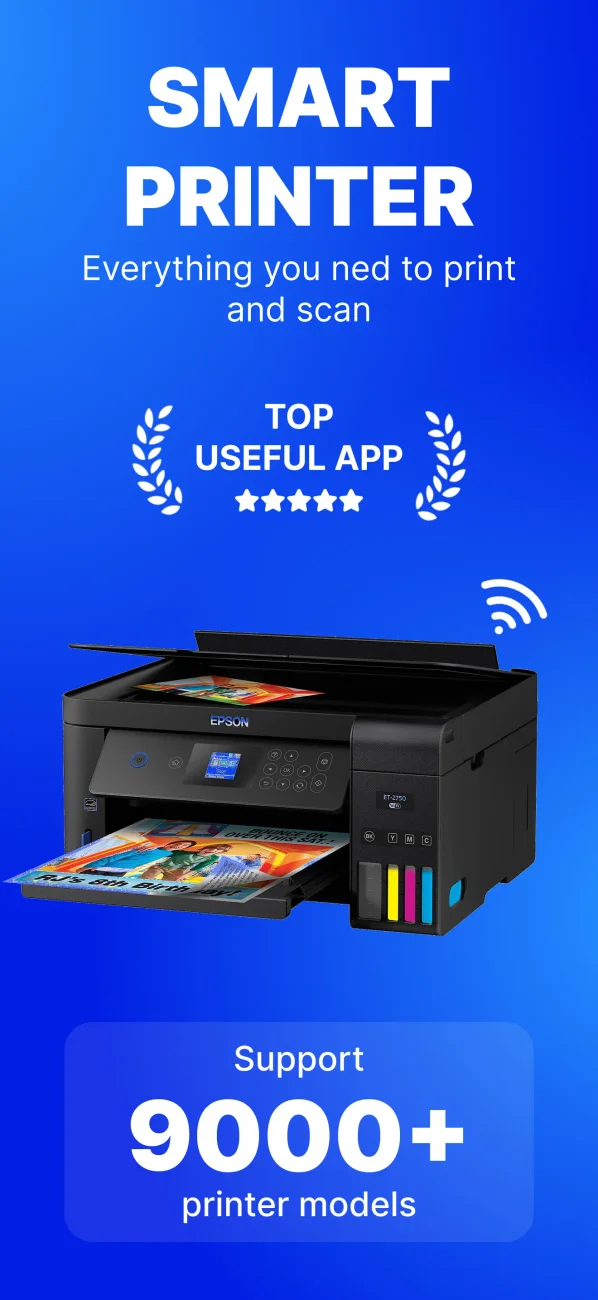
• Zero-setup AirPrint & Wi-Fi pairing for 10.000+ printers.
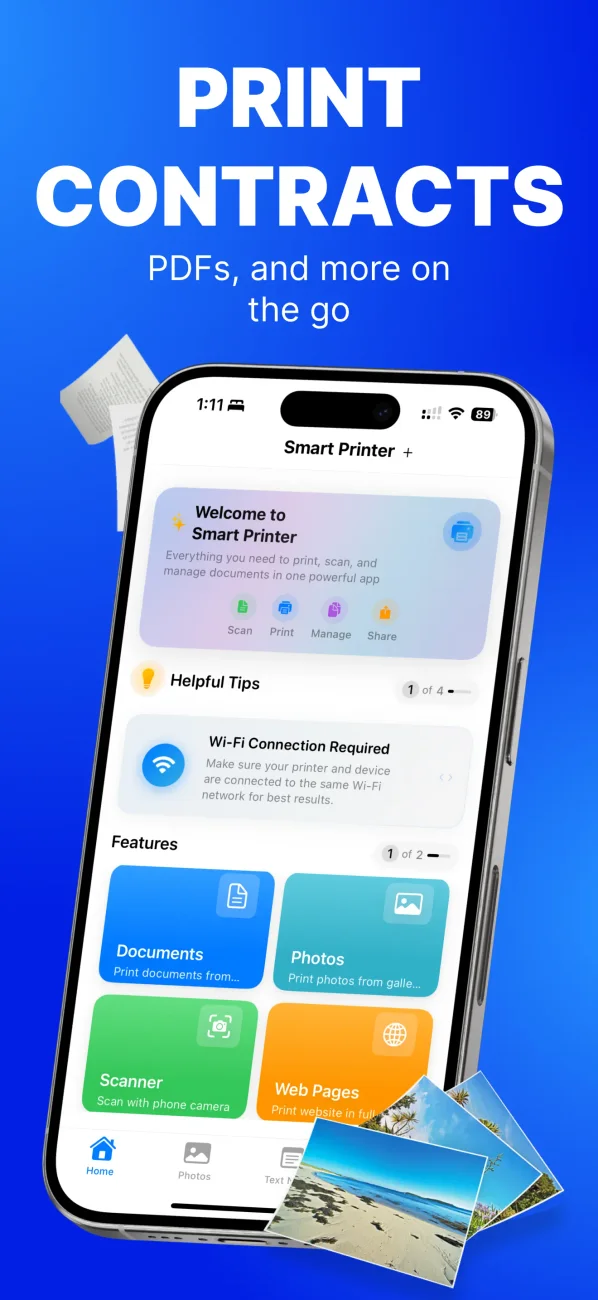
• One-tap printing from Files, Mail, Photos, Safari or any share sheet
PRINT EVERYTHING, ANYWHERE
– Photos, PDFs, Word®, Pages®, Excel®, web pages & emails
– Cloud files: iCloud, Dropbox, Google Drive, OneDrive
SMART SCANNER
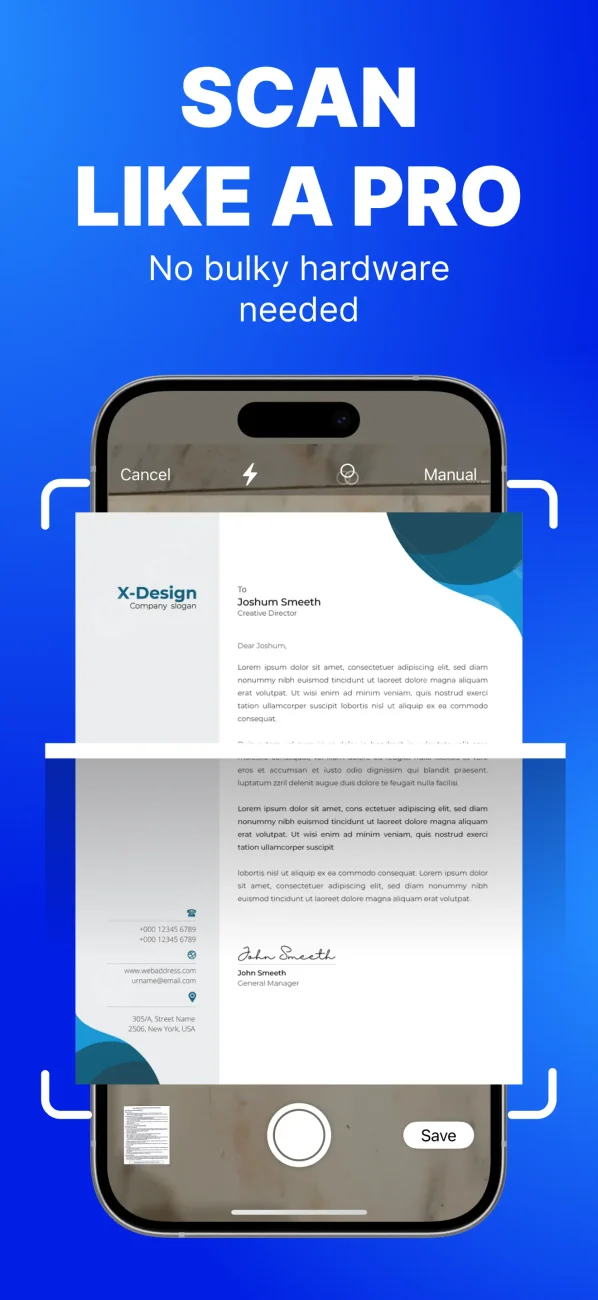
– Auto edge-detect & perspective fix
– Merge pages into one searchable PDF (OCR in 10 languages)
– Annotate, highlight & e-sign before printing
POWER USER CONTROLS
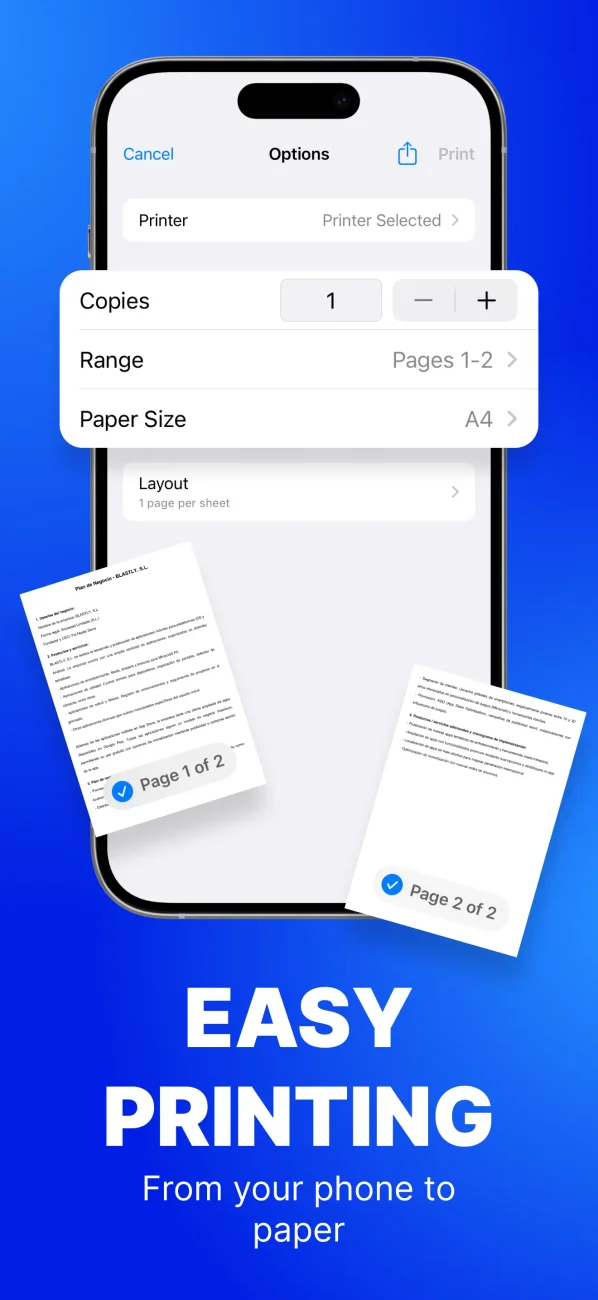
– Copies, page range, duplex, colour/mono, N-up & posters
– Paper sizes A3–A6, Letter, Legal & label sheets
– Save presets for frequent jobs
Premium Subscriptions:
• Subscribed user has unlimited access to the premium printing services
• User can subscribe for one month or one year auto renewing subscriptions
• Payment will be charged to iTunes Account at confirmation of purchase
• Subscription automatically renews unless auto-renew is turned off at least 24-hours before the end of the current period
• Account will be charged for renewal within 24-hours prior to the end of the current period
• Subscriptions may be managed by the user and auto-renewal may be turned off by going to the user Account Settings after purchase
COMPATIBILITY
Works with 99 % of AirPrint & Wi-Fi printers—just keep your device and printer on the same network.
PRIVACY-FIRST
All processing happens on-device. We never collect your documents.
Privacy: https://blastly.es/legal.php?app_id=13&doc=privacy
Terms: https://blastly.es//legal.php?app_id=13&doc=terms
EULA: https://blastly.es//legal.php?app_id=13&doc=eula
What’s new
Version 1.1.7 · Aug 21, 2026
- Improve UI
- Bug Fixing and minor corrections
Thank you very much for your 5-star ratings :) *****
App privacy
What BLASTLY, S.L. declares on the App Store about how this app handles data.
-
Data used to track you
May be used to track you across apps and websites owned by other companies.
- Identifiers
- Usage data
- Diagnostics
-
Data linked to you
May be collected and linked to your identity.
- Purchases
-
Data not linked to you
May be collected but is not linked to your identity.
- User content
- Identifiers
- Usage data
- Diagnostics
Privacy practices may vary, for example with the features you use or your age.
Information
- Seller
- BLASTLY, S.L.
- Category
- Business
- Version
- 1.1.7
- Updated
- Aug 21, 2026
- Released
- Jun 21, 2025
- Size
- 61.3 MB
- Requires
- iOS 17.0 or later
- Age rating
- 4+
- Price
- Free
- In-app purchases
- Yes
- Languages
- English, French, German, Italian, Japanese, Portuguese, Russian, Simplified Chinese, Spanish, Turkish
- Copyright
- © Blastly Studios
You might also like
-
 Smart Air Printer App for HP ·Scan & Print Photos, Docs
-
 iPrint: Smart Printer AppPrint Photos, ePrint, Scanner
-
 BR RawPrinterBluetooth Network Printer
-
 Smart Printer-Air Print & ScanAll-in-One Wireless Scanner
-
 Smart Printer App Scan — PrintMobile wireless all printing
-
 iPrint for Epsom Printer AppFor Epson, Canon and HPSmart
-
 Smart Printer & Scanner: PDFPrint Photos, Scan Books & Fax
-
 Smart Air Printer - AnyPrintWireless Printing-Print & Scan
-
 Smart Printer App ™Print Photos PDF & Scan Docs
-
 Mini Print: WiFi PrinterPrint PDFs & Photos