- Age rating4+
- CategoryPhoto & Video
- DeveloperLukasz Majda
- LanguagesEnglish+ 11 more
- Size25.3 MB
Links to the official App Store page
Download.org hosts no file of PrintRight. The button opens its official App Store page, published by Lukasz Majda. Listing last checked on Nov 15, 2026.
Screenshots



About
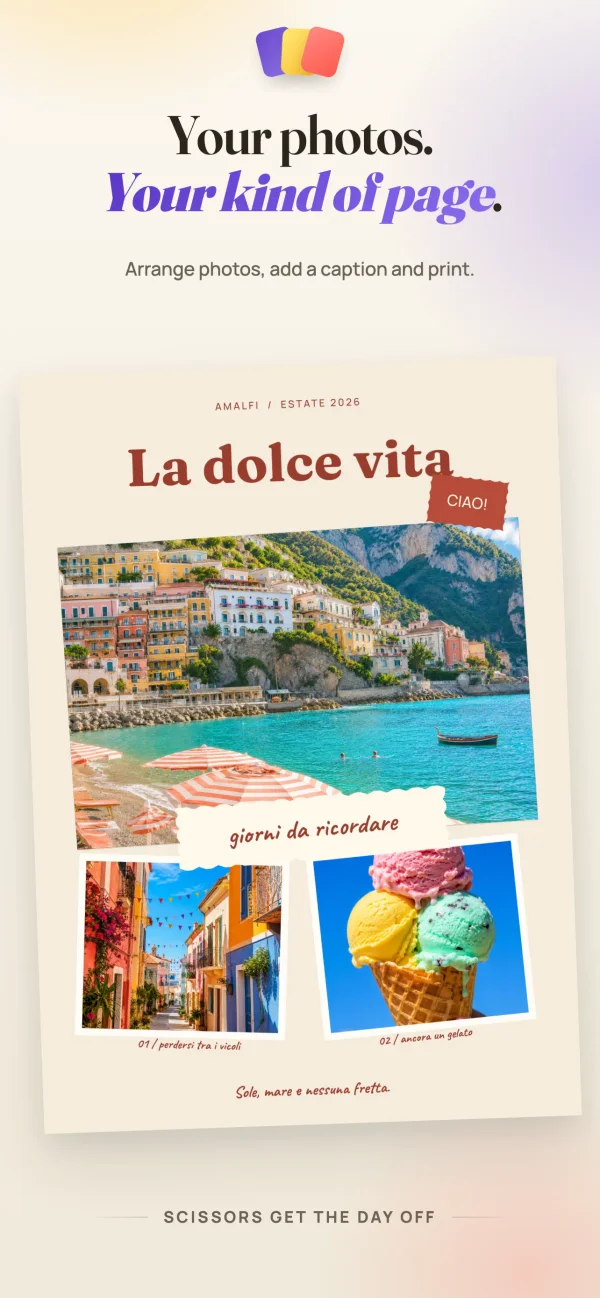
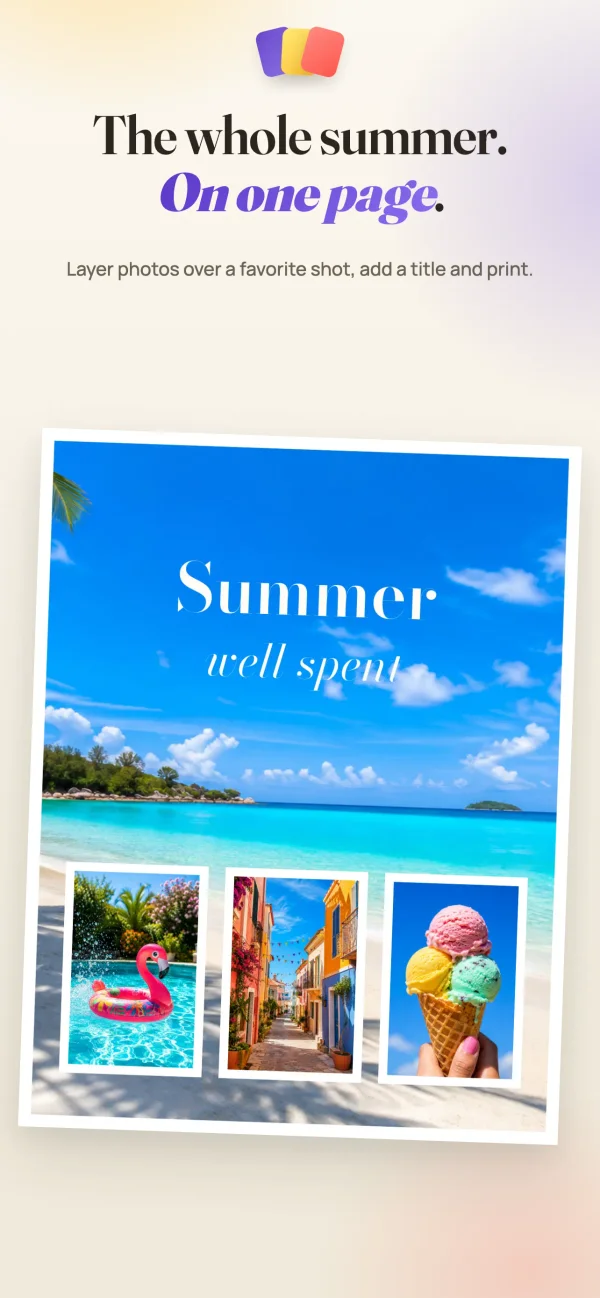
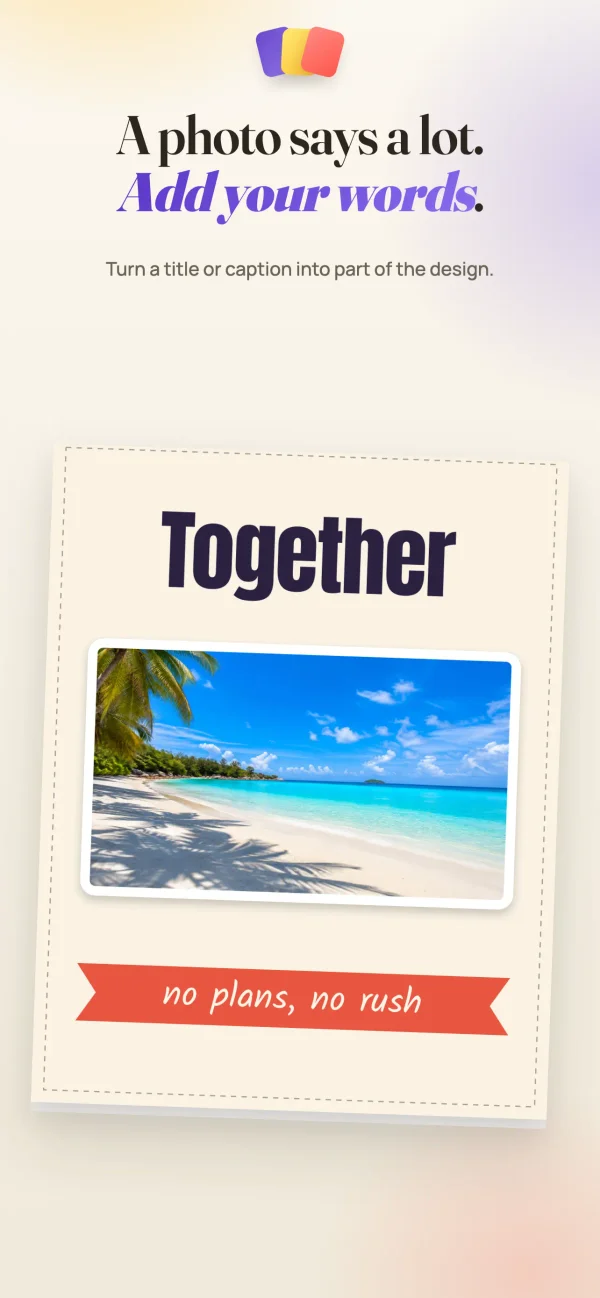
Put your favorite photos on one sheet and print a page worth keeping. Make a collage, add a caption and give those memories a place on the fridge.
PrintRight turns your photos into scrapbook pages, travel memories and little gifts. Start with a collage layout or arrange each photo yourself. Scissors and glue can take the day off.
Bring your photos together
• Choose a collage layout or use Arrange for me to find a composition for your photos.
• Drag the dividers to give a favorite photo more room. Swap photos and adjust each crop.
• Set the spacing, add a color or gradient between photos, and style the whole collage with corners, a border or a shadow.
• Move, resize and rotate a collage as one piece, with room for captions and decorations around it.
Make the page yours
• Add several photos at once from Photos or Files.
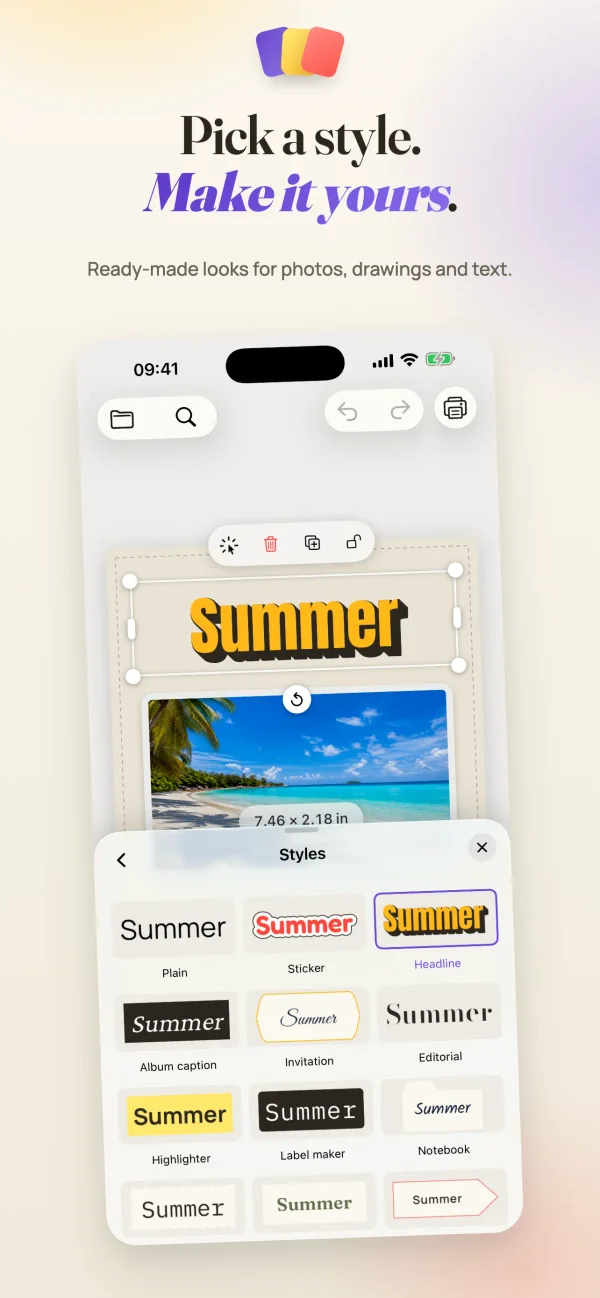
• Add titles and captions with bundled fonts, adjustable spacing and shaped text backgrounds.
• Choose built-in symbols or import supported SVG artwork.
• Try ready-made styles, photo filters, borders, shadows and decorative paper effects.
• Fill text, text backgrounds and drawings with colors, gradients or patterns. Choose a color or gradient for the page itself.
Get everything into place
• Crop photos, adjust light and color, or remove a photo's background.
• Use alignment guides or enter sizes in millimeters, centimeters or inches.
• Select several elements to move, resize or rotate them together. Duplicate, lock and change their stacking order.
Print it. Keep it. Make another.
• Choose A4, US Letter, photo paper or a custom page size.
• Print with a compatible AirPrint printer, or export a PDF or high resolution JPEG. Very large pages use PDF export.
• Save an editable page as a PrintRight file and open it again later, including its collage layouts.
Photo editing happens on your device. No account, advertising, analytics or in-app purchases.
Add the photos. Make the page yours. Print it.
What’s new
Version 1.3 · Sep 19, 2026
Meet your new favorite way to bring photos together: collages.
• Choose a layout or let Arrange for me find a composition for your photos.
• Drag dividers to change the layout, swap photos and crop each one just how you like it.
• Adjust spacing, colors, corners, borders and shadows for the whole collage.
• Move, resize, rotate and duplicate a collage as one piece. Save it to edit later, export it or print it.
• Turn a photo inside its frame with the new Rotate left action in Crop.
Moving photos and adjusting styles also feels smoother.
App privacy
What Lukasz Majda declares on the App Store about how this app handles data.
-
Data not collected
The developer does not collect any data from this app.
Privacy practices may vary, for example with the features you use or your age.
Information
- Seller
- Lukasz Majda
- Category
- Photo & Video
- Version
- 1.3
- Updated
- Sep 19, 2026
- Released
- Aug 27, 2026
- Size
- 25.3 MB
- Requires
- iOS 17.0 or later
- Age rating
- 4+
- Price
- Free
- Languages
- English, French, German, Italian, Japanese, Korean, Polish, Portuguese, Russian, Simplified Chinese, Spanish, Turkish
- Copyright
- © 2026 Łukasz Majda. All rights reserved.
You might also like
-
 Timeless CamRecreate moments across time
-
 Folilay: Photo Layout & PrintPhoto layouts, ready to print
-
 Rovo Pix: Photo CleanerFind Duplicates, Review & Sort
-
 nado BoothSheets & instant photos
-
 Action Cam Hub: Multi CameraCamera Remote & Sync Recording
-
 DAKAA - A Concept CameraAnyone can take great photos
-
 PhotoSSDPhoto & Video Viewer for SSD
-
 # Simple Photo CollageCombine Photos into Collages
-
 FotoNest - Travel AlbumsPhotos, Places & Travel Lists
-
 Twineye: VR Player & ConverterSpatial 3D, 360° & VR180 Video