Python Code App - IDE & Editor
Python coding, run, debug
Designed for iPhone, iPad
Free · In-app purchases
- Age rating4+
- CategoryDeveloper Tools
- Developer艳 罗
- LanguagesEnglish+ 8 more
- Size229.2 MB
Links to the official App Store page
Download.org hosts no file of Python Code App - IDE & Editor. The button opens its official App Store page, published by 艳 罗. Listing last checked on Nov 14, 2026.
Screenshots
About
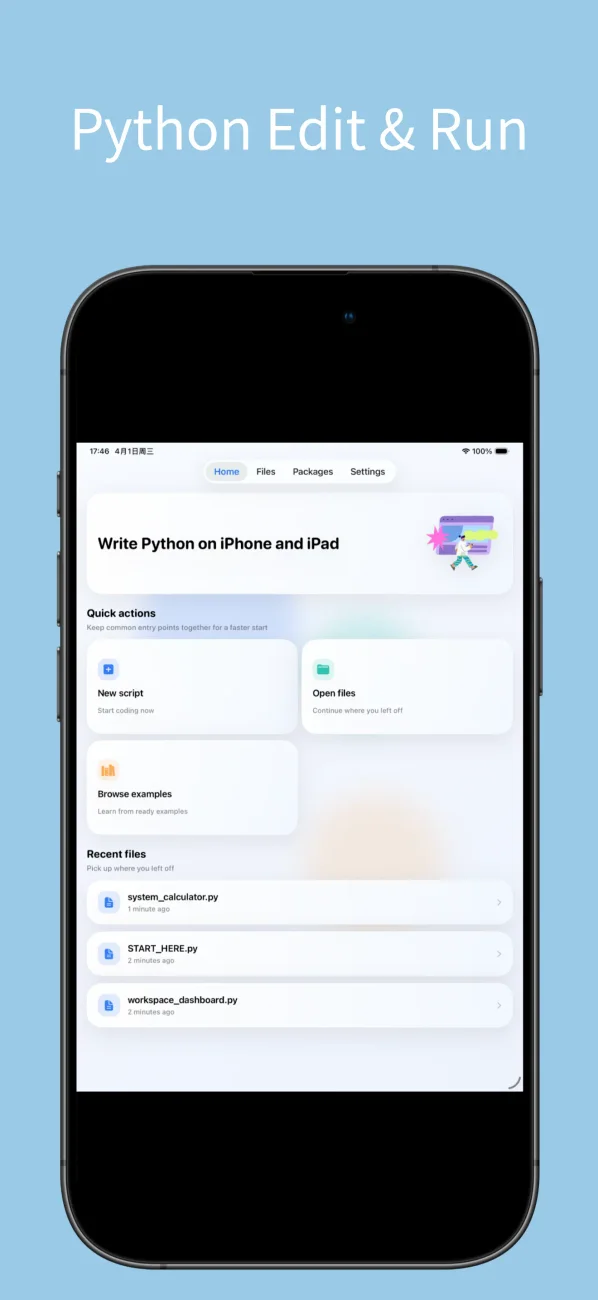
Python Code App is a Python IDE and editor for iPhone and iPad. It helps you write code, run scripts, learn Python, and manage local projects with a workflow designed for mobile devices.
Whether you are learning Python, writing everyday scripts, testing snippets, or exploring examples on the go, Python Code App gives you a faster and more focused mobile coding experience.
Core features include:
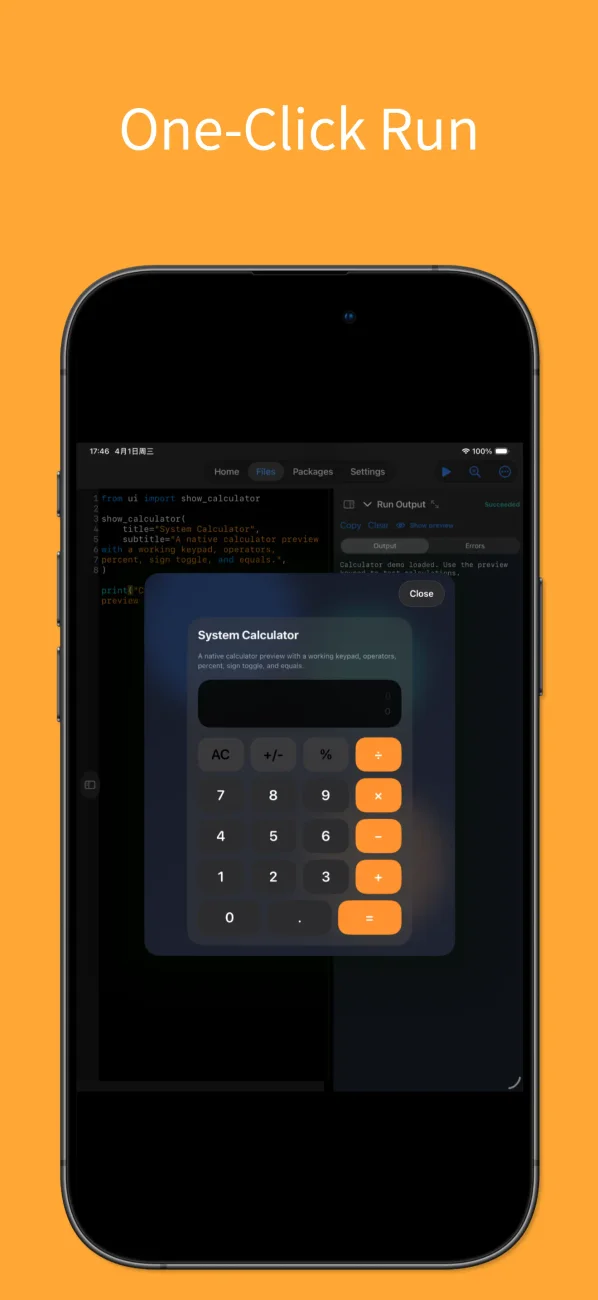
- Writing, editing, and running Python scripts
- Viewing runtime output and results
- Starting quickly with built-in examples
- Organizing local files and lightweight projects
- Handling common scripting, learning, and testing tasks on mobile
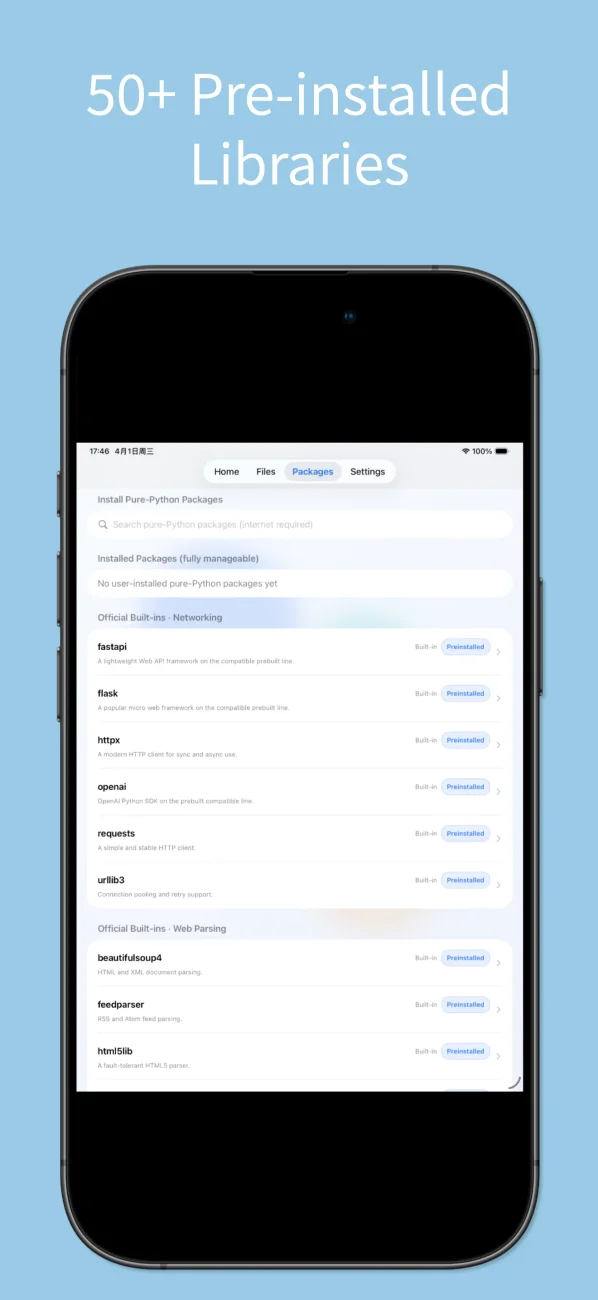
The app includes widely used built-in libraries for both learning and practical workflows, including:
- requests
- numpy
- pandas
- matplotlib
- pillow
- beautifulsoup4
- pyyaml
- rich
- click
- openai
These libraries are useful for:
- Data processing and analysis
- Network requests and API testing
- Text processing and content parsing
- Image handling and visualization experiments
- Automation scripts and AI-related practice
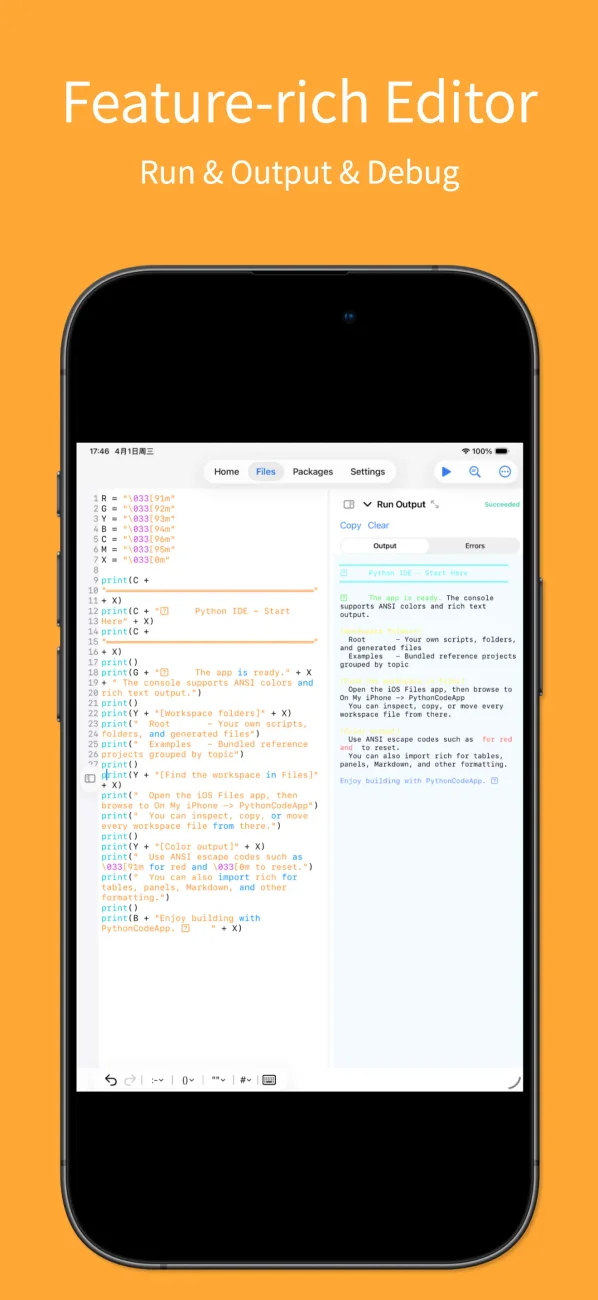
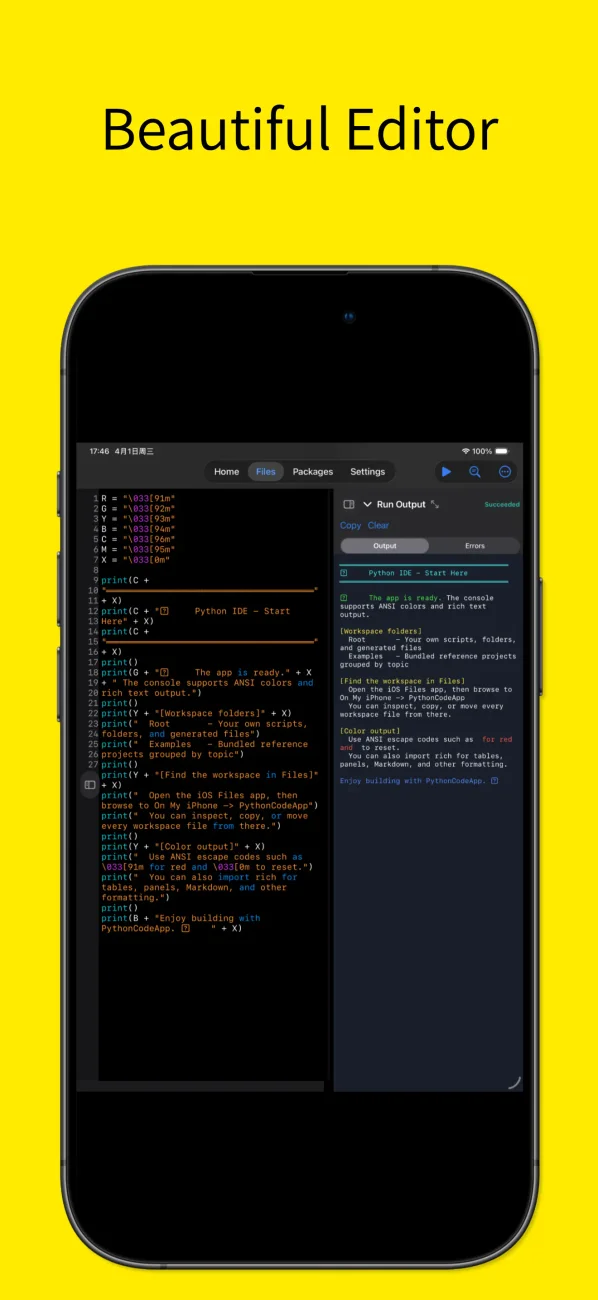
The editor is optimized to make coding easier on mobile:
- Syntax highlighting for clearer code
- Line numbers for easier navigation
- Find and replace for faster editing
- Go to line for longer files
- Bracket completion and input helpers for smoother typing
- A built-in run panel and output viewer while you code
On iPad, the app also supports a three-column workspace for a more desktop-like workflow:
- A file browser on the left
- A focused editor in the center
- A run output panel on the right
Great for:
- Learning Python
- Everyday scripting and practice
- Data work and API debugging
- Classroom demos and study sessions
- Saving, editing, and testing code snippets anywhere
- Terms of Service: https://www.apple.com/legal/internet-services/itunes/dev/stdeula/
- Privacy Policy: https://my.feishu.cn/wiki/XIYSwxXO3iaI0NkQCRwcMnoQn6f
What’s new
Version 1.0.2 · May 27, 2026
1. Improved the app UI experience.
2. Fixed several bugs.
App privacy
What 艳 罗 declares on the App Store about how this app handles data.
-
Data not collected
The developer does not collect any data from this app.
Privacy practices may vary, for example with the features you use or your age.
Information
- Seller
- 艳 罗
- Category
- Developer Tools
- Version
- 1.0.2
- Updated
- May 27, 2026
- Released
- Apr 8, 2026
- Size
- 229.2 MB
- Requires
- iOS 17.6 or later
- Age rating
- 4+
- Price
- Free
- In-app purchases
- Yes
- Languages
- English, French, German, Japanese, Korean, Portuguese, Simplified Chinese, Spanish, Traditional Chinese
- Copyright
- © HappyYan
You might also like
-
 Python Coding Editor & IDELearn Python 3, IDE & Compiler
-
 PychampStudioDeveloper Tools
-
 Code IDE: Python Java C++ HtmlAI Code Editor & Compiler
-
 Pad Code AI: Code Editor & IDERun Python, C++ & JavaScript
-
 PyStudio - Learn & Run PythonPython Compiler IDE for mobile
-
 Pythona - Python 3 IDEPython Code Editor & AI Agent
-
 Pytonic: Python Compiler & IDELearn to Code, Practice DSA
-
 PythonIDE Python 3 Code EditorOffline IDE, Jupyter, SSH & AI
-
 Python Studio - Python CodingPython Coding Platform
-
 Python Code Editor & IDEPython 3 Compiler: Run & Learn