
QuickDIY - Sketch & Build
Sketch & Build
Designed for iPhone, iPad, Mac, iPod touch
Free · In-app purchases
- Age rating4+
- CategoryProductivity
- DeveloperKAZUHIRO KAKIMOTO
- LanguagesEnglish
- Size107.1 MB
Links to the official App Store page
Download.org hosts no file of QuickDIY - Sketch & Build. The button opens its official App Store page, published by KAZUHIRO KAKIMOTO. Listing last checked on Nov 13, 2026.
Screenshots
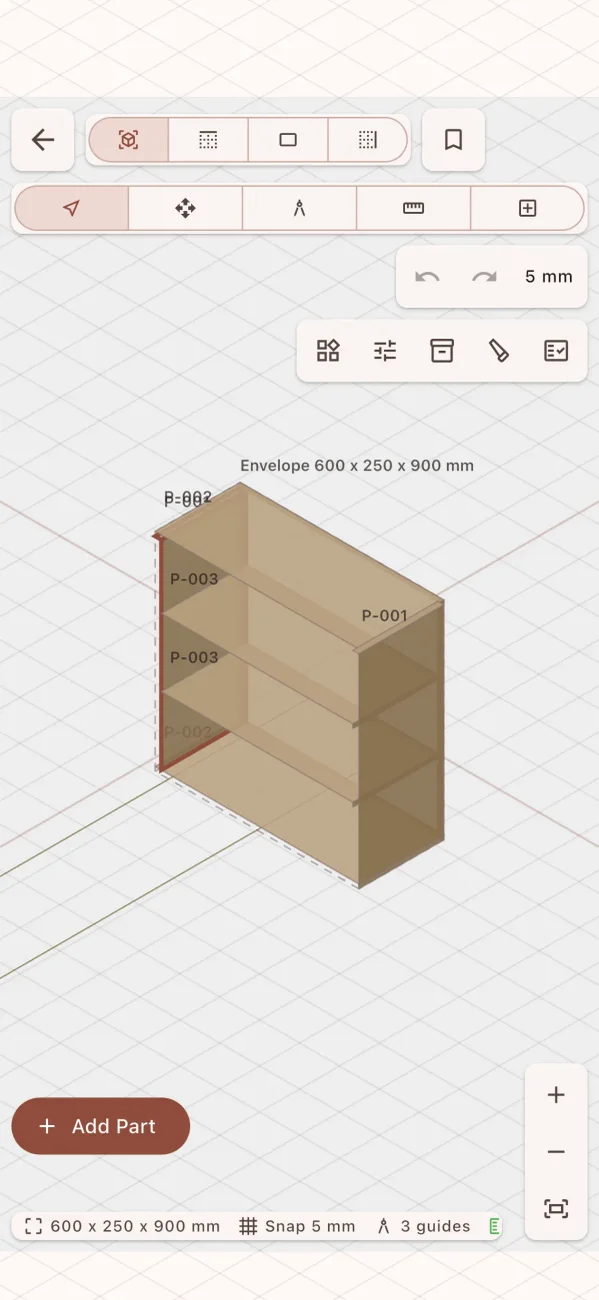
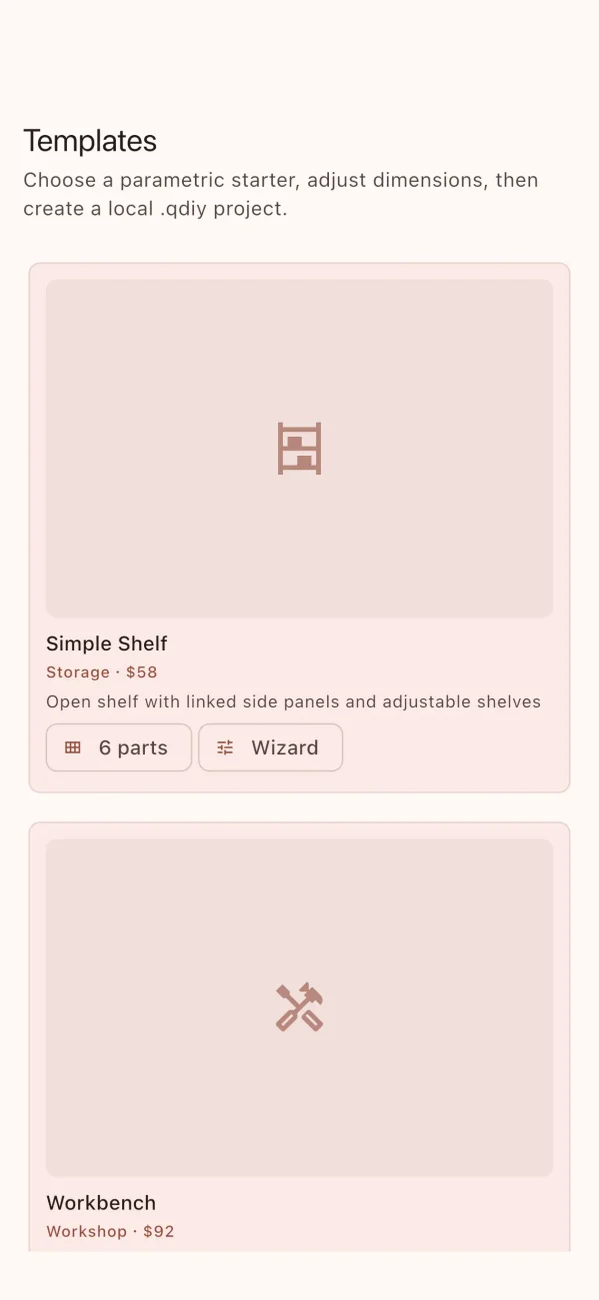

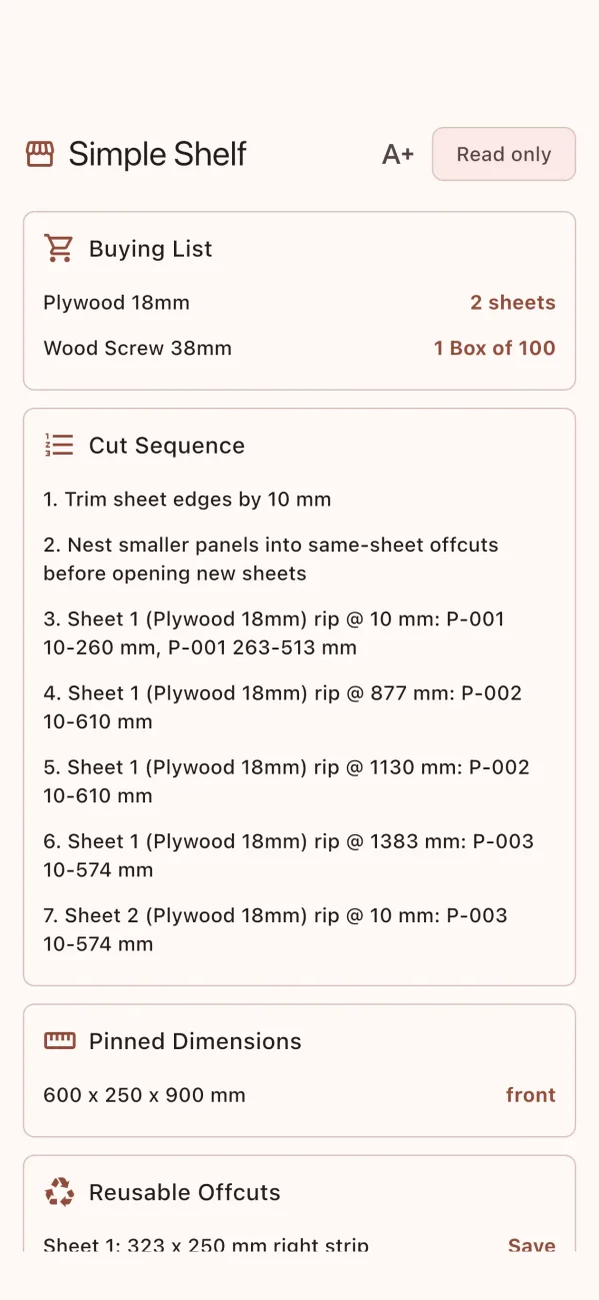
About
QuickDIY is a woodworking project and cut-planning tool designed for iOS and macOS. QuickDIY connects a simple dimension-driven project canvas to stock-aware cut planning and workshop-ready information.
KEY FEATURES:
- Dimensioned design: Create rectangular parts and place them in Top, Front, Side, or ISO views.
- Material presets: Assign sheet goods, lumber, colors, grain direction, cost, and edge treatment.
- Cut Plan: Account for stock size, kerf, trim allowance, grain lock, edge banding, and unplaced parts.
- Parts and hardware: Track part labels, quantities, hardware, cost, and buying-list requirements.
- Shop Mode: Use a read-only, larger-text view for the store or workshop.
- Project export: Create shop-ready cut, label, assembly, and buying outputs while preserving .qdiy projects.
PERFECT FOR:
- Shelves, cabinets, boxes, workbenches, and simple furniture
- Woodworkers planning sheet goods and dimensional lumber
- Estimating stock, hardware, edge banding, and project cost
- Taking a clear cut sequence and buying list into the shop
GETTING STARTED:
- Create a .qdiy project or begin with a template.
- Add rectangular parts and enter exact width, depth, thickness, and position.
- Assign materials, grain, labels, edge banding, and hardware.
- Open Cut Plan and resolve unplaced parts or stock warnings.
- Review Shop Mode, then export the cut, label, buying, or assembly output you need.
PRIVACY & SECURITY:
- Projects and calculations are processed locally.
- The Library scans only locations you configure.
- Project metadata and exports stay in user-selected storage.
- No account is required for core design work.
FREE AND PRO:
- Start with a seven-day ad-free trial.
- Free keeps the full feature set and may show mobile advertising or a daily desktop support reminder.
- QuickDIY Pro removes ads and reminders through a yearly subscription or a one-time lifetime purchase.
Terms of Use: https://kakitiro.com/quickapps/quickdiy/terms/
App privacy
What KAZUHIRO KAKIMOTO declares on the App Store about how this app handles data.
-
Data linked to you
May be collected and linked to your identity.
- Location
- Identifiers
- Usage data
-
Data not linked to you
May be collected but is not linked to your identity.
- Diagnostics
Privacy practices may vary, for example with the features you use or your age.
Information
- Seller
- KAZUHIRO KAKIMOTO
- Category
- Productivity
- Version
- 5.0.4
- Updated
- Sep 26, 2026
- Released
- Sep 26, 2026
- Size
- 107.1 MB
- Requires
- iOS 13.0 or later
- Age rating
- 4+
- Price
- Free
- In-app purchases
- Yes
- Languages
- English
- Copyright
- © kakitiro.com
You might also like
-
 Cutlist: Cabinet PlannerSheets, Boards & Cut Diagrams
-
 RetreevoReal estate CRM and dialer
-
 WoodoraWorkshop & wood
-
 PDF pages Extractor & SplitterExtract pages from PDF
-
 Graphly: Dot Grid PaperGraph, ruled, and Cornell
-
 Casework: Cabinet DesignShop Drawings & Cut Lists
-
 WorkshopCut: Cut List PlannerPlywood & MDF Sheet Optimizer
-
 CUTs! Material Cut ListUse offcuts. Buy less.
-
 WoodLens: AI Wood IdentifierScan. Identify. Build.
-
 Woodworking: Cut List LogProjects, lumber & board feet