Redrawing Reality: Projector
AI Projection Mapping & VFX
Designed for iPhone, iPad, iPod touch
Free · In-app purchases
- Age rating4+
- CategoryGraphics & Design
- DeveloperJordy Tack
- LanguagesEnglish+ 7 more
- Size108.7 MB
Links to the official App Store page
Download.org hosts no file of Redrawing Reality: Projector. The button opens its official App Store page, published by Jordy Tack. Listing last checked on Nov 17, 2026.
Screenshots
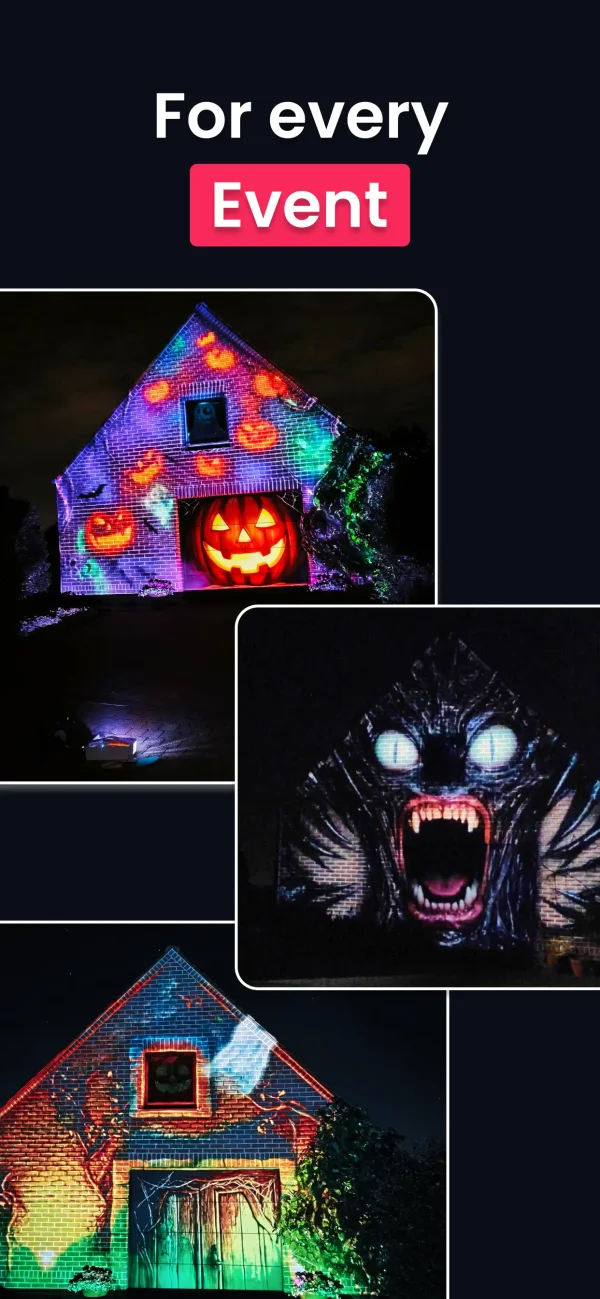
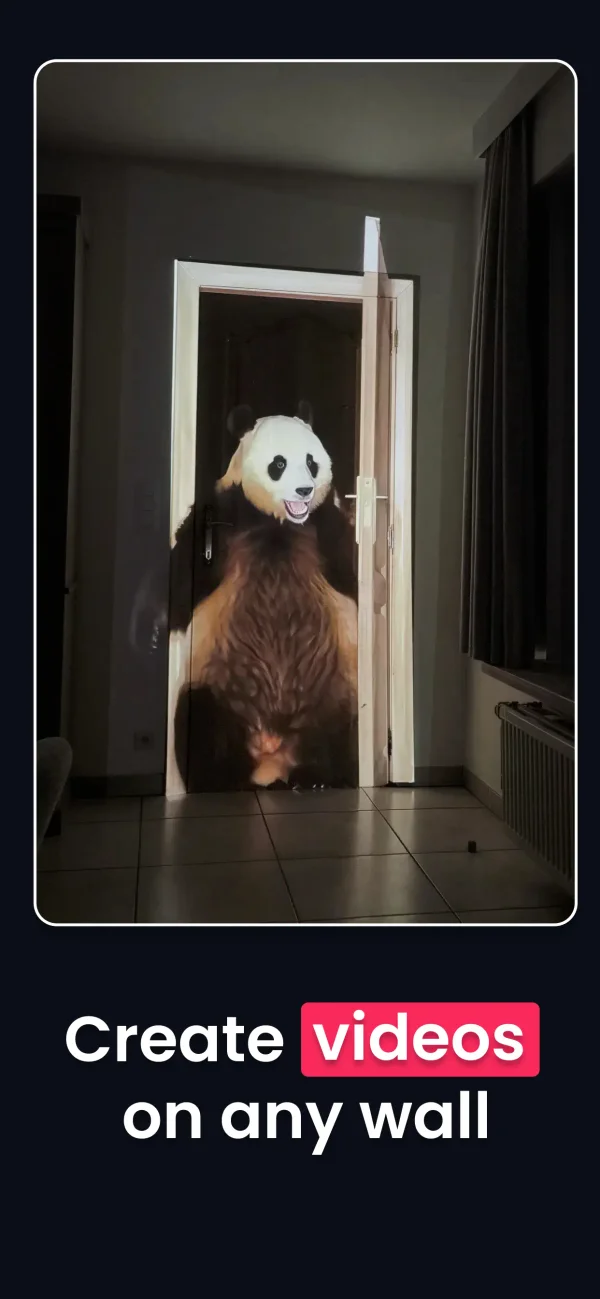
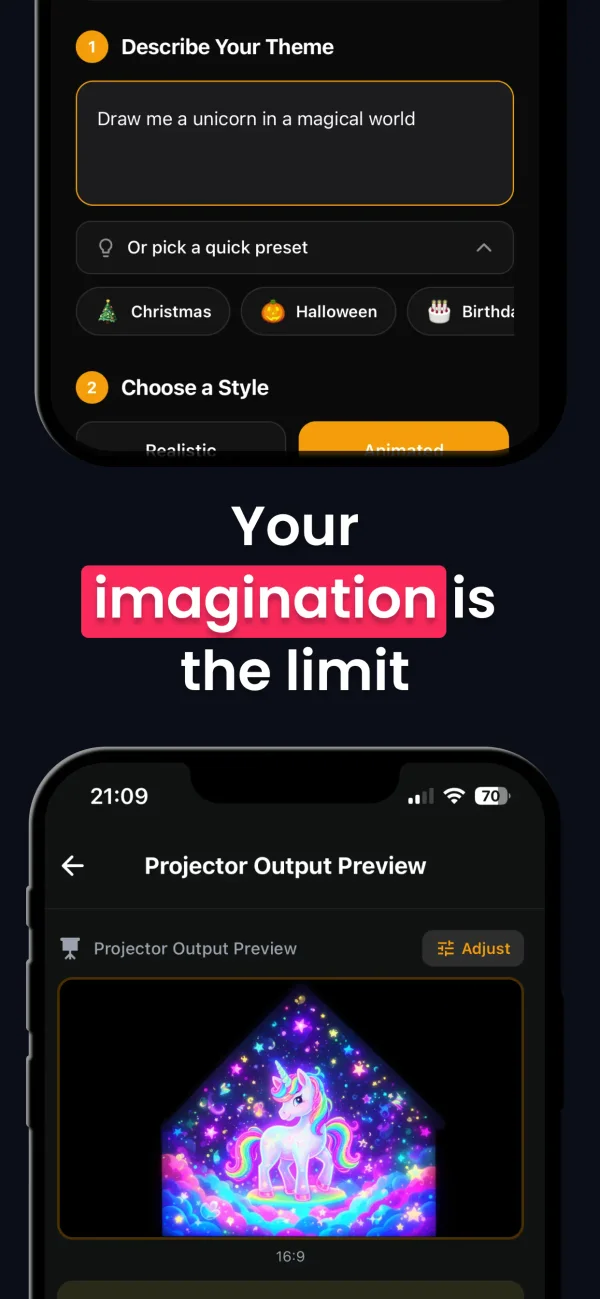
About
Turn your house into a light show, right from your phone.
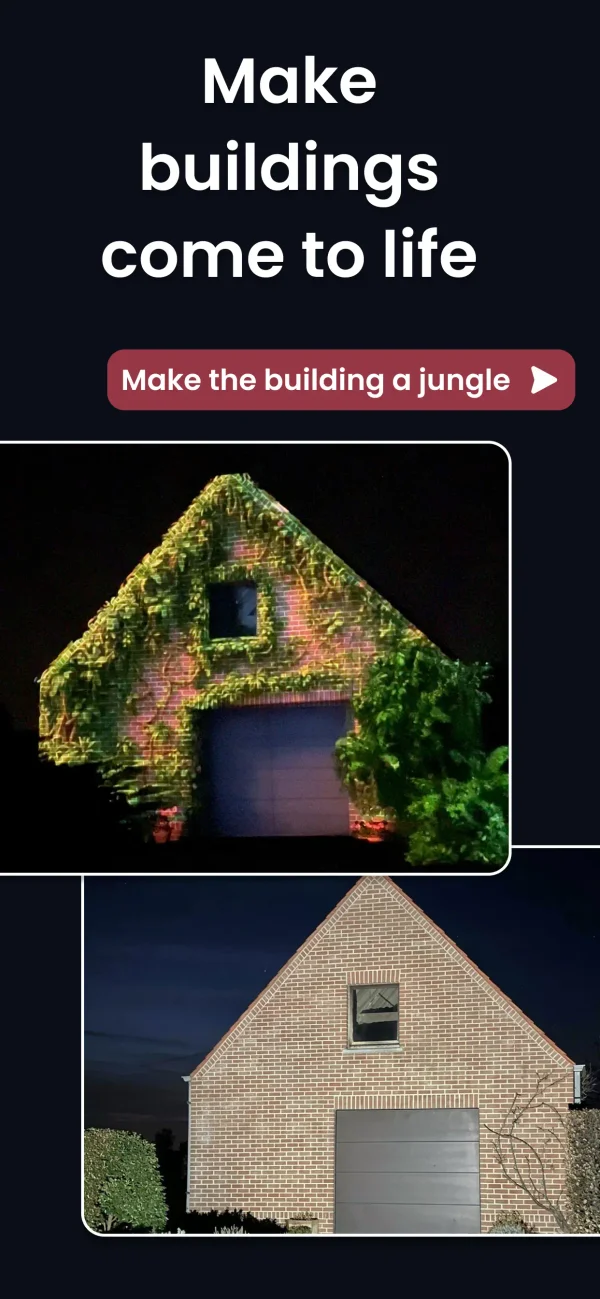
Point your projector at a wall, a window or the whole house and fit your visuals to it in minutes. Snap a photo and AI turns your own wall into a Christmas or Halloween scene, or add live effects like falling snow and aurora. No laptop, no editing skills.
-- KEY FEATURES --
• AI image and video generation - Describe your vision in words and let AI create projection-ready visuals in seconds. Project on buildings, tables or wherever you want.
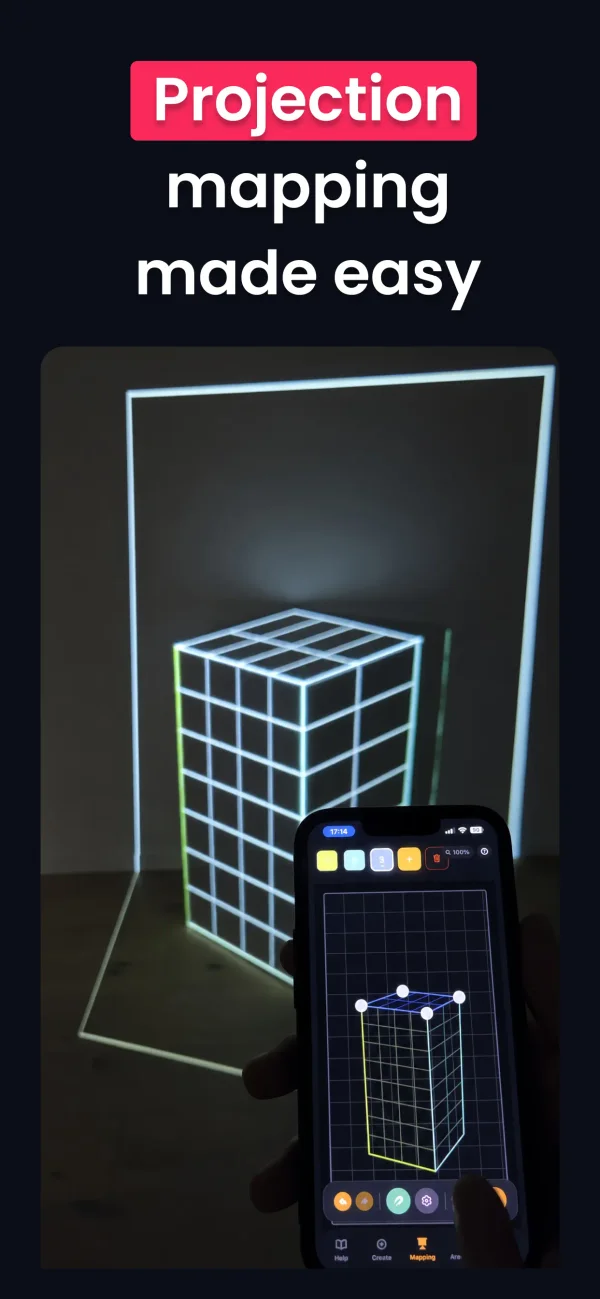
• Precision Mapping - Map content onto walls, buildings, sculptures, or any object with intuitive corner-pin controls. Adjust every corner for a perfect fit.
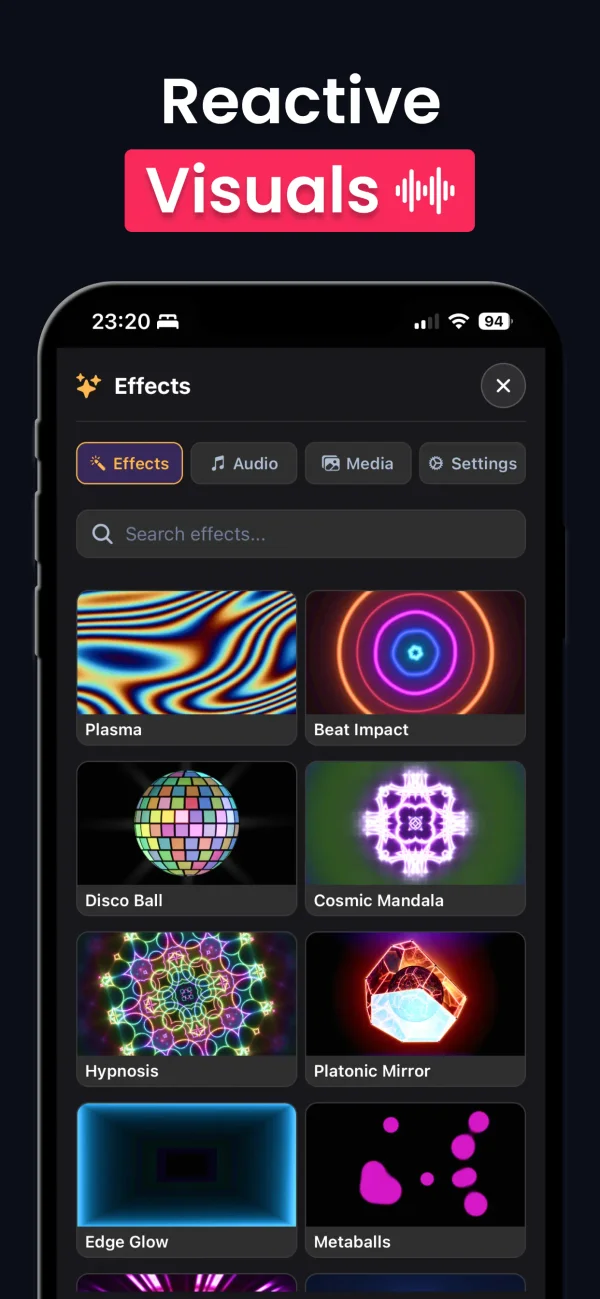
• 20+ Real-Time VFX - Layer and blend generative effects like plasma, fractals, kaleidoscope, particles, metaballs, and disco ball. All running in real time.
• Beat Sync - Make your visuals respond to music. Real-time audio analysis detects beats, bass, and energy to drive your effects automatically.
• External Display - Connect to any projector or screen via AirPlay or HDMI. Your phone becomes the controller while content streams to the display.
• Multi-Channel - Run multiple independent projection zones from a single device, each with its own media and effects.
-- HOW IT WORKS --
1. Import or Generate - Add your own images and videos, browse Pixebay, or use AI to create custom content.
2. Design & Map - Create projection zones, apply VFX, and calibrate corners with precision tools.
3. Project & Perform - Connect your display and go live. Control everything in real time.
-- FOR EVERYONE --
Whether you're decorating for a party, creating an art installation, or performing live at an event; Redrawing Reality gives you professional tools without the complexity. No expensive software or hardware required. Just your phone and a projector.
-- GET STARTED --
Free to download with a 7-day trial. Subscription plans available for continued access to AI generation and all features.
-- SUPPORT --
Questions? Reach out at help@redrawingreality.com - we typically respond within 24 hours.
Privacy Policy: https://redrawingreality.com/privacy-policy
Terms of Service: https://redrawingreality.com/terms-of-service
What’s new
Version 1.3.3 · Nov 11, 2026
New in 1.3.3
• Three new Christmas looks for your house: Let It Snow, Santa at the Window and Gift-Wrapped House.
• Adjust now works on AI videos: fine-tune a video's colors before you project it.
• The event pass now includes 75 AI credits instead of 40.
• Camera, microphone and photo permission requests now appear in your language.
• Fixed unexpected sign-outs that could hide your trial or projects when you use the app without an account.
• Fixed buttons changing shape after using a projector.
• The welcome screens now fit small iPhones and iPad in landscape, plus more fixes.
Questions or ideas? Email help@redrawingreality.com, I read every message.
App privacy
What Jordy Tack declares on the App Store about how this app handles data.
-
Data linked to you
May be collected and linked to your identity.
- Purchases
- Financial info
- Contact info
- User content
- Identifiers
- Usage data
- Diagnostics
- Surroundings
Privacy practices may vary, for example with the features you use or your age.
Information
- Seller
- Jordy Tack
- Category
- Graphics & Design
- Version
- 1.3.3
- Updated
- Nov 11, 2026
- Released
- Aug 2, 2026
- Size
- 108.7 MB
- Requires
- iOS 15.1 or later
- Age rating
- 4+
- Price
- Free
- In-app purchases
- Yes
- Languages
- English, Dutch, French, German, Japanese, Korean, Portuguese, Spanish
- Copyright
- © 2026 Jordy Tack
You might also like
-
 PicoMap: Projection MappingTurn Any Surface Into a Stage
-
 Pro Mapper Projection MappingWarp Video onto Wall & Window
-
 EasyMapper Projection MappingMobile Projection Mapping
-
 MapKraftProjection Mapping
-
 ProjectX - Projection MappingProject Visuals on Any Surface
-
 SurfaBeam - Projection MappingVideo Mapping & Light Shows
-
 BeamSpace: Projection MappingProjector Mapper & VJ Visuals
-
 NEO-F: Projection MappingWall Light Shows for Any Event
-
 Lazy LightingProjection Mapping
-
 Cascadeur: 3D animationAnimate with AI and Physics