SurfaBeam - Projection Mapping
Video Mapping & Light Shows
Designed for iPhone, iPad, Mac, iPod touch
Free · In-app purchases
- Age rating4+
- CategoryGraphics & Design
- DeveloperOsman Ahsan Sheikh
- LanguagesEnglish
- Size531.4 MB
Links to the official App Store page
Download.org hosts no file of SurfaBeam - Projection Mapping. The button opens its official App Store page, published by Osman Ahsan Sheikh. Listing last checked on Nov 16, 2026.
Screenshots
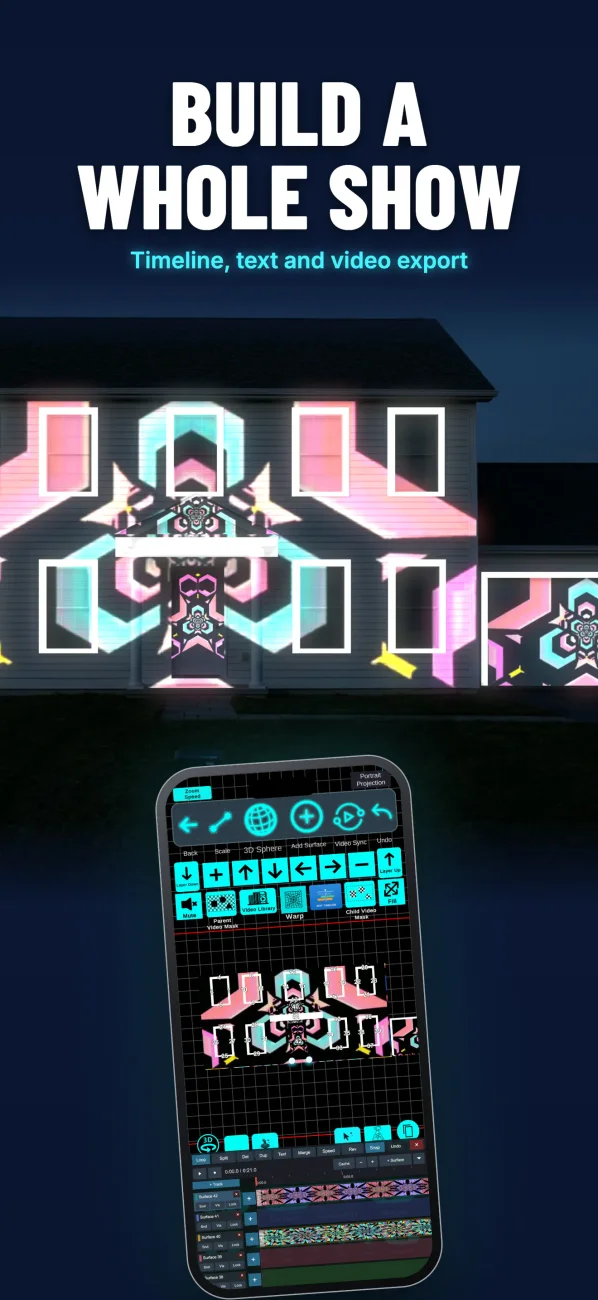
About
Turn any wall, object or room into a light show with just your phone and a projector.
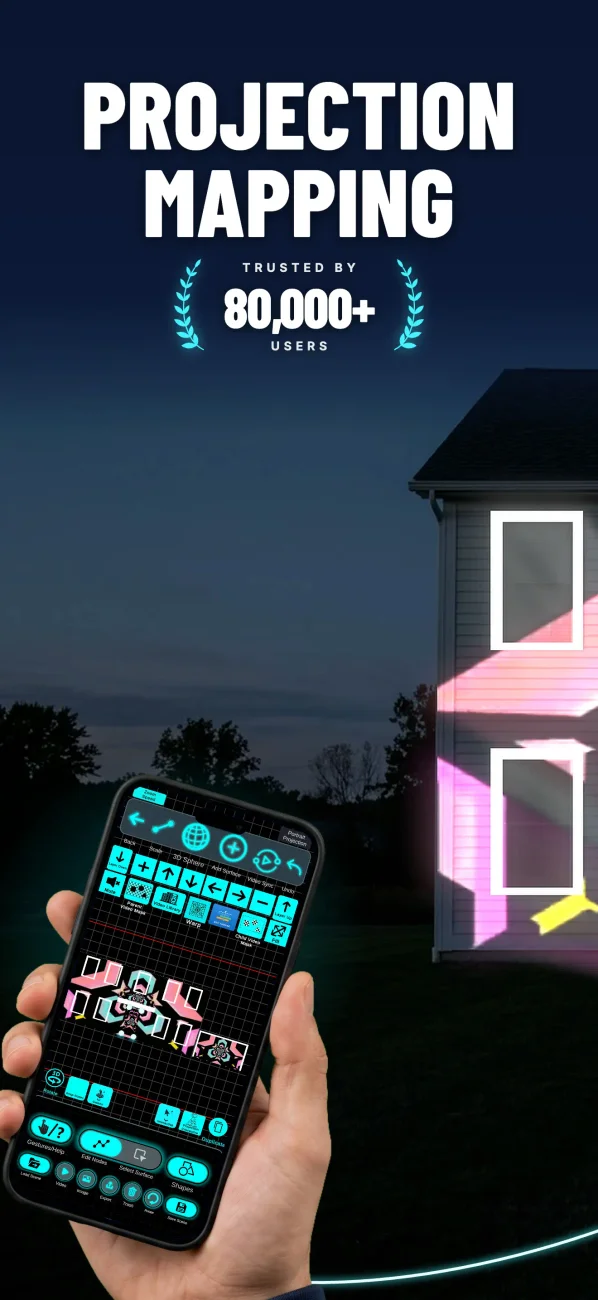
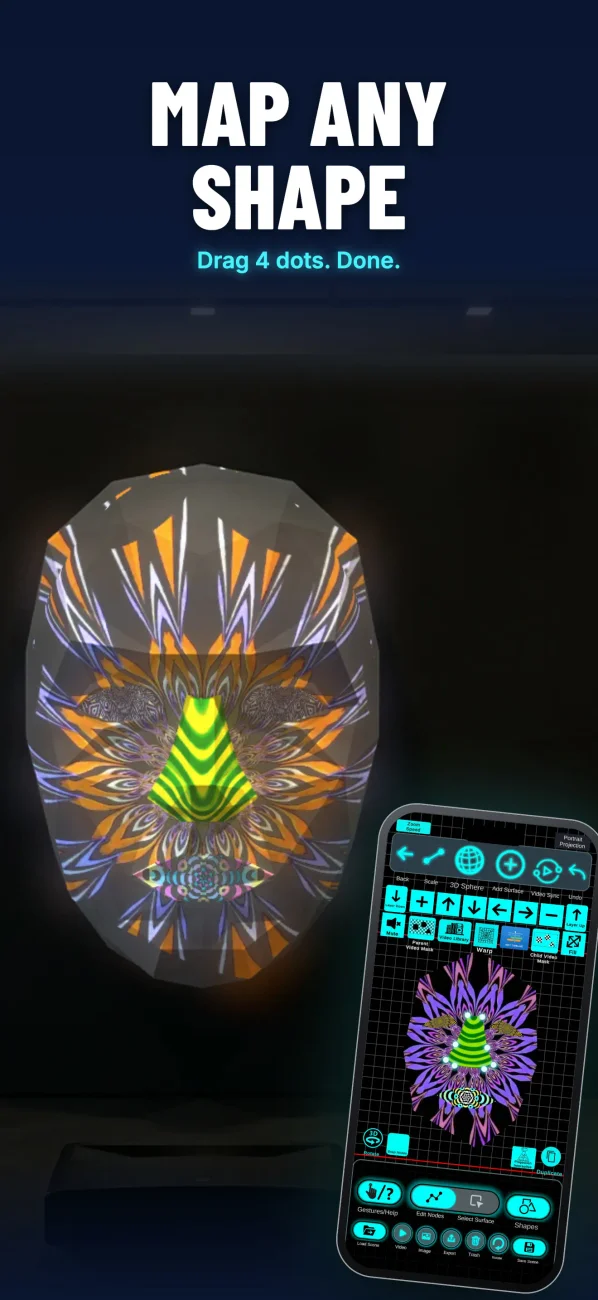
SurfaBeam is projection mapping made simple. Drag 4 dots onto your object, pick a video, and it fills the shape. No computer, no media server, no complicated software.
MAP ANYTHING
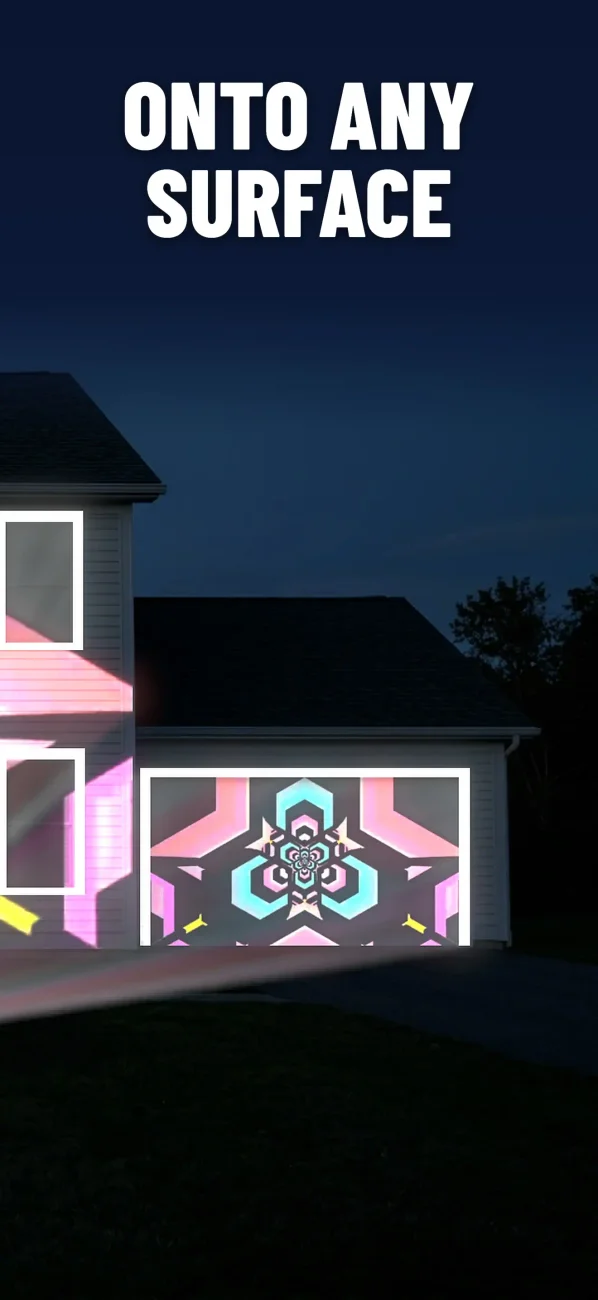
• Walls, windows, doors, boxes, sculptures and whole rooms
• Warp bends your video onto curved objects like pillars and arches
• 3D Sphere wraps balls and other round objects
• Shapes and masks: circles, triangles or your own pictures
• Map many surfaces at once, each with its own video
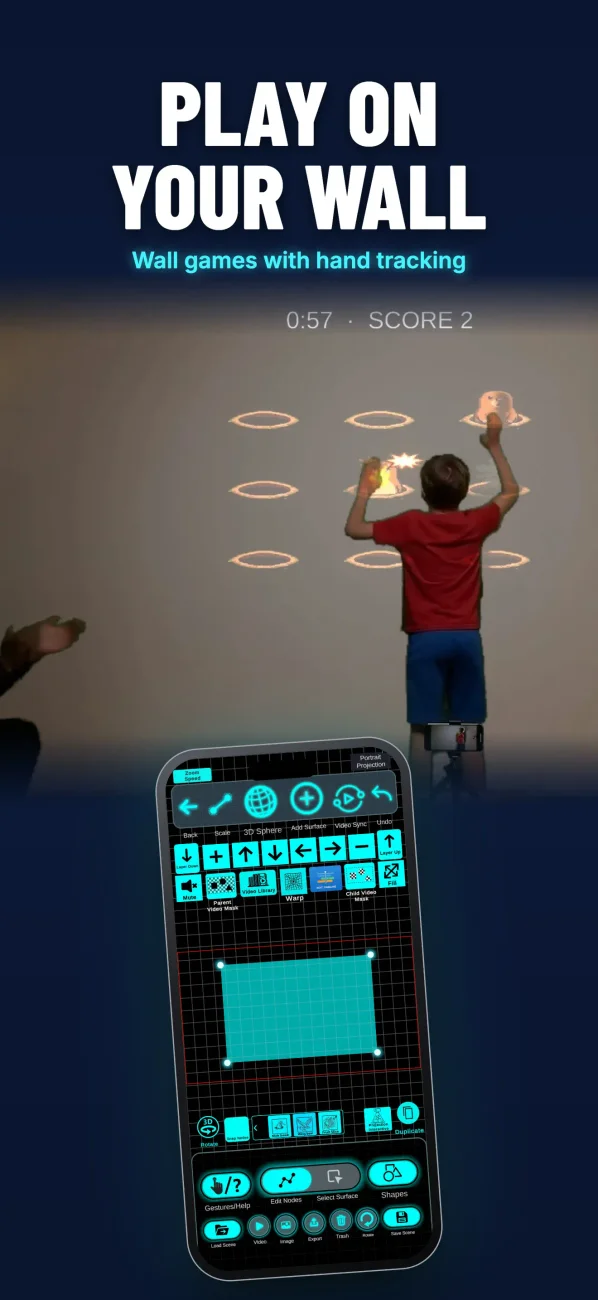
PLAY ON YOUR WALL
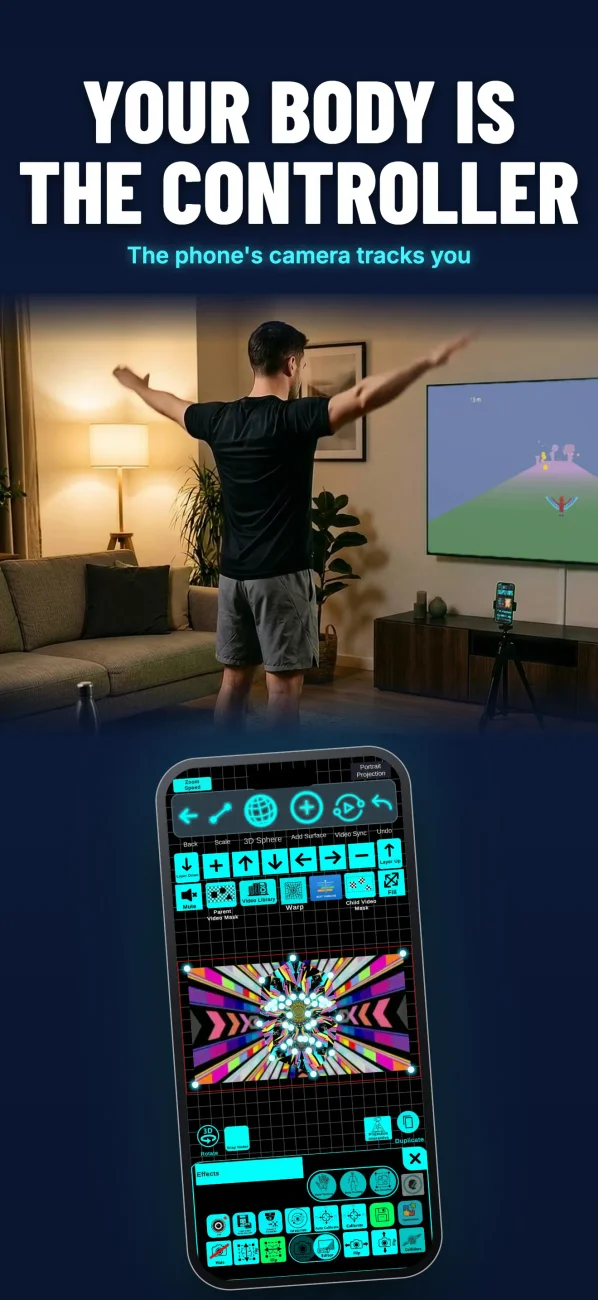
• Wall games with hand and body tracking: Mole Smash, Fruit Slice, Wing Beat and Catch the Mouse
• Your body is the controller: the phone's camera tracks your hands and body, no extra hardware
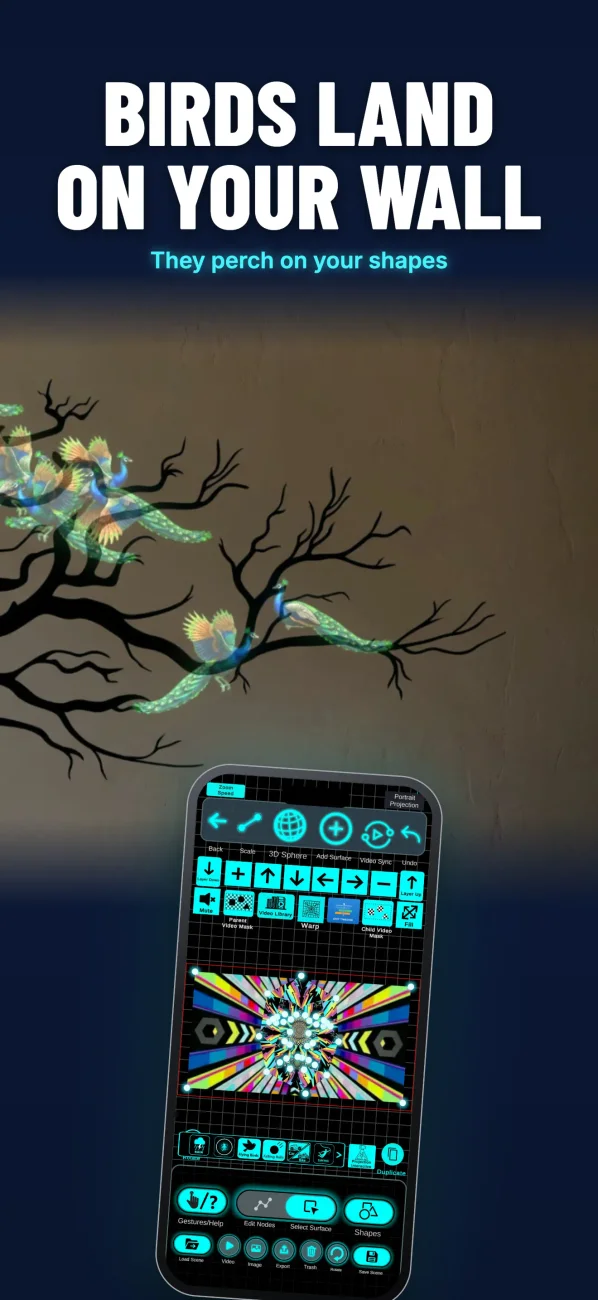
• Birds that perch on your shapes, bouncing balls, cars and bikes, rain with lightning
• Hand effects: grow vines, spin a galaxy, shoot water from your palm
MUSIC AND SHOWS
• Music visualizer with 12 looks that move to your song
• Video Library with ready-made effects, or use your own videos and photos
• Timeline: build a whole show with tracks and text, then export it as a video
• Video Sync restarts all your videos together, in sync
CONNECT ANY WAY
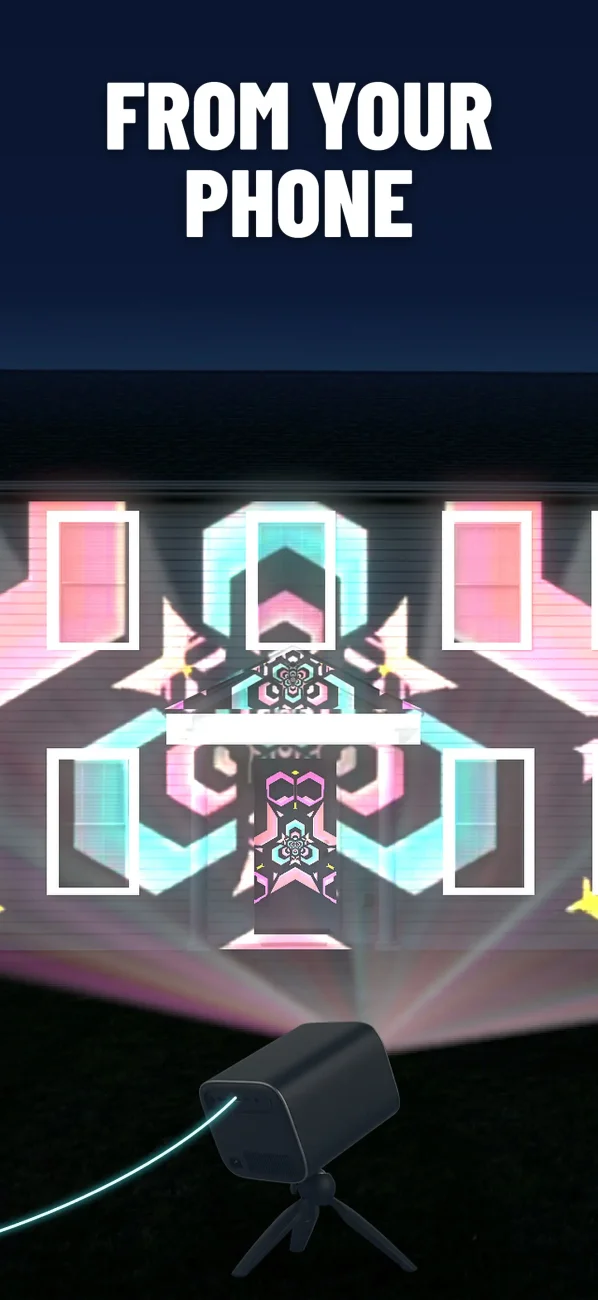
• Cable: USB-C or Lightning to HDMI adapter, the steadiest choice for live shows
• Wireless: AirPlay to a projector or TV that supports it
• Cast to TV: send your show to a smart TV with the free SurfaBeam Link app
PERFECT FOR
• Holiday decorations: light up your house, tree and windows for Christmas and Halloween
• Parties, weddings and events
• DJs, VJs and stage shows
• Art installations, shops and window displays
• Classrooms, STEM clubs and kids' play
EASY TO START
The built-in Quick Start Guide explains every button. SurfaBeam speaks 19 languages.
SURFABEAM PRO
Try SurfaBeam for free. Go Pro to remove the watermark and unlock every feature, including saving and loading projects. Choose a monthly, quarterly or yearly subscription, or a one-time Lifetime purchase. Prices are shown in your local currency.
Subscriptions renew automatically unless canceled at least 24 hours before the end of the current period. Payment is charged to your Apple Account. You can manage or cancel your subscription in your Account Settings.
Privacy Policy: https://www.surfabeam.com/privacy
Terms of Use: https://www.apple.com/legal/internet-services/itunes/dev/stdeula/
Watch the quick workflow video: https://youtube.com/shorts/NjB2owlqp-4
What’s new
Version 5.7 · Nov 10, 2026
• Projectors and screens connected with an HDMI cable show your projection again on iOS 27 and iPadOS 27, and video on them plays more smoothly.
• Stretched picture on HDMI? Tap the projector status on the start screen to set your screen's shape: 4:3, 5:4 or 16:10. SurfaBeam remembers it for that screen.
• Smoother playback: no stutter when you press Play, and much smoother reverse, fast speeds up to 20x and reverse loops.
• Casting: a slow AirPlay screen no longer slows down the app and your other screens, and several SurfaBeam Link TVs at once play more smoothly.
App privacy
What Osman Ahsan Sheikh declares on the App Store about how this app handles data.
-
Data used to track you
May be used to track you across apps and websites owned by other companies.
- Identifiers
-
Data not linked to you
May be collected but is not linked to your identity.
- Purchases
- Identifiers
Privacy practices may vary, for example with the features you use or your age.
Information
- Seller
- Osman Ahsan Sheikh
- Category
- Graphics & Design
- Version
- 5.7
- Updated
- Nov 10, 2026
- Released
- Jan 5, 2026
- Size
- 531.4 MB
- Requires
- iOS 15.0 or later
- Age rating
- 4+
- Price
- Free
- In-app purchases
- Yes
- Languages
- English
- Copyright
- © Secundum Reality
You might also like
-
 ProjectX - Projection MappingProject Visuals on Any Surface
-
 Pro Mapper Projection MappingWarp Video onto Wall & Window
-
 Lazy LightingProjection Mapping
-
 Redrawing Reality: ProjectorAI Projection Mapping & VFX
-
 EasyMapper Projection MappingMobile Projection Mapping
-
 PicoMap: Projection MappingTurn Any Surface Into a Stage
-
 Chromatose: Visual SynthesizerModular Psychedelic Video Art
-
 TagtoolPaint and Animate Live!
-
 BeamSpace: Projection MappingProjector Mapper & VJ Visuals
-
 Omniscient - Blender CGI LidarCamera Tracking & Virtual Cam