
Remote Control: Mouse & Media
Wireless trackpad & controller
Designed for iPhone
Free · In-app purchases
- Age rating4+
- CategoryProductivity
- DeveloperAnton Bindovskyi
- LanguagesEnglish+ 7 more
- Size3.0 MB
Links to the official App Store page
Download.org hosts no file of Remote Control: Mouse & Media. The button opens its official App Store page, published by Anton Bindovskyi. Listing last checked on Nov 25, 2026.
Screenshots
About
Turn your iPhone into the ultimate wireless remote control for your computer! Whether you are watching movies from the couch, giving a presentation, or listening to music across the room, RemoteControl makes managing your computer completely effortless. Say goodbye to getting out of bed just to pause a video or turn down the volume.
FREE FEATURES
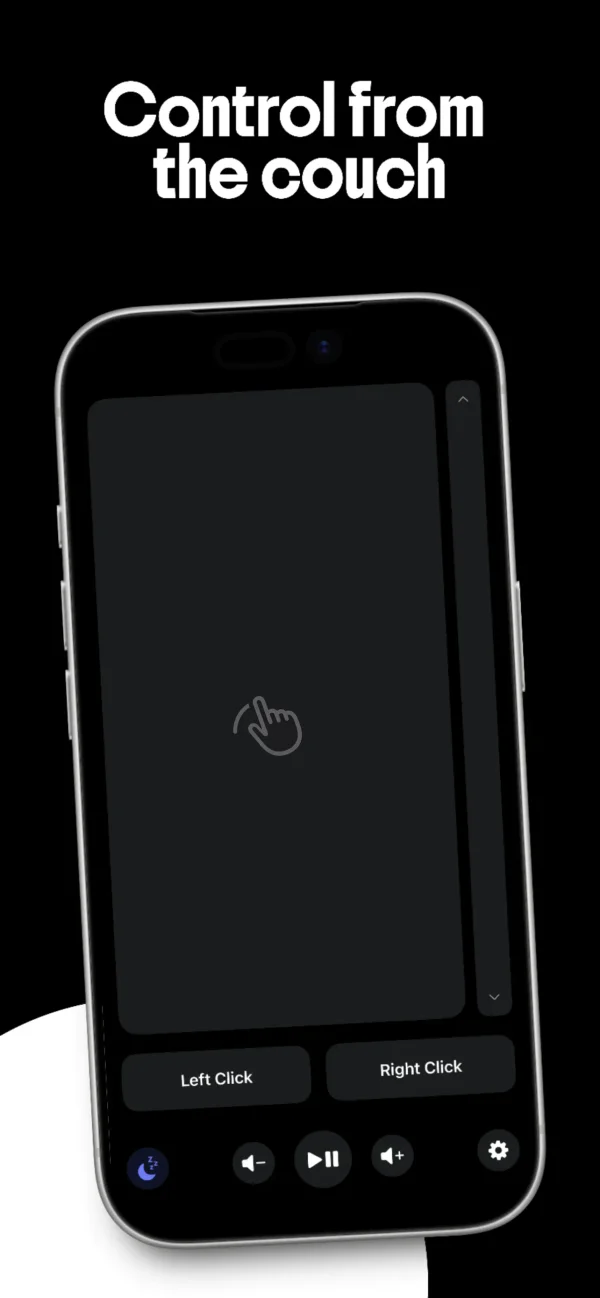
* Wireless Trackpad: Smooth cursor movement, scrolling, and clicking. Acts just like a native computer trackpad.
* Media Controls: Instantly play, pause, and skip tracks.
* Hardware Volume Control: Adjust your computer’s volume using the physical volume buttons on your iPhone!
* Secure Connection: PIN-code authorization ensures that only you have access to your computer.
PRO FEATURES (Unlock with Subscription) Take your remote experience to the next level:
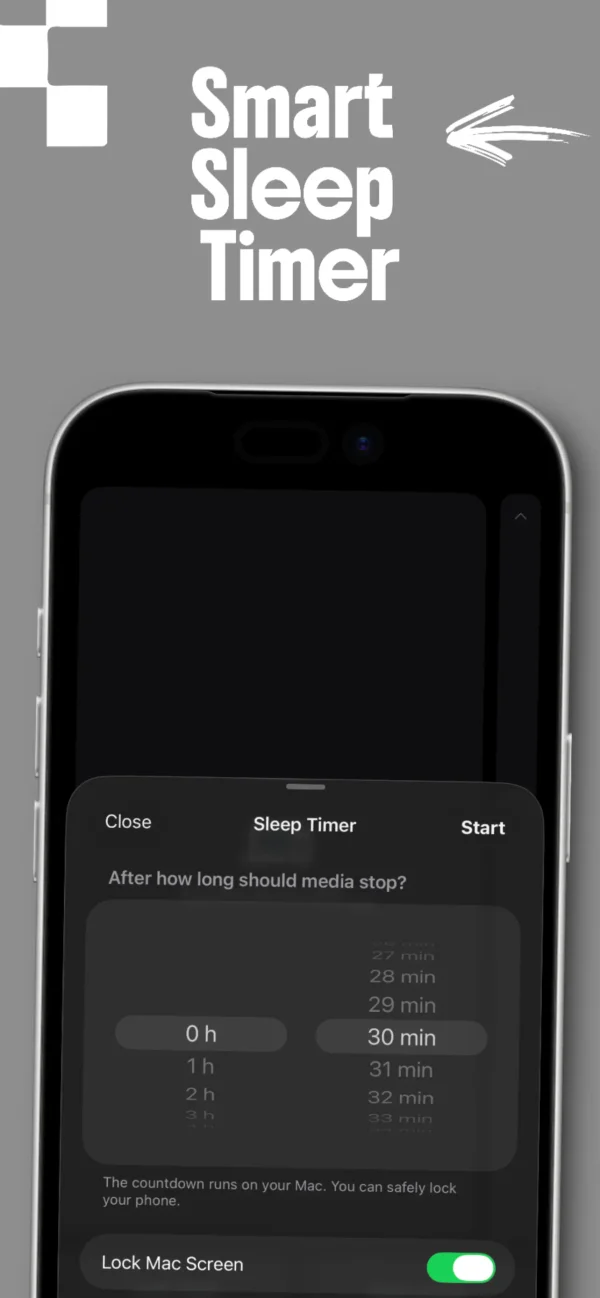
* Smart Sleep Timer: Fall asleep to your favorite movies. Set a timer, and the app will automatically pause the media and lock your computer's screen when the time is up.
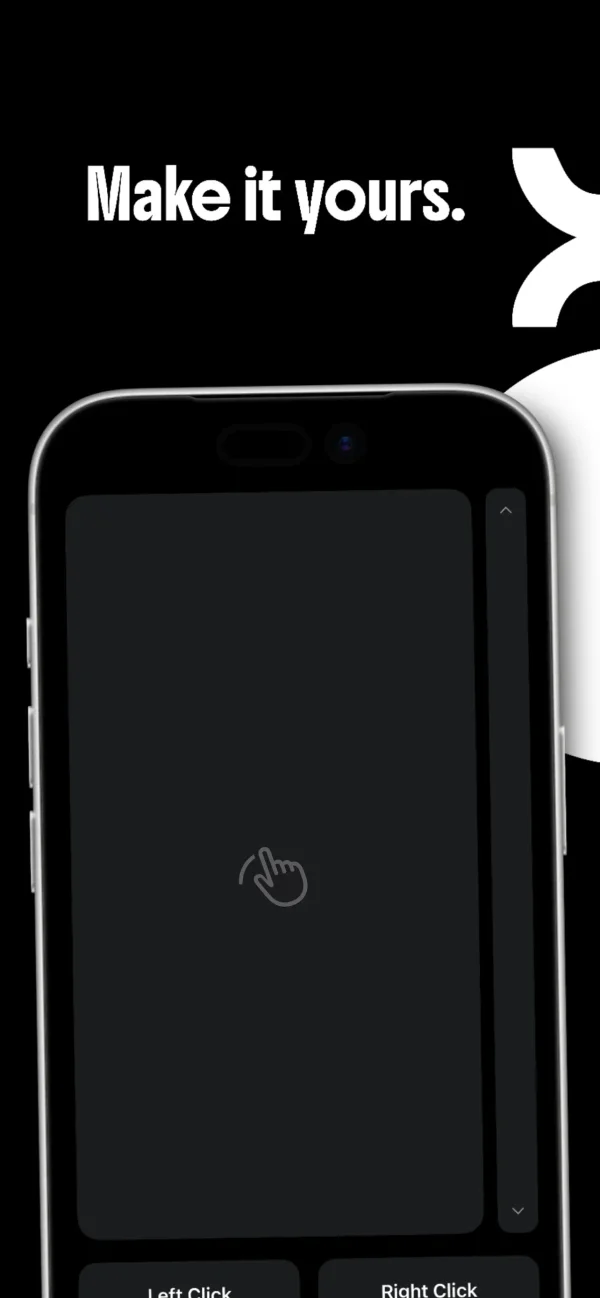
* Customizable Interface: Enable Minimalist Mode to hide media buttons, or hide mouse clicks for a pure trackpad experience.
* Adjustable Speed: Fine-tune the cursor and scrolling speed multipliers to match your workflow perfectly.
IMPORTANT SETUP INSTRUCTIONS To use this app, you need to install the free helper server on your computer.
1. Visit the official Dhampiree Software website: [https://dhampiree-apps.com]
2. Download and launch the free desktop app.
3. Ensure both your iPhone and computer are connected to the same Wi-Fi network.
4. Enter the PIN code displayed on your computer to connect securely.
Download now and take full control of your computer!
Terms of Use: https://www.apple.com/legal/internet-services/itunes/dev/stdeula/
What’s new
Version 1.1.4 · Nov 24, 2026
• More reliable connection when several Macs are on the same network
• Fewer false “PIN may have changed” warnings after reconnecting
• New: send yourself the Mac app link right from your iPhone or iPad
• Fixed the Mac app download link in Settings
App privacy
What Anton Bindovskyi declares on the App Store about how this app handles data.
-
Data not collected
The developer does not collect any data from this app.
Privacy practices may vary, for example with the features you use or your age.
Information
- Seller
- Anton Bindovskyi
- Category
- Productivity
- Version
- 1.1.4
- Updated
- Nov 24, 2026
- Released
- Jul 3, 2026
- Size
- 3.0 MB
- Requires
- iOS 18 or later
- Age rating
- 4+
- Price
- Free
- In-app purchases
- Yes
- Languages
- English, French, German, Japanese, Polish, Simplified Chinese, Spanish, Ukrainian
- Copyright
- © 2026 Dhampiree Software
You might also like
-
 Remote TrackpadControl PC with Your Phone
-
 UnyxThe Most Adaptive Controller
-
 Remote Mouse, keyboard, moreConnect using Wifi / Bluetooth
-
 Control My Mac: RemoteMouse, Trackpad & Keyboard
-
 Mouse@WorkProductivity
-
 Wireless PresenterControl slides with your phone
-
 ScreenPact: Your Focus PartnerStay Focused Together
-
 Emly: EML ViewerOpen EML Email
-
 LitePhotoImage Compress, Resize
-
 Slate: Second MonitorDual Display for Windows PC