
Remote Mouse, keyboard, more
Connect using Wifi / Bluetooth
Designed for iPhone, iPad
Free · In-app purchases
- Age rating4+
- CategoryProductivity
- DeveloperiAndRobot LLC
- LanguagesEnglish+ 10 more
- Size25.5 MB
Links to the official App Store page
Download.org hosts no file of Remote Mouse, keyboard, more. The button opens its official App Store page, published by iAndRobot LLC. Listing last checked on Nov 16, 2026.
Screenshots
About
AndroMouse – Control Your Computer using your iPhone.
Trusted by over 2 million on various platforms.
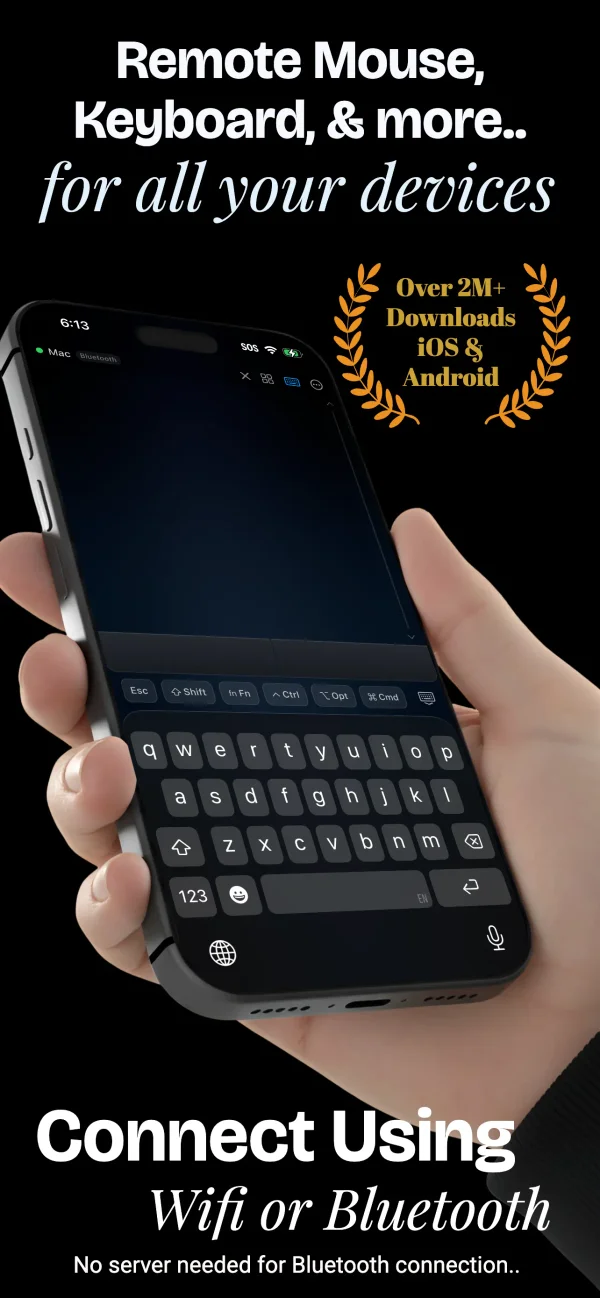
Turn your iPhone into a powerful remote for your computer - over WiFi or Bluetooth. AndroMouse lets you control your mouse, keyboard, media, presentations, files, and more - all from your phone.
Whether you're on the couch, in a meeting, or giving a presentation, AndroMouse gives you smooth, precise control without touching your computer.
NEW: Direct Bluetooth Connection
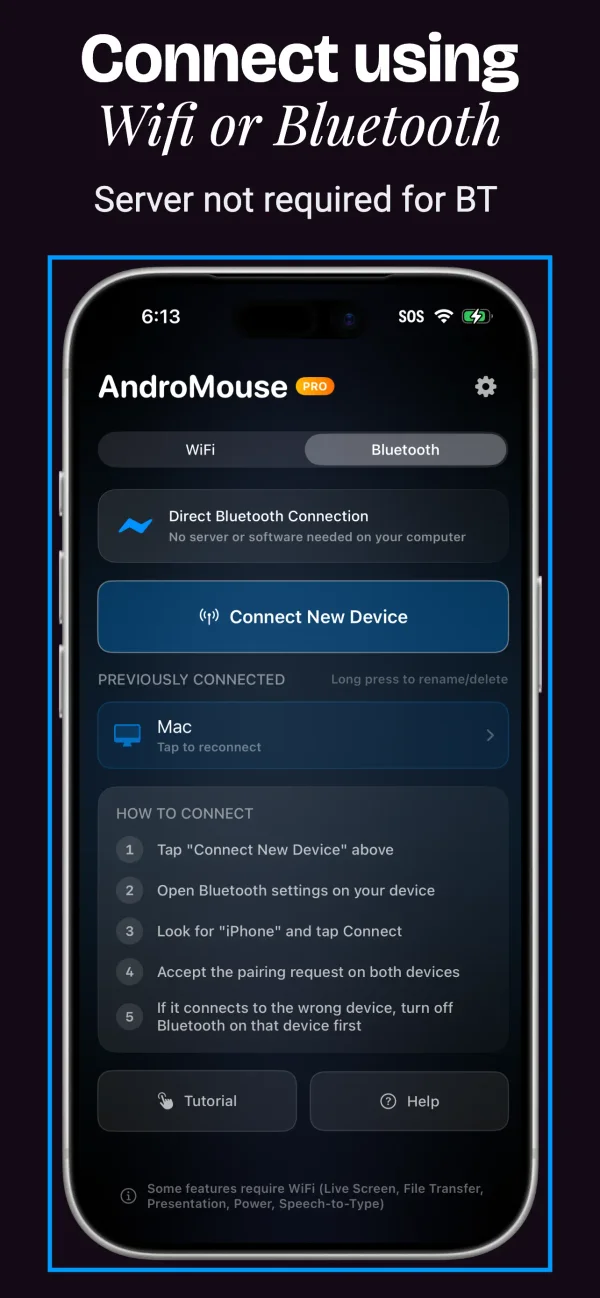
Connect to your computer, phone, or tablet via Bluetooth - no server download, no setup, no WiFi needed. Just pair and go. Works with Windows, macOS, Linux, and more.
Trackpad & Mouse Control
Natural, smooth trackpad experience with precise cursor movement. Left, right, and middle click. Scroll, drag, and multi-gesture support. Designed to feel intuitive and responsive.
Full Keyboard
Type on your computer from your phone. Modifier keys, function keys, shortcuts, and special keys — all supported. macOS and Windows layouts detected automatically.
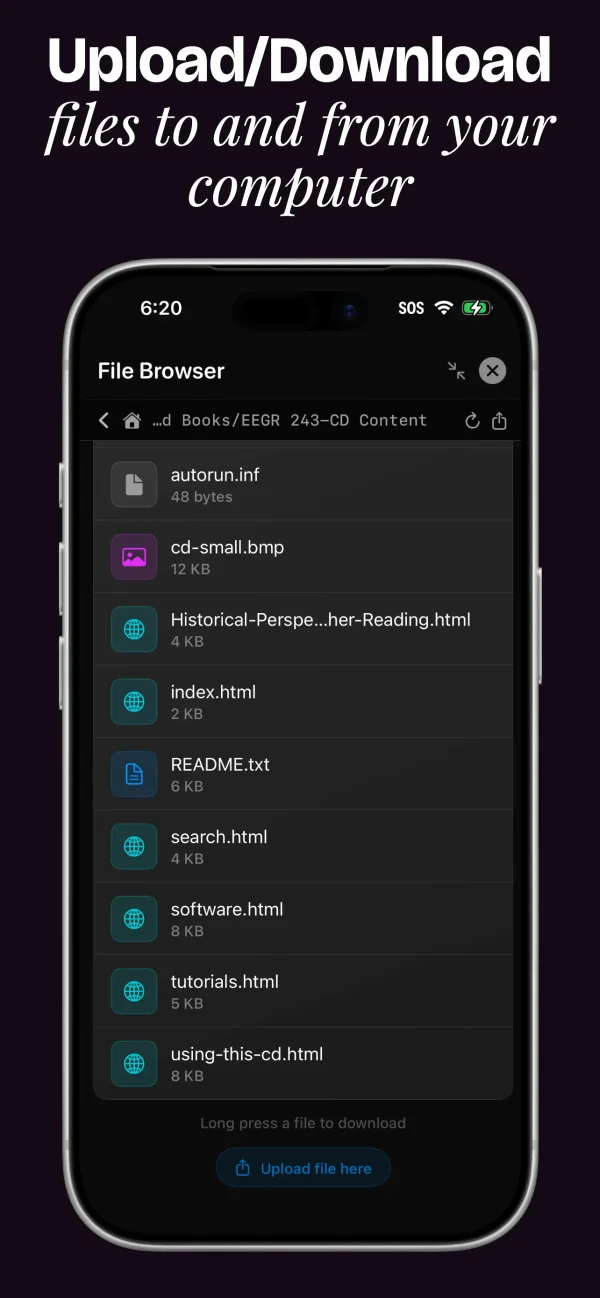
Remote File Browser & Transfer (WiFi only)
Browse your computer's files, open folders, and launch files remotely. Copy files between phone and computer with simple explorer-style navigation.
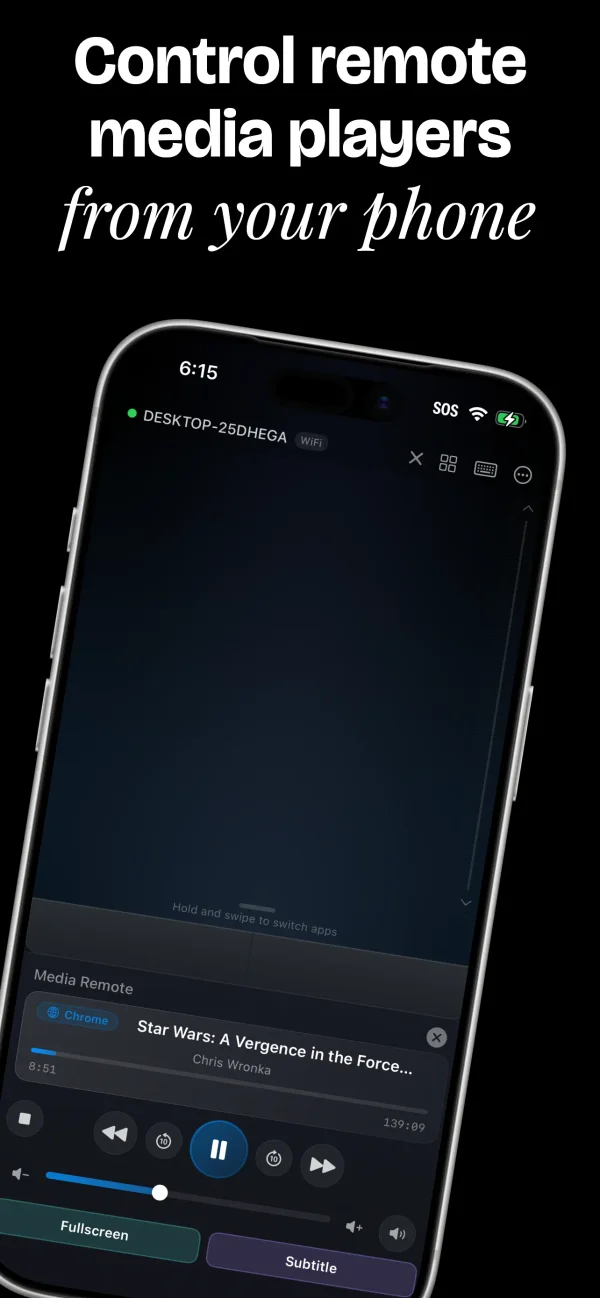
Media Remote
Play, pause, skip, volume, and mute. Works with most popular media players. Control your entertainment from anywhere in the room.
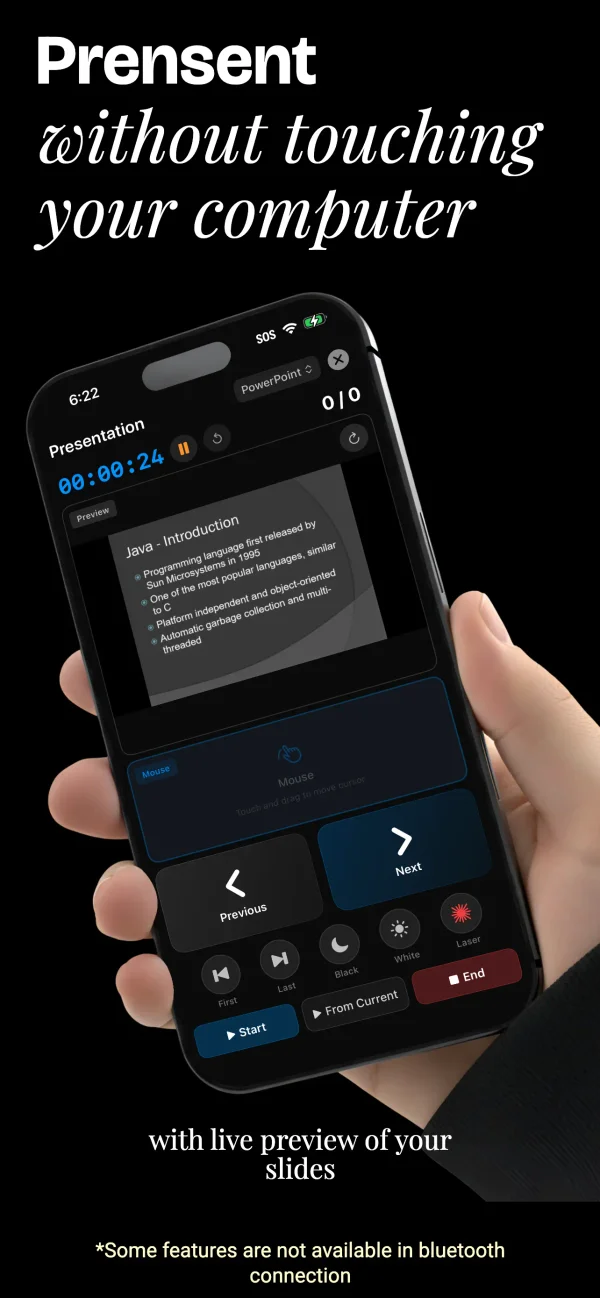
Presentation Remote (WiFi only)
Navigate slides, black screen, focus mode. Present confidently without being tied to your laptop. Ideal for meetings, classrooms, and demos.
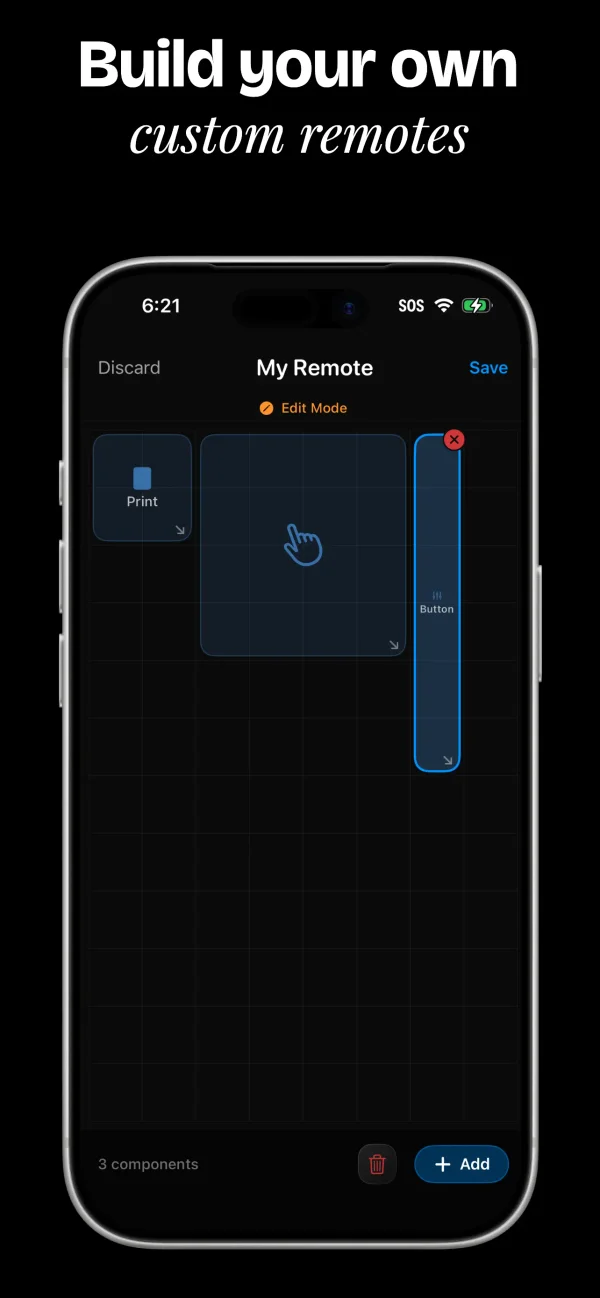
Custom Remote
Create your own button layouts. Assign keyboard shortcuts or actions. Customize colors and arrangement. Build a remote that fits your workflow.
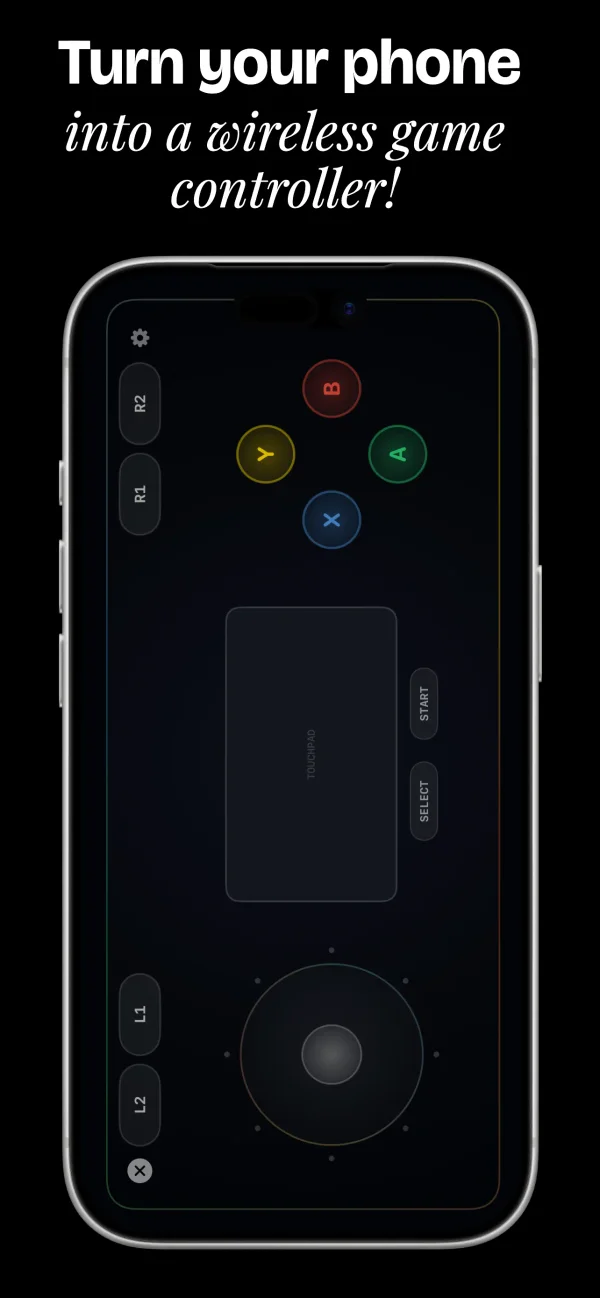
Gamepad Mode
Use your phone as a game controller with customizable button layouts and mappings. Great for casual and emulator-style games.
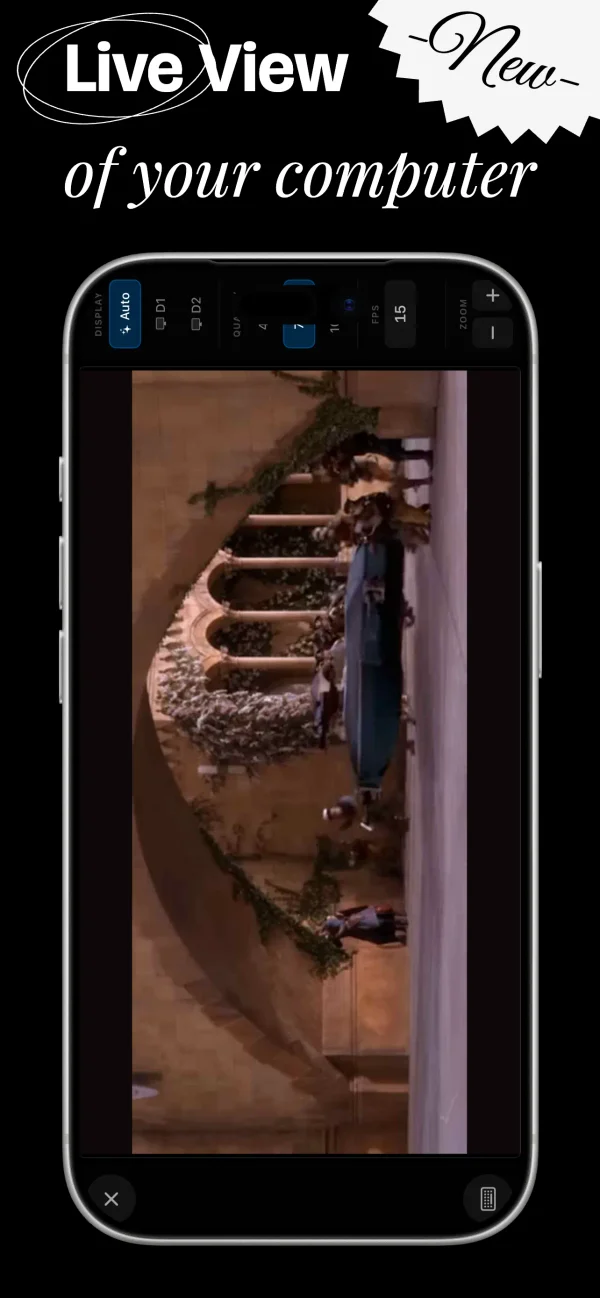
Live Screen View (WiFi only)
See your computer screen on your phone. Useful for monitoring, presentations, and quick checks.
Two Ways to Connect
Bluetooth - Direct connection. No server, no download, no WiFi needed. Pair and control instantly.
WiFi - Full-featured connection with file transfer, live screen, and presentation support. Download the free server from andromouse.net.
Privacy & Security
No cloud. No external servers. No accounts. Everything stays on your local network or direct Bluetooth link. Your control is private and secure.
Why AndroMouse?
One app for all your remote control needs. Smooth, modern UI. Fast and responsive. WiFi for full features, Bluetooth for zero-setup simplicity. Built for productivity and comfort.
For Wifi Mode: Please download AndroMouse server for Window/Mac/Linux from https://andromouse.net
What’s new
Version 2.1 · Apr 16, 2026
Added keyboard symbols to the custom remote buttons
Crash fixes
App privacy
What iAndRobot LLC declares on the App Store about how this app handles data.
-
Data not collected
The developer does not collect any data from this app.
Privacy practices may vary, for example with the features you use or your age.
Information
- Seller
- iAndRobot LLC
- Category
- Productivity
- Version
- 2.1
- Updated
- Apr 16, 2026
- Released
- Mar 5, 2026
- Size
- 25.5 MB
- Requires
- iOS 17.0 or later
- Age rating
- 4+
- Price
- Free
- In-app purchases
- Yes
- Languages
- English, French, German, Hindi, Italian, Japanese, Nepali, Persian, Portuguese, Simplified Chinese, Spanish
- Copyright
- © 2026 AndroMouse
You might also like
-
 Remote Control: Mouse & MediaWireless trackpad & controller
-
 Remote TrackpadControl PC with Your Phone
-
 Remote Keyboard & MouseFor PC, Mac & LG TV
-
 VMouse - VNC Remote MouseWiFi mouse and keyboard
-
 Remote KeyboardType Faster From Desktop
-
 Remote & KeyboardPhone to Computer Control
-
 Mouse · Keyboardfor Mac or PC
-
 Mouse Jiggler UndetectableKeeps Your Computer Awake
-
 Connect My ComputerDesigned for Mac computers
-
 Avica Remote DesktopRemote access from anywhere