
- Age rating4+
- CategoryUtilities
- DeveloperShibby Ventures LLC
- LanguagesEnglish
- Size8.9 MB
Links to the official App Store page
Download.org hosts no file of Remote Pane: RDP & VNC. The button opens its official App Store page, published by Shibby Ventures LLC. Listing last checked on Nov 23, 2026.
Screenshots
About
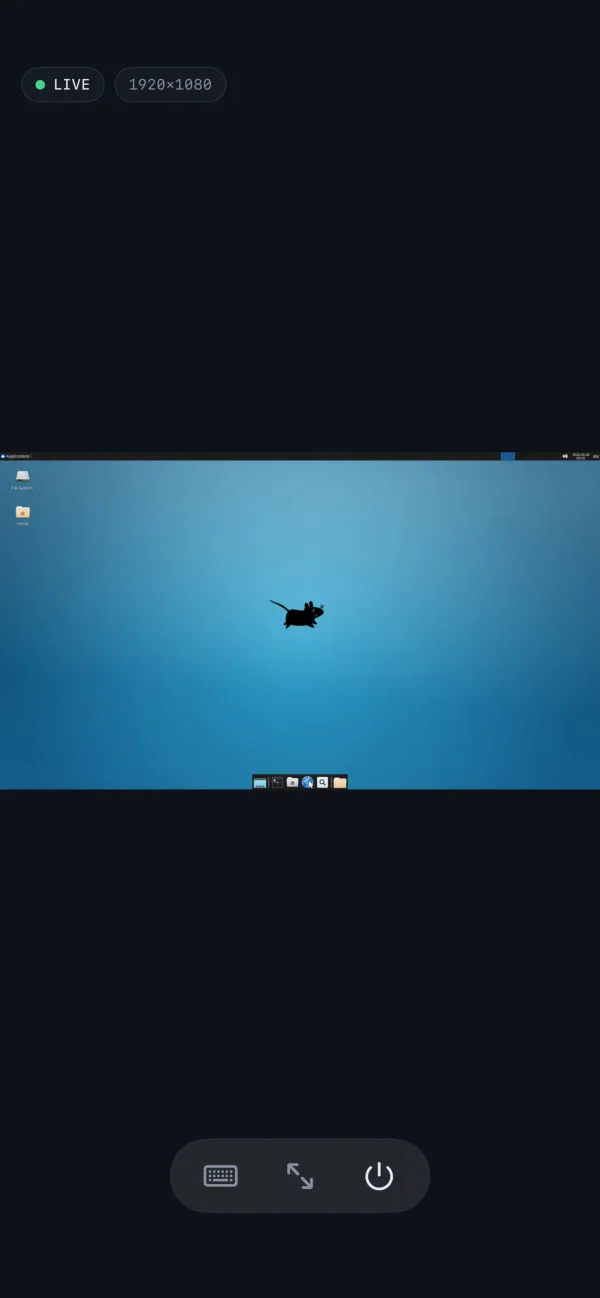
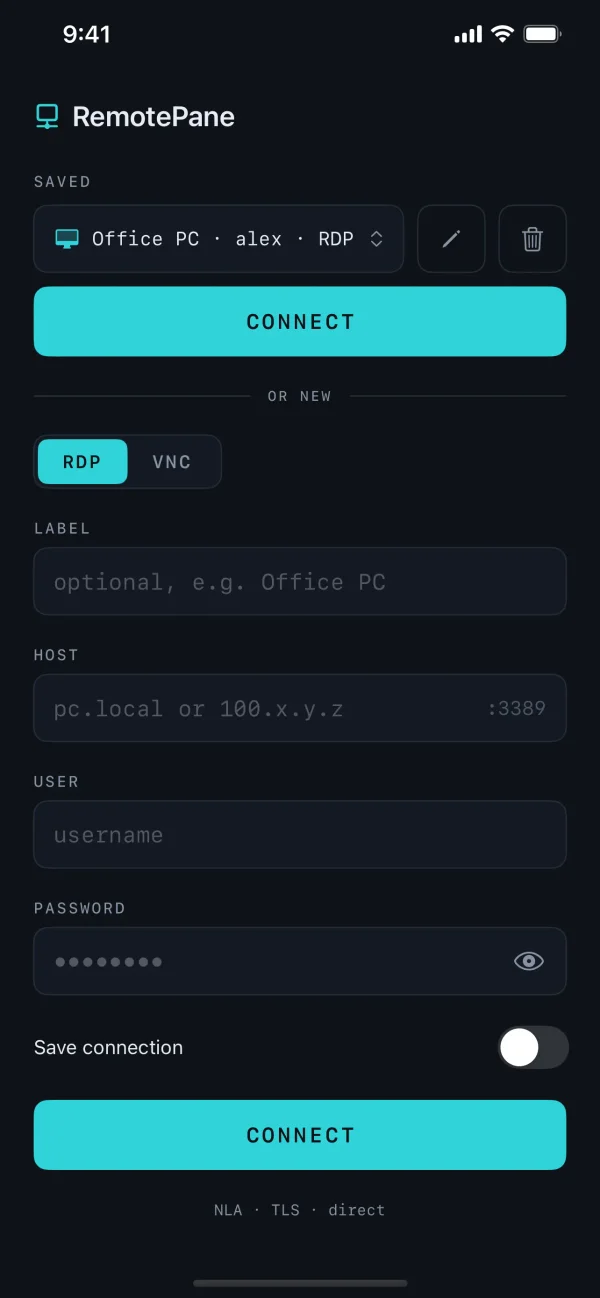
RemotePane is a fast, private remote desktop client for iPhone. Control your Windows PC over RDP, or your Mac, Linux desktop, or Raspberry Pi over VNC, as if you were sitting in front of it.
RemotePane connects straight from your phone to your computer. There's no relay server in the middle, no account to create, and no tracking.
FEATURES
• RDP for Windows PCs and servers, plus any compatible RDP server (including xrdp on Linux)
• VNC for Macs (built-in Screen Sharing), Linux desktops, and Raspberry Pi
• Mac account login or VNC password, whichever your server uses
• Copy and paste text between your phone and your PC (RDP)
• Tap to click, long-press to right-click, drag to move, two-finger scroll, pinch to zoom
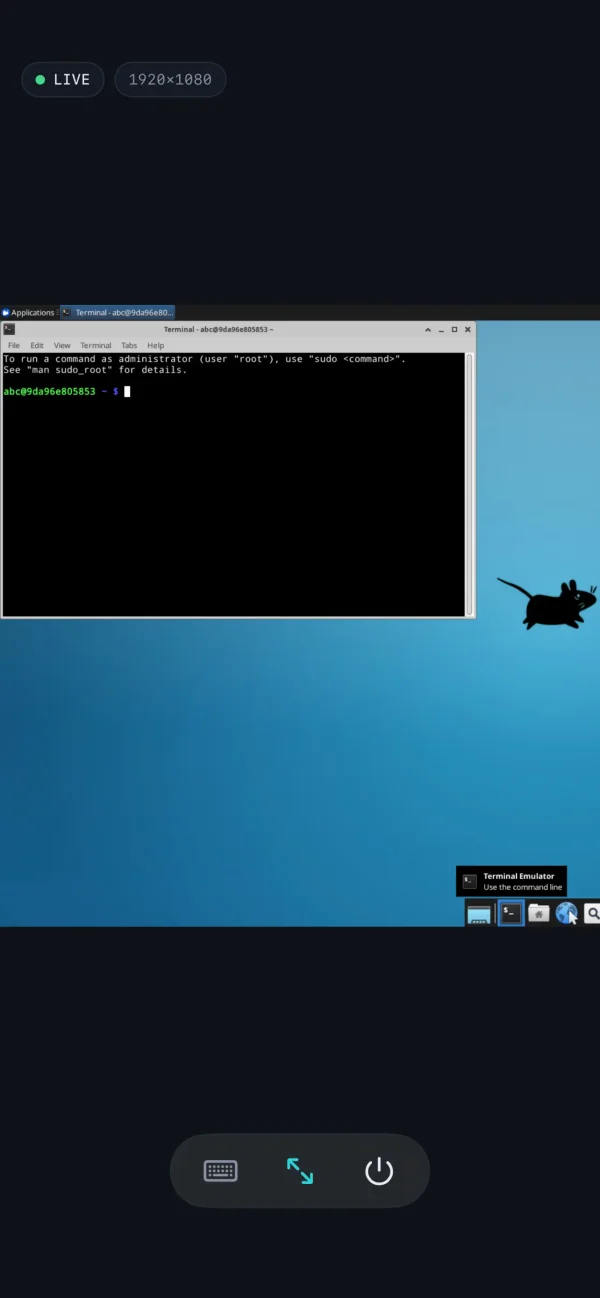
• Keyboard bar with Ctrl, Esc, Tab, and arrow keys for shortcuts and terminals
• Save connections with an optional label, so they're one tap away next time
• Passwords stored in your keychain and synced only through your own iCloud Keychain
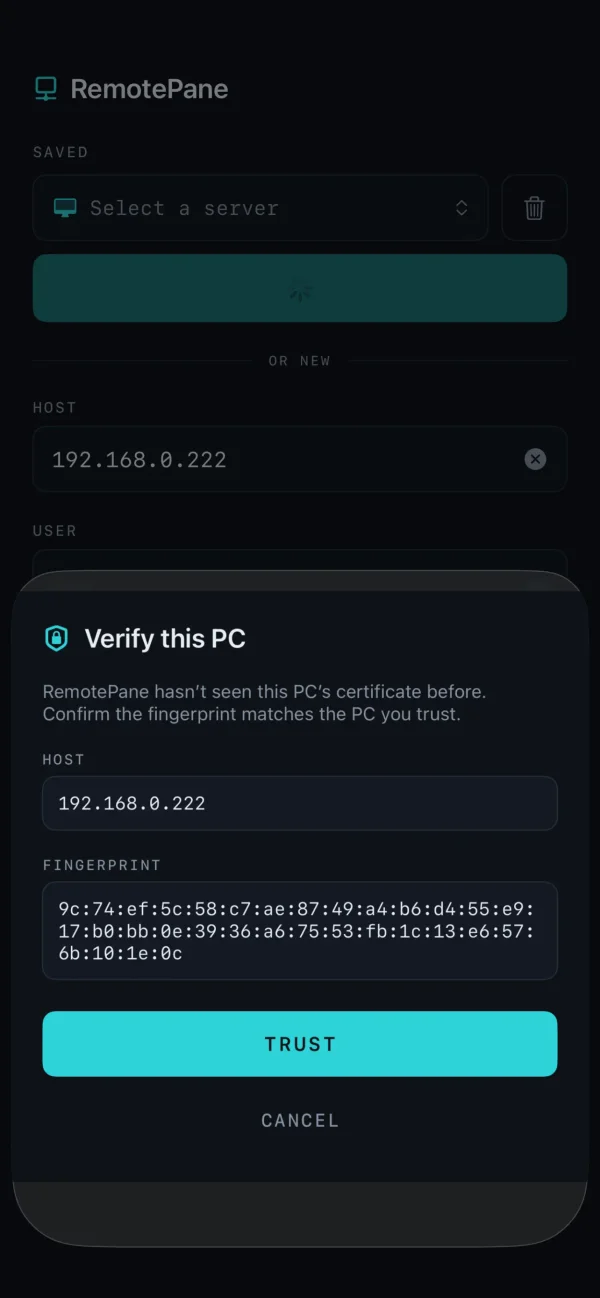
• RDP certificate verification, so you're warned if a host's identity changes
• No account, no sign-up, no analytics, no ads
PRIVACY FIRST
RemotePane doesn't collect analytics or usage data, and it has no servers of its own. Your connections stay on your phone, and your passwords are protected by Apple's keychain. Your session goes directly from your phone to your computer.
HOW TO CONNECT
Windows (RDP): enable Remote Desktop in Settings (Windows Pro or higher).
Mac (VNC): turn on Screen Sharing in System Settings > General > Sharing.
Linux / Raspberry Pi: run a VNC server, or xrdp for RDP.
Then:
1. Make sure your phone can reach the computer: same Wi-Fi, a VPN, or a tool like Tailscale.
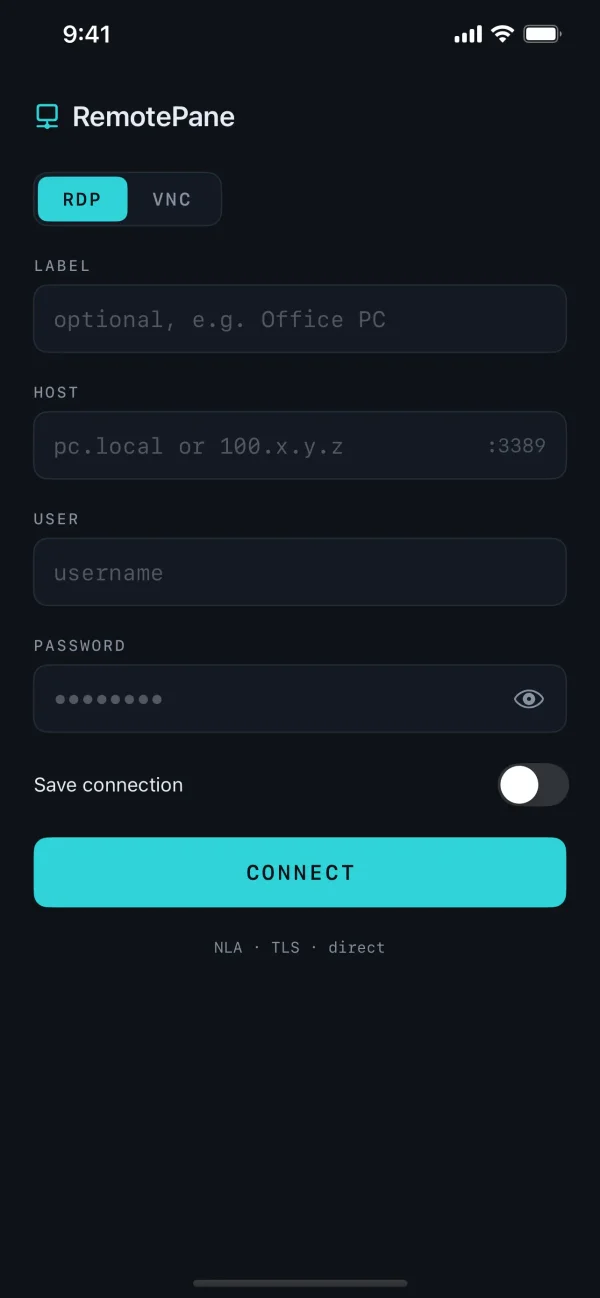
2. In RemotePane, choose RDP or VNC, then enter the host, username, and password.
3. Tap Connect. Save the connection for instant access next time.
A NOTE ON VNC
Standard VNC doesn't encrypt your session the way RDP does. For connections outside your home network, use a VPN or Tailscale. RemotePane also asks before sending your Mac login to a VNC server for the first time.
GREAT FOR
• Checking on a home or office computer while you're away
• Quick admin tasks on servers, workstations, and home labs
• Reaching a desktop app from your phone
• Anyone who wants a clean, no-nonsense remote desktop client
RemotePane is a neutral tool for accessing computers you're authorized to use. You're responsible for making sure you have permission to connect to any system you use it with.
Questions or feedback? Reach us at contact@remotepane.com.
What’s new
Version 1.2.1 · Nov 17, 2026
New in 1.2
• VNC support — RemotePane now connects to Macs (built-in Screen Sharing), Linux desktops, and Raspberry Pis, not just Windows PCs. Pick RDP or VNC when you add a connection.
• Copy and paste between your phone and your PC over RDP.
• New Ctrl key in the keyboard bar for shortcuts like Ctrl+C and Ctrl+Z.
• Clearer connection error messages that tell you what actually went wrong.
• Bug fixes and performance improvements.
App privacy
What Shibby Ventures LLC declares on the App Store about how this app handles data.
-
Data not collected
The developer does not collect any data from this app.
Privacy practices may vary, for example with the features you use or your age.
Information
- Seller
- Shibby Ventures LLC
- Category
- Utilities
- Version
- 1.2.1
- Updated
- Nov 17, 2026
- Released
- Jul 1, 2026
- Size
- 8.9 MB
- Requires
- iOS 16.0 or later
- Age rating
- 4+
- Price
- Free
- Languages
- English
- Copyright
- © Shibby Ventures LLC
You might also like
-
 Remote Desktop - by ThreadmarkNo-setup Remote Desktop
-
 Conduit: SSH, RDP, VNC & WebSecure Remote Connections
-
 Tomaco: Remote DesktopSilky remote desktop · 120Hz
-
 Scry: Remote Desktop for PCAccess & Control Any Computer
-
 QuickRemote - Desktop ManagerFast VNC, RDP & Screen Share
-
 Remio Remote DesktopAccess & Control PC or Laptop
-
 Remote Desktop ManagerRemote Connection Management
-
 Screens 5: VNC Remote DesktopFast & Secure Computer Access
-
 RustDesk Remote DesktopRemote access and control
-
 StarDesk - Remote DesktopRemote Access for Game & Work