
Tomaco: Remote Desktop
Silky remote desktop · 120Hz
Designed for iPhone, iPad
Free · In-app purchases
- Age rating4+
- CategoryUtilities
- Developer磊 崔
- LanguagesEnglish+ 7 more
- Size22.9 MB
Links to the official App Store page
Download.org hosts no file of Tomaco: Remote Desktop. The button opens its official App Store page, published by 磊 崔. Listing last checked on Nov 24, 2026.
Screenshots
About
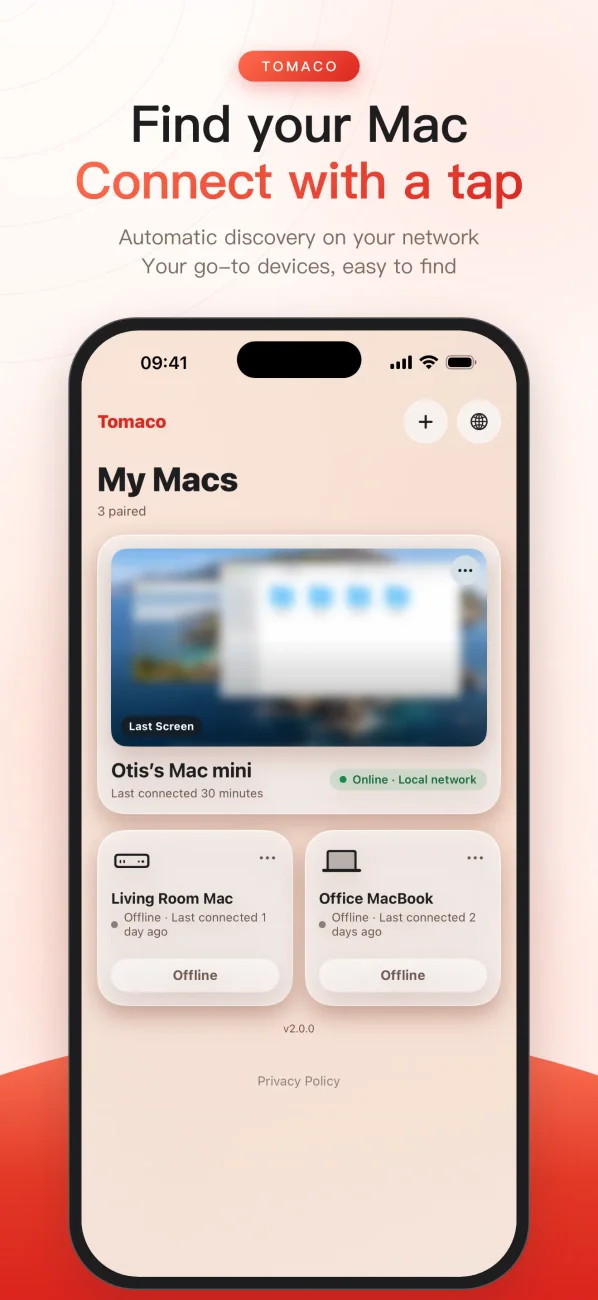
Tomaco does one thing: turn your iPhone or iPad into the best remote control for your Mac.
Built exclusively for the Apple ecosystem — and because of that focus, every millisecond of latency and every frame of quality gets the attention it deserves.
WHY TOMACO
■ Best-in-class picture
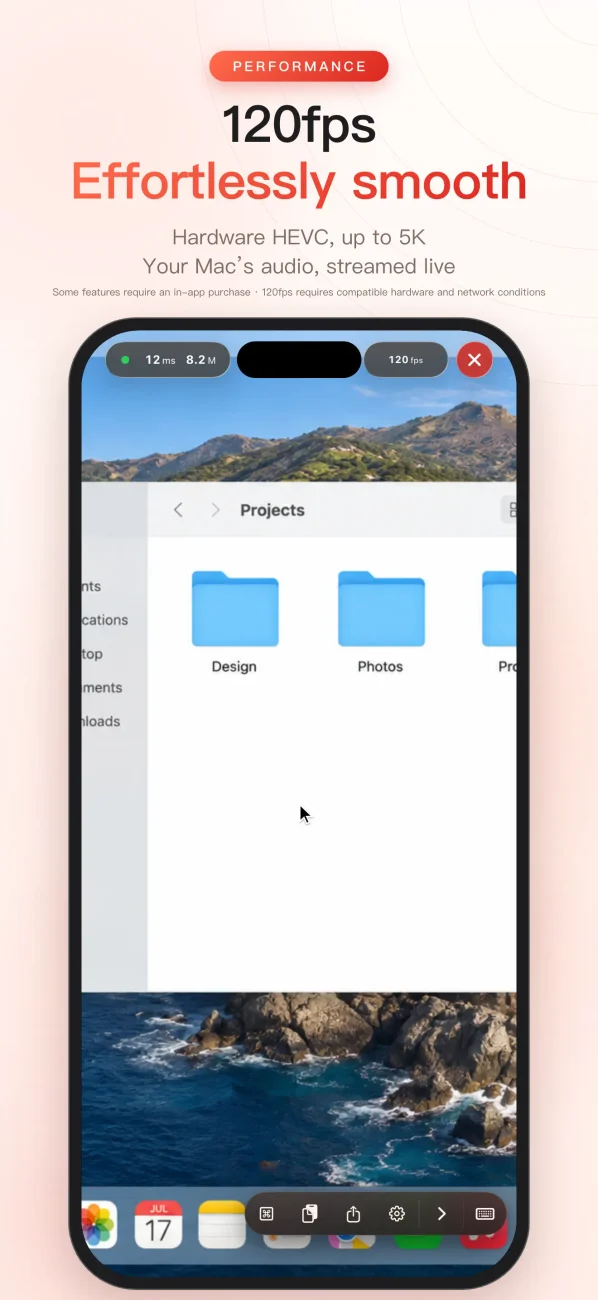
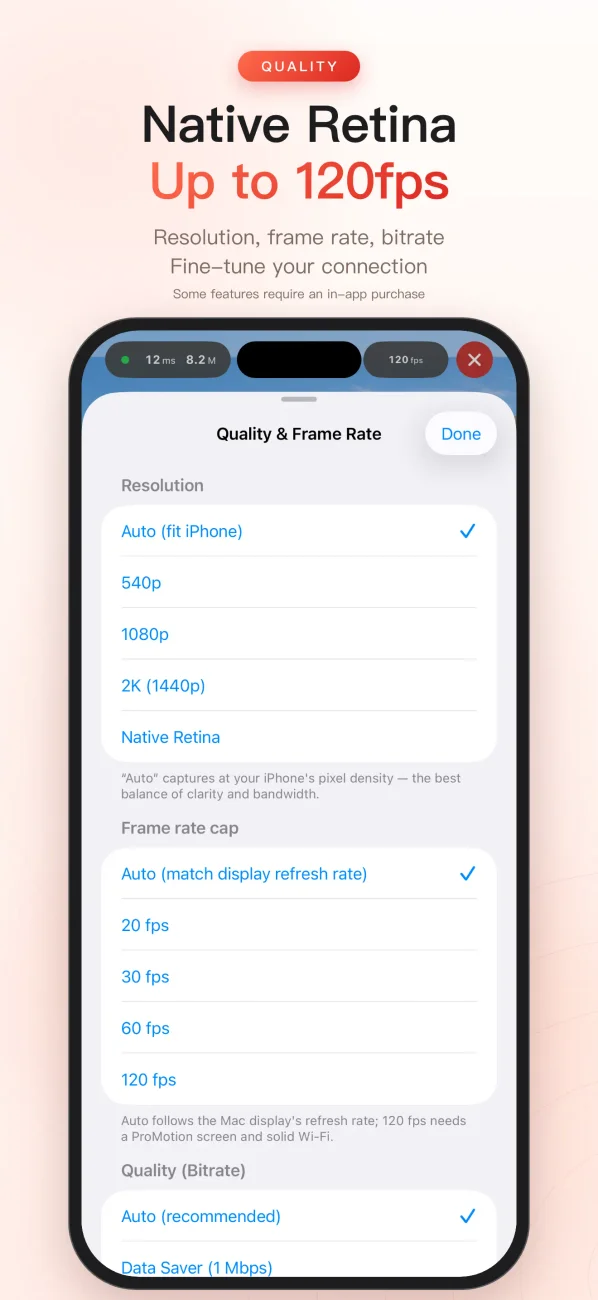
A straight HEVC hardware encode/decode pipeline with up to 5K resolution and 120Hz ProMotion. Code and documents stay razor sharp. When the screen goes still, Tomaco automatically refines the frame to full clarity.
■ It feels right
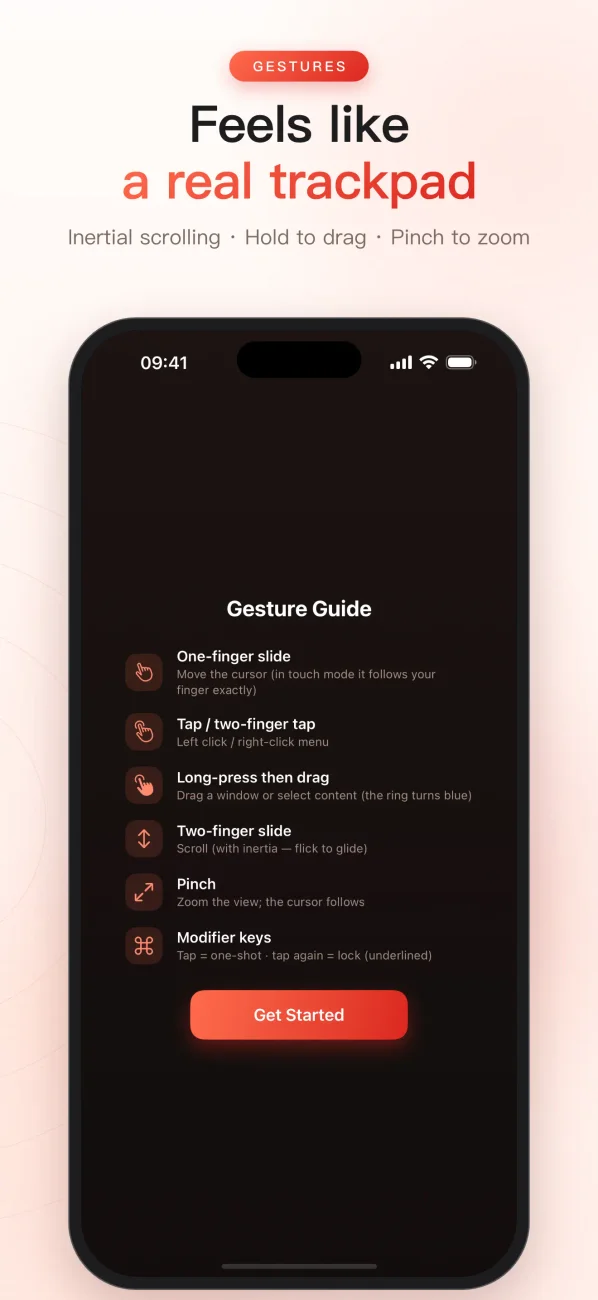
The pointer is rendered locally — it follows your finger instantly, fully decoupled from network latency. Two-finger scrolling has real inertia and rubber-banding. The cursor changes shape with content (I-beam over text, hand over links), just like a real trackpad.
■ Sound, zero setup
Your Mac's system audio plays right on your iPhone/iPad. No virtual audio driver, no kernel extension, no reboot — connect and it just works.
■ Private by design
Peer-to-peer on your local network: your screen and input never touch a third-party server. Secure Enclave hardware device keys, manual approval on first pairing, end-to-end encryption.
■ Remote made simple
Away from home? Pair Tomaco with the free Tailscale app to reach your Mac securely from anywhere — a full guide is built in. Wake-on-LAN wakes a sleeping Mac remotely.
FEATURES
• Virtual Display: use a headless Mac with a dedicated 5K/120Hz screen (Pro)
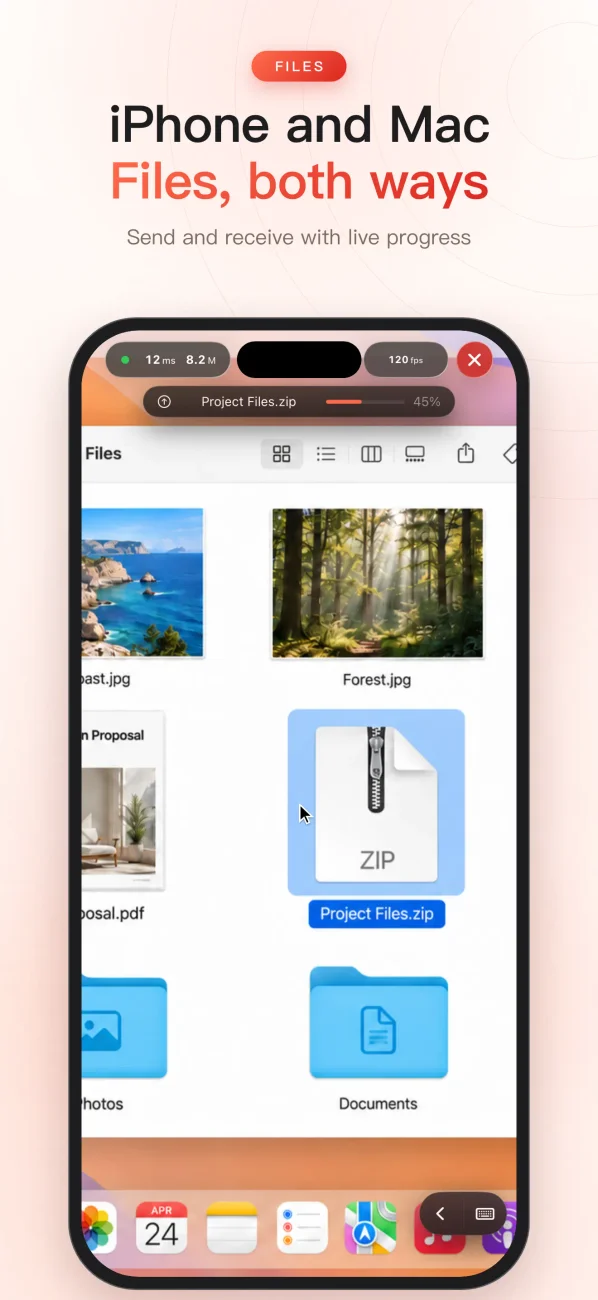
• Two-way clipboard sync and multi-file transfer
• Smart shortcut bar that adapts to the frontmost Mac app (Pro)
• Modifier keys bar: ⌘⌥⌃⇧ combos, Esc/Tab/arrows
• Multi-display switching, auto-reconnect, adaptive quality on weak networks
• Siri & Shortcuts: "Connect my Mac"
• Trackpad mode (relative) and Touch mode (tap where you look)
FREE & ONE-TIME PURCHASE
The free tier is fully usable: no time limits, no ads.
Tomaco Pro is a one-time purchase that unlocks 5K, 120Hz, the smart shortcut bar, Virtual Display and multiple Macs. No subscription. Ever.
WHAT YOU NEED
• A Mac (Apple Silicon or Intel, macOS 14+) running the free, notarized Tomaco Helper (download from our site)
• iPhone/iPad on the same Wi-Fi, or a Tailscale connection for remote access
What’s new
Version 2.1.4 · Nov 23, 2026
Connect to your Mac away from home with Tailscale, now built into the home screen.
Use the new precision scroll wheel and toggle sound from the session toolbar.
Turn on adaptive full screen on iPad and iPhone Duo. Fixed rotation during iPad sessions.
Pro automatic quality now shows sharper text on local networks.
App privacy
What 磊 崔 declares on the App Store about how this app handles data.
-
Data linked to you
May be collected and linked to your identity.
- Diagnostics
Privacy practices may vary, for example with the features you use or your age.
Information
- Seller
- 磊 崔
- Category
- Utilities
- Version
- 2.1.4
- Updated
- Nov 23, 2026
- Released
- Jul 13, 2026
- Size
- 22.9 MB
- Requires
- iOS 16.0 or later
- Age rating
- 4+
- Price
- Free
- In-app purchases
- Yes
- Languages
- English, French, German, Japanese, Korean, Simplified Chinese, Spanish, Traditional Chinese
- Copyright
- © 2026 LEI CUI
You might also like
-
 Remote Pane: RDP & VNCRemote desktop for PC and Mac
-
 Conduit: SSH, RDP, VNC & WebSecure Remote Connections
-
 Scry: Remote Desktop for PCAccess & Control Any Computer
-
 Remio Remote DesktopAccess & Control PC or Laptop
-
 QuickRemote - Desktop ManagerFast VNC, RDP & Screen Share
-
 Mirage – Remote DisplayRemote display for computers
-
 Sill – Mac StreamingRemote Mac window management
-
 Screens 5: VNC Remote DesktopFast & Secure Computer Access
-
 Remote Desktop ManagerRemote Connection Management
-
 StarDesk - Remote DesktopRemote Access for Game & Work