Scry: Remote Desktop for PC
Access & Control Any Computer
Designed for iPhone, iPad
Free · In-app purchases
- Age rating4+
- CategoryUtilities
- DeveloperBravely Studios
- LanguagesEnglish
- Size26.7 MB
Links to the official App Store page
Download.org hosts no file of Scry: Remote Desktop for PC. The button opens its official App Store page, published by Bravely Studios. Listing last checked on Nov 20, 2026.
Screenshots

About
Reach the computer you already own.
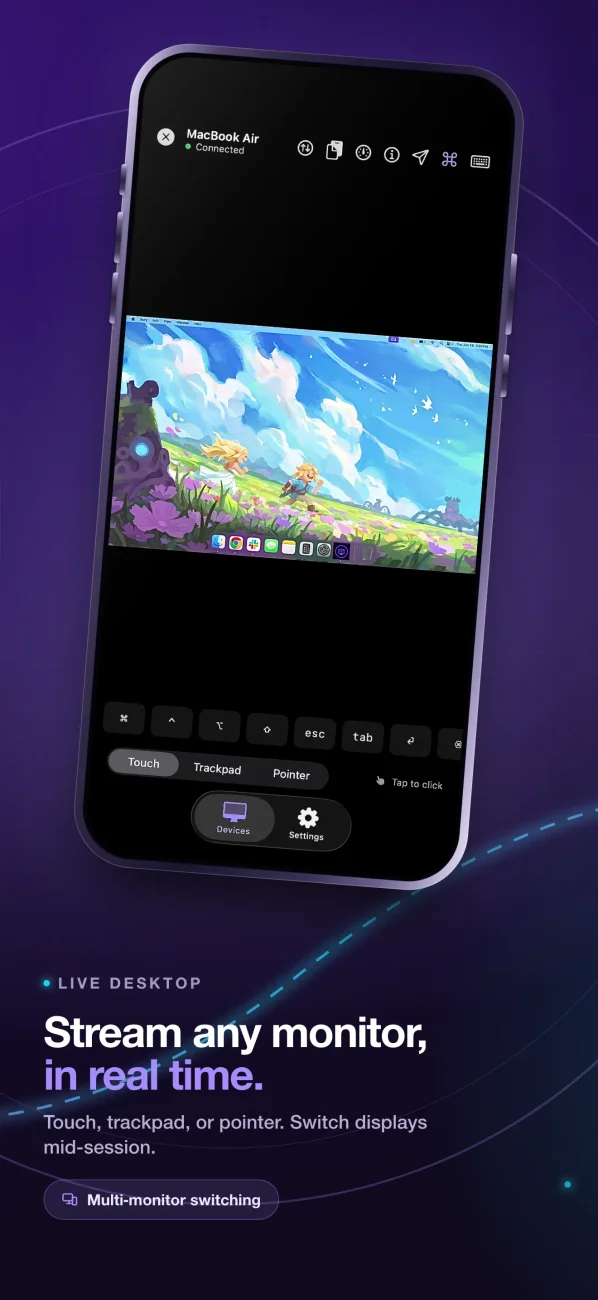
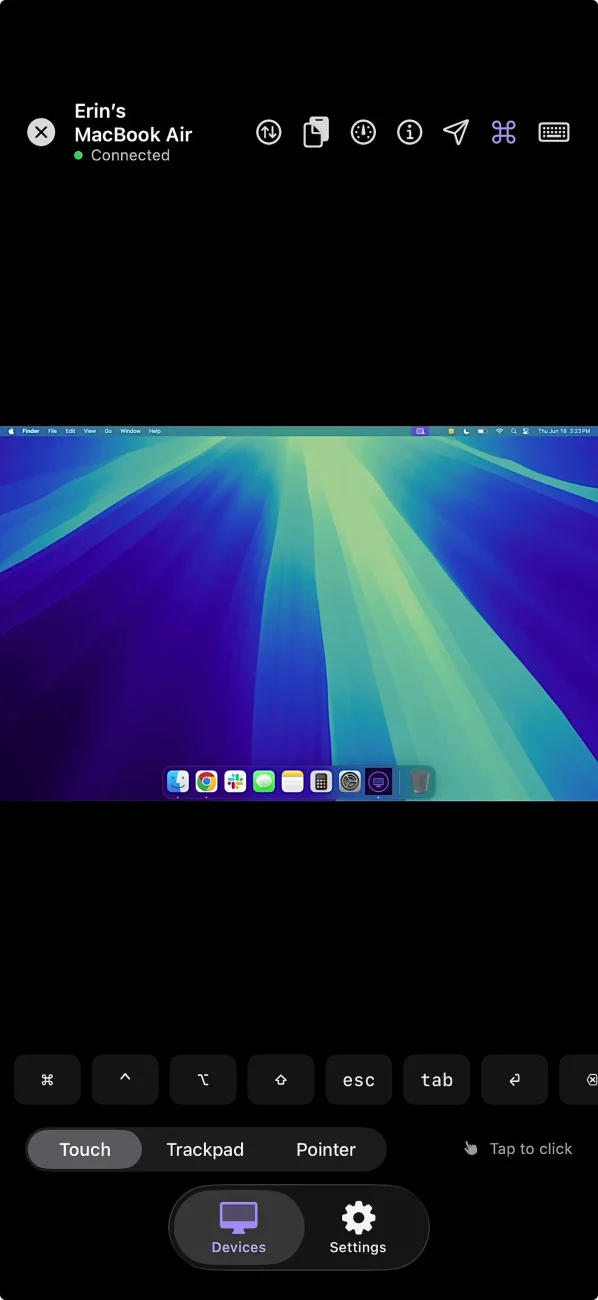
See and control your own computer — macOS, Windows, or Linux — from your iPhone or iPad. The desktop streams in real time, and your phone or tablet drives it with a hardware keyboard and a precise pointer.
WHAT YOU CAN DO
• View your computer's desktop live and full-screen
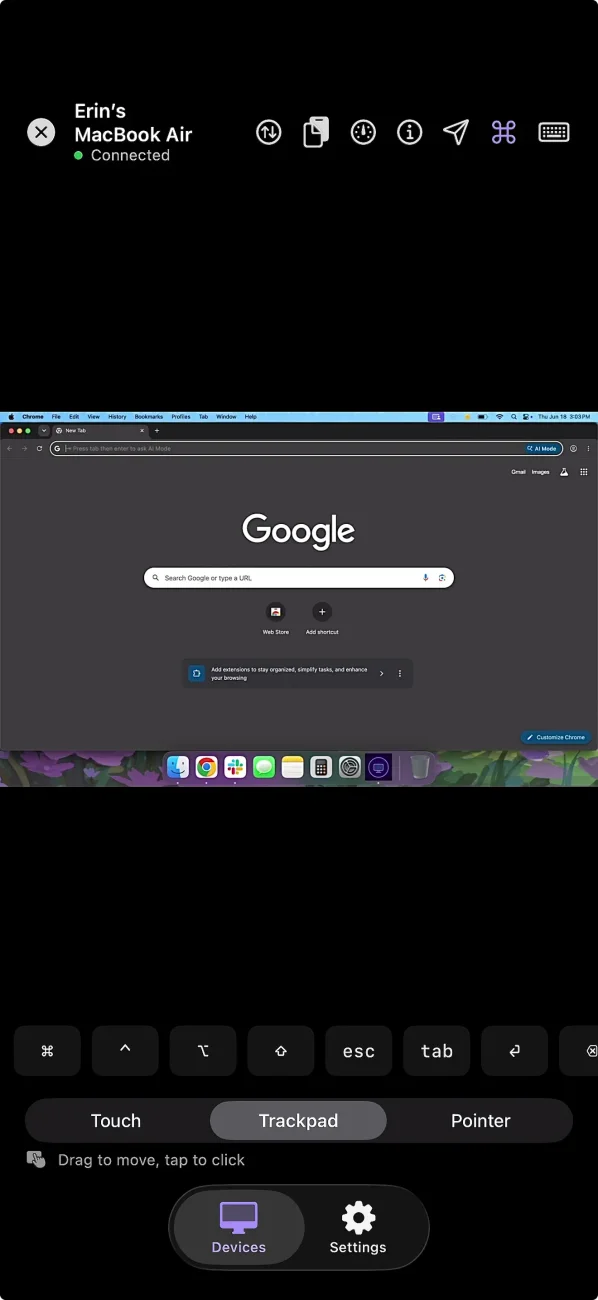
• Click, type, and scroll with full iPadOS pointer support, Magic Trackpad included
• Hardware keyboard with arrow keys, modifier combos, and shortcuts that pass through
• Two-finger tap for right-click, drag-to-select, smooth trackpad gestures
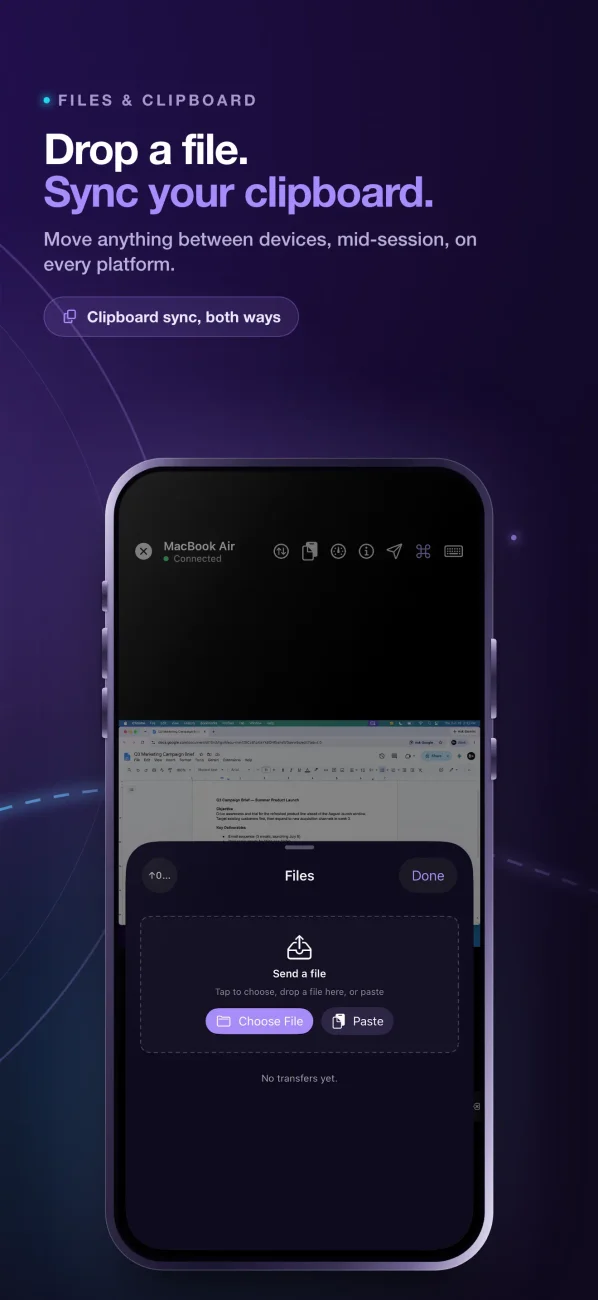
• Sync text clipboard between phone and desktop
• Connect over your local network when possible, or over the internet when you're out
GOOD MOMENTS
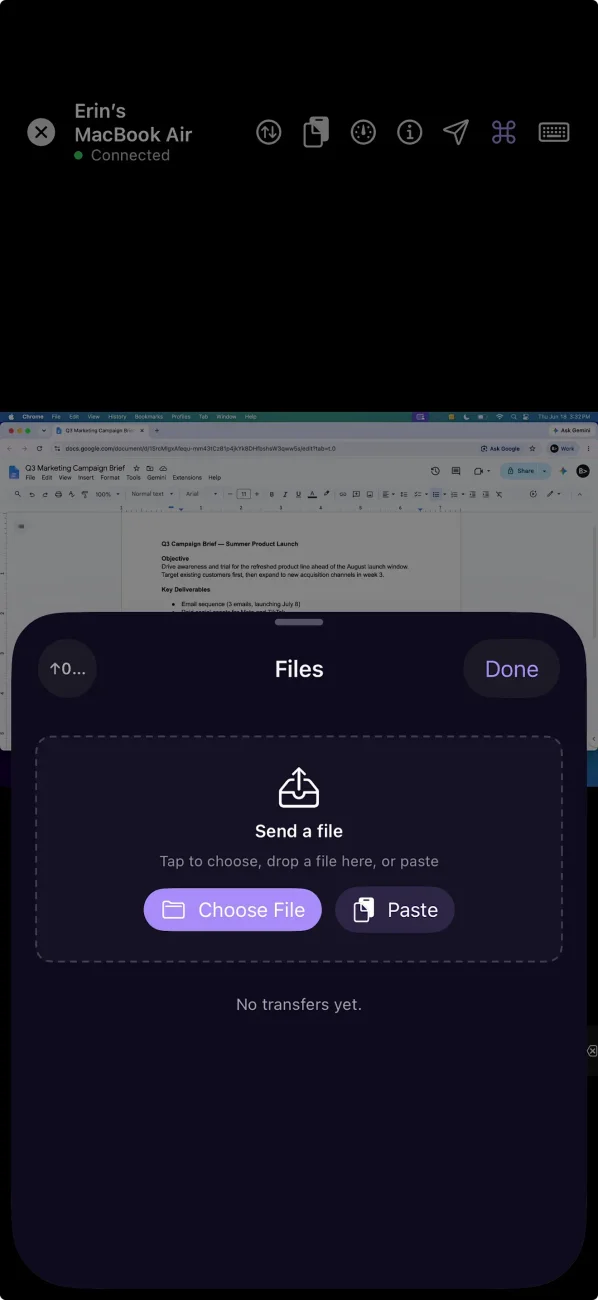
• Grab a file off your desktop while you're traveling
• Run a desktop-only tool from your phone in line at a coffee shop
• Use your iPad as a thin client for your computer at the kitchen table
• Manage a home server or Linux machine without pulling out a laptop
• Check on a long render, compile, or backup from the road
INPUT THAT BEHAVES
Pointer input tracks the desktop cursor, scroll matches direction, and modifier keys send through. iPad pointer support is wired in directly, so a Magic Trackpad on a Magic Keyboard works as a first-class input device. On iPhone, touch becomes a cursor with a two-finger right-click and pinch-and-drag for selection.
NETWORK BEHAVIOR
On the same Wi-Fi, the connection runs directly between your two devices. Off your home network, an encrypted route forwards the session. You don't configure any of that; the picker just connects.
PRIVATE BY DESIGN
The screen stream is encrypted. When traffic is direct, it stays between your phone and your desktop. When a relay is needed, it forwards encrypted bytes and never reads what's on your screen.
Scry never opens your phone's camera or microphone. The viewer only shows the desktop you signed in on.
SCRY PRO
Scry Pro unlocks remote desktop access from this iPhone or iPad. Sign in is free; reaching one of your desktops from the mobile app requires Pro.
Subscribe monthly, take the annual plan, or pick up the Lifetime option as a one-time payment. New annual subscribers start with a 7-day free trial.
SIGN IN
Sign in with Apple, Google, or email. The same sign-in goes on the desktop app you install on the computer you want to reach.
SUPPORT
Questions, bug reports, and feature requests: support@bravely.dev
Privacy: https://bravely.dev/privacy
Terms: https://bravely.dev/terms
What’s new
Version 1.15.3 · Nov 18, 2026
On iPhone Duo, Scry now has its own keyboard with a trackpad under it. Fold the phone like a laptop and the computer's screen fills the top half while your keys and controls sit below. Small fixes throughout.
App privacy
What Bravely Studios declares on the App Store about how this app handles data.
-
Data linked to you
May be collected and linked to your identity.
- Contact info
- Identifiers
-
Data not linked to you
May be collected but is not linked to your identity.
- User content
- Usage data
- Diagnostics
Privacy practices may vary, for example with the features you use or your age.
Information
- Seller
- Bravely Studios LLC
- Category
- Utilities
- Version
- 1.15.3
- Updated
- Nov 18, 2026
- Released
- Jun 25, 2026
- Size
- 26.7 MB
- Requires
- iOS 17.0 or later
- Age rating
- 4+
- Price
- Free
- In-app purchases
- Yes
- Languages
- English
- Copyright
- © 2026 Bravely Studios LLC
You might also like
-
 Remote Desktop - by ThreadmarkNo-setup Remote Desktop
-
 QuickRemote - Desktop ManagerFast VNC, RDP & Screen Share
-
 Farroom: Remote DesktopVNC, RDP & Sunshine streaming
-
 Remote Pane: RDP & VNCRemote desktop for PC and Mac
-
 Tomaco: Remote DesktopSilky remote desktop · 120Hz
-
 Conduit: SSH, RDP, VNC & WebSecure Remote Connections
-
 Remio Remote DesktopAccess & Control PC or Laptop
-
 Remote Desktop ManagerRemote Connection Management
-
 Screens 5: VNC Remote DesktopFast & Secure Computer Access
-
 StarDesk - Remote DesktopRemote Access for Game & Work