- Age rating17+
- CategoryUtilities
- DeveloperFlorin Nica
- LanguagesEnglish+ 9 more
- Size4.0 MB
Links to the official App Store page
Download.org hosts no file of SageMeet. The button opens its official App Store page, published by Florin Nica. Listing last checked on Nov 16, 2026.
Screenshots



About
SageMeet – AI Meeting Notes & Transcription
SageMeet turns every meeting into searchable, actionable notes — automatically.
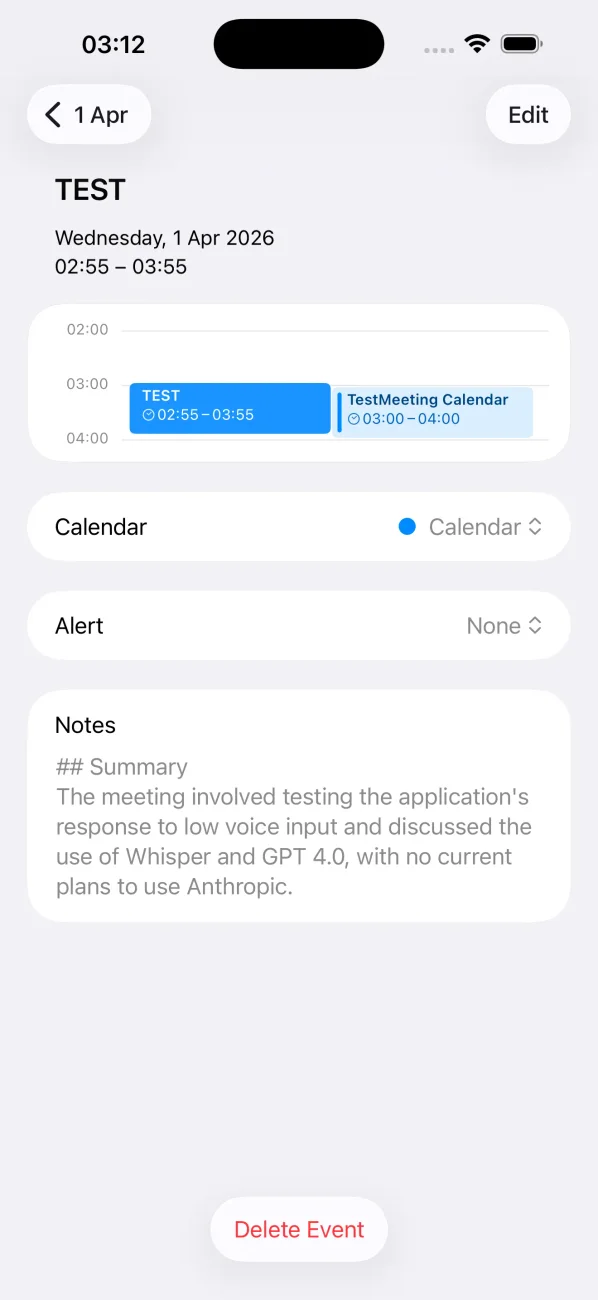
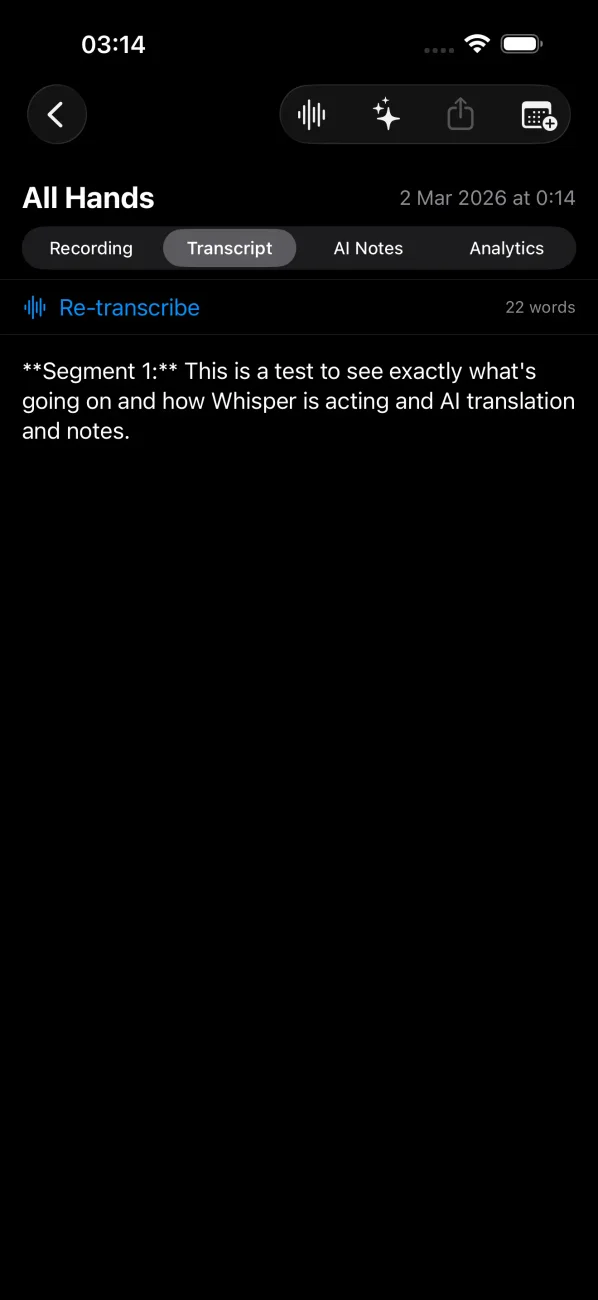
Record using your device microphone or capture system audio directly. When you stop, SageMeet transcribes the recording and generates structured notes including key takeaways, action items, and decisions — powered by OpenAI Whisper and GPT-4o via your own API key.
How It Works
Create a meeting and tap Record
SageMeet transcribes and generates notes automatically when you stop
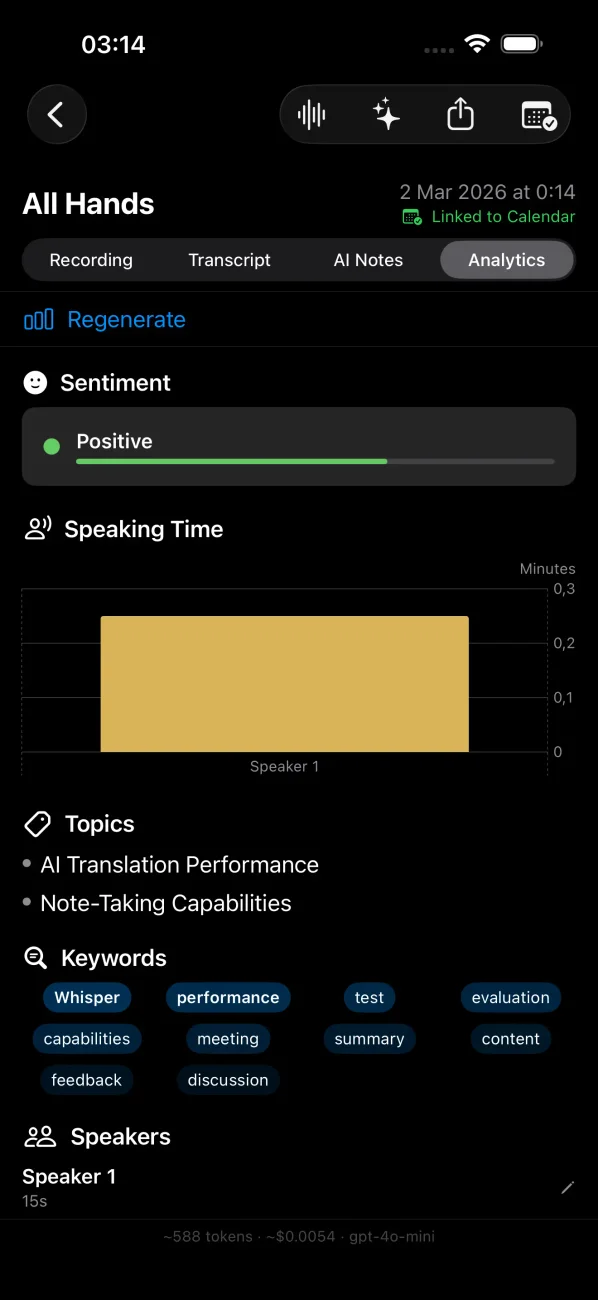
Review your summary, search across past meetings, and explore speaker analytics
Features
Record microphone or system audio via Broadcast Extension
Live transcription with real-time word display
AI-generated summaries, action items, and key decisions
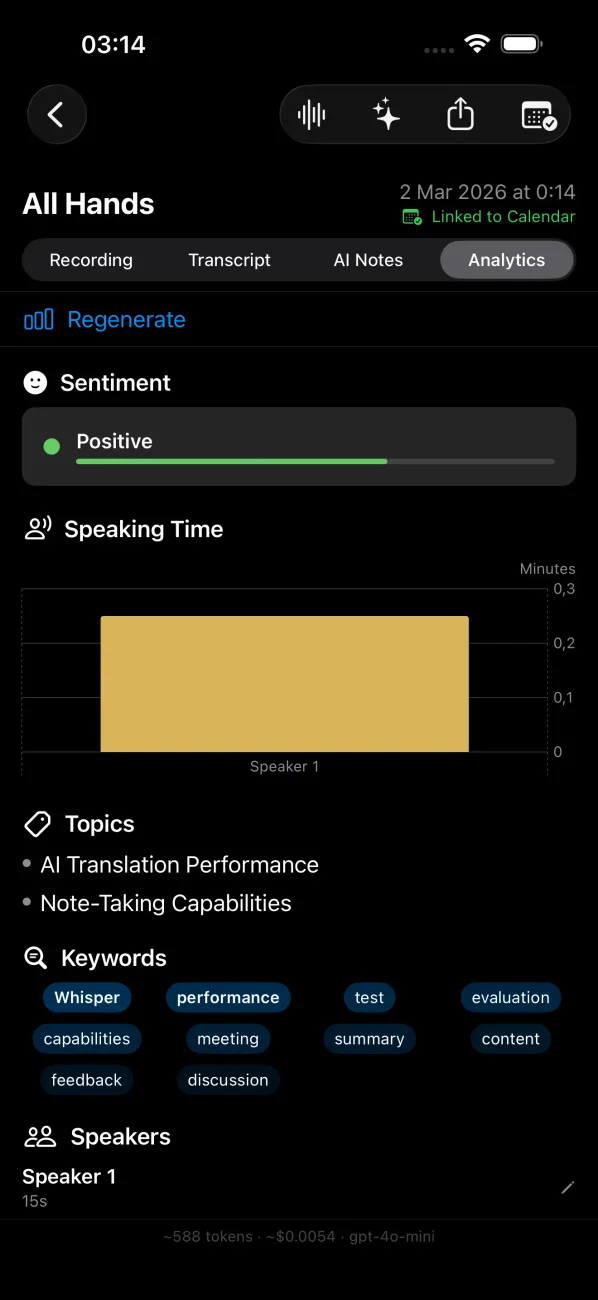
Speaker diarization with an analytics dashboard
Semantic search across all meetings using AI embeddings
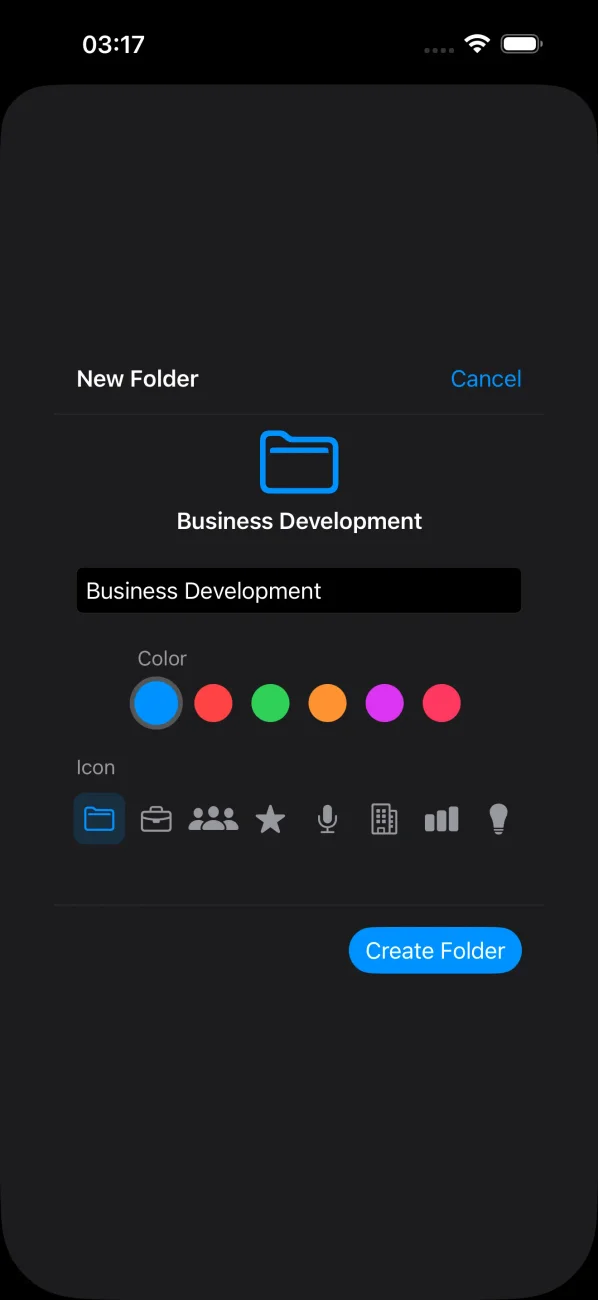
Organize meetings into folders
iCloud sync across all your Apple devices
Spotlight and Siri Shortcuts integration
Privacy Mode: fully offline recording with all AI features disabled — no data leaves your device
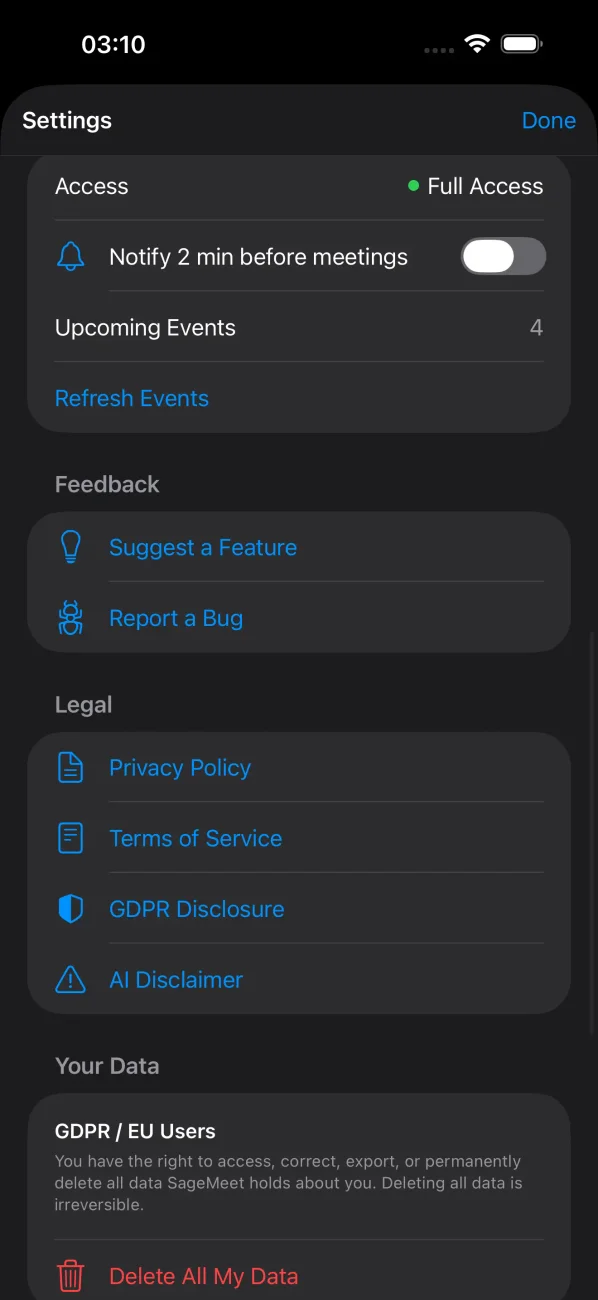
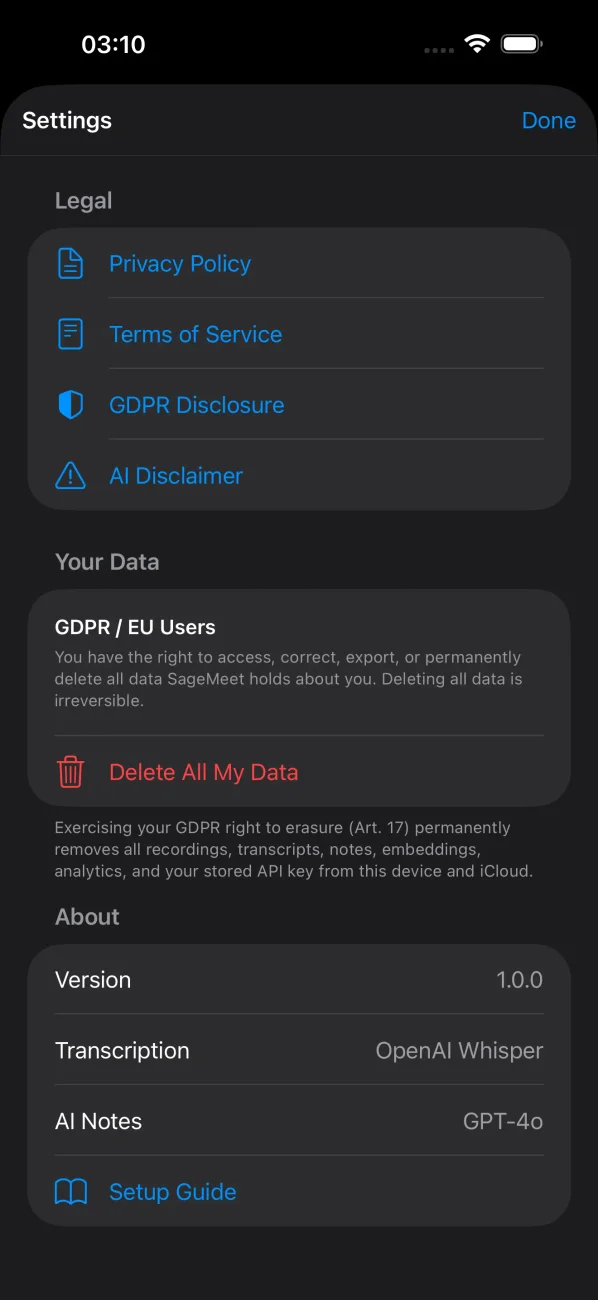
GDPR-compliant with transparent data handling
Available on iPhone and Mac
Your Key, Your Data
SageMeet requires your own OpenAI API key. Audio is sent directly to OpenAI for transcription and note generation — not to our servers. You control your data and pay only for what you use, directly through OpenAI. Before AI features are used, you will be asked to consent to data being processed by OpenAI as a third-party service.
No Subscriptions. No Ads. No Paywalls.
Every feature is included and free to use. The only cost is your OpenAI API usage.
Privacy First
Enable Privacy Mode to use SageMeet as a fully offline voice recorder. In this mode, no audio or data ever leaves your device. AI features are disabled entirely. When AI is active, audio is transmitted directly to OpenAI under their privacy policy — SageMeet does not store or access your recordings on its own servers.
What’s new
Version 1.0.1 · May 11, 2026
ICloud Kit Enabled
App privacy
What Florin Nica declares on the App Store about how this app handles data.
-
Data not collected
The developer does not collect any data from this app.
Privacy practices may vary, for example with the features you use or your age.
Information
- Seller
- Florin Nica
- Category
- Utilities
- Version
- 1.0.1
- Updated
- May 11, 2026
- Released
- Apr 13, 2026
- Size
- 4.0 MB
- Requires
- iOS 16.0 or later
- Age rating
- 17+
- Price
- Free
- Languages
- English, Dutch, French, German, Italian, Polish, Portuguese, Romanian, Spanish, Swedish
- Copyright
- © Florin Nica
You might also like
-
 RosetticaOne Input. Many Languages.
-
 Pæan NotesUtilities
-
 AI PocketTranslate with Your API Key
-
 RunShape: GPS Art & RouteDraw shapes, snap to roads.
-
 Neko TranslatorAI Manga Translator
-
 PokerGrill - Poker CalculatorHold'em & PLO odds calculator
-
 simple.STT - Transcription AppAI speech to text & transcribe
-
 RadarToolsUtilities
-
 BelliedMonkey TranslatorLive subtitles & bilingual web
-
 BabelEarLive In-Ear Translation