- Age rating4+
- CategoryUtilities
- DeveloperSamsung Electronics Co., Ltd.
- LanguagesEnglish+ 80 more
- Size14.0 MB
Links to the official App Store page
Download.org hosts no file of Samsung Smart Switch Mobile. The button opens its official App Store page, published by Samsung Electronics Co., Ltd. Listing last checked on Nov 28, 2026.
Screenshots
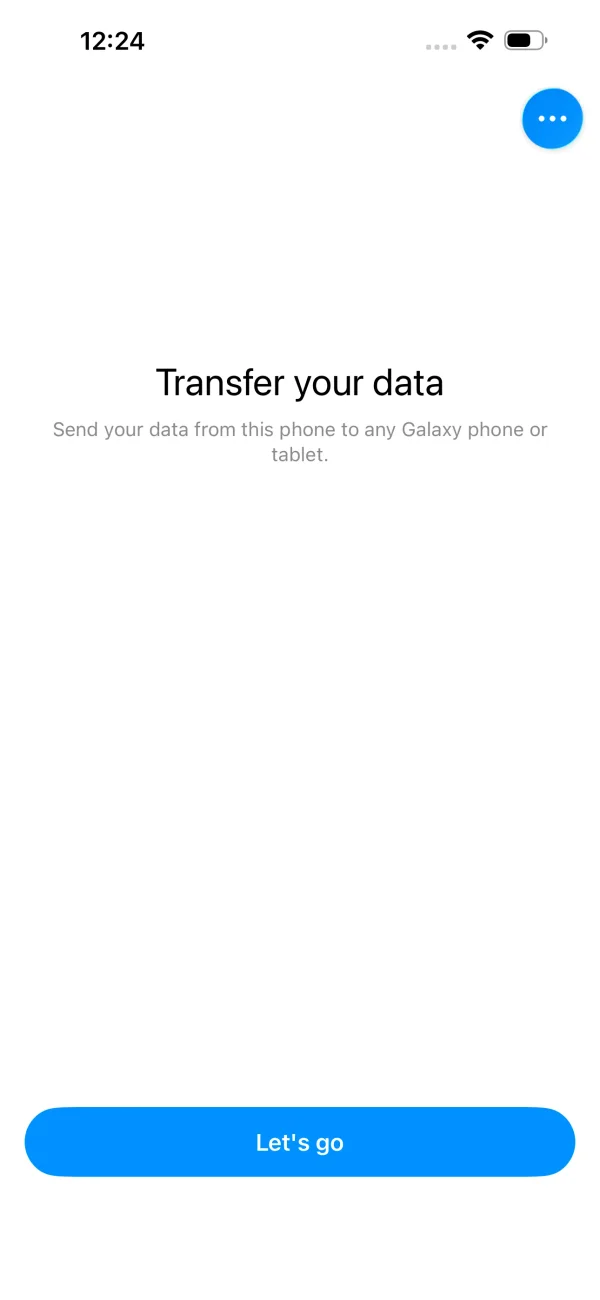
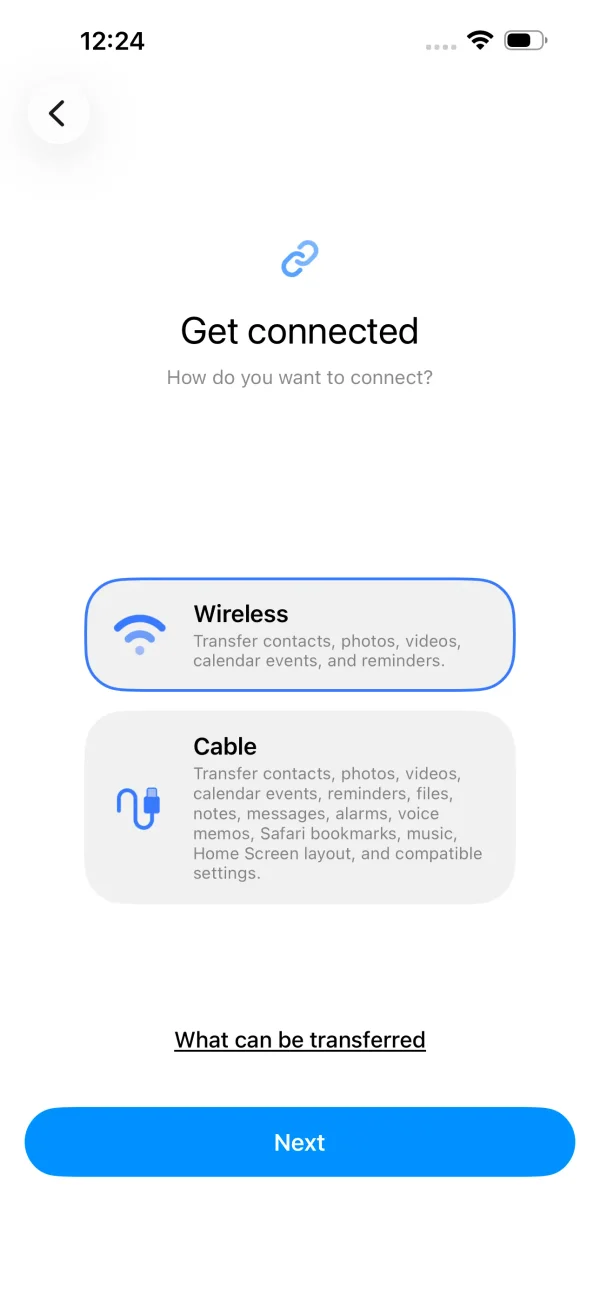
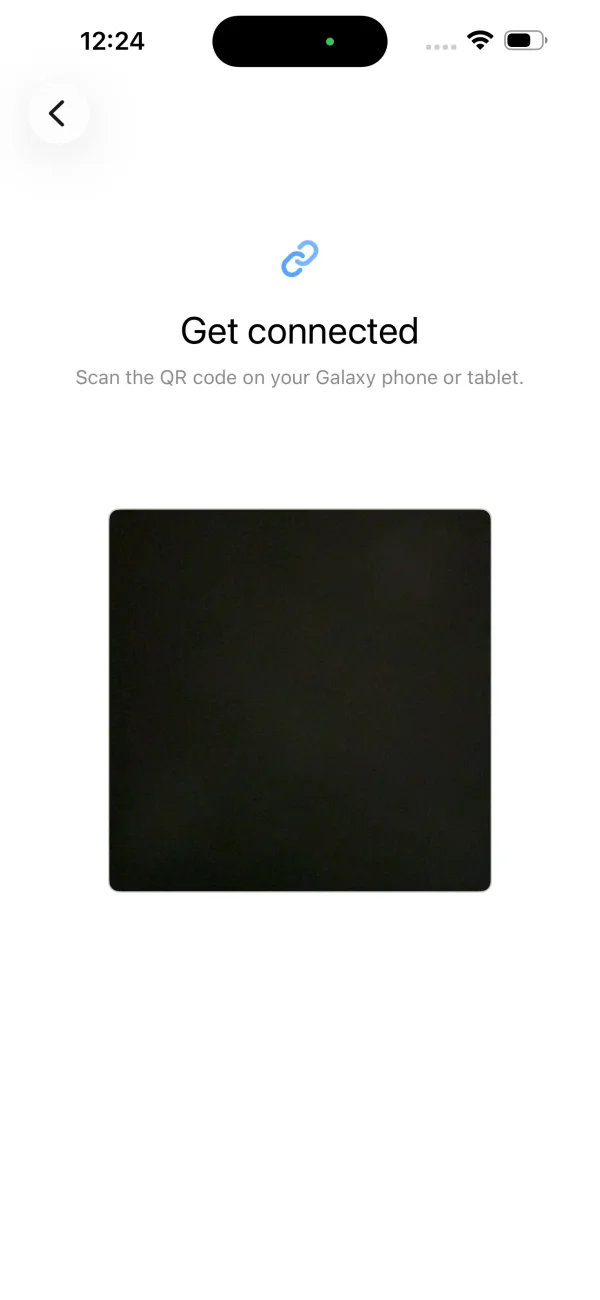
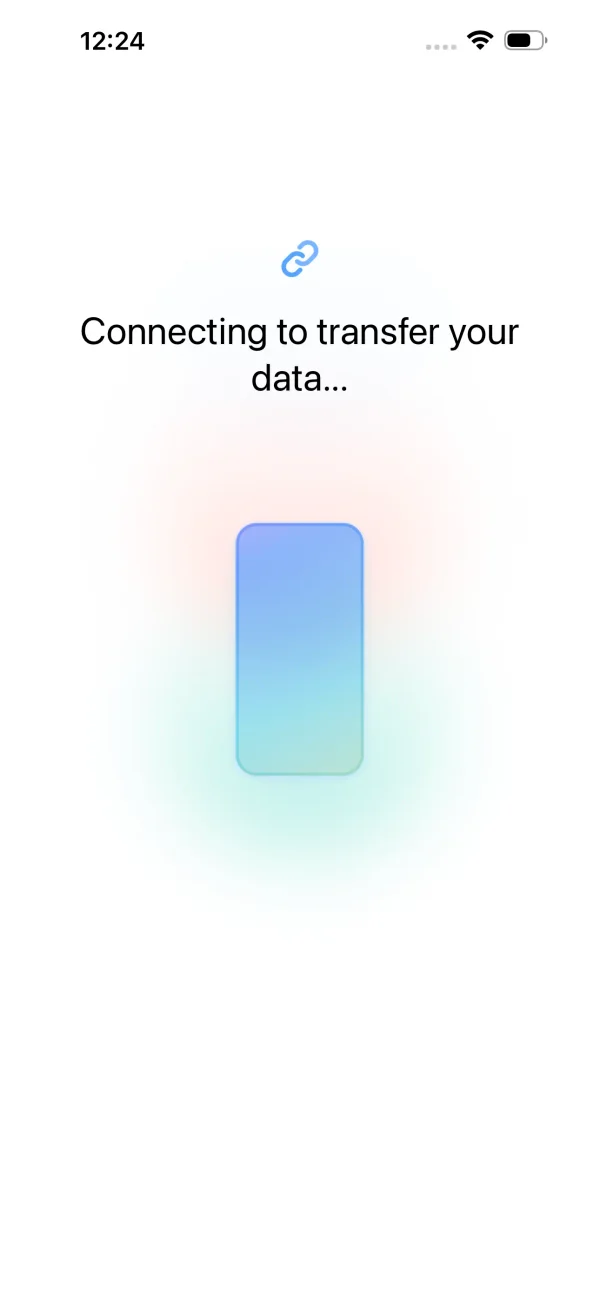

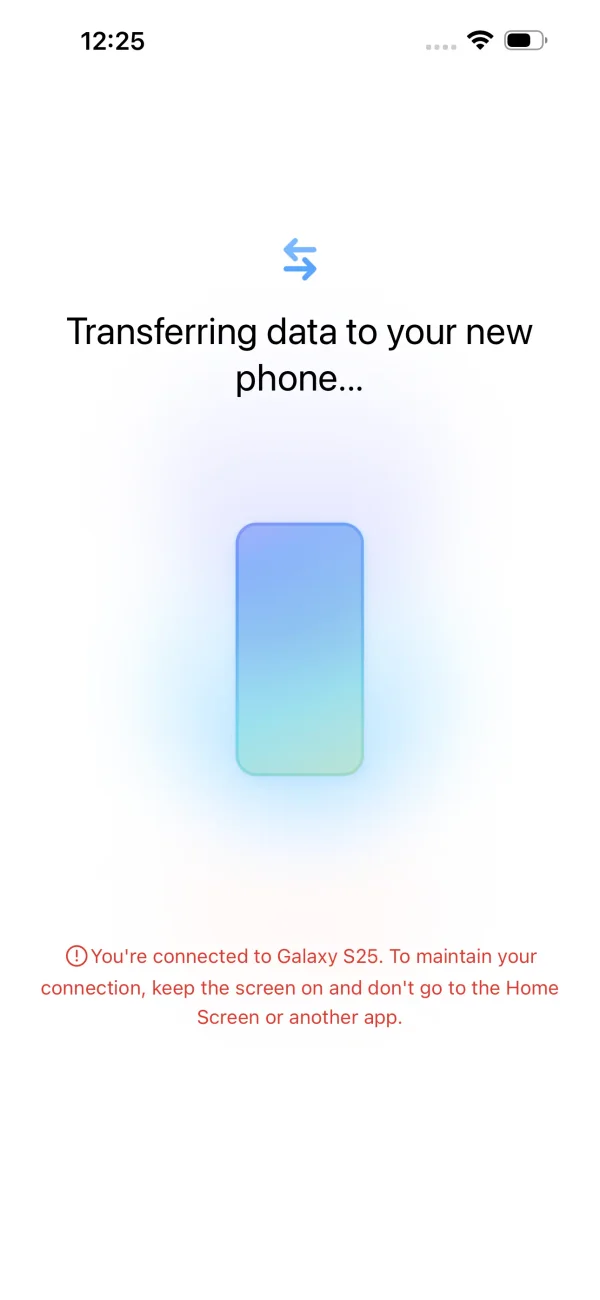
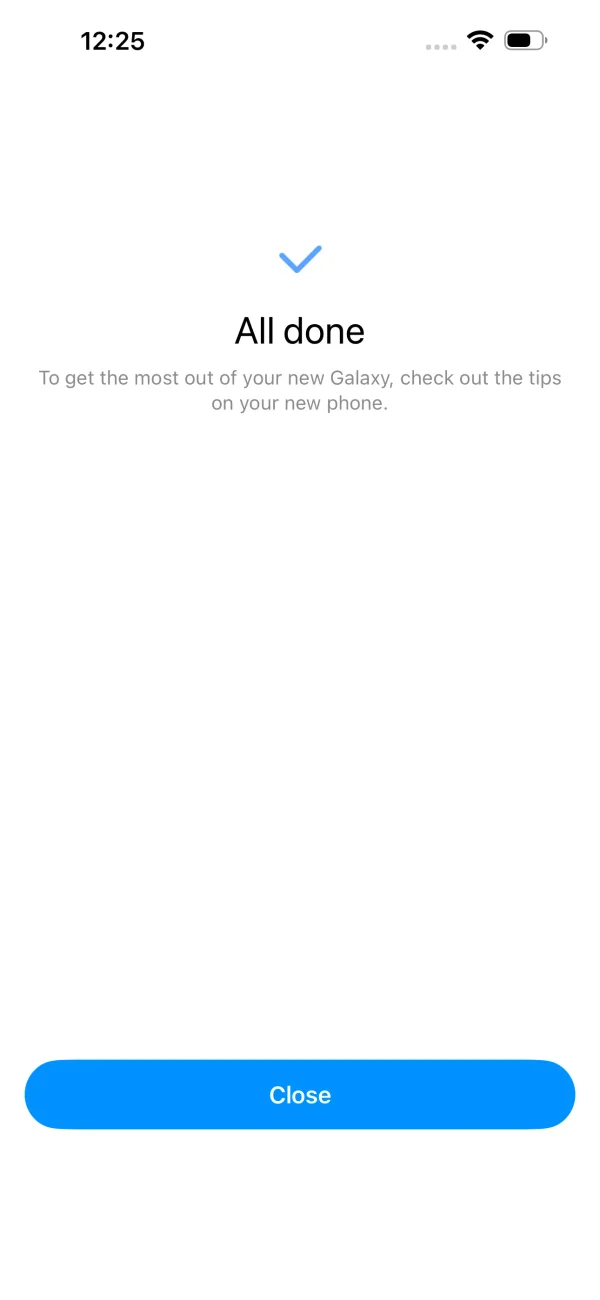
About
▣ How to easily transmit content from iPhone to Galaxy.
Smart Switch can move contacts, calendar events, reminders, photos, and videos to Galaxy devices.
* Note: After the data transfer is completed, the data of the sender device is maintained. (Not deleted).
▣ How can I send it?
- Search and run Smart Switch in the settings of Galaxy device.
- Search and download “Samsung Smart Switch” from App Store and connect and send it according to the guide.
▣ What can I send?
- Contacts, calendar events, reminders, photos, videos
* You can use the USB connector to send more items when connecting.
What’s new
Version 1.0.17 · Sep 9, 2026
- Bug fix
App privacy
What Samsung Electronics Co., Ltd. declares on the App Store about how this app handles data.
-
Data not collected
The developer does not collect any data from this app.
Privacy practices may vary, for example with the features you use or your age.
Information
- Seller
- Samsung Electronics Co., Ltd.
- Category
- Utilities
- Version
- 1.0.17
- Updated
- Sep 9, 2026
- Released
- Jun 10, 2021
- Size
- 14.0 MB
- Requires
- iOS 15.0 or later
- Age rating
- 4+
- Price
- Free
- Languages
- English, Albanian, Amharic, Arabic, Armenian, Assamese, Azerbaijani, Basque, Belarusian, Bengali, Bosnian, Bulgarian + 69 more
- Copyright
- © Samsung Electronics Co.,Ltd.
You might also like
-
 Smart Switch - Phone CloneFast Data, Wifi Transfer
-
 Copy My Data I Phone transferMove Contacts, Photos & Files
-
 Data Transfer Move to OSMove Data from Phone to Phone
-
 Data Transfer - MobileTransSmart Transfer: Clone Phone
-
 Smart Switch: Copy my dataEffortless Data Transfer App
-
 Smart Transfer AppCopy Contacts, Photos & Videos
-
 Android SwitchGoogle’s official transfer app
-
 Google AssistantYour own personal Google
-
 Kiren by F-SecureIdentity Guard & Scam Protect
-
 Verizon Call FilterPut an end to mystery calls