
- Age rating4+
- CategoryProductivity
- DeveloperFlorian Schimanke
- LanguagesEnglish+ 8 more
- Size8.8 MB
Links to the official App Store page
Download.org hosts no file of Scan before you Can. The button opens its official App Store page, published by Florian Schimanke. Listing last checked on Nov 17, 2026.
Screenshots
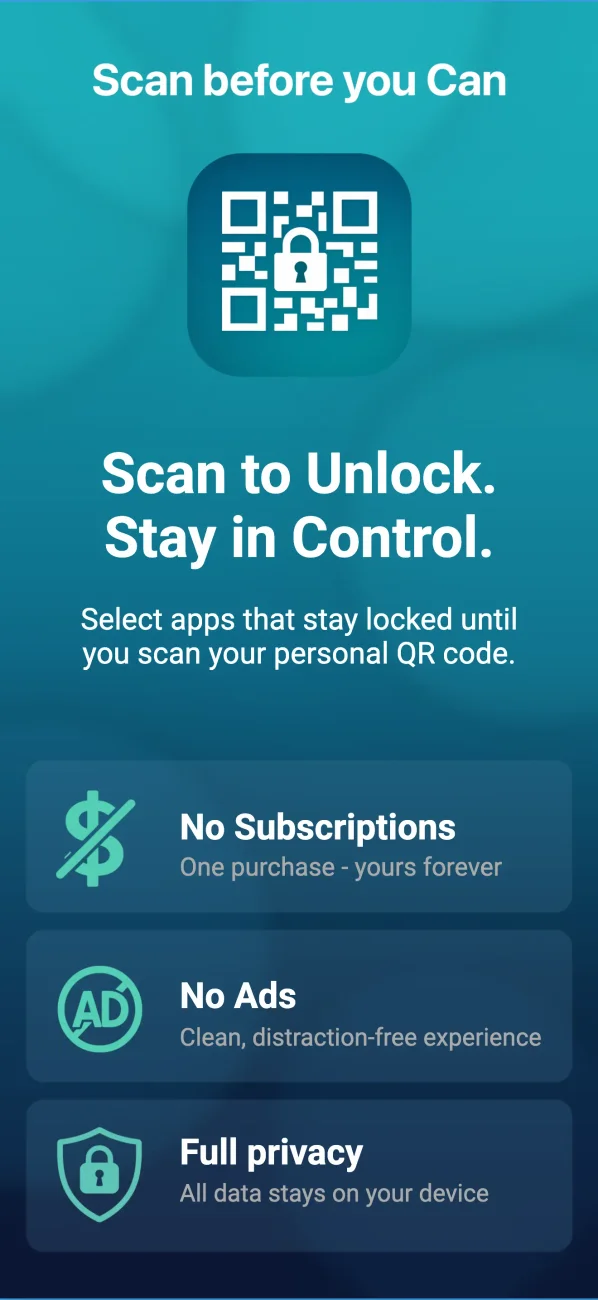

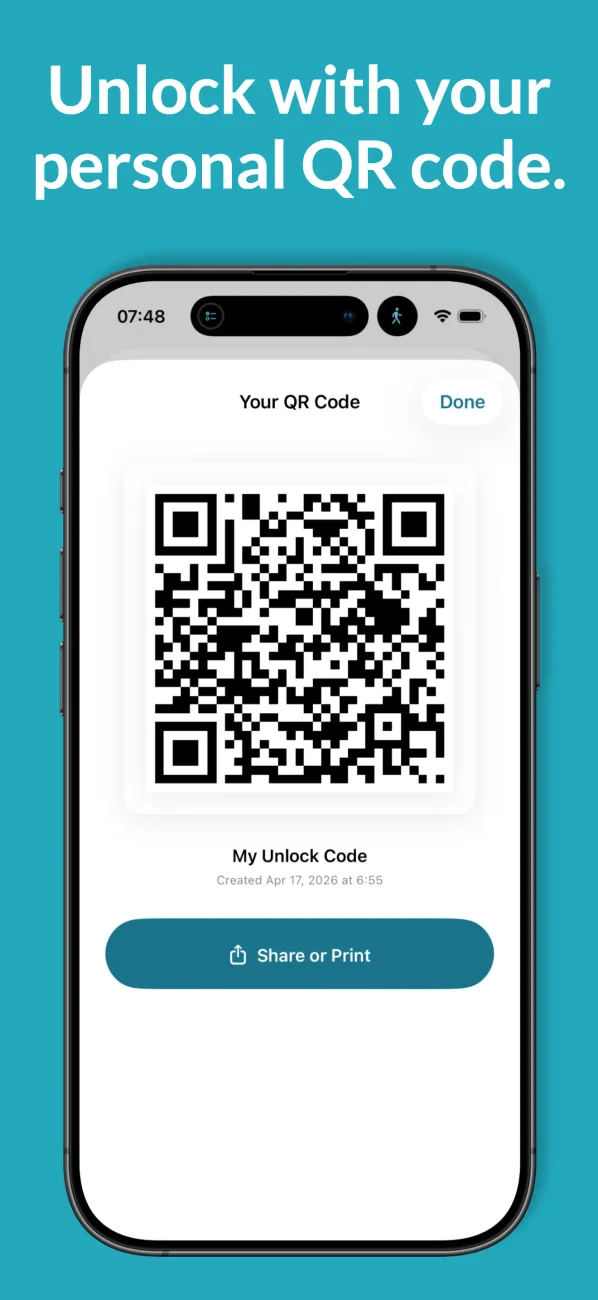


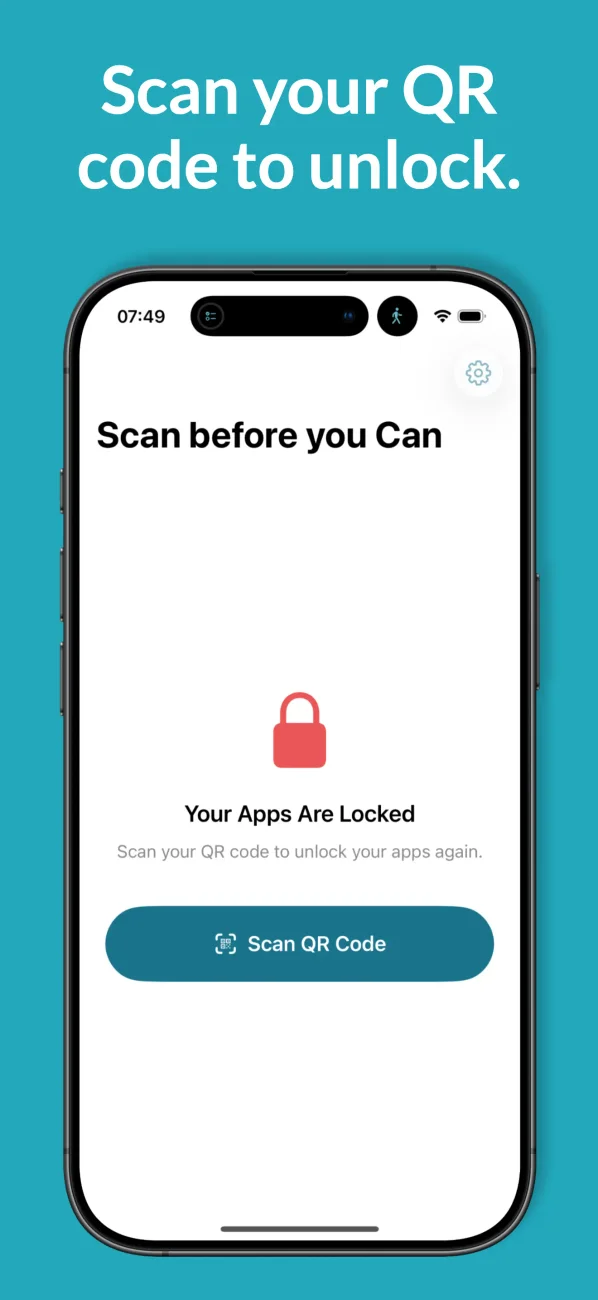
About
Take back control of your phone — on your terms.
Tired of mindlessly opening the same apps over and over? Scan before you Can helps you break the cycle. Choose which apps to restrict, then physically walk to your personal QR code to regain access. It's simple, effective, and puts you in charge.
HOW IT WORKS
1. Create your unique QR code inside the app
2. Print it and place it somewhere meaningful — your front door, your desk, the kitchen
3. When you're ready, tap to activate the restriction
4. To use your blocked apps again, get up and scan the code
That's it. No complicated settings, no subscriptions, no willpower tricks. Just a real, physical barrier between you and your distractions.
WHY IT WORKS
Unlike timers or usage limits, this app requires movement. You can't bypass it from the couch — you have to get up and go. This small friction is enough to break automatic behavior and help you make intentional choices about your screen time.
OPTIONAL AUTO-LOCK
Set a daily schedule and let the app do the rest. Your selected apps will be restricted automatically at the time you choose. You'll even get a reminder 15 minutes before, so you're never caught off guard.
BUILT FOR PRIVACY
Everything stays on your device. No account needed, no cloud, no tracking, no data collection. Your app choices and QR code never leave your iPhone or iPad.
ONE-TIME PURCHASE
No subscription. No hidden fees. Pay once and use forever. Every future update included.
FEATURES AT A GLANCE
▸ Restrict any app or category using Apple's official Screen Time technology
▸ Generate a personal, unique QR code
▸ Print or share your code via the built-in share sheet
▸ Optional daily auto-lock with customizable schedule
▸ 15-minute reminder notification before auto-lock
▸ Works on iPhone and iPad
▸ Supports 10 languages
▸ Designed for iOS 17 and later
Break the scroll. Get moving. Take control.
What’s new
Version 1.1 · May 20, 2026
- Improved Accessibility Features
- Code optimizations
- Bug fixes
App privacy
What Florian Schimanke declares on the App Store about how this app handles data.
-
Data not collected
The developer does not collect any data from this app.
Privacy practices may vary, for example with the features you use or your age.
Information
- Seller
- Florian Schimanke
- Category
- Productivity
- Version
- 1.1
- Updated
- May 20, 2026
- Released
- Apr 23, 2026
- Size
- 8.8 MB
- Requires
- iOS 17.6 or later
- Age rating
- 4+
- Price
- $2.99
- Languages
- English, French, German, Italian, Japanese, Korean, Portuguese, Simplified Chinese, Spanish
- Copyright
- © Florian Schimanke
You might also like
-
 Nudgely: w/ voice remindersScan events. Record reminders.
-
 MemorandoProductivity
-
 Tastik: Customizable ListsLists without deadlines
-
 DropTaskDistraction-Free Task Entry
-
 CitroenTPMSProductivity
-
 Anchor: Time Blocking PlannerDaily Calendar & Focus Timer
-
 Blink - Quick Notes & WidgetSimple Notepad, Fast Reminder
-
 Clipboard Manager: Quick PasteCopy Text & Keyboard History
-
 Leandoo KitaProductivity
-
 Quick Capture - Vault notesCapture notes in Obsidian